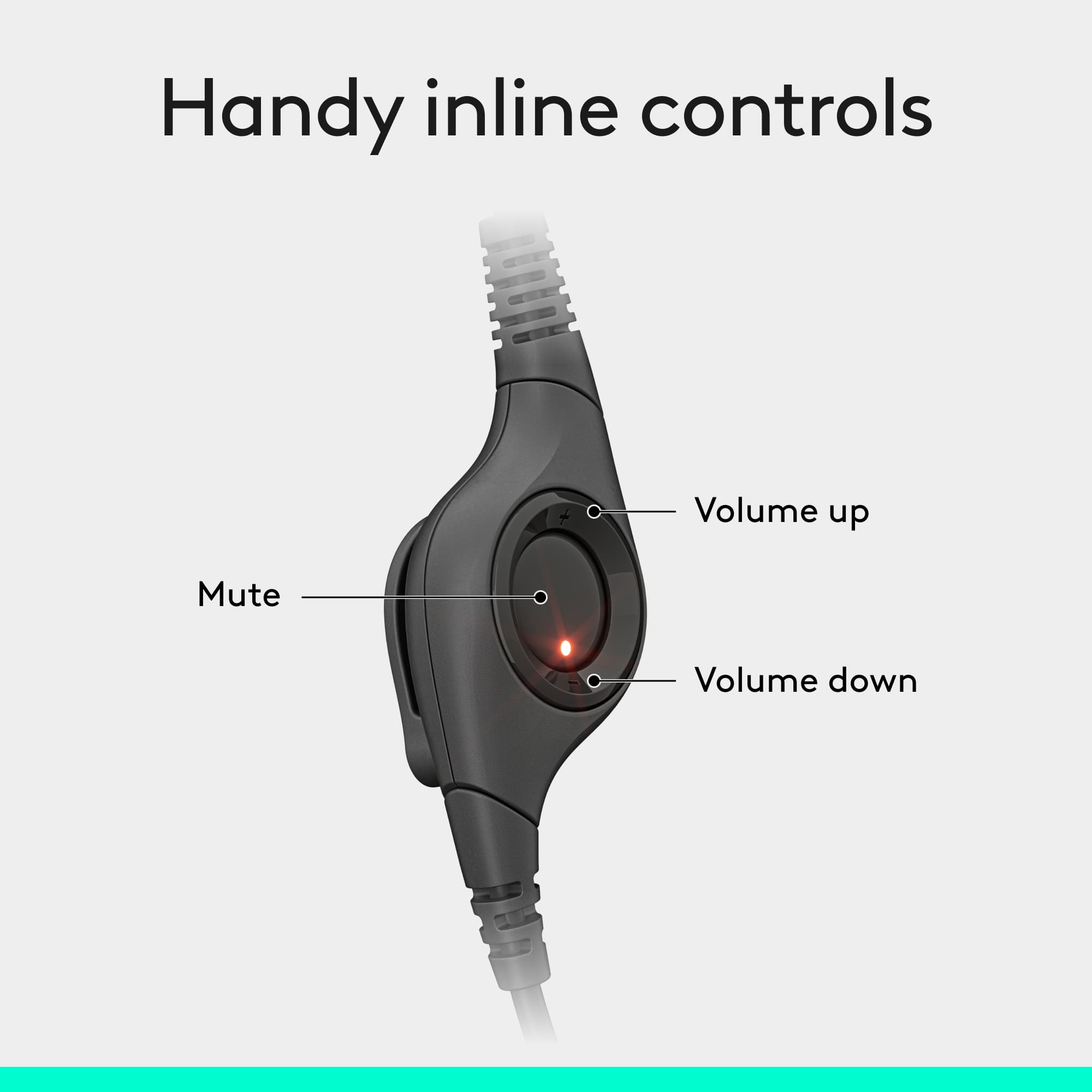
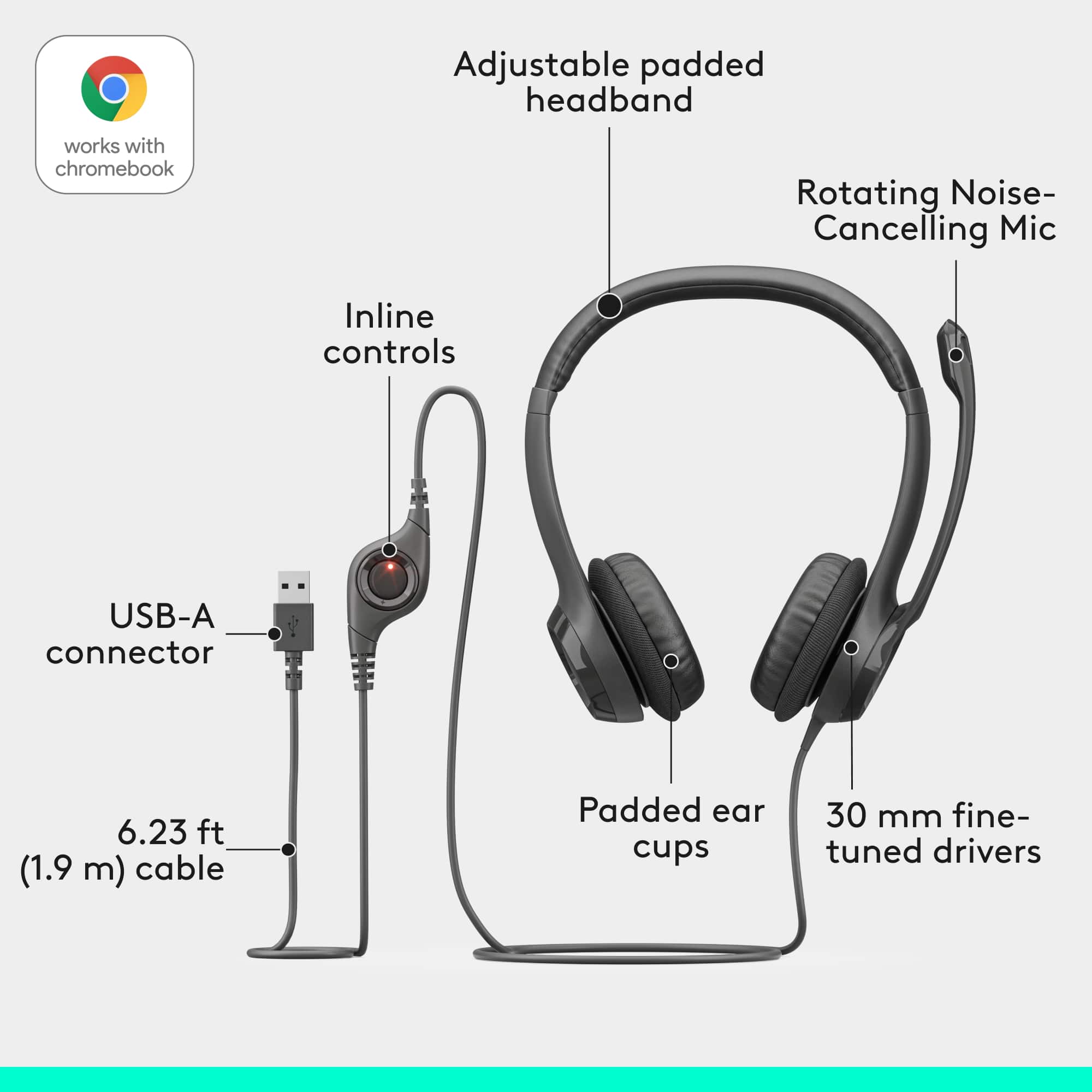
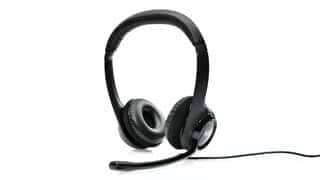
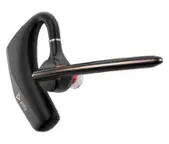
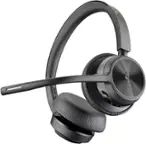
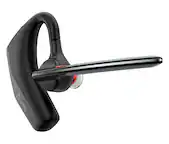
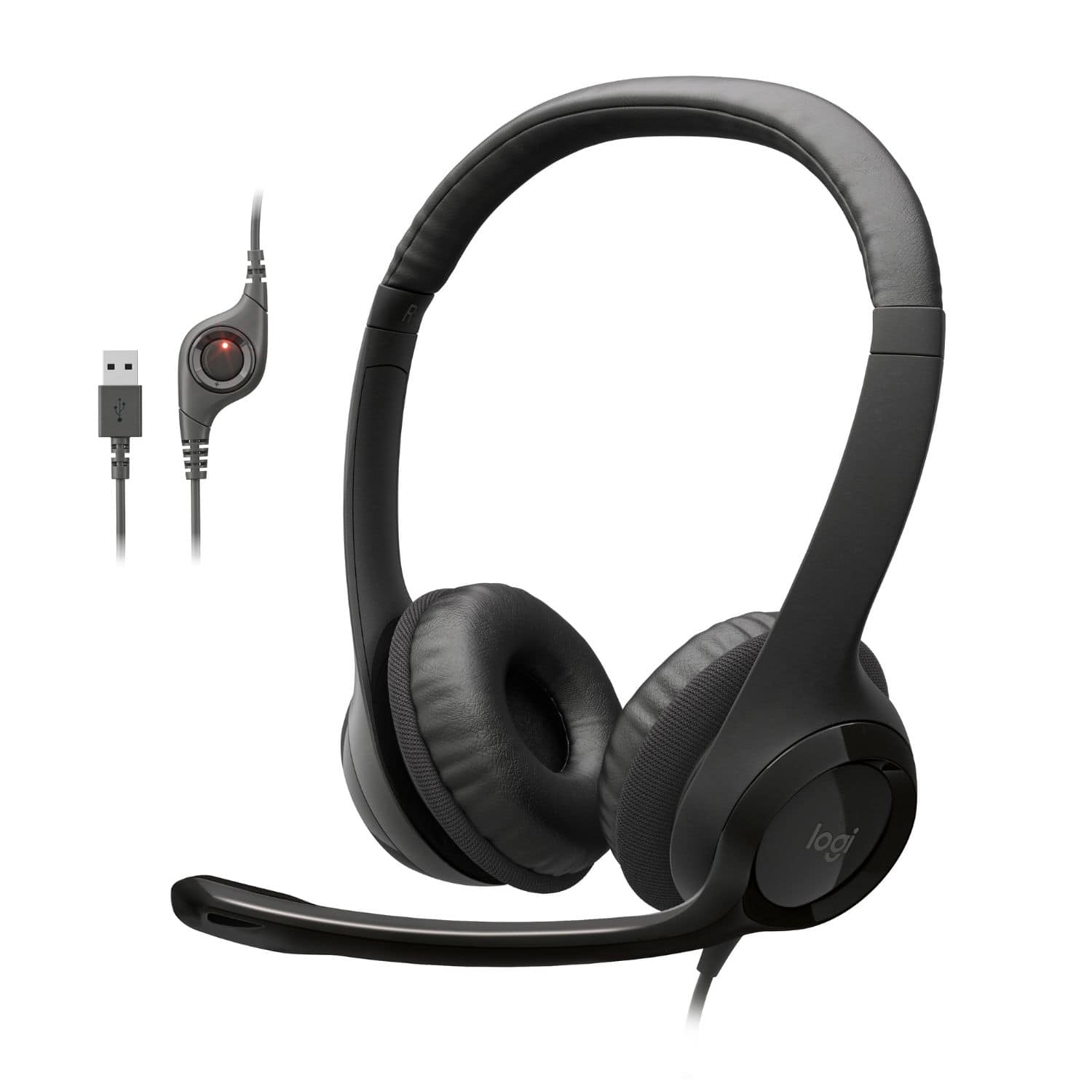
A:AnswerYes this product has a mute button. It's not labeled but it's the silver disc with the red light on it. Press to mute, press again to talk. When the mic is muted the red light will flash.
A:AnswerYes! I am working as a part time online tutor. I use this everyday and it works perfectly. Very clear sound and my students can hear me perfectly --loud and clear.
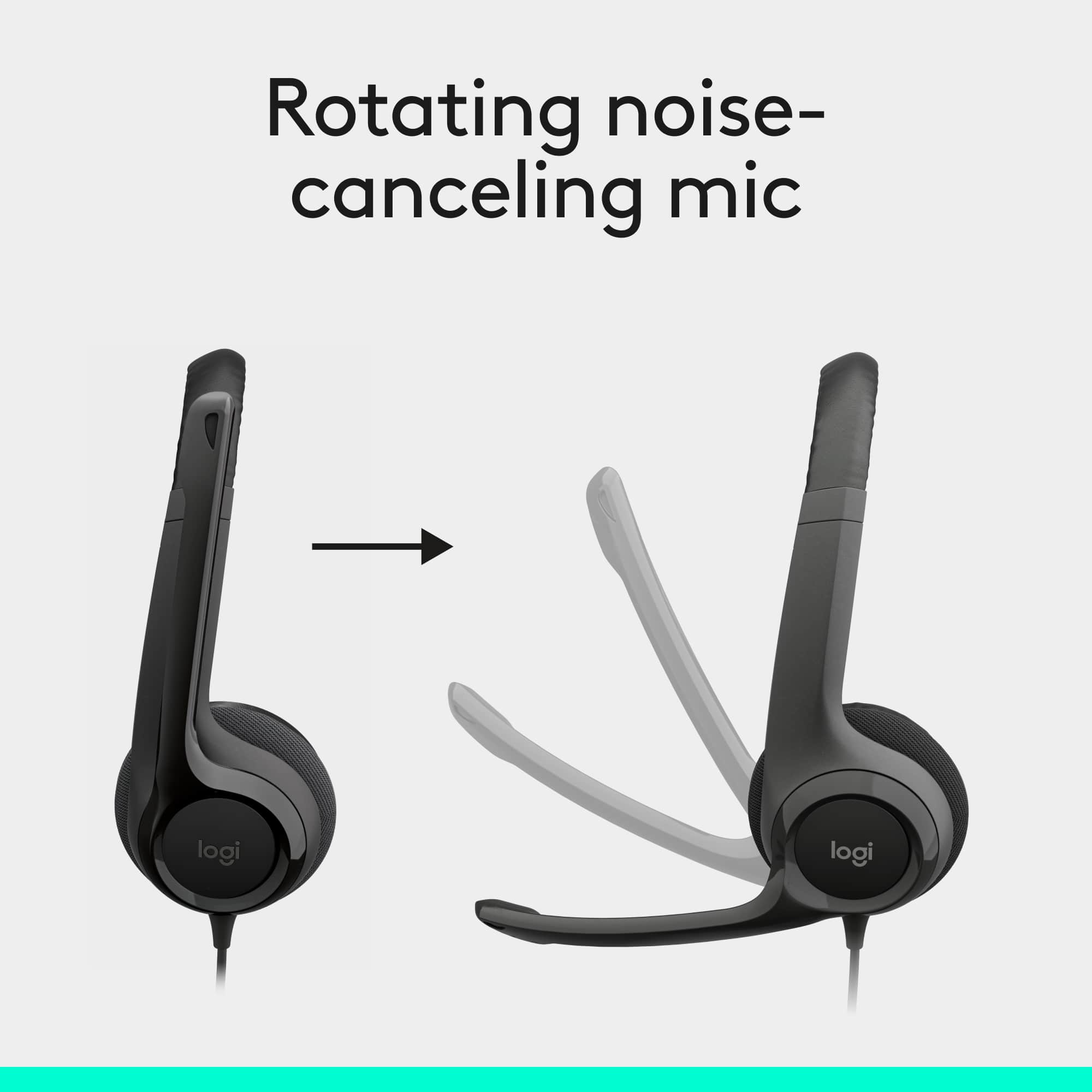
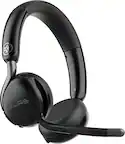
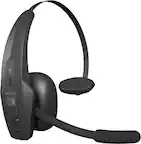
A:AnswerThe microphone does not bend but does rotate. Generally, I have the earpieces around my neck to move the microphone to it's best close point while still looking a bit more professional. I didn't expect to use them in public but have done so, as I did not expect a perfect fit. I also use them for voiceover where I am not visible and have had no trouble getting a clear vocal track.
A:AnswerIt works great with my newest MacBook Pro 13" non-touch bar. I was hesitant to buy it since other reviewers weren't clear as if it worked, but because I needed it for work and was low on $, I decided to try it. When I fist plugged it in, it didn't show up on it's own and didn't work when I tested it by playing music. I was a little upset but then I went to system preferences and clicked on sound and picked the headset manually which made it work. At first, I had to select the headset every time I would plug it in to use it but then the computer got used to it and now it recognizes it as soon as I plug it in.
A:AnswerYes, these did work with Dragon Naturally Speaking (Home Version 12).
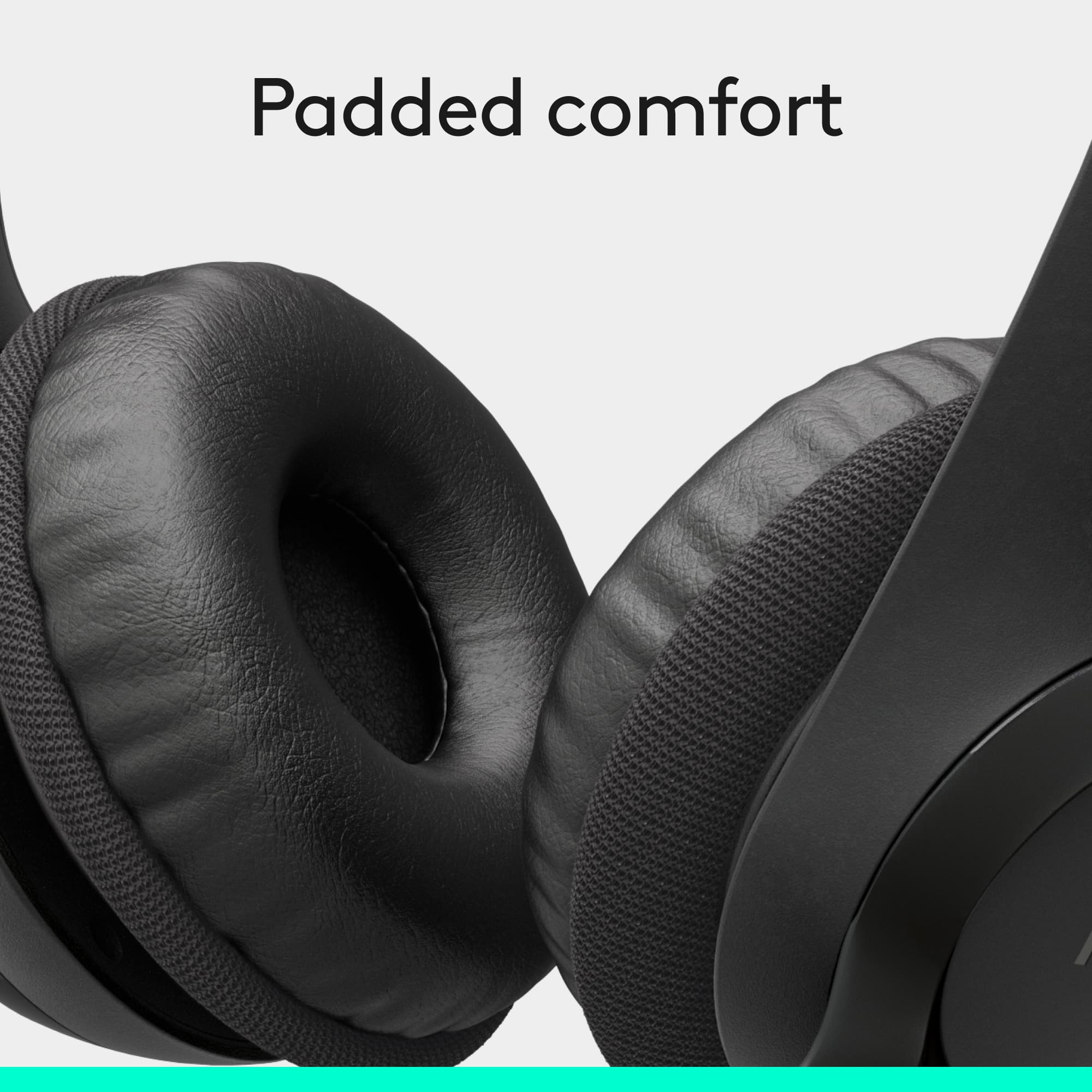
This headphone set is more comfortable than the headset included in the box with Dragon Naturally Speaking.
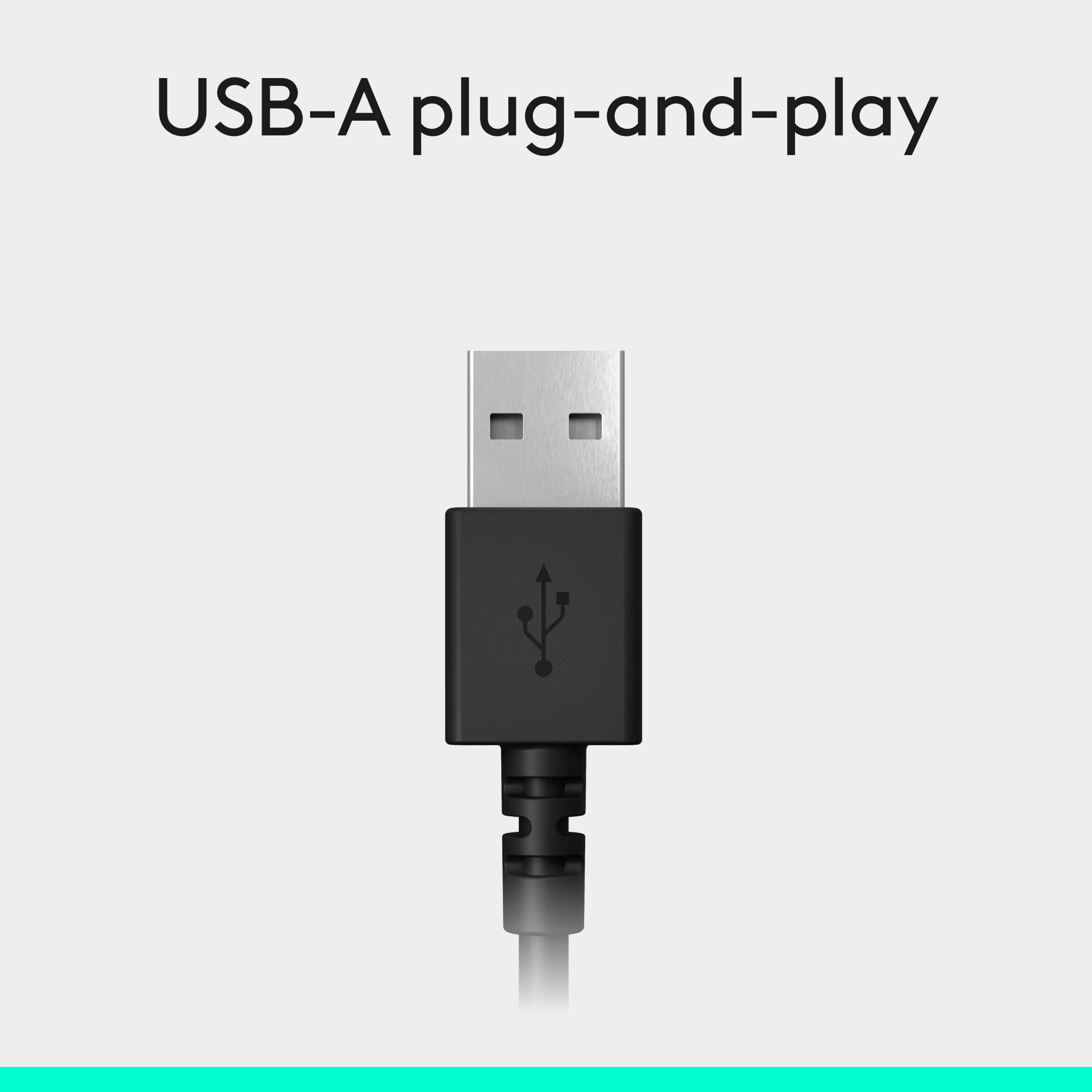
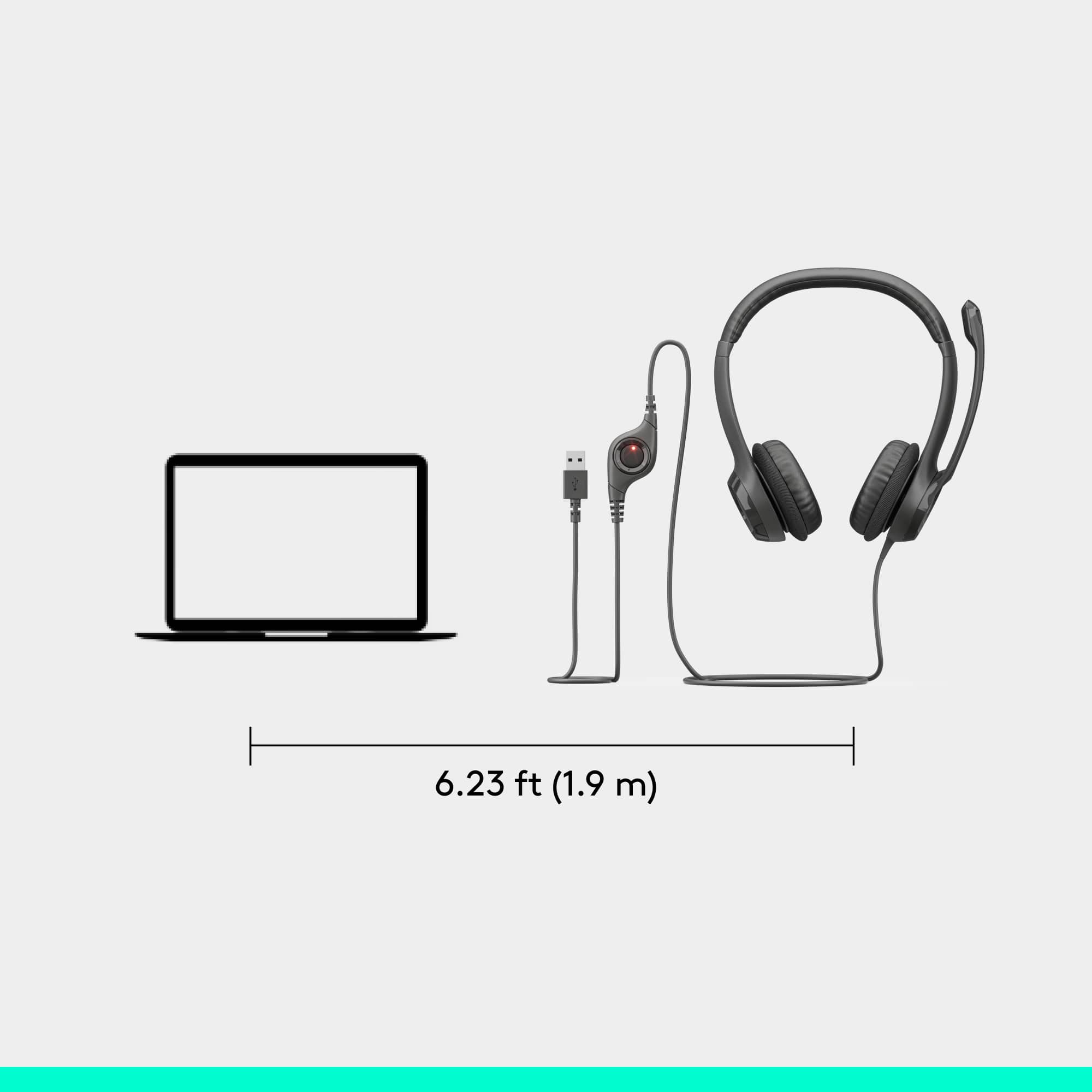
A:AnswerThis is a USB plug in head set. If your device supports (has) USB ports, then yes, it will work. For further information, please visit your device product support, or Logitech.