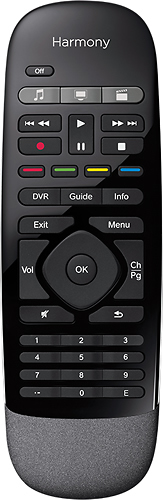
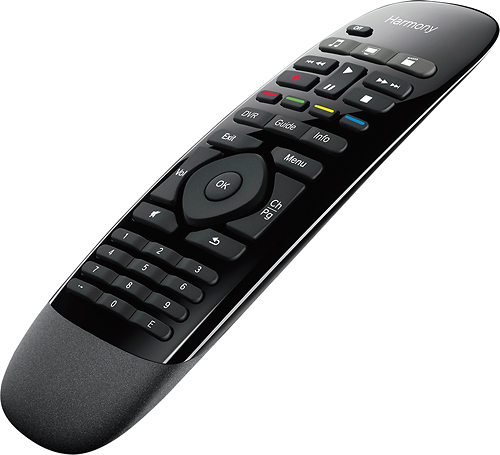
A:AnswerYes you do need the hub to use this remote. It is all programmed through the App but the hub is what actually connects to your devices. I have not used with the Fire Stick but I did use it with the Fire TV Box and it worked as well or better than the included remote. I would definitely recommend this remote. I have two in my house...very user friendly.
A:AnswerLook at the bottom of the remote. The gray texture area push down and pull on it and it will show the battery they ate button battery or watch type batteries not sure what type to use but when you remove the old one just take it in to a store and they will find the right one for you
A:AnswerI have not used the spectrum app specifically but I believe if you are using the app through a smart tv or a streamer device like Apple TV it would work. You would just need to make sure when the remote is set to that activity that the Channel buttons mirror the same buttons used to change the channel on whatever device u use normally. Most activities ask which device you use to change the channels narmally and set that for you.
Remember this remote only works with the harmony hub which you set up on a smart device. It’s really user friendly once you play a little and you can reassign buttons if there’s a specific task you wast remote to do. You can also choose to control ONLY a specific device if using the activity setting doesn’t give you enough control...such as needing to use the device control for TV to adjust picture settings when the Activity app would be controlling to many devices at once.
A:AnswerAs far as I know this remote will not work with your amazon fire stick. They do have remotes that will work with it just not this model. I would recommend looking at other models. Logitech makes great remotes.
A:AnswerTry the Logitech site to be sure. I’m Not familiar with that specific model but I assume it’s a TV? For years I had a really old Yamaha receiver and it worked fine with that. I have bought brand new stuff that was already in their list of usable devices by the time I got it home and programmed it in also. They seem to keep a really up-to-date database. You may have to program specific controls on the remote occasionally though.