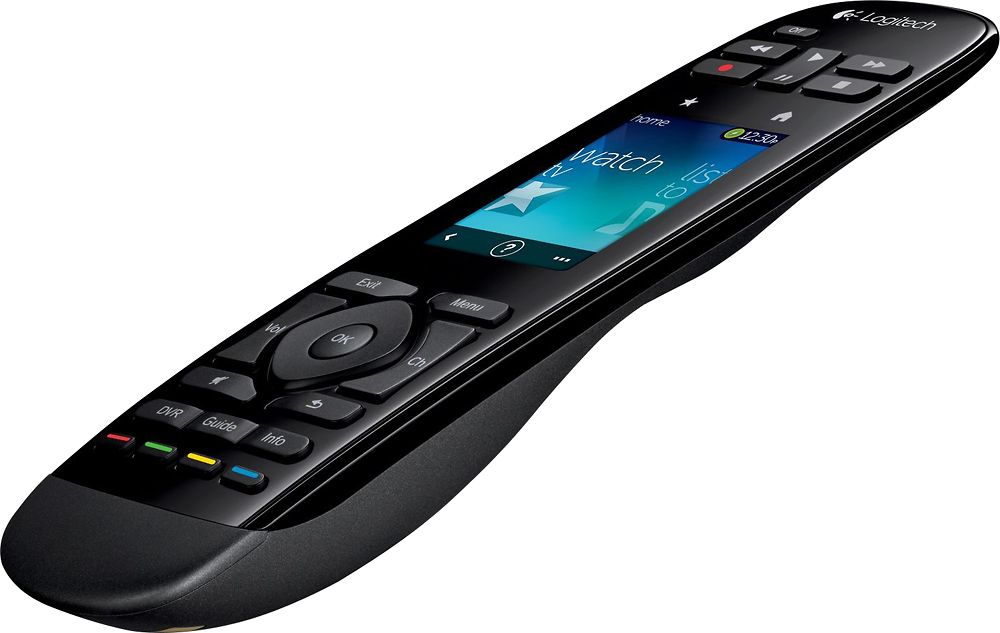
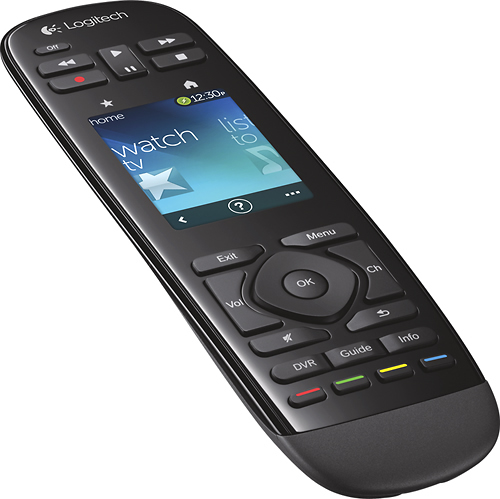
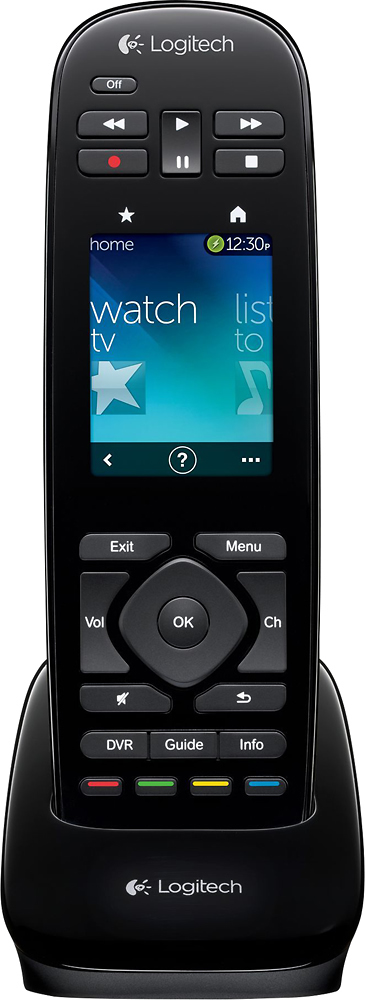
A:AnswerIt is not hard to program. All you need to do is write down all of your item's model numbers and Brand name. Go to the website on the instructions. Input the item you want to control and attach your remote to your computer, and the computer will sinc with the remote. I would not know about the Fios TV remote.
A:AnswerYes. I use it with three different TiVo models, including the most recent Bolt. It lacks rf and Bluetooth control, though, so it requires line of sight. I've found this causes the Bolt, which pairs wirelessly to its remote but has an IR receiver as well, to respond sluggishly.
A:AnswerYes, this should be able to be programmed to control this splitter. If this specific model isn't in Logitech's database, which has sometimes surprised me with devices I didn't expect, you can use function learning on the remote to learn codes used by the original remote for the switch. My experience with this type of switch and remote is the infrared LED on the original tiny remote is often weak, so getting a good recording of the command can require patience and a relatively dark room. Once recorded, the commands can be assigned to the remote or onscreen buttons, and the device can be added to activities like anything else.
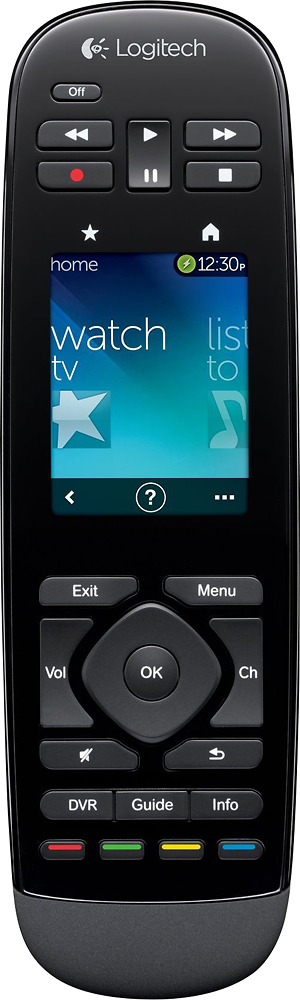
A:AnswerYes, you can program this remote to operate multiple devices and if those devices are in other rooms you will need to take the remote to the device.