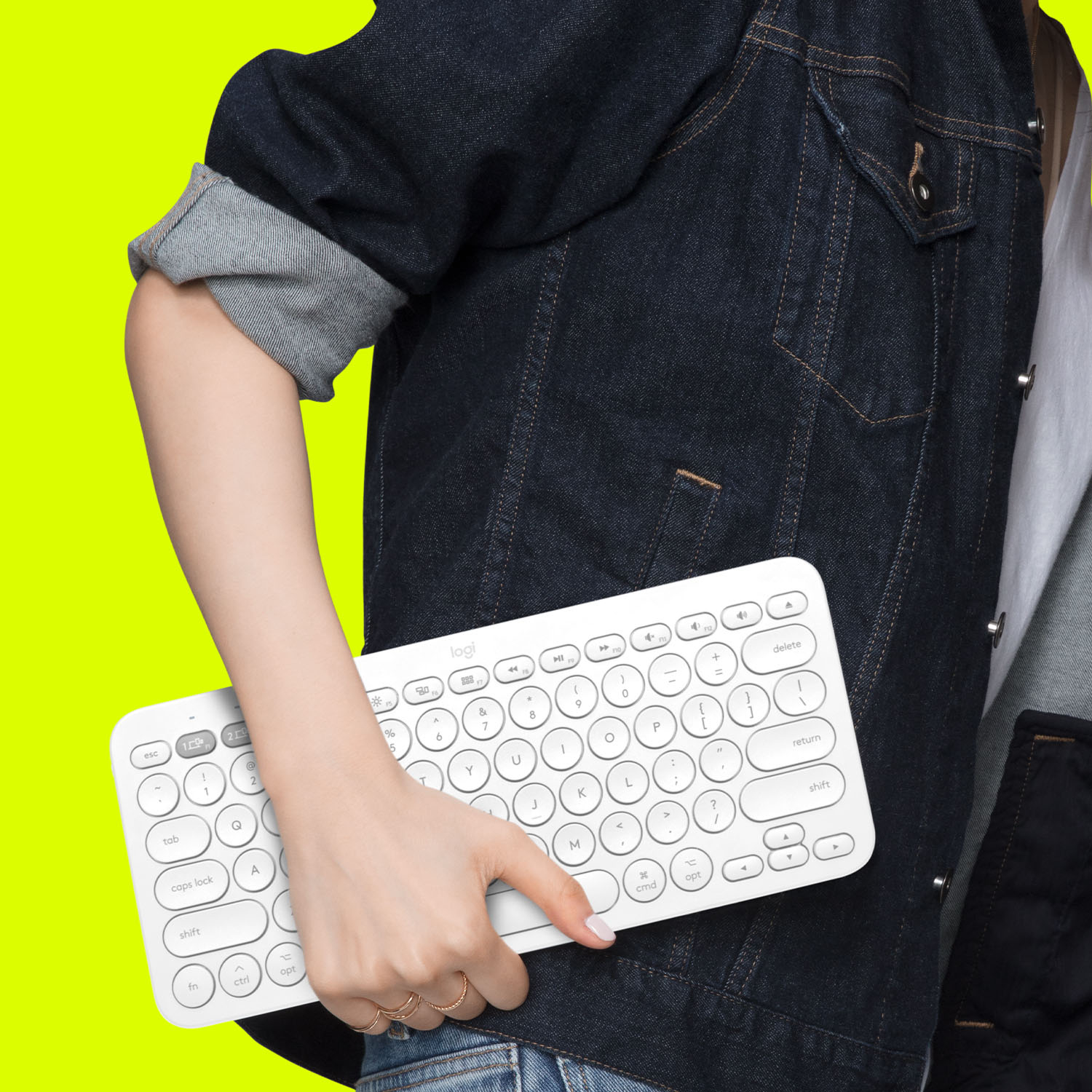
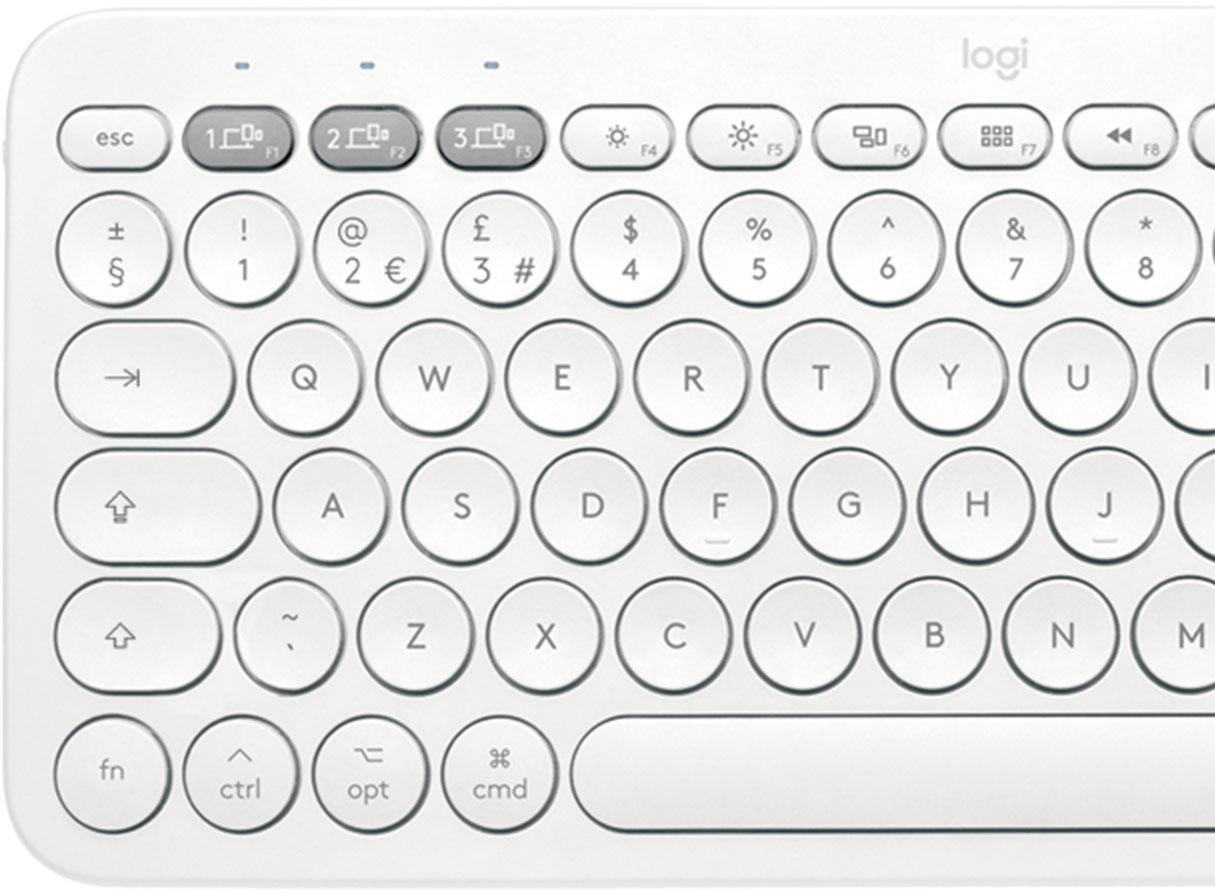
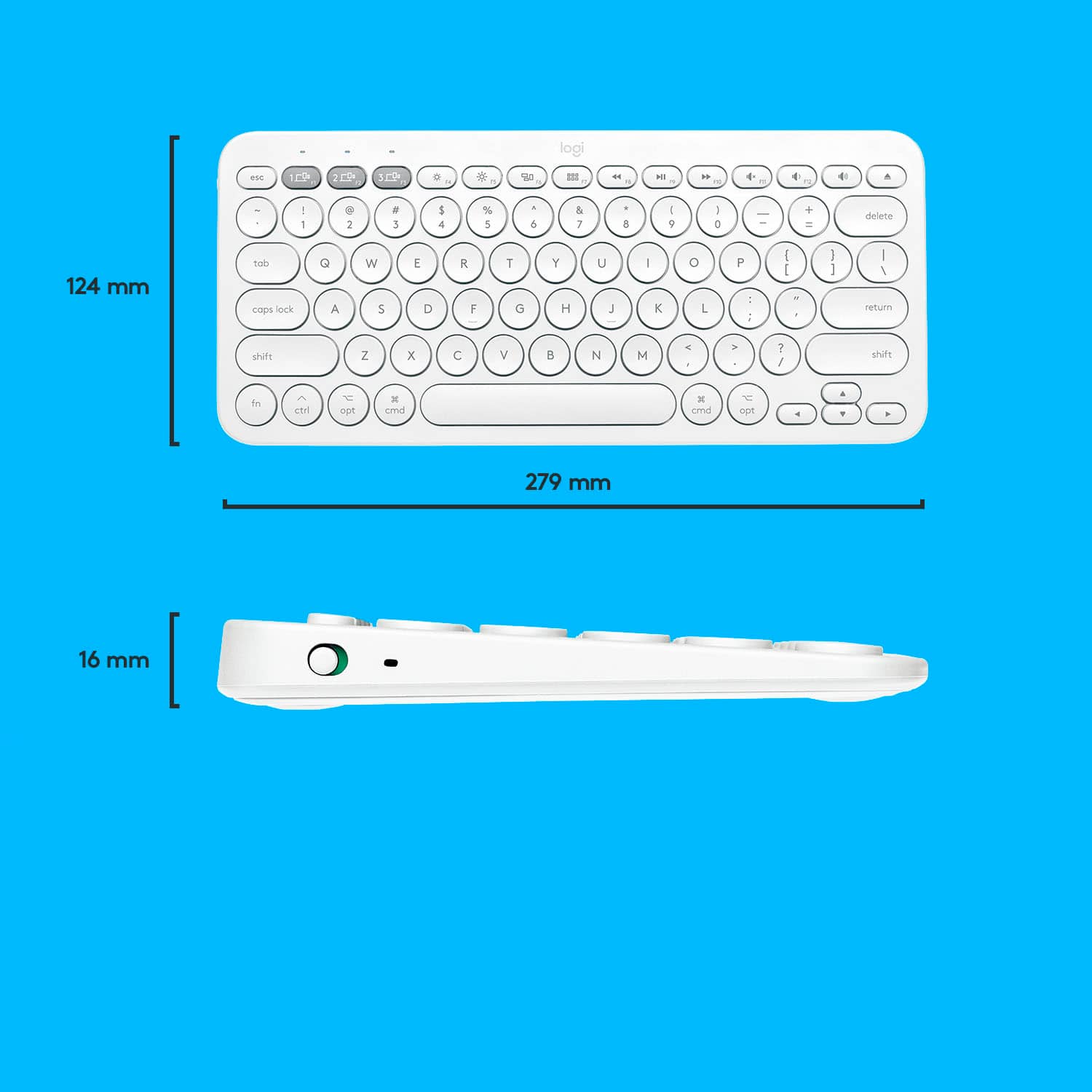
A:Answer Hello. This K380 is designed for Mac/iPad users with the Apple keys. While it will work with a Surface, you will be better off with the regular K380- which comes in Black, Rose, or White. https://www.bestbuy.com/site/logitech-k380-bluetooth-scissor-keyboard-off-white/6423643.p?skuId=6423643
![esc 4 4 1 4 P delete W at + logi MI W " 4 18 / I I BSE 17 I 0 } I 0 6 1 9 1 1 PS & 8 P ] return * TA O . 3 3 15 % 6 / : 1 2 12 $ 5 U : 1 F1 # 4 Y L 3 T K ? @ J > I ! 2 R I < 1 E H - W G M t - F 3 opt Q D - cmd tab S V A C lock X caps Z H shift t cmd opt ctrl fn shift](https://pisces.bbystatic.com/image2/BestBuy_US/images/products/6404/6404200_sd.jpg)



![The text on the image is in French, so I will provide the corrected text in French.
MULTI-DEVICE K380 for Mac Portable typing for ac, iPhone and iPad Clavier portable pour c, iPhone et iPad 1W 2C0 3C0 - a00e sto logi F - i ae 4 PA 4 A - 1 7 e 2 & 3 $ a % 5 A & 7 a y o + delete fols Q W E R T Y U O P ( ] ] ] 1 I caps lock A S D F G H J L . return shift Z x C V N M < A ? / shift fn ctri - opt 3 cmd D cmnd - opt logitech logi esc m 2 210 1 FO TN 0 N 121 " HI 1 2g 4 Fn 1 2 a 3 S 4 % 5 6 & 7 8 I 9 3 0 + - delete der Q W E R T Y U o P i I I I I / caps lock A S D F G H J K L return shift Z x C V N M < ? / shift fn ctri - opt x cmnd x cmd C opt](https://pisces.bbystatic.com/image2/BestBuy_US/images/products/6404/6404200cv16d.jpg)