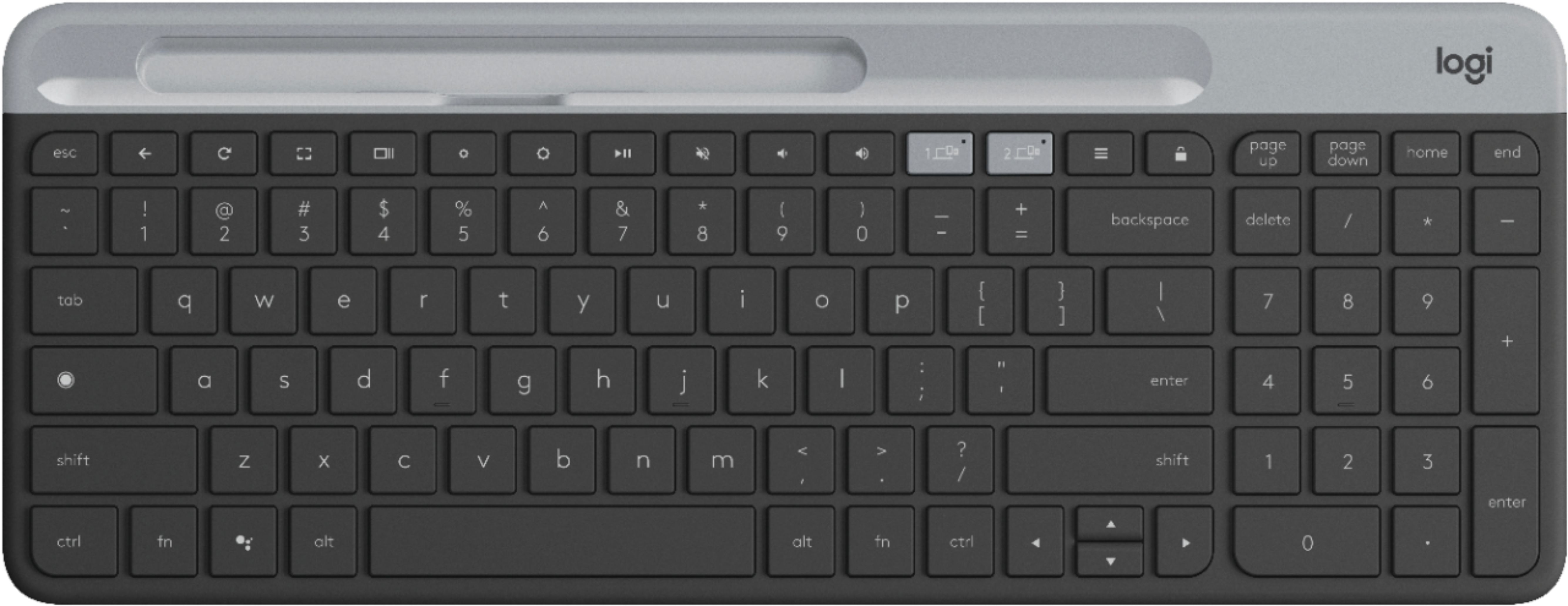
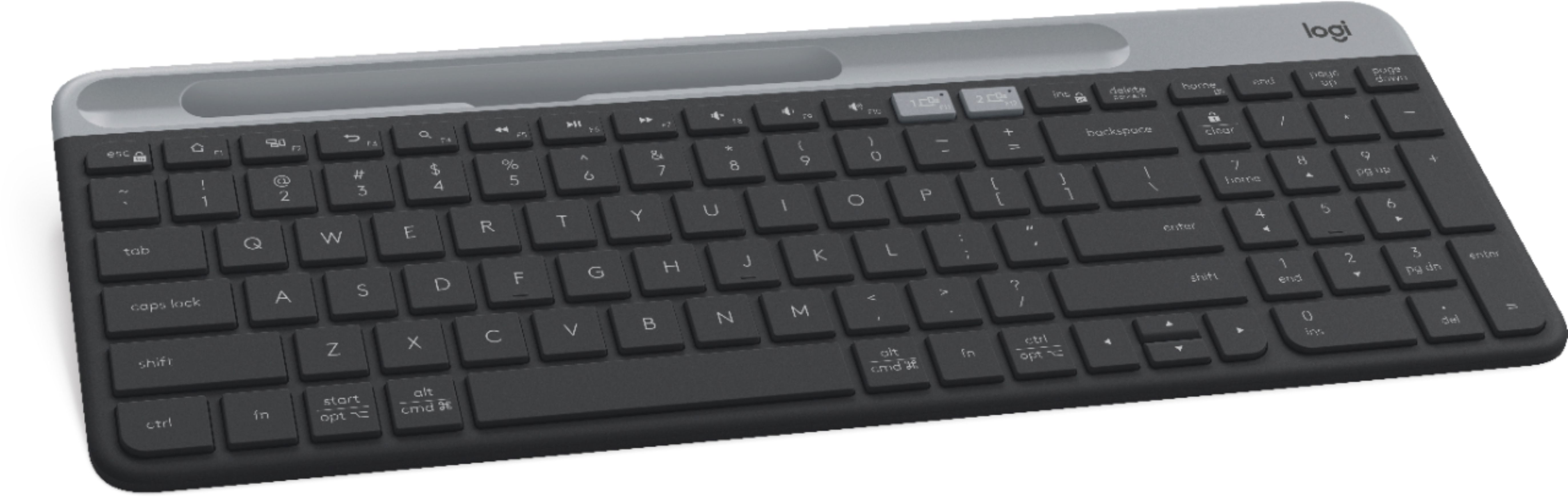
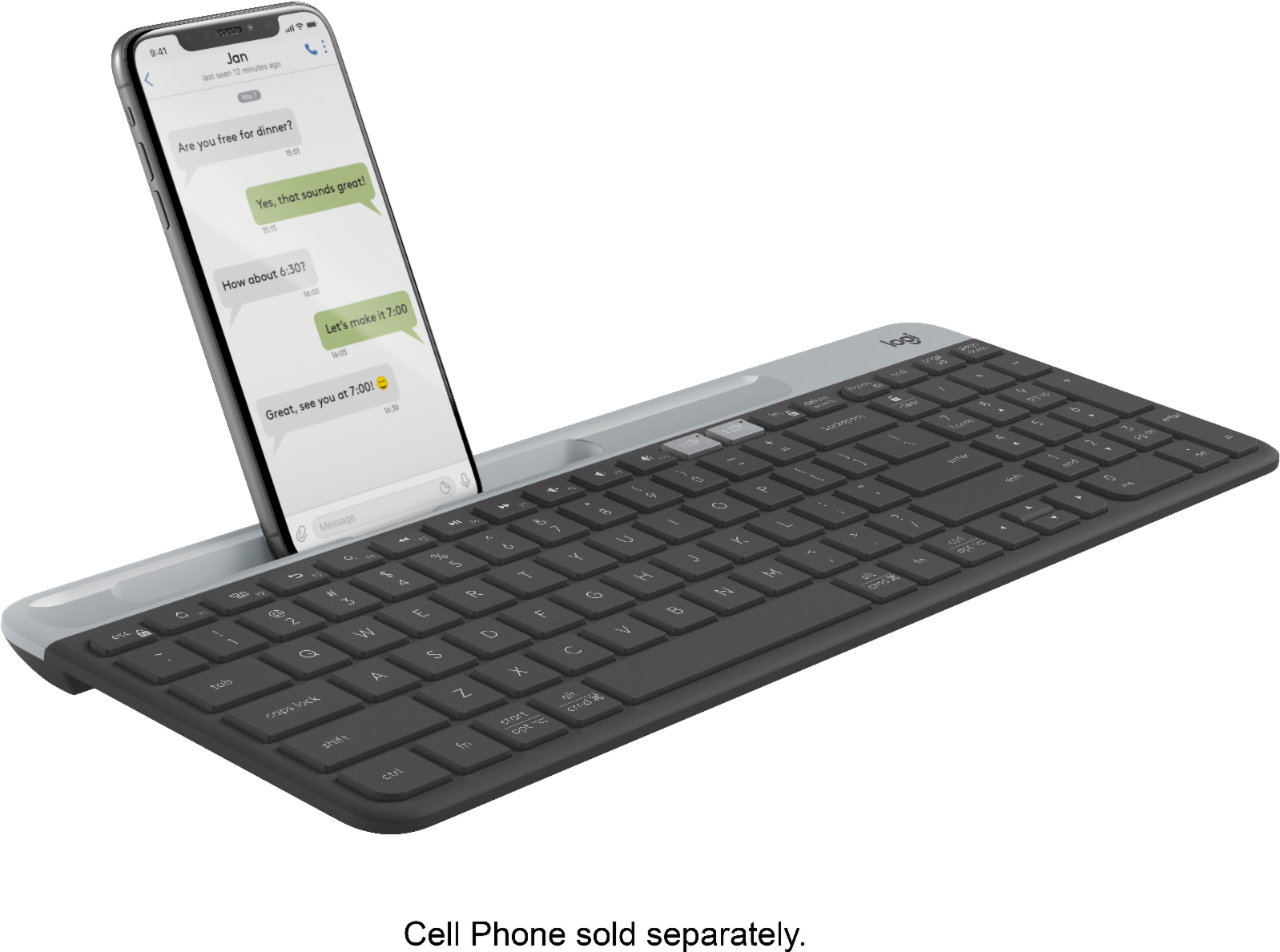
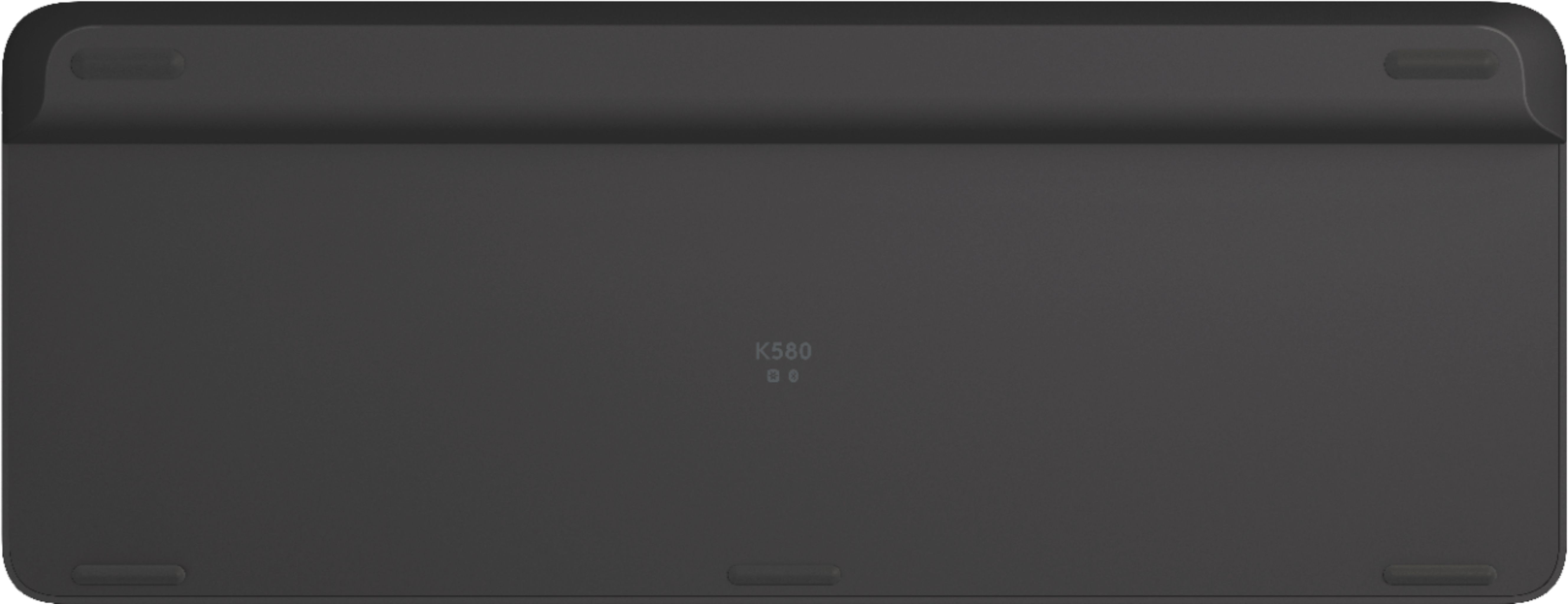
A:AnswerThe Google Assistant key does act as the Windows Start key, but unfortunately you will not get F1-F12 and Caps Lock functionality when connected to Windows devices.
A:AnswerAbsolutely! The K580 will be able to connect to, and switch seamlessly between, up to 2 devices using Bluetooth connection or the included USB unifying receiver.
A:Answeri just received mine 2 weeks ago and its NOT back lit. That would be a nice feature however I can only assume it would've overly drained the battery.
A:AnswerI would consider the length a standard keyboard.
Purchased the keyboard a month ago and pleased with the purchase.
I can connect and store up to 2 different laptops in the keyboard connection memory. So far I connected a PC windows 11 and a Mac and had no issues connecting to both using Bluetooth. Also has the USB adaptor stored in the keyboard if needed.
A:AnswerHello, the k580 does work with Chrome OS but it does not have backlit keys. The only keyboard we have with backlit keys and that works with Chrome OS is the Craft: https://www.logitech.com/en-us/products/keyboards/craft.920-008484.html?crid=27.
-Danielle from Logitech
A:AnswerHello, Mitebsyco! The K580 can connect to up to 3 devices. Unfortunately, the most our Multi-Device keyboards and mice can connect to is three devices. - Maggie from Logitech
A:AnswerHello! Yes, there is an On/Off switch at the top of the K580 Multi-Device Chrome OS Edition Full-size Wireless Membrane Keyboard. - Mathieu from Logitech
A:AnswerHello PhillyGeno,
The Part Number for this K580 Logitech K580 Multi-Device Chrome OS Edition Wireless Membrane Keyboard is 920-009270. Please feel welcome to visit the Logitech website for further product support.
Best regards,
John at Logitech
https://support.logi.com/hc/en-us/articles/360036966594-Getting-Started-K580-Slim-Multi-Device-Wireless-Keyboard-Chrome-OS-Edition
A:AnswerYou can use either connection! The K580 comes with the Logitech Unifying Receiver, but also has Bluetooth. If your laptop has Bluetooth capabilities, it will free up another USB port for you.
A:AnswerHello,
The K580 Multi-Device Chrome OS Edition keyboard is built specifically for the Chrome Operating System. You can switch between keyboard layouts (hold the following keys for 3 seconds)
for Chrome OS: fn + 8
for Android: fn + 9
This keyboard is not supported by Options because it is designed for Chrome OS. I hope you enjoy your keyboard.
Regards,
John