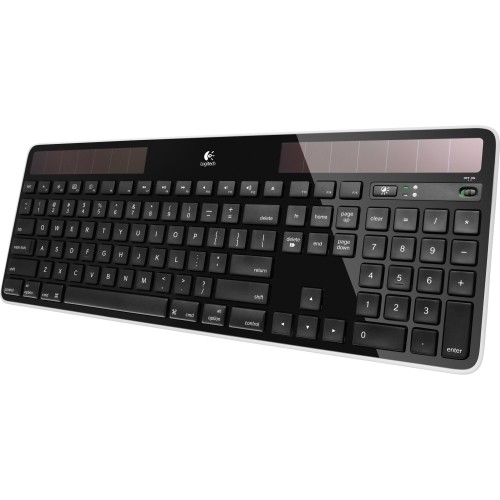
A:AnswerThis keyboard does not have any visual indicator that the Caps Lock is on ( i.e. no light). Some softwares display when the Caps Locks is on and of course you will know when you start typing. I did find a way in Windows 10 that makes an audible sound when the Caps Lock is turned on and off. I can’t speak to other keyboards. I’m sure there are a bunch that have a light for the Caps Lock key.
I agree that this is a flaw in the design of the keyboard, but other than that I really love it.
A:AnswerChrome book... possibly... since it’s connected via USB. TV, not likely. You’ll need to look more for ones that are very specific to your tv, or the streaming device since the software is built into it.
As much as I wish, no, it’s not backlit.
A:AnswerThe keyboard and mouse can use the same USB dongle. Download the Logitech software and insure that the mouse and keyboard are paired to the same USB dongle.
A:AnswerLikely the rechargeable battery is getting old or is just defective. You can order replacement batteries on line - even though it says the battery is not serviceable - and change it yourself without a great deal of difficulty. You do have to be careful removing the small door behind which the battery is located but otherwise no problem.
To save you looking it up, the K750 keyboard comes with a rechargeable ML2032 button-cell battery. Be sure you buy a rechargeable version of this battery.












