No content
Questions & Answers
- Model:
- 920-008350
- |
- SKU:
- 5880400
Highly rated by customers for: Keyboard Quality, Key Feel, Ease of use
Page Showing 1-7 of 7 questions
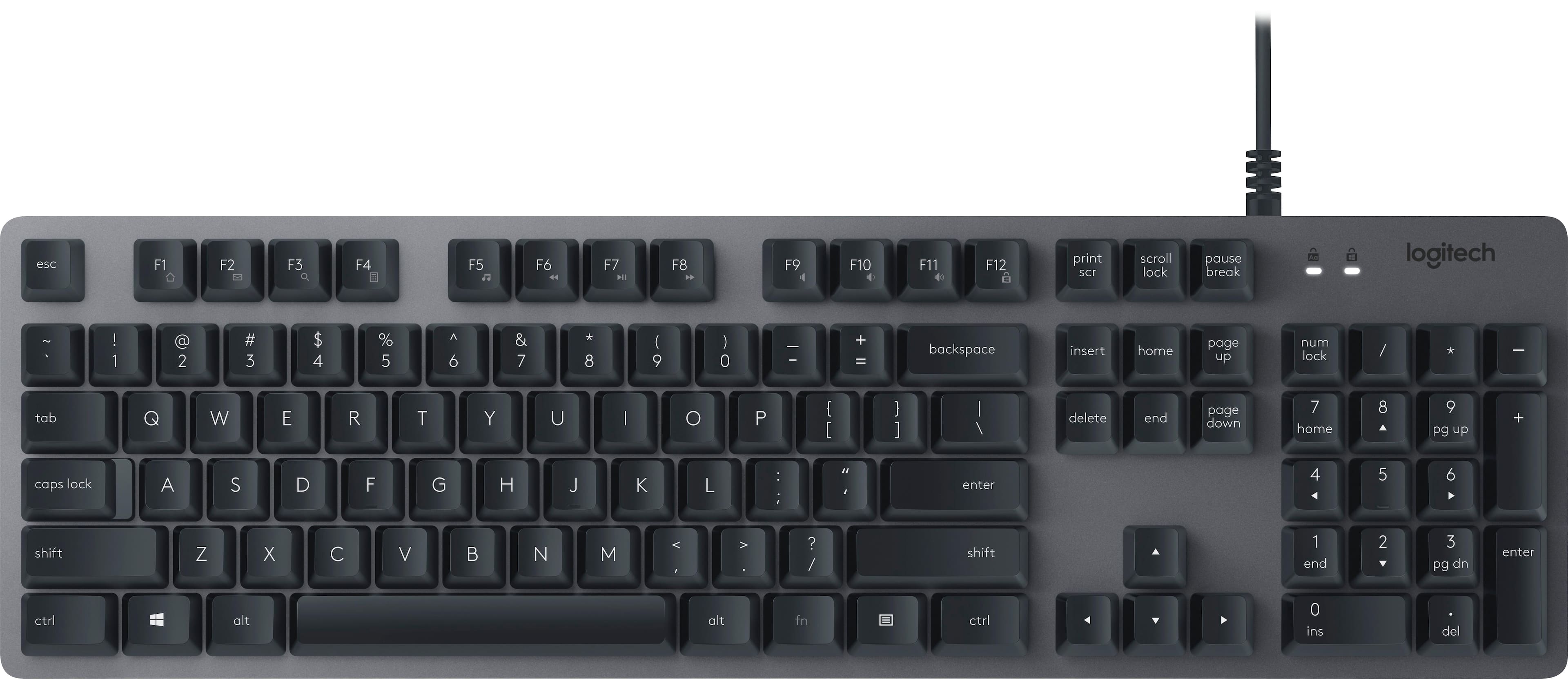
Q: QuestionIs anyone else having an issue with the space bar sounding like tin or having a more cheap metal sound that the rest of the keys? I even took it off and put it back on but that didn't change anything.
Asked by ErrolNiel.
- A:Answer This is a common "issue" with this keyboard due to how it's designed. I personally don't mind it but some people may. However, it is nothing to worry about.
Answered by zector45
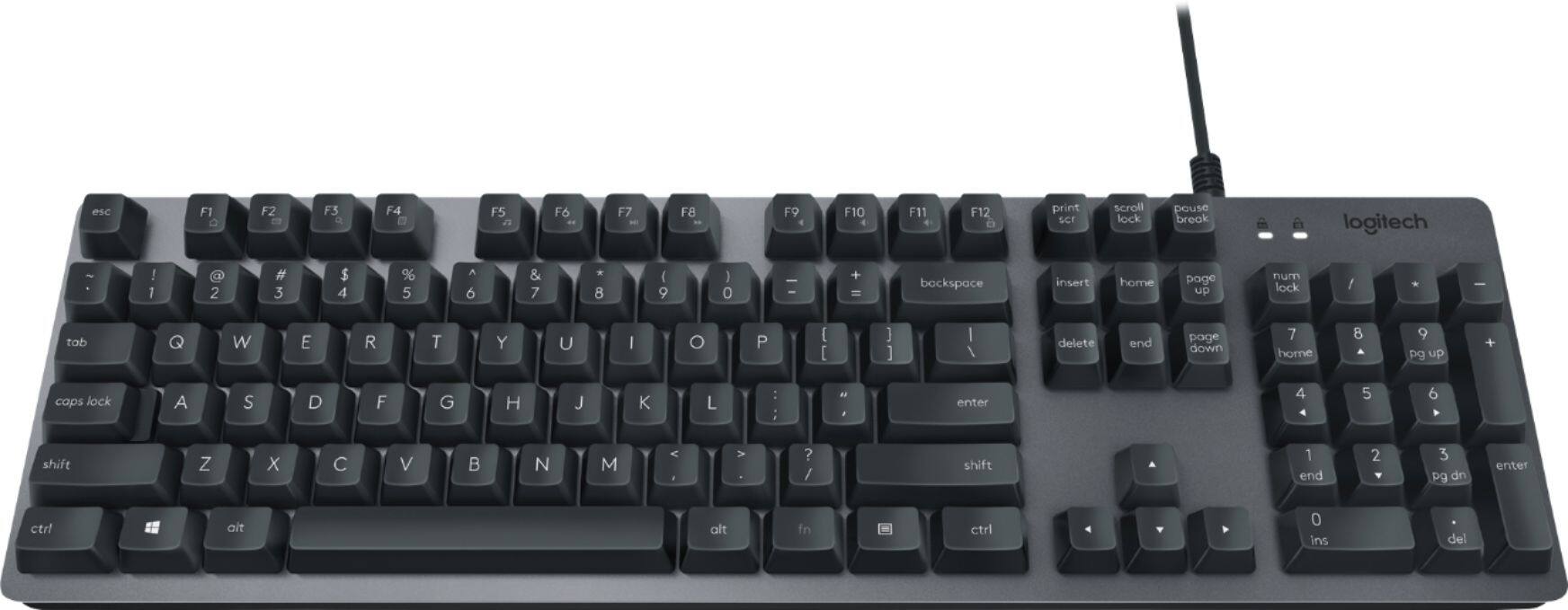
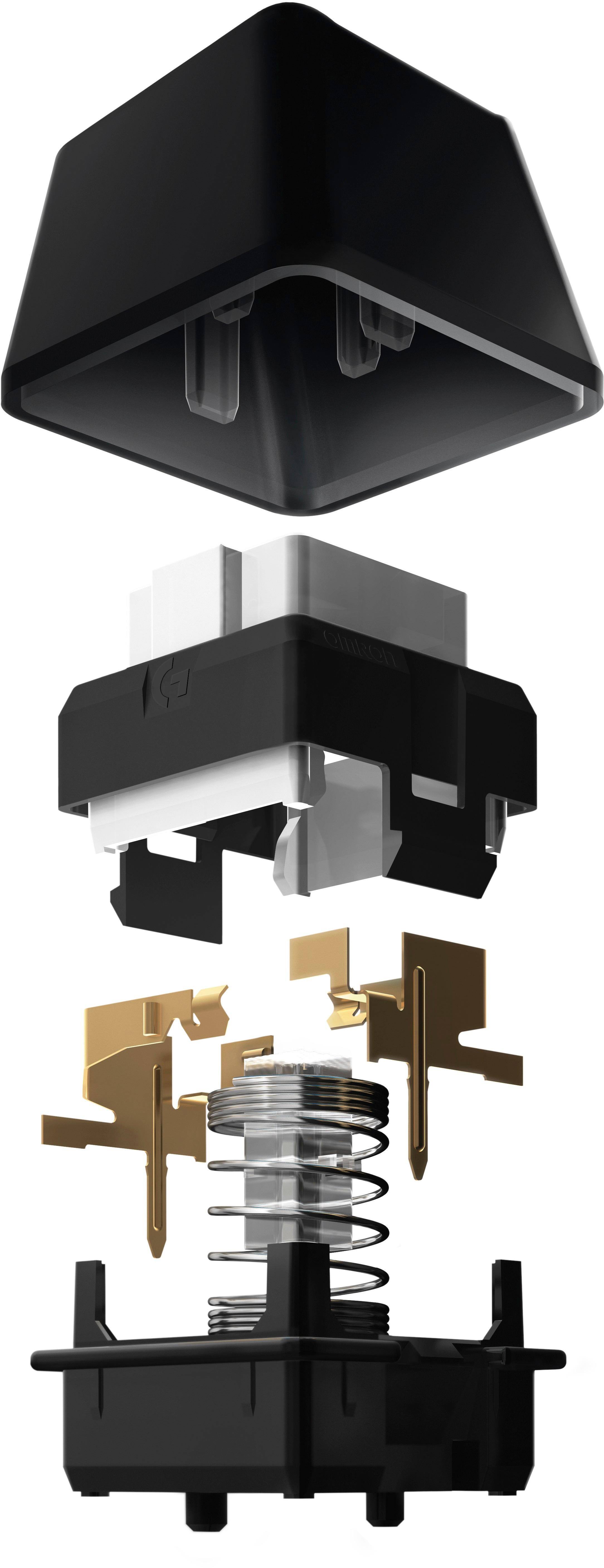
Q: QuestionDoes this keyboard use the romer-g switches like the g413? If not what kind of switch is it?
Asked by Gamer.
- A:Answer Hello, the switches on the K840 are Romer G's.
Answered by Logitech
Q: QuestionIs it possible to test the keys of the mechanical keyboards at one of your 2 stores in Manhattan? Thanks.
Asked by Adela.
- A:Answer The associate at the Best Buy we visited was extremely helpful and allowed me to test the two or three keyboards I had selected, as I was looking for a certain “touch”. Am thrilled with my new keyboard!
Answered by Weathergurl
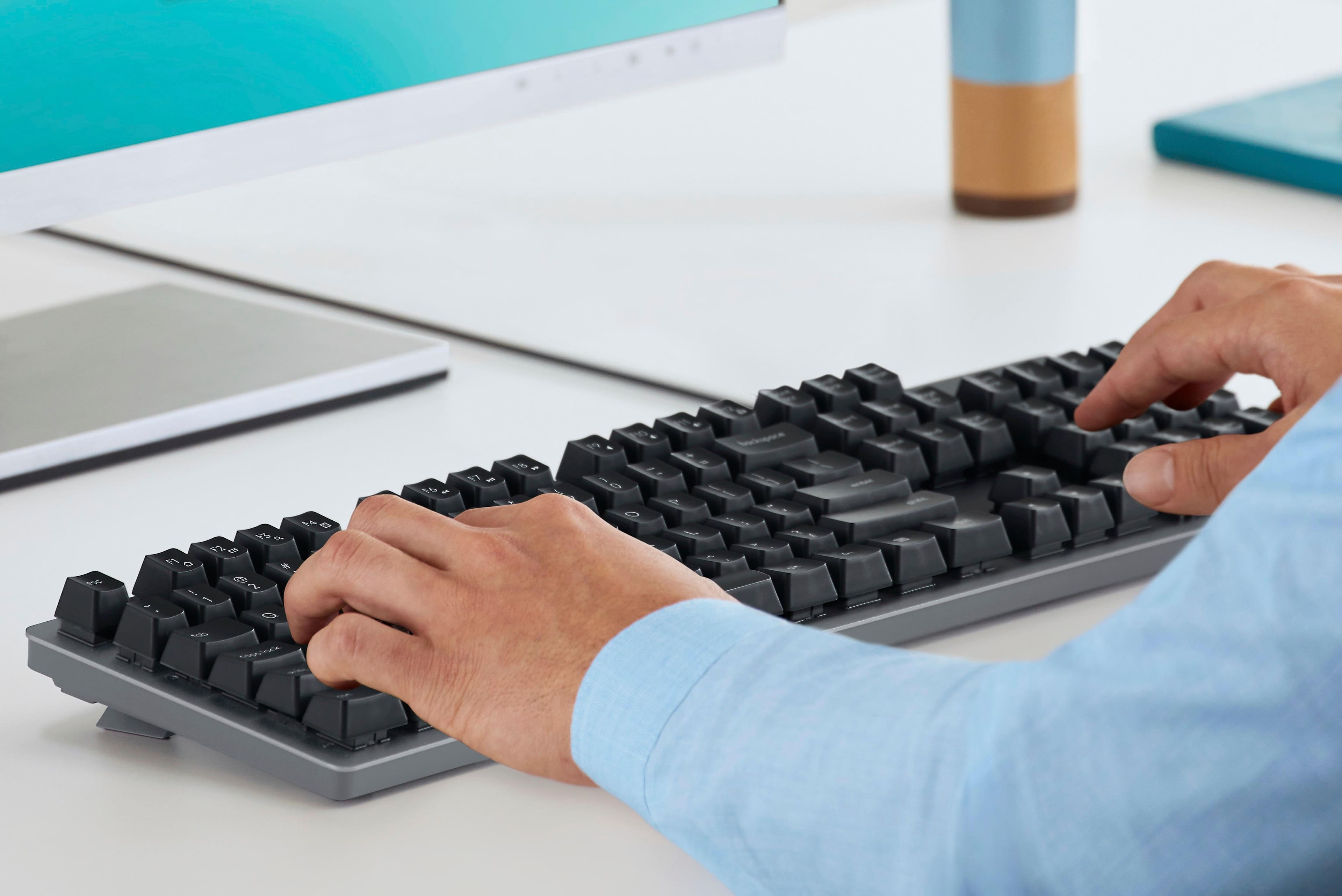
Q: QuestionI have a keyboard now, (E-Machine), and the keys are on springs. I see that Logitech K840 seems to be like that. I have a hard hand, (female), and cannot type on "flat" keys from way back., so, it looks like these keys are what I'm looking for. Right?
Asked by springykeys3.
- A:Answer I think this should do the trick for you. The keys on the K840 have a slight concave to them so your fingers fit nicely. Also, the keys have a nice spacing so you shouldn't have too much difficulty distinguishing between key caps.
Answered by Jake
Q: QuestionSo My Space Bar does this weird thing where it sometimes respond and sometime don’t and when it does respond there is a chance of it double spacing. I don’t know if it’s the exterior or the interior problem like the key cap or the parts inside?
Asked by Tao.
- A:Answer Hello, we are sorry to hear about your issue. If your space bar is sticking it may be that the keyboard needs cleaning: Cleaning Logitech keyboards and mice Before you clean your device: Unplug it from your computer and make sure it’s turned off. Remove the batteries. Keep liquids away from your device, and don’t use solvents or abrasives. To clean your Touchpad, and other touch-sensitive and gesture-capable devices: Use lens cleaner to lightly moisten a soft, lint-free cloth and gently wipe down your device. To clean your keyboard: Use compressed air to remove any loose debris and dust between the keys. To clean the keys, use water to lightly moisten a soft, lint-free cloth and gently wipe down the keys. To clean your mouse: Use water to lightly moisten a soft, lint-free cloth and gently wipe down the mouse. NOTE: In most cases, you can use isopropyl alcohol (rubbing alcohol) and anti-bacterial wipes. Before using rubbing alcohol or wipes, we suggest you test it first in an inconspicuous area to make sure it doesn’t cause discoloration or remove the lettering from the keys.
Answered by Logitech
Q: QuestionIs it Cherry MX compatible?
Asked by HeavyDragoon.
- A:Answer No. It is a different key cap entirely.
Answered by Covey
Q: QuestionWill this work with Apple Mac?
Asked by MsMaybe.
- A:Answer Yes but the "Windows" key will be used as the "command" key for mac. A slight difference but they function the same. I pretty much only use Windows keyboards with my Mac because no one makes a decent mechanical keyboard for Mac under $100
Answered by Jake
Page 1, Showing 1-7 of 7 questions
Top Rated
- $1,099.99$1,099.99The price was $1,299.99
- $329.99$329.99The price was $469.99
- $299.99$299.99The price was $349.99
- $139.99$139.99The price was $149.99
- $949.00$949.00The price was $1,099.00
- $449.99$449.99The price was $649.99
- $279.99$279.99The price was $329.99

![ctrl tob cops iodl
a N X o HC F1 FZ ! - I F3 e a 2 F4 A Q 3 S FS 4 W % F6 E 5 A 6 F7 S R M & FB T 7 D a Y 6 F I F9 G U I I / O V - B J O + K P = N L { M [ < ] ] # > K ? ait / enter shift ctrl F10 F11 d F12 a ser print backspace lock scroll insert break I I home delete up page end a lock num down page / 7 home 8 4 A 9 5 pg up 1 end 6 2 4 O ns 3 pg dn enter del a + logitech - +](https://pisces.bbystatic.com/image2/BestBuy_US/images/products/5880/5880400ld.jpg;maxHeight=54;maxWidth=54;format=webp)