Questions & Answers
- Model:
- 961-000498
- |
- SKU:
- 6466538
Q: QuestionDoes each camera do its on mic when it is on?
Asked by Dave.
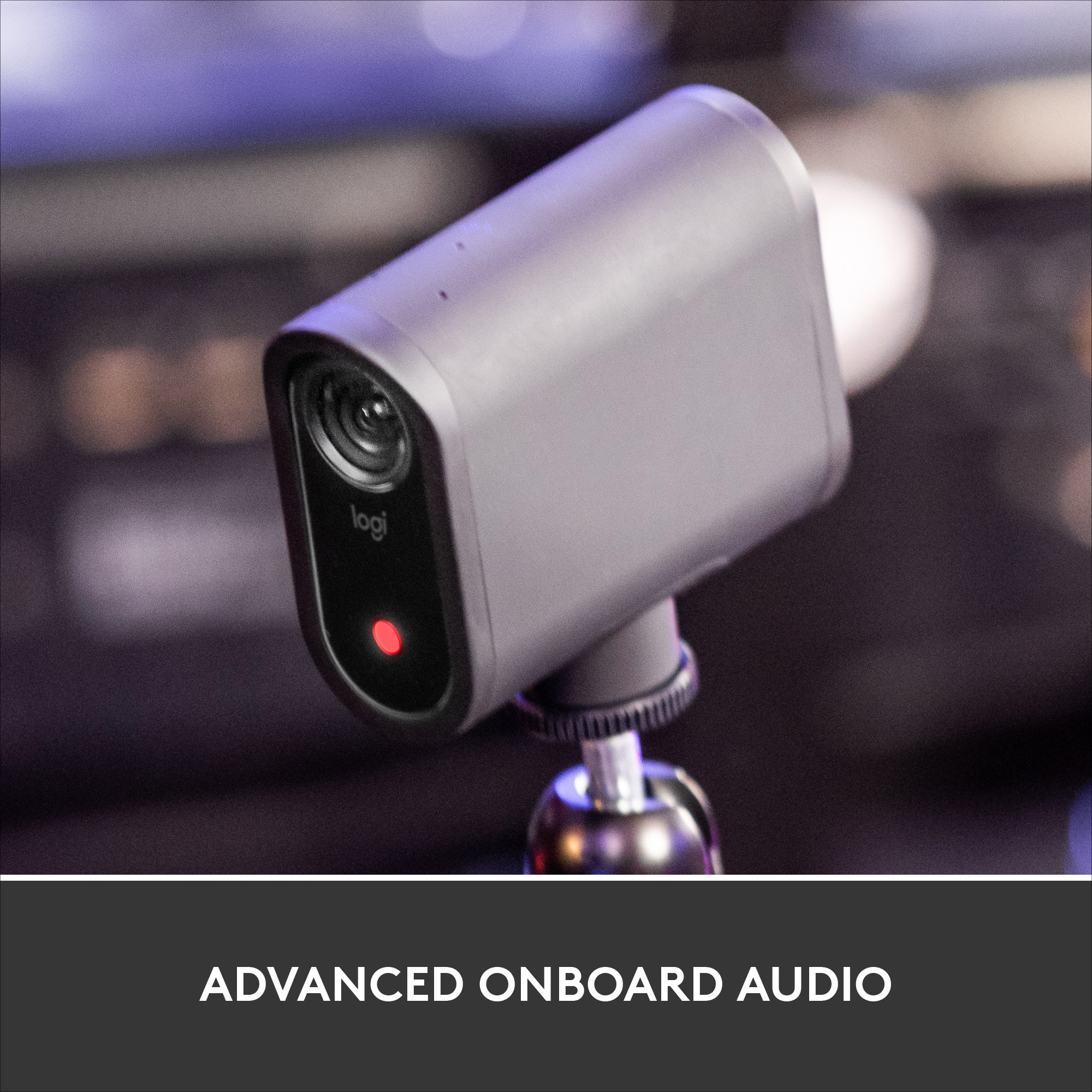
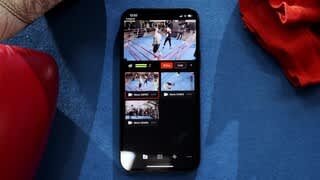
- A:Answer Hello Dave. Each camera has its own microphone. Using the software, you can choose to single out one of the camera mics, mix all three camera mics, use only the live camera mic (it only uses the camera on the mic that is currently being used), or even use an external microphone (like your cellphone).
Answered by Logitech
Q: Questionwhat's the best/biggest type of memory card that's compatible with mevo start?
Asked by cgarcia.
This question was asked about the related product: Mevo - Start, The All-in-One Live Streaming Camera - Black
- A:Answer I used 32 GB 10 , SanDisk Ultra, work perfect.
Answered by Nice
Q: QuestionWhat is the field of view (FOV) in degrees for this camera?
Asked by Anonymous.
This question was asked about the related product: Mevo - Start, The All-in-One Live Streaming Camera - Black
- A:Answer The Logitech Mevo Start features a fixed-focus, low-distortion lens with the following field-of-view specs: Diagonal FoV: 83.7° Horizontal FoV: 76° These specs mean the camera offers a wide but not ultra-wide view suitable for capturing a full room or stage without heavy fisheye distortion
Answered by user714816
Q: QuestionIs this waterproof? I want to film some kayaking.
Asked by TheMom.
This question was asked about the related product: Mevo - Start, The All-in-One Live Streaming Camera - Black
- A:Answer It can handle the outdoors, but its not submersible. I would say weather resistant, but not waterproof.
Answered by Monica
Q: QuestionCan I use this camera with my galaxy s21 phone?
Asked by Carlo.
This question was asked about the related product: Mevo - Start, The All-in-One Live Streaming Camera - Black
- A:Answer Yes, I was using one. I am now using my samsung tablet, a bigger screen makes it easier to see and manipulate
Answered by Twenzler7
Q: QuestionIs there a way to Live Stream to my computer but not using Facebook, YouTube etc? I want to use it at my workplace to observe a machine.
Asked by MPMS.
This question was asked about the related product: Mevo - Start, The All-in-One Live Streaming Camera - Black
- A:Answer Yes. You open the app on your phone. Which turns on the cam. And u can either watch on the phone app or you can just open any program on your computer that uses a cam and u will be seeing it live without having to broadcast to others
Answered by vanessau1984
Q: QuestionI need to record my sons baseball games, does it have a wide range to record. Will I get the whole field from 1sr base -3rd rot is it a narrow view
Asked by Yahyaj.
This question was asked about the related product: Mevo - Start, The All-in-One Live Streaming Camera - Black
- A:Answer Depends on where you are positioned. Specs for the Mevo Start say the field of view is 83.7 degrees. But don't forget to consider other factors. You will need a device (Androud or iOS) to control the camera. The zoom feature is really cool and easy to control, in case you do want to focus in on certain things. Its also very easy to connect an external microphone or other audio device, and audio level control is very good also.
Answered by Waji
Q: QuestionCan I use more than one camera with the app to have more than one point?
Asked by Saul.
This question was asked about the related product: Mevo - Start, The All-in-One Live Streaming Camera - Black
- A:Answer The current app works only with a single camera. They are beta testing a version that can handle teo or three cameras, but it will be a while before that might become available. The Mevo Start can work as a NDI video source so you can use multiple Mevo Start cameras with software like OBS. I use the Mevo Start with OBS and find it to be effective and affordable.
Answered by Waji
Q: QuestionHow hard to transfer video to laptop?
Asked by Strider.
This question was asked about the related product: Mevo - Start, The All-in-One Live Streaming Camera - Black
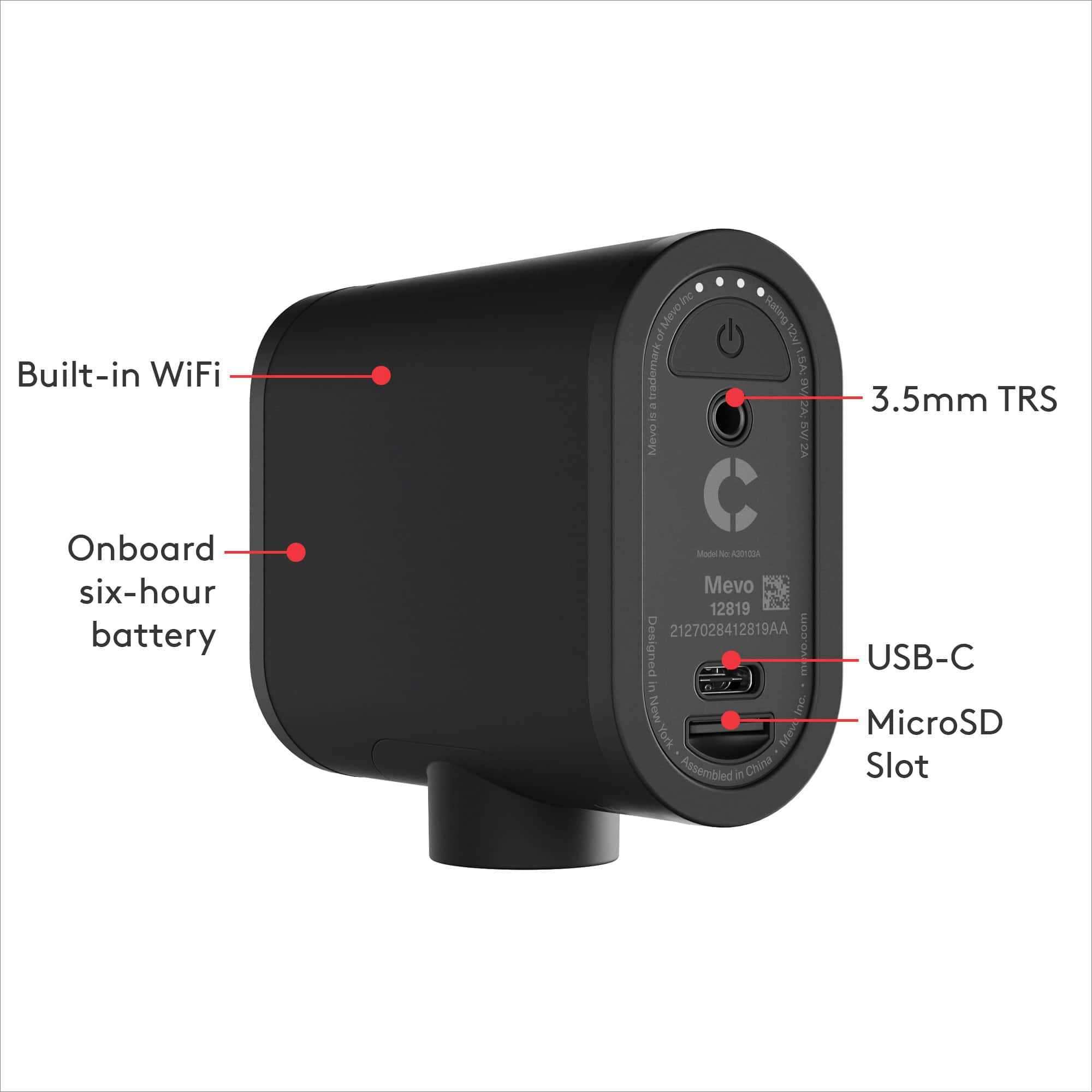
- A:Answer Easy. Mevo Start records to a micro SD card (not included). You just need a reader so you can copy the files to your computer.
Answered by Waji
Q: QuestionRegarding the external mic.... Is it sold separately? Also, what is the max distance the external mic can be used from the Mevo camera and is the external mike wireless? Thanks
Asked by CT.
This question was asked about the related product: Mevo - Start, The All-in-One Live Streaming Camera - Black
- A:Answer There is no specific external mic for it. You just buy one of your own choice and hook it up. I don’t know a “distance” but I’ve used it in the back of a church and it picked up everything nicely. With that said, the minister was talking over the PA system (it wasn’t like it was just picking up her straight voice from 100’ away - although when the service was over it was picking up people’s conversations from probably 50 foot away, but I wouldn’t be bank on it being the sound quality you want from that distance). Overall I’m fairly impressed with the ability of the internal mic.
Answered by thegoodlife
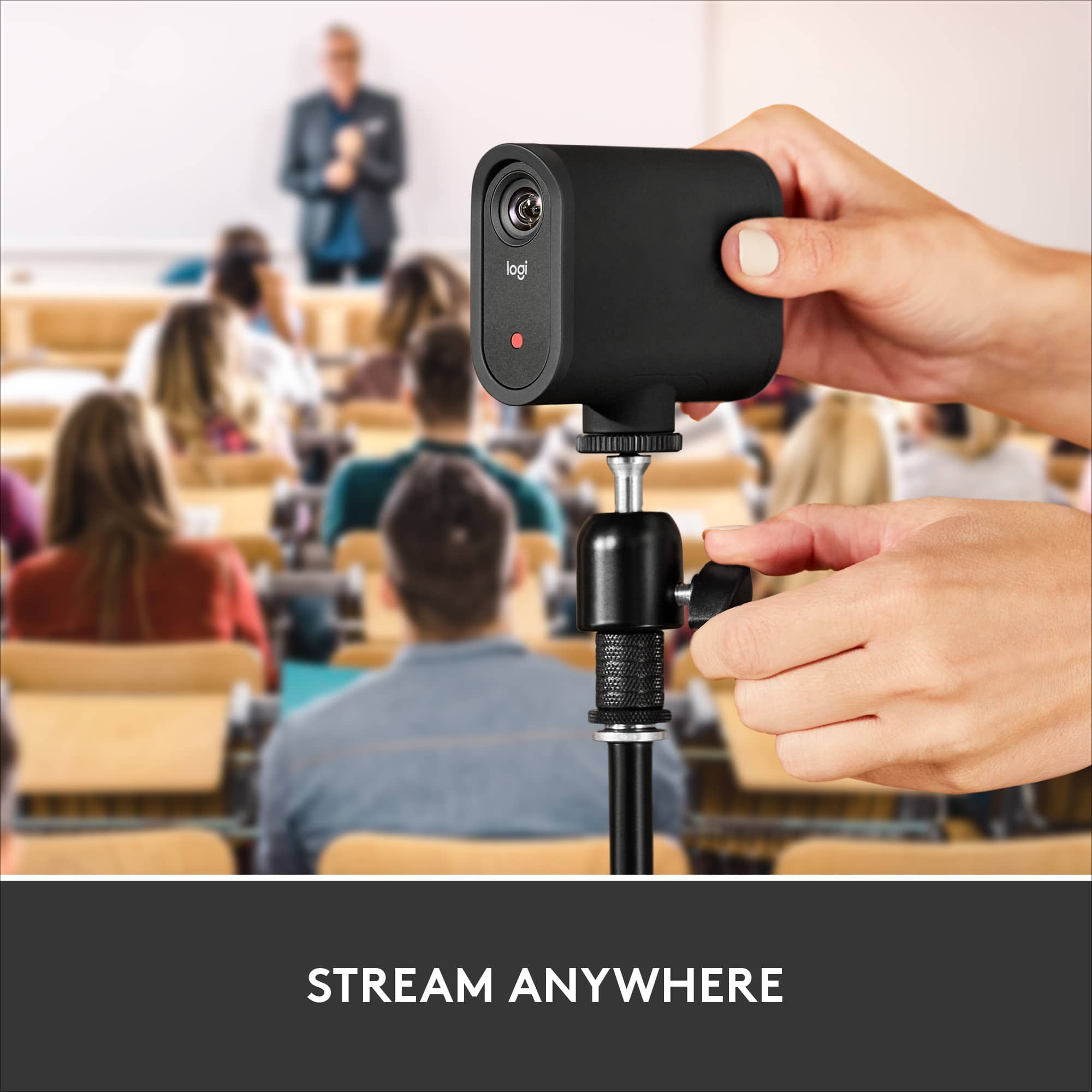
Q: QuestionIs the stand included with the camera?
Asked by sally.
This question was asked about the related product: Mevo - Start, The All-in-One Live Streaming Camera - Black
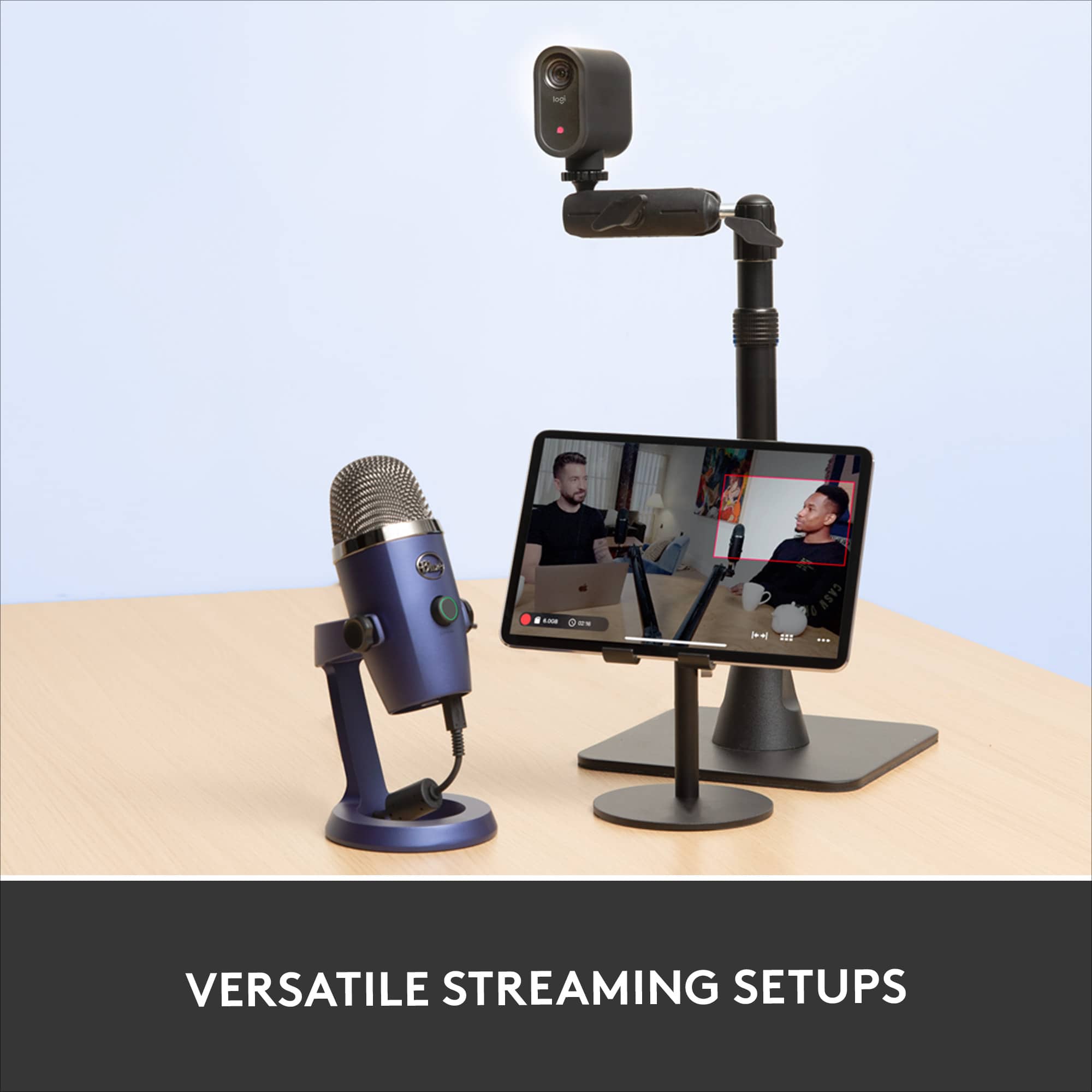
- A:Answer The camera and stand are sold separately.
Answered by GeorgeP
Q: QuestionDoes this camera connect with a computer (not just a smartphone or tablet) so that it can be used with video handling software? Thanks
Asked by DaPazz.
This question was asked about the related product: Mevo - Start, The All-in-One Live Streaming Camera - Black
- A:Answer Yes. I use Mevo Start with OBS and it works well. It does work wirelessly but I prefer to use the ethernet/power adapter. Set the camera up to be an NDI source. You still need the app to setup the Mevo and to adjust sound levels (if you use audio from the Mevo). I use the app to control the digital zoom on the Mevo. When used as an NDI video source the video feed to the app will not change when you zoom. It only changes in you video handling software.
Answered by Waji
Q: Questionwhen will this be available in stores?
Asked by klujics.
This question was asked about the related product: Mevo - Start, The All-in-One Live Streaming Camera - Black
- A:Answer It is there now.
Answered by KenBestbuyReviewer
Q: QuestionCan you use this to livestream using Zoom?
Asked by Zoom.
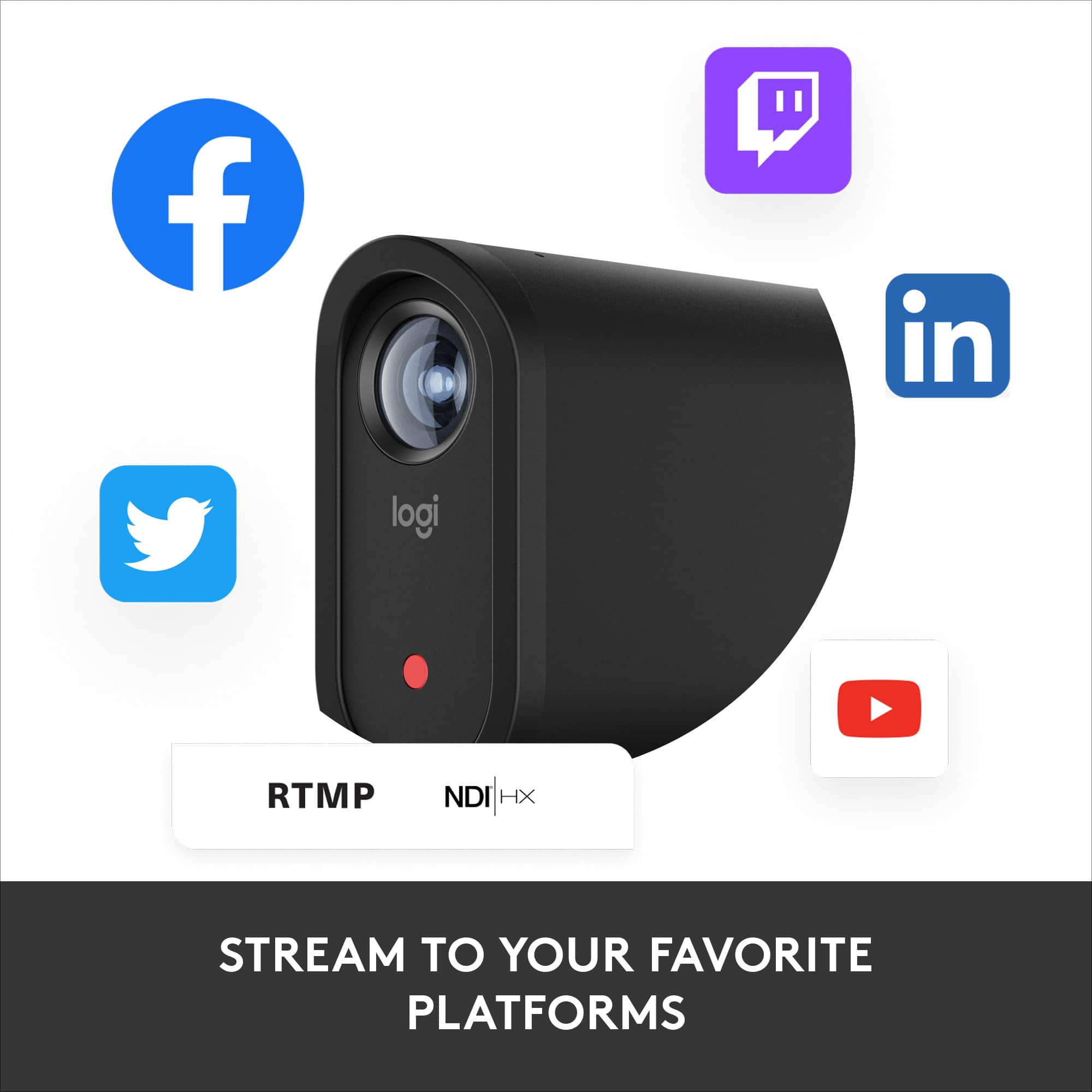
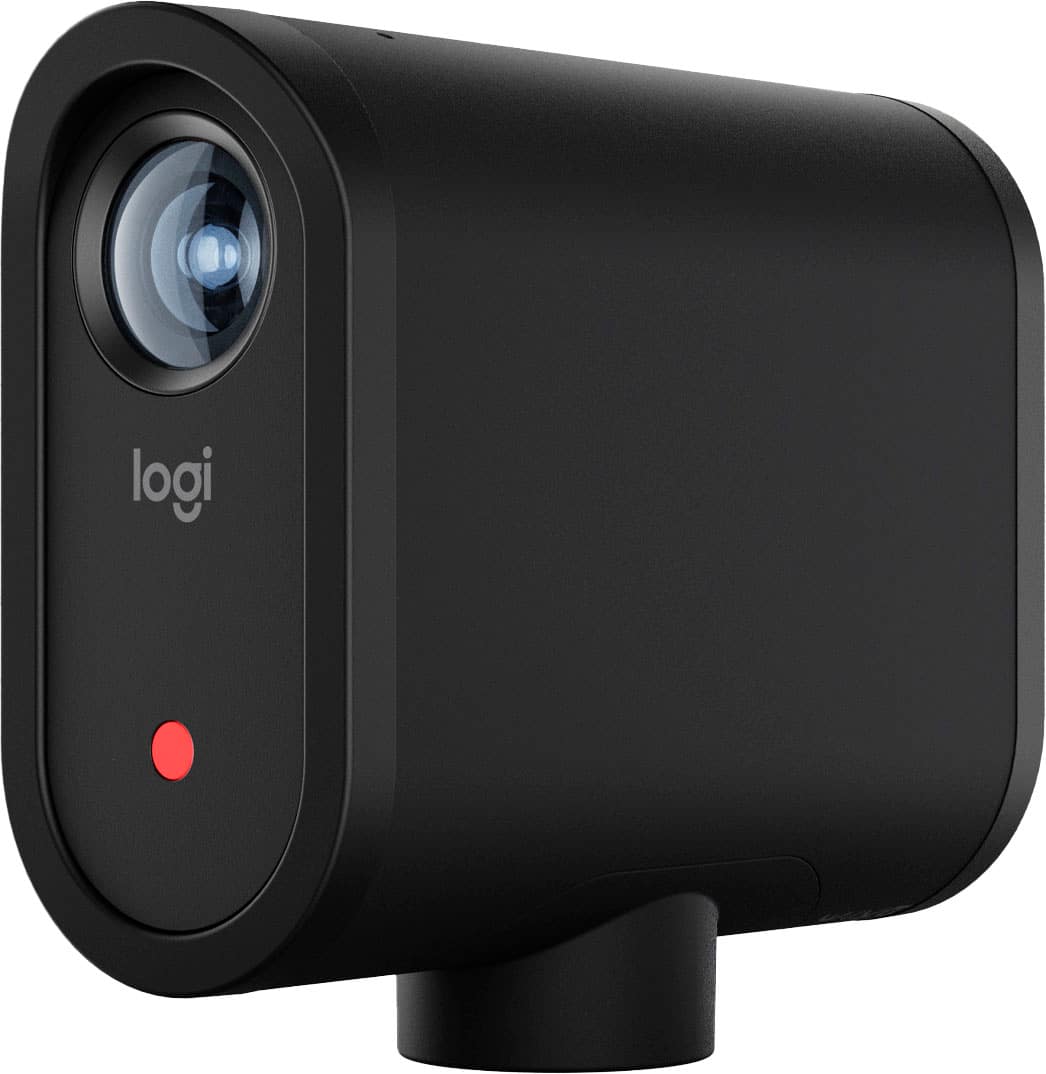
- A:Answer Hello Zoom! You'll be able to use the Mevo Start LIVE Streaming HD Action Camera as a webcam with Zoom (or other conferencing software like GoTo Meeting, Teams, etc., when connected to your PC, and livestream to services like Facebook LIVE, YouTube LIVE, Twitch, etc. - Mathieu from Logitech
Answered by Logitech
Q: QuestionIs there a way to make this set up waterproof?? PNW Fastpitch is often soggy and we're looking for a good game changer recording device that can handle the rain.
Asked by Zosmom.
- A:Answer It is small enough that it could be set up under and umbrella and do the job for you. I believe it can handle humidity, just not rain directly on top of it. If you have a 10x10 tent set up it can be set up there. The only part of the camera that cant be wrapped in plastic would be the lens so you get a full view of the action.
Answered by SueBee
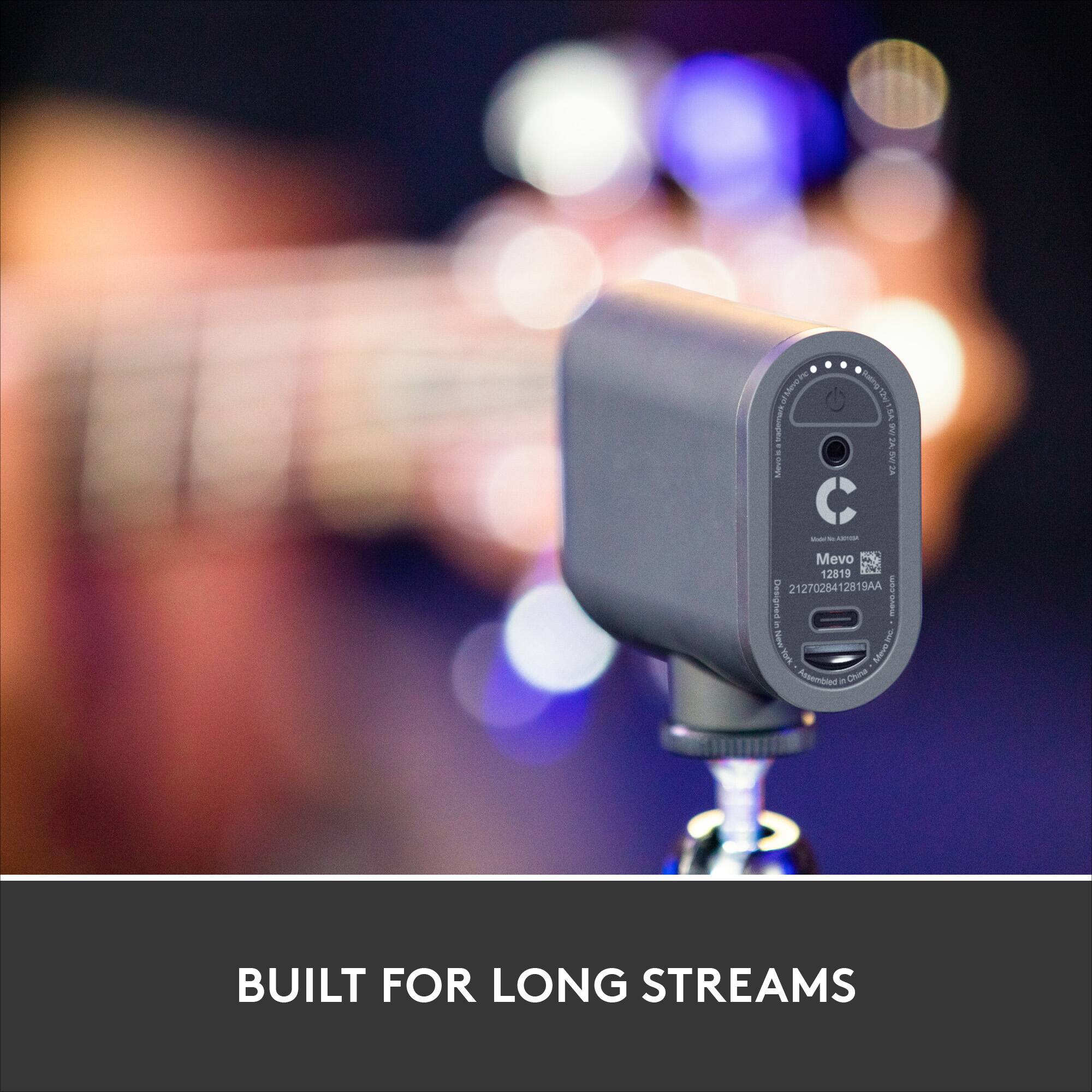
Q: QuestionCan the Mevo start be plugged in to AV power via the USB cord? Is there an AC adapter included?
Asked by Don655.
This question was asked about the related product: Mevo - Start, The All-in-One Live Streaming Camera - Black
- A:Answer Yes, it comes with a USB adaptor for charging, and seems to continue charging while operating, as well!
Answered by Chris
Q: Questiondo it stream on periscope
Asked by Anonymous.
This question was asked about the related product: Mevo - Start, The All-in-One Live Streaming Camera - Black
- A:Answer Yes. Here is an article explaining: https://help.mevo.com/hc/en-us/articles/360026529731-Stream-to-Twitter-and-Periscope-with-Mevo
Answered by Tish
Q: QuestionCan this camcorder be used with an iPhone?
Asked by Ron.
This question was asked about the related product: Mevo - Start, The All-in-One Live Streaming Camera - Black
- A:Answer Yes - there is an app to download.
Answered by Tish
Q: QuestionCan this auto track a ball during soccer games or does it track player?
Asked by soccermom.
This question was asked about the related product: Mevo - Start, The All-in-One Live Streaming Camera - Black
- A:Answer If you need a camera to track a ball I provide a service for that. The Speed Factory. You can reach me at the [email protected]
Answered by ITNERD
Q: QuestionCan I use my laptop to control the MEVO start? It has windows operating system.
Asked by MC.
This question was asked about the related product: Mevo - Start, The All-in-One Live Streaming Camera - Black
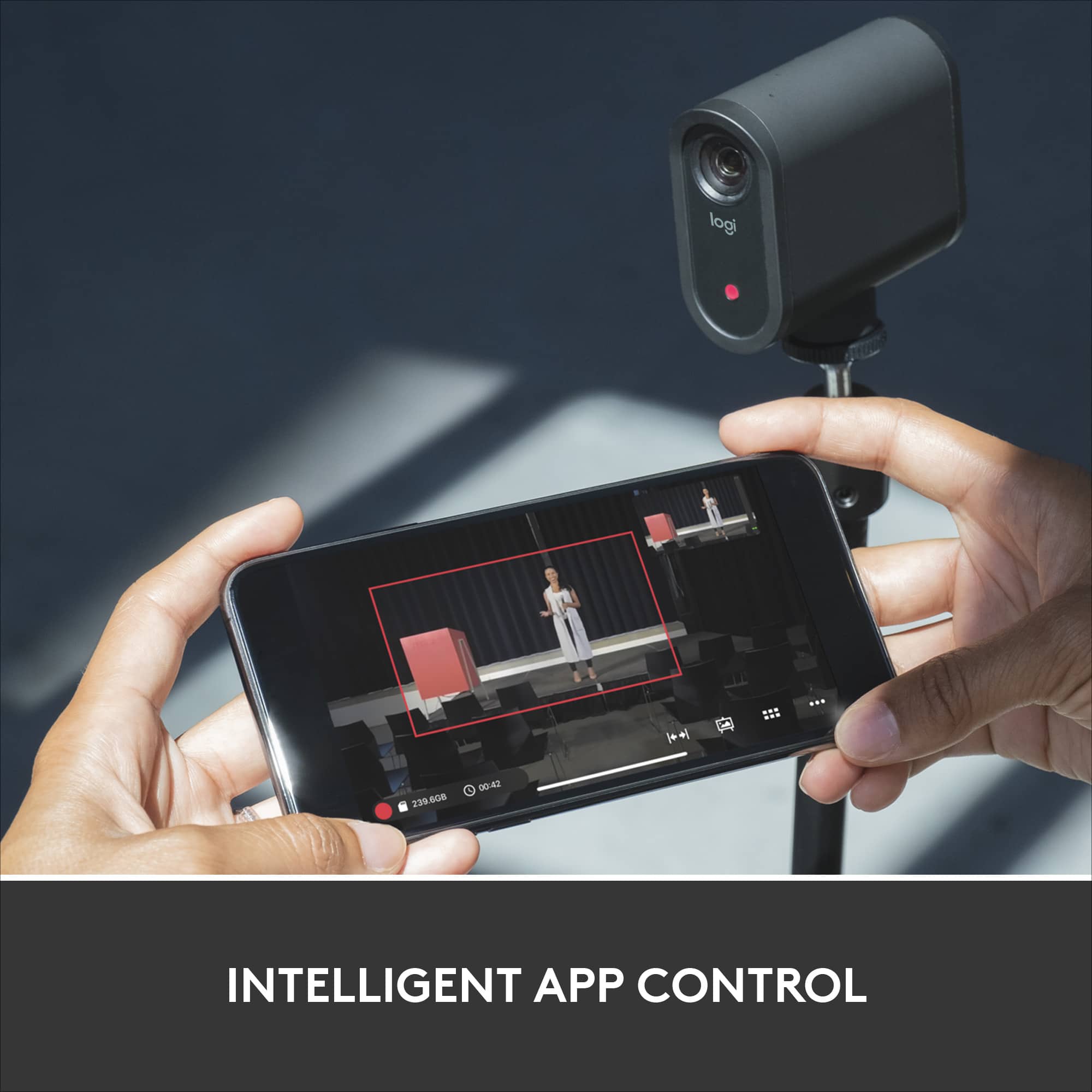
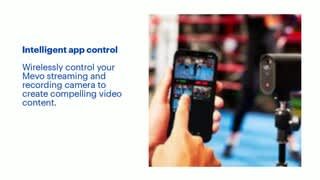
- A:Answer You can use the Mevo camera as a webcam for your computer/laptop. But you still want to download the Mevo app on your smartphone and pair it so that you can make adjustments like zoom in and filter selections.
Answered by HoboGamerz
Top Rated
- Ultimate Deal$429.99$429.99
- Ultimate Deal$209.00$209.00
- Ultimate Deal$379.99$379.99
- $229.99$229.99The price was $299.99
- Ultimate Deal$339.99$339.99
- $489.99$489.99The price was $499.99
- Ultimate Deal$599.99$599.99
- Ultimate Deal$449.99$449.99
- Ultimate Deal$309.00$309.00
- $329.00$329.00The price was $369.99
- Ultimate Deal$357.49$357.49