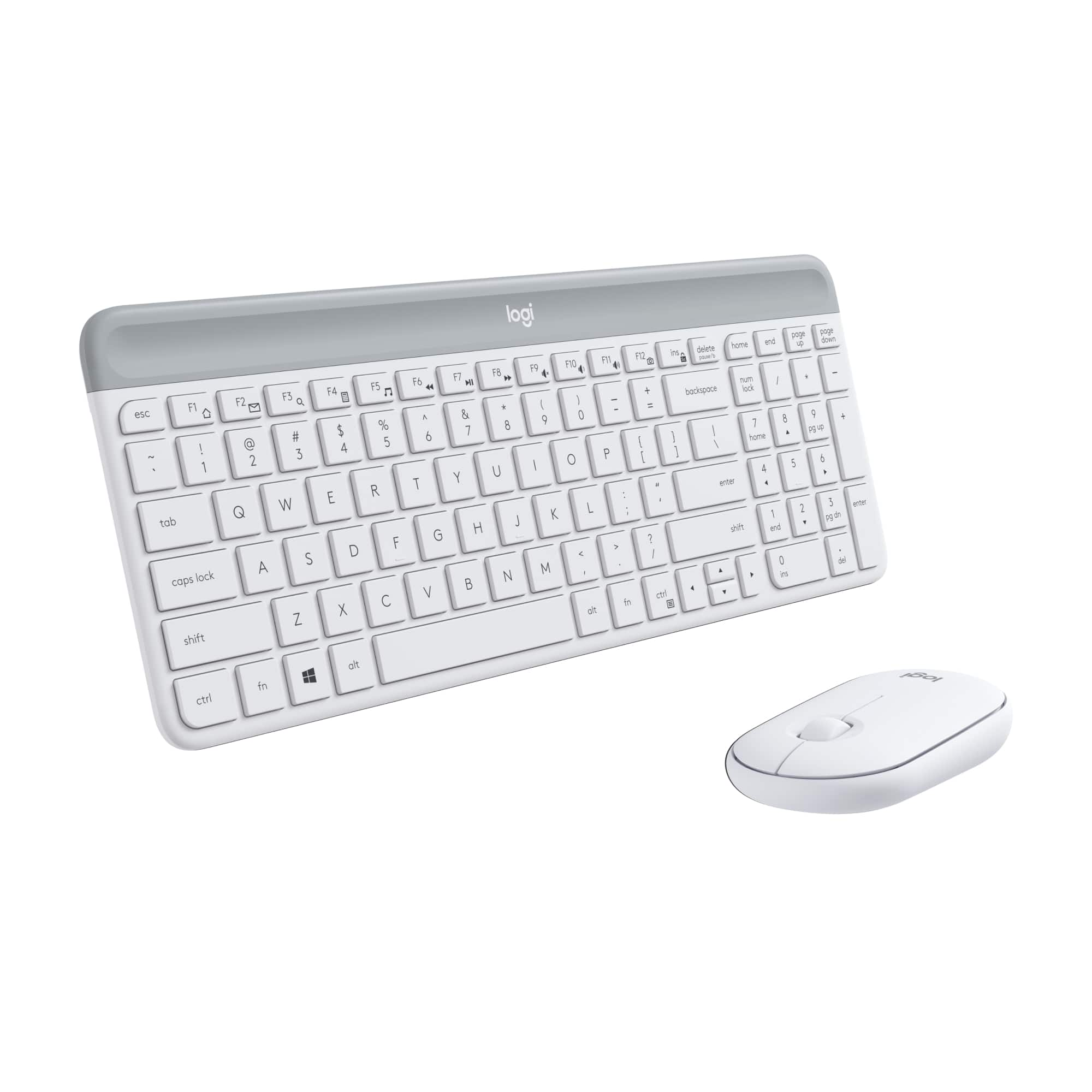
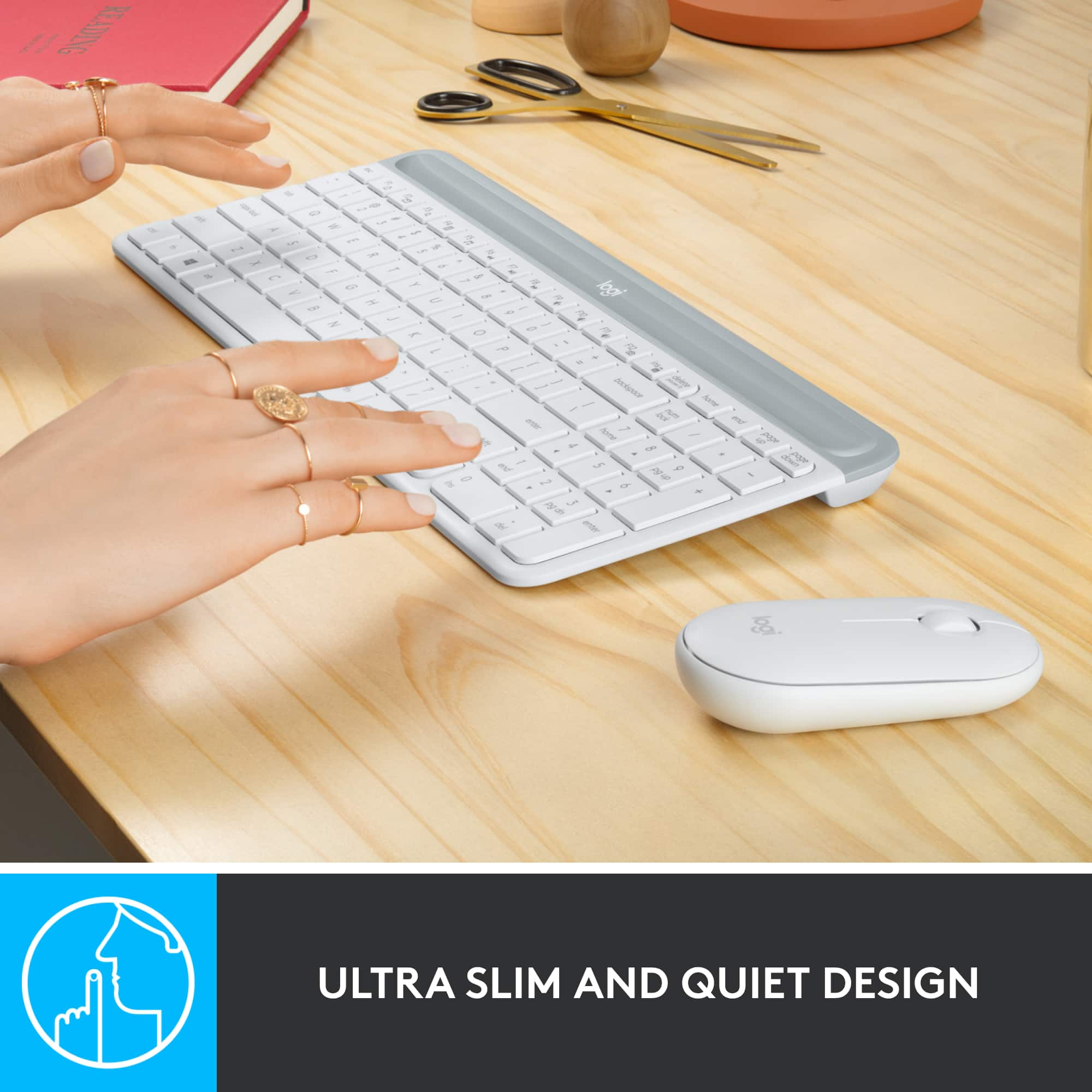
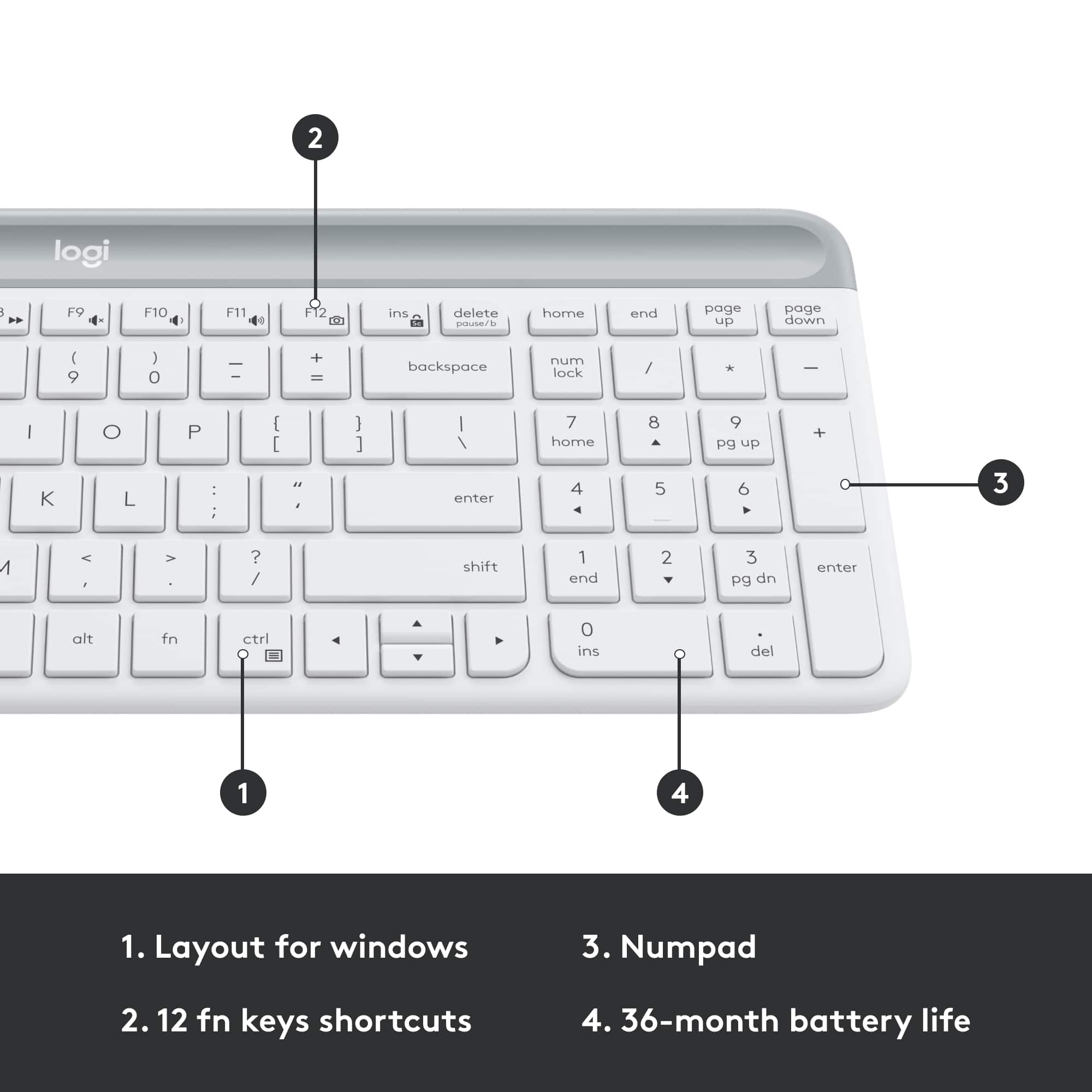
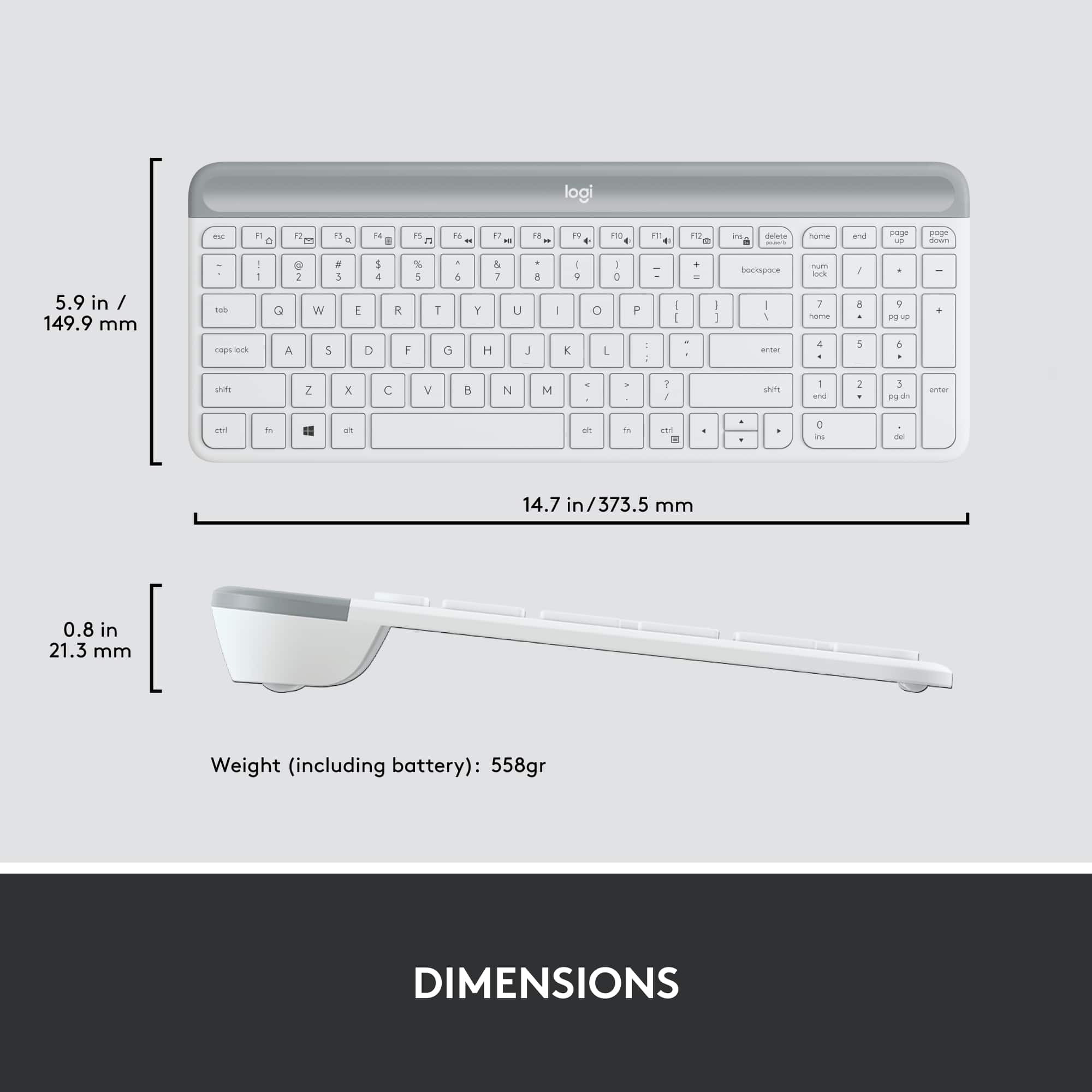
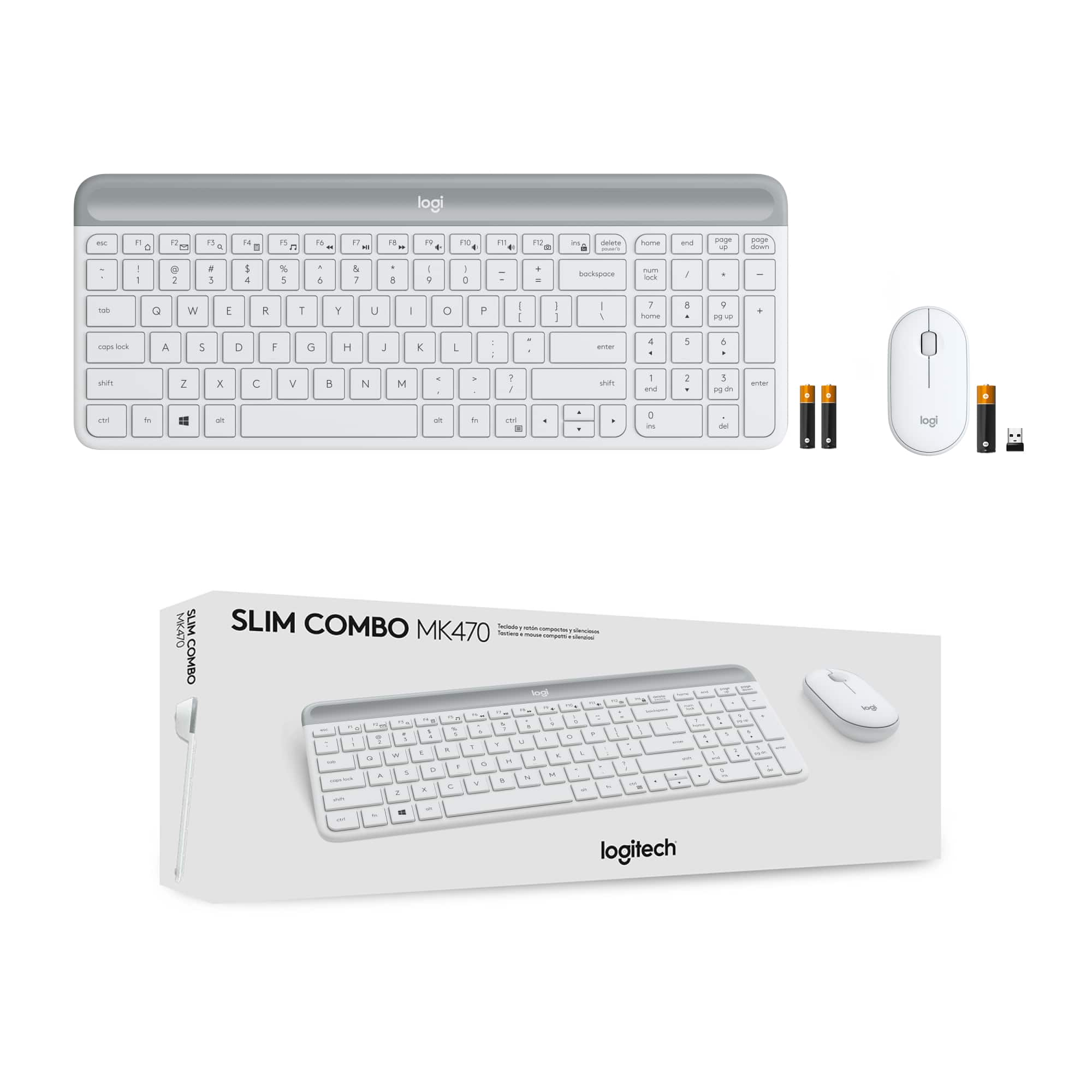
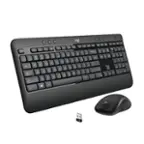
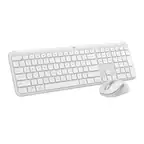
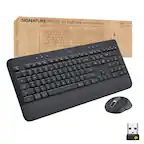
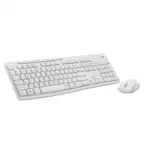
A:AnswerHey! The function keys on the Logitech MK470 keyboard can be used without pressing the Fn key by default. If the function keys are operating as media or shortcut keys instead, you may need to adjust the keyboard’s function-key settings through your operating system or Logitech Options+ software.
A:AnswerHi, the Logitech MK470 Slim Wireless Keyboard and Mouse Combo is compatible with Windows® 7, 8, 10 or later ChromeOS. It is not officially supported on macOS or Linux.
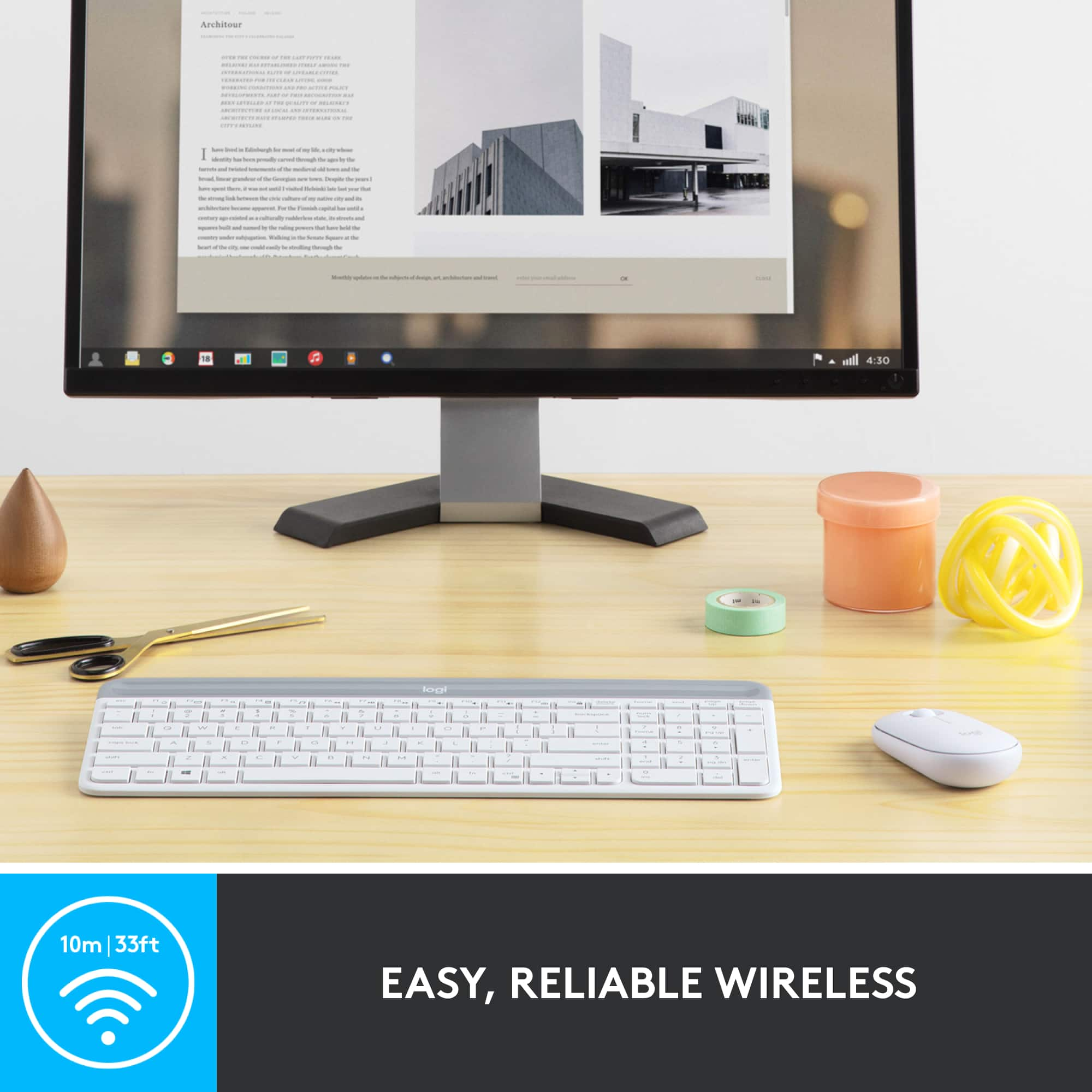
A:AnswerThanks for reaching out! The Logitech MK470 combo comes with a device-specific receiver. To help you with options with receiver if any, please email socialcare@logitech.com with your details.
- Name:
- Email address:
- Country:
- Product name:
- Brief description of the issue:
A:AnswerYes, it's located under the light gray LOGI cover on top of the keyboard. If you press your fingers into the slight divots and push up it should pop out. Underneath is the battery compartment and where the dongle is kept.
A:AnswerThat's unexpected! In order to help you effectively, please provide your information to our support team via email at socialcare@logitech.com with your
- Name:
- Email Address:
- Country:
- Product Name:
- Brief description of issue:
A:AnswerNo, the Logitech MK470 uses a device-specific USB receiver that’s pre-paired at the factory and not replaceable with standard Unifying or Bolt receivers.
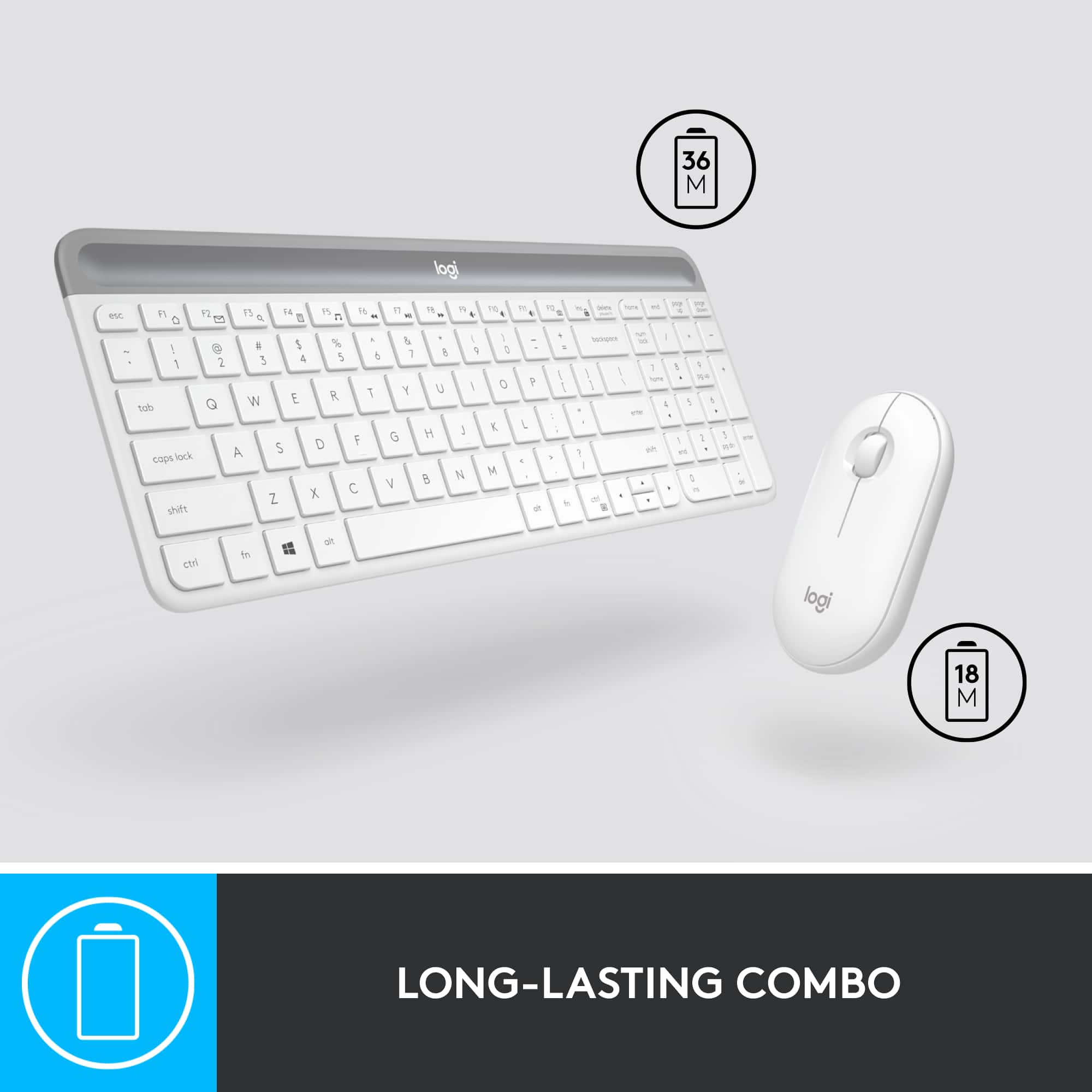
A:AnswerOnly if using rechargeable standard size AA batteries. There is no internal Lithium-Ion type of battery. Still, conventional batteries and rechargeable types last a good long time before replacement is needed.
A:AnswerThe Logitech MK470 uses a specific type of USB receiver called a "Nano receiver" that is paired to the keyboard and mouse at the factory. To check what best can be done, we recommend reaching out to our social care team via email at socialcare@logitech.com with your
- Name:
- Email Address:
- Country:
- Product Name:
- Brief description of issue: