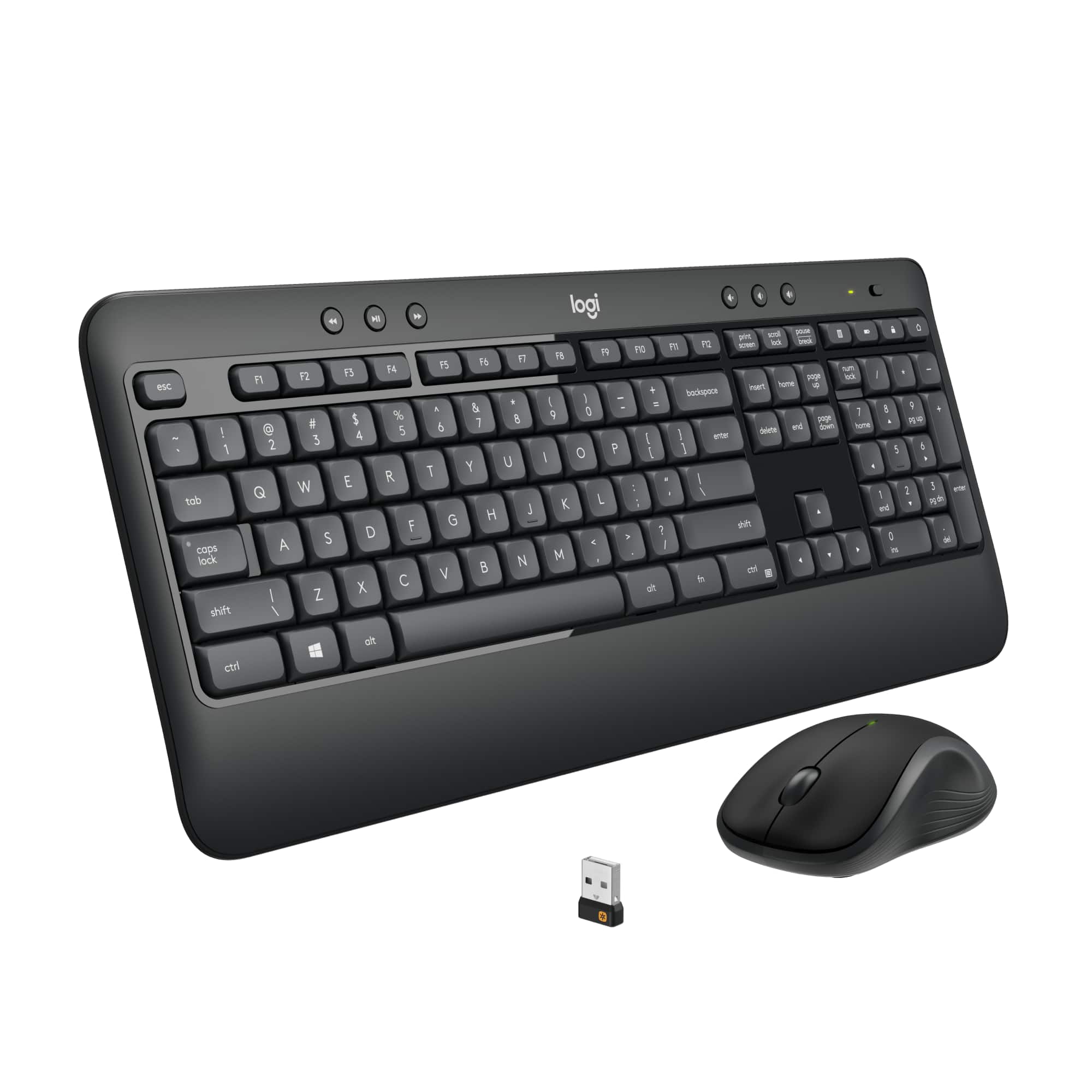
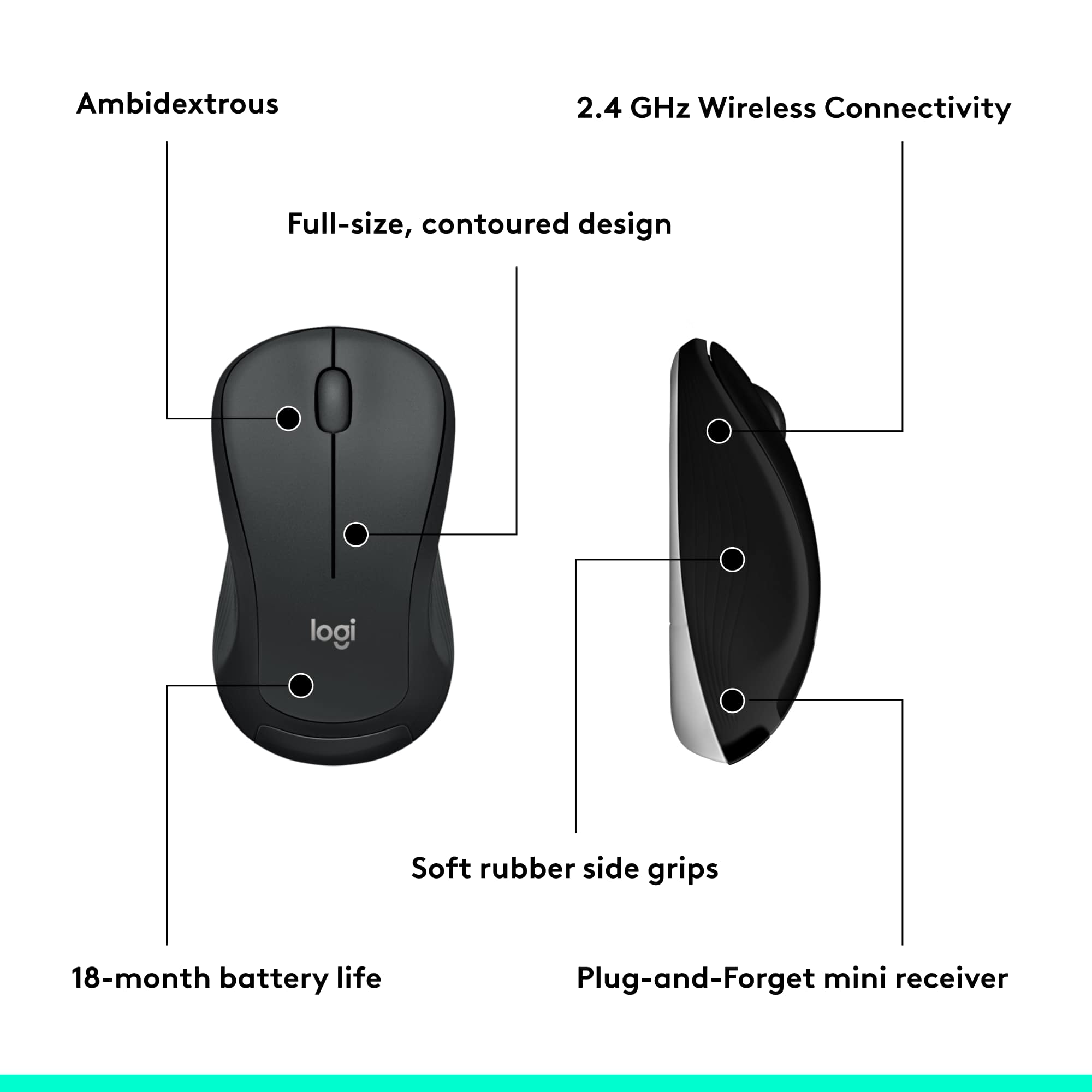
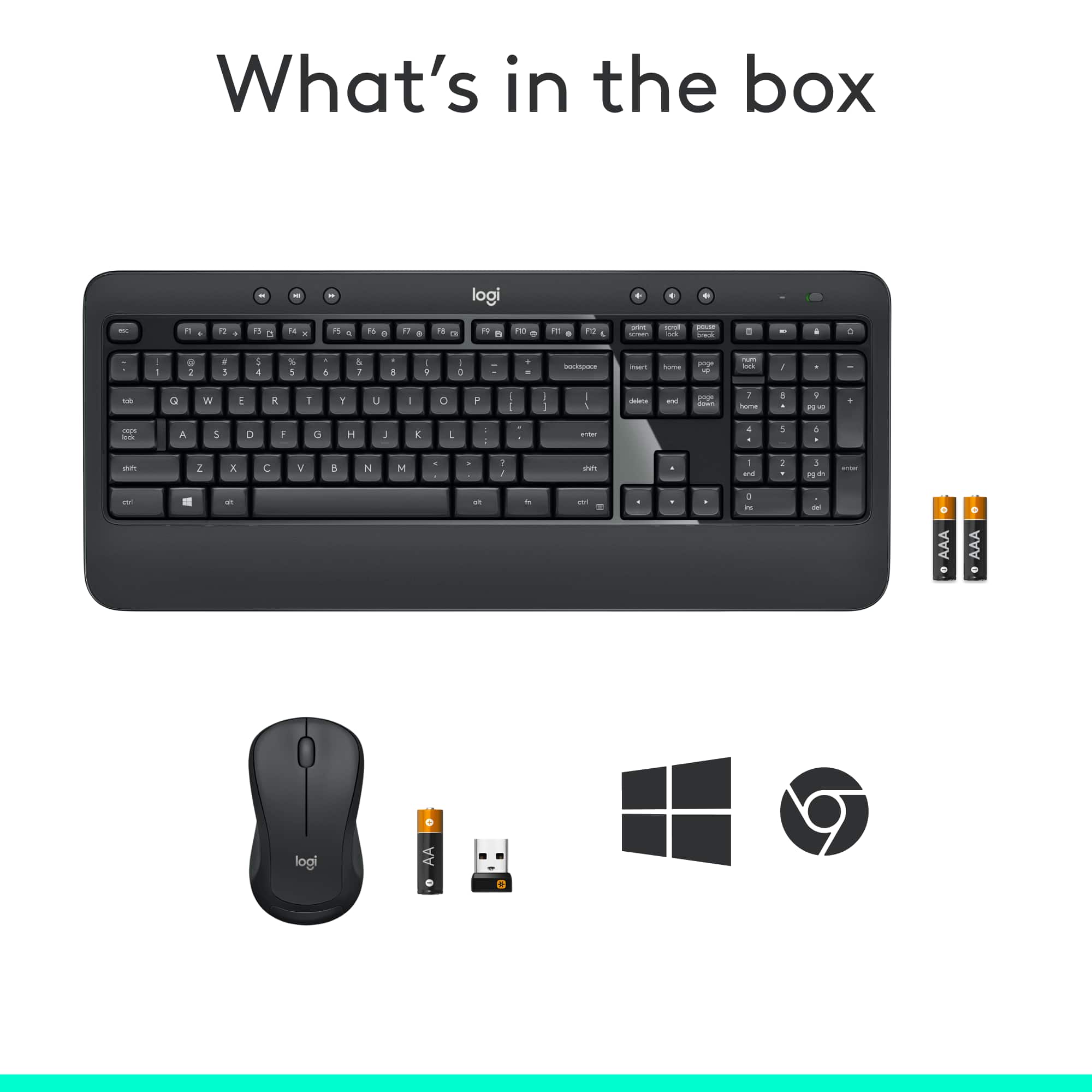
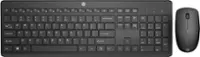
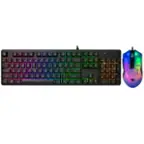
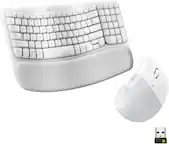
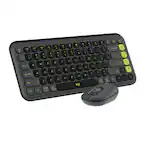
A:AnswerThere is a USB PLUG IN. You will see it on one end of the box tucked into cardboard! Plug the USB PLUG IN, into Laptop, Computer Tower, or Docking Station that has a USB Port to plug into. The Computer recognize the USB PLUG IN and will connect the Keyboard and Mouse.
Enjoy
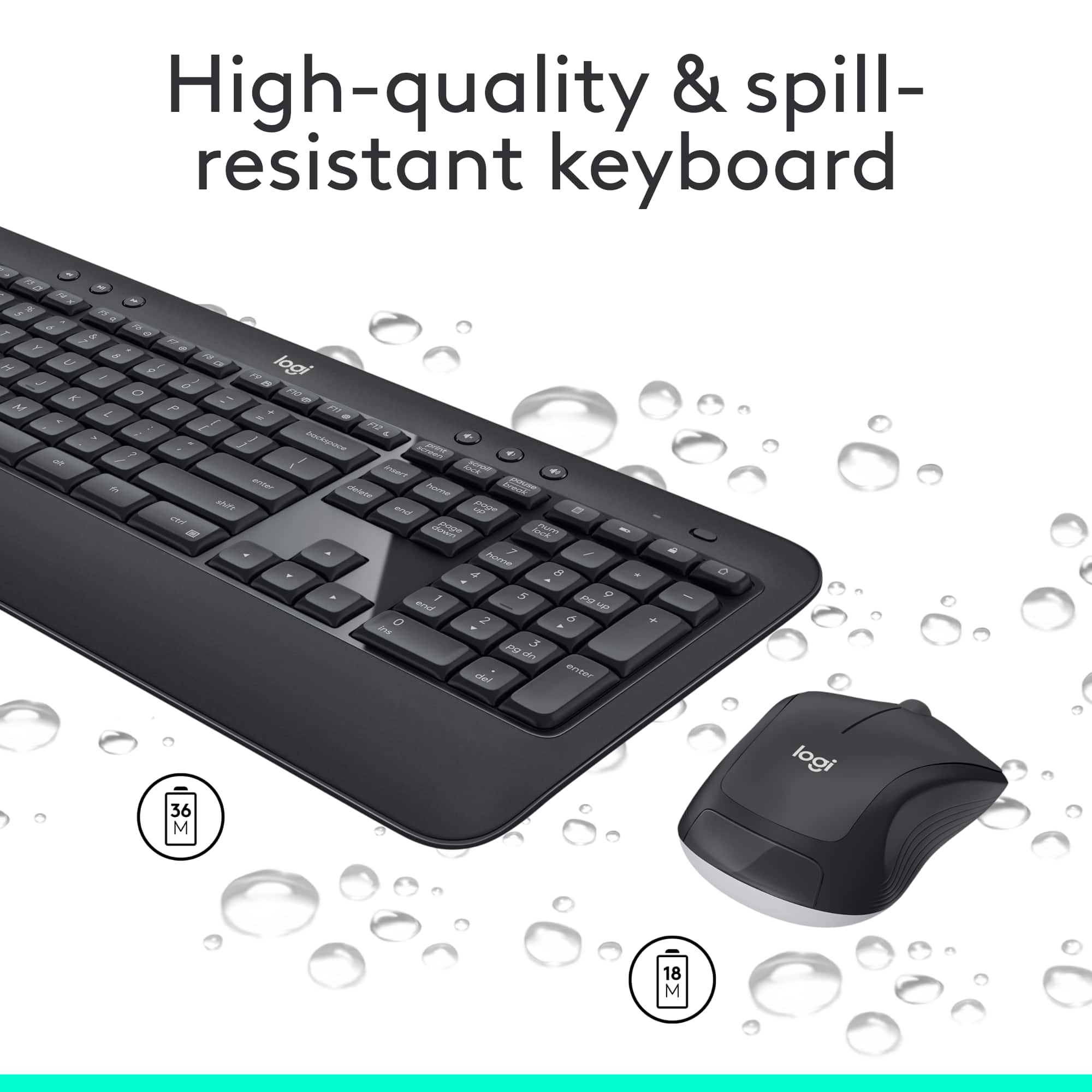
A:AnswerBoth Keyboard and Mouse have a battery.
Keyboard battery has a 36 Month Battery Life. Just pull tab underneath Keyboard..
Mouse Battery has a 18 Month Battery Life.
Just pull tab underneath Mouse
A:AnswerMacBook is an Apple Brand. If the MacBook have a USB PORT yes it will work. Apple uses the C-plugin. If device does not have USB Plug -in, it will not work!
A:AnswerIf keys are sticking, compressed air and gentle cleaning usually help. If it persists, we recommend reaching out to our social care team via email at socialcare@logitech.com with your
- Name:
- Email Address:
- Country:
- Product Name:
- Brief description of issue:
A:AnswerLogitech gave a suggestion and I would like to add: Thank you but, the K780 is not a full-size keyboard and the K740 cannot be found/sold in US/Logitech US only Logitech UK.
A:AnswerIt might be a faulty USB plug in. Try plugging USB Plug-in into Computer, Laptop, shut down computer. Once off turn back on, and the computer should recognize the plug-in.
If this doesn’t work, return for a replacement.
A:AnswerPlug in the USB Plug-in to computer and the shut down computer. Restart computer, it should recognize the USB Plug-in. If still doesn’t work, take in Best Buy for service.
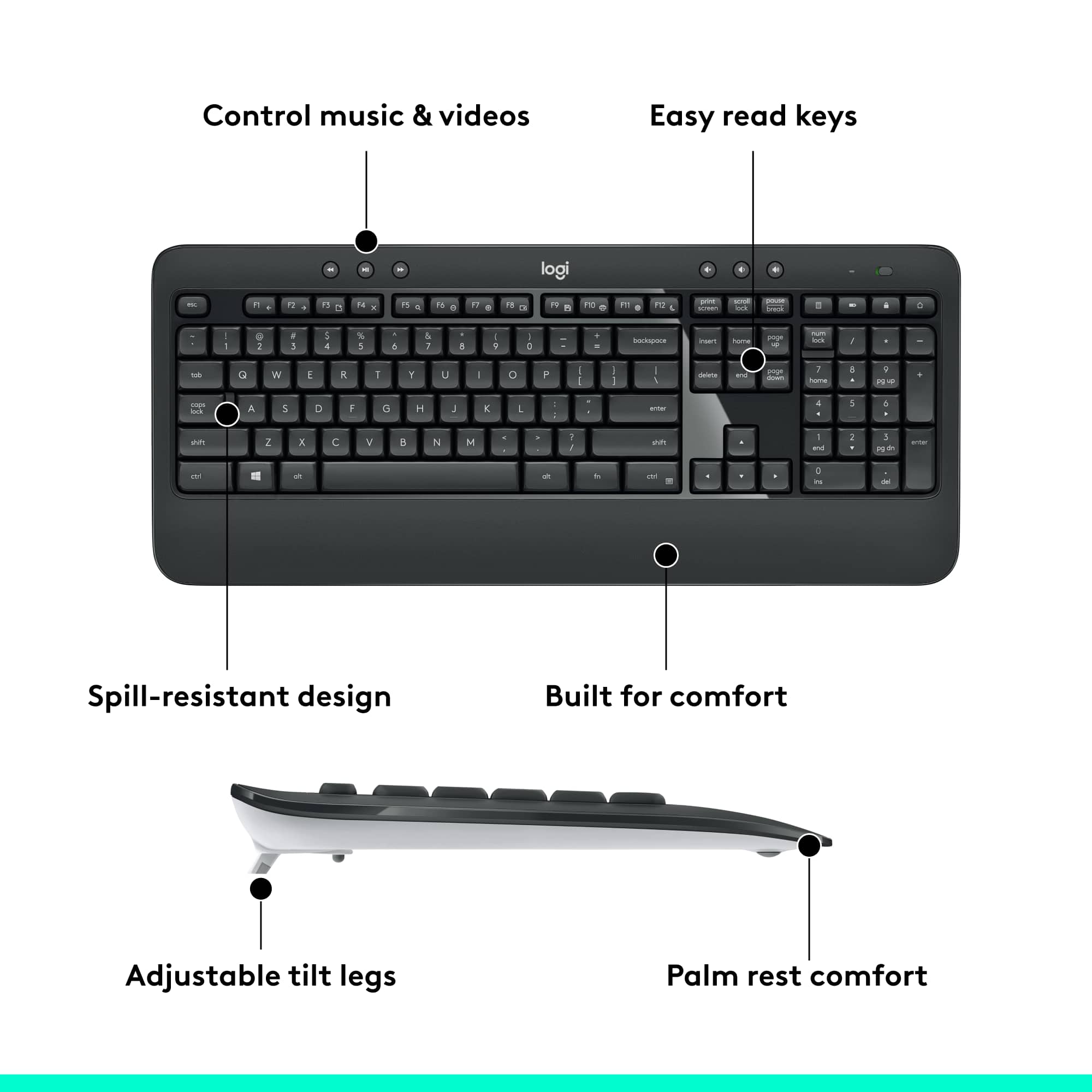
A:AnswerThe main reason I bought the Advanced Keyboard (MK540) is because the multimedia keys are dedicated keys. I mainly used the volume and mute keys.
A:AnswerIt requires good batteries for its internal functions and to power its wireless connection to the USB dongle.
Are you saying it no longer worked after you replaced the batteries? If so, try pairing it again using either the Logi Bolt app or the Logi Options+ app.