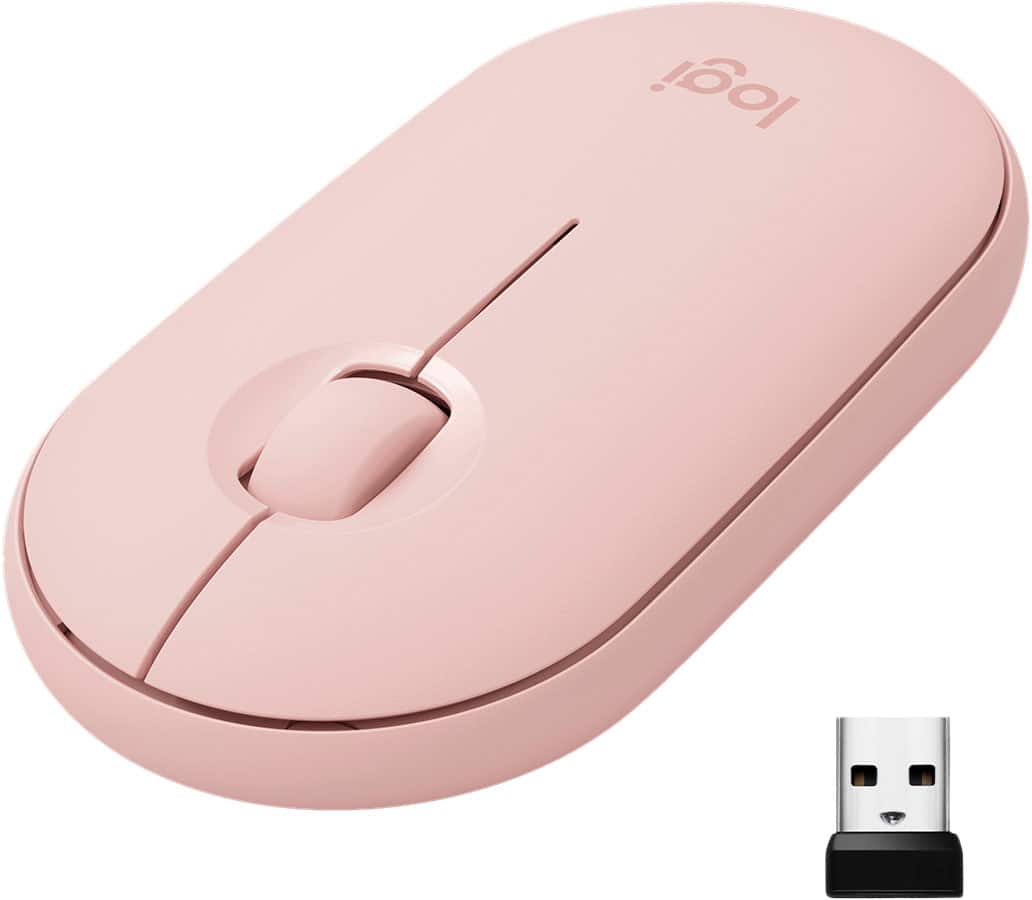
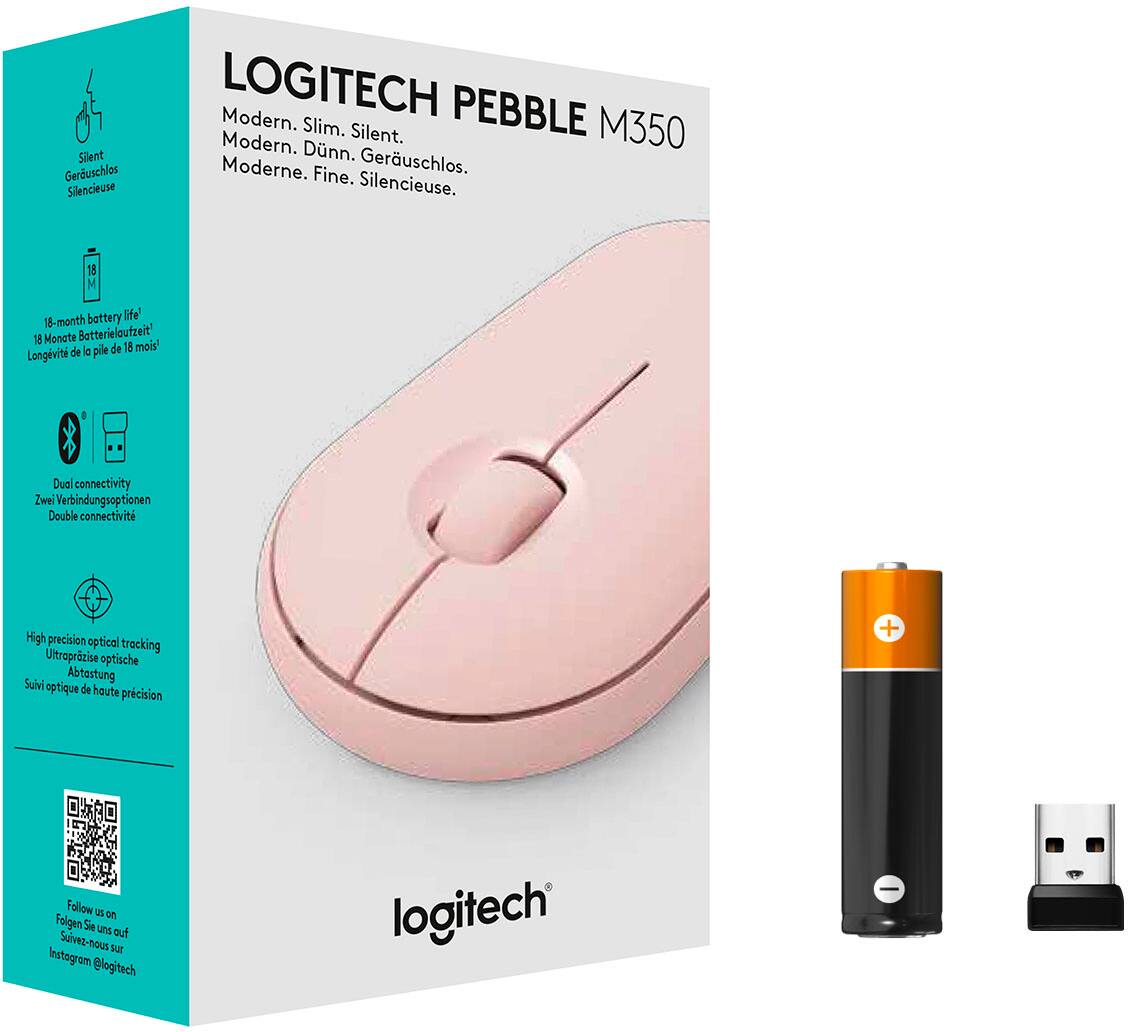
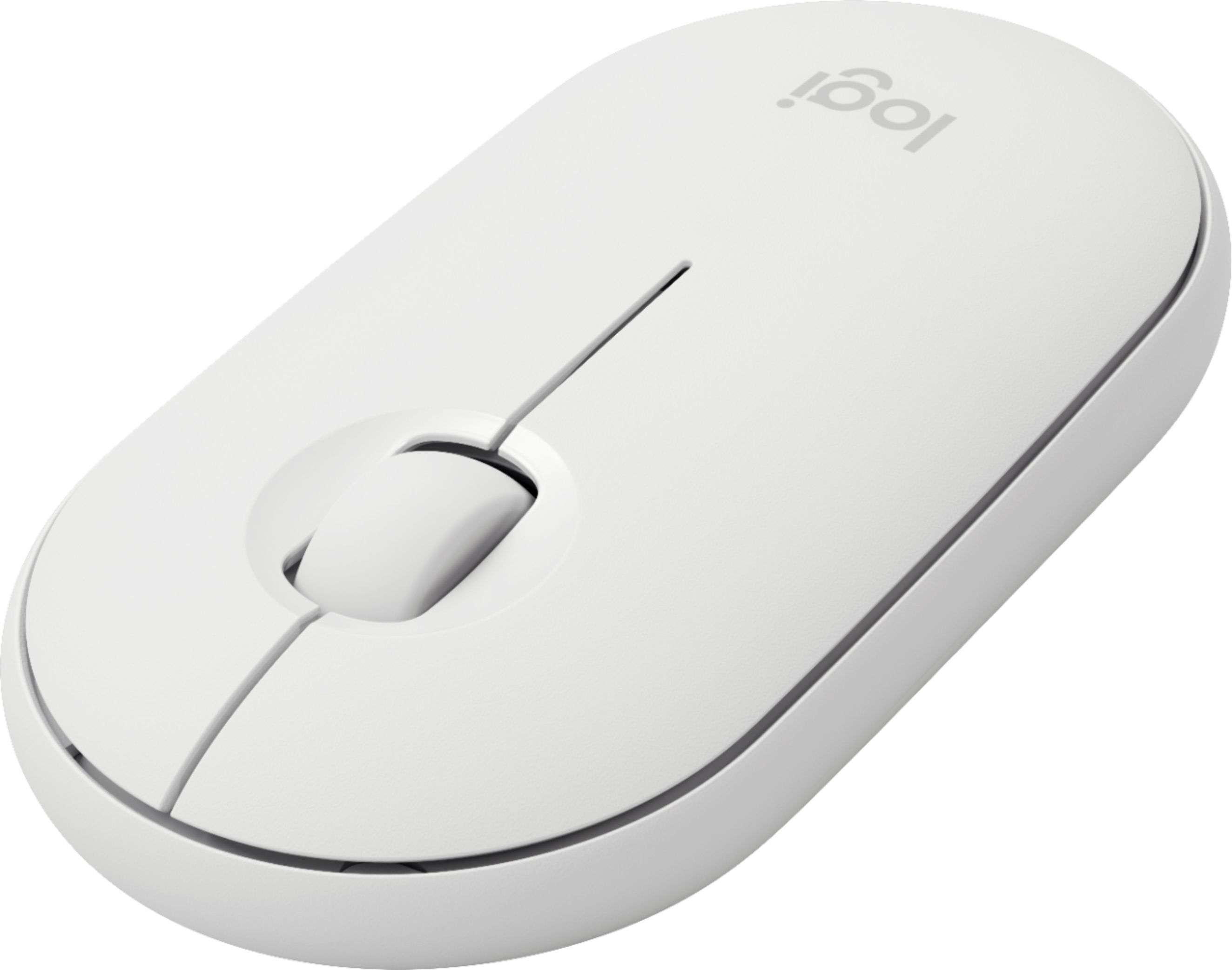
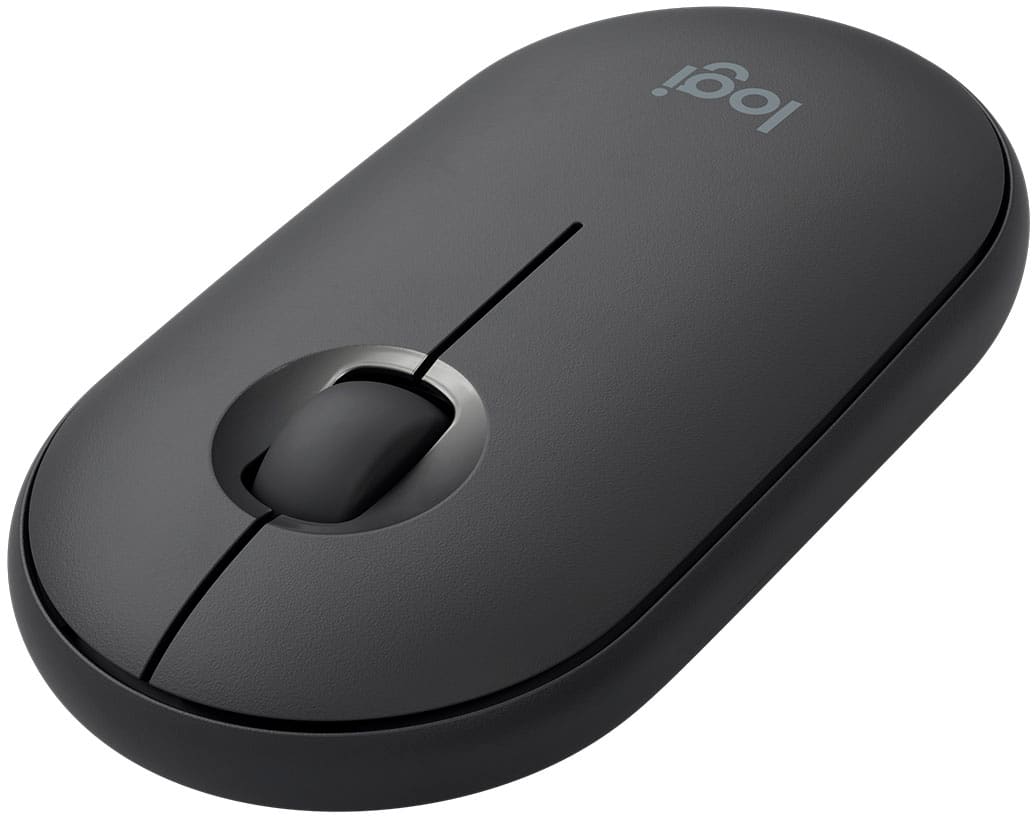
A:AnswerThis mouse has a standard HID (human interface device) profile and standard Bluetooth HID support so it should work with any computer with Bluetooth. Alternatively it comes with a wireless USB interface so it should work with any computer with a USB port.
A:AnswerYes! It’s Bluetooth and also comes with a wireless usb stick in the battery compartment. Bluetooth or not it works with most devices that have either.
A:AnswerHi, the Logitech M350 is battery powered, so you won't need to /can't use a USB cable to charge it. So no you won't need another USB cable just for the mouse.
A:AnswerYes. And, you know that irritating thing with some mice where the “forget” the connection or they take forever to connect? You don’t see that with this mouse. Connect is instant & rock solid.
A:AnswerYes, it requires one AA battery. I have had the mouse for over a month and never remember to turn it off, and the battery is still going strong.