Questions & Answers
- Model:
- 910-005333
- |
- SKU:
- 6309310
Highly rated by customers for: Ease of use, Bluetooth, Laser Pointer
Page Showing 1-10 of 10 questions
Q: QuestionCan this pointer be used on an online Zoom presentation?
Asked by CGK1.
- A:Answer This pointer will operate with the device you have plugged it directly into. So, for example, if you are clicking through a Power Point on your laptop, this remote will advance the slides on your laptop
Answered by Raeee
Q: QuestionIf I have a PDF in the "Enter Full Screen" mode in the Preview Mac app, can this click through those slides? Thanks
Asked by fullscreenmode.
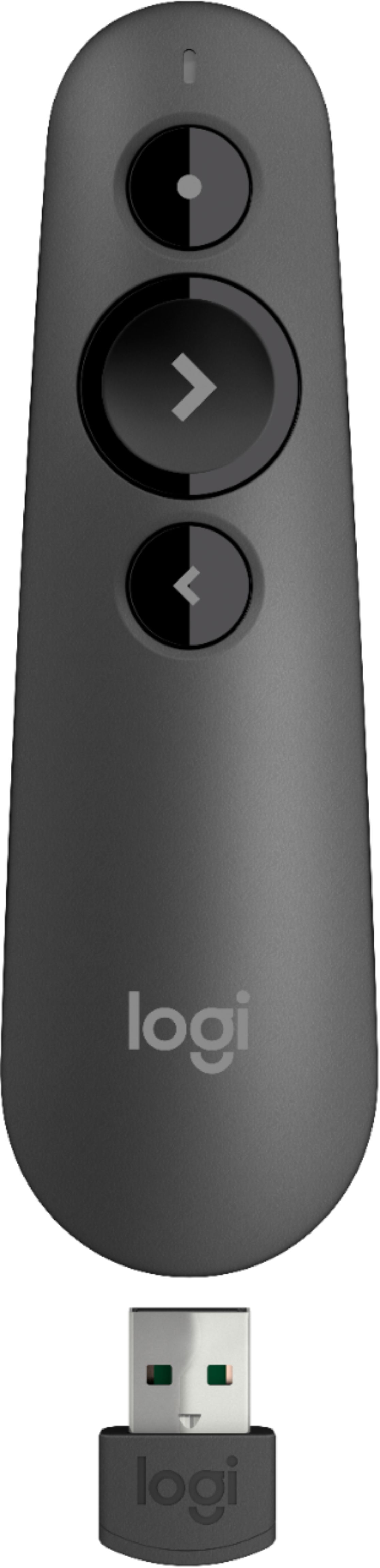
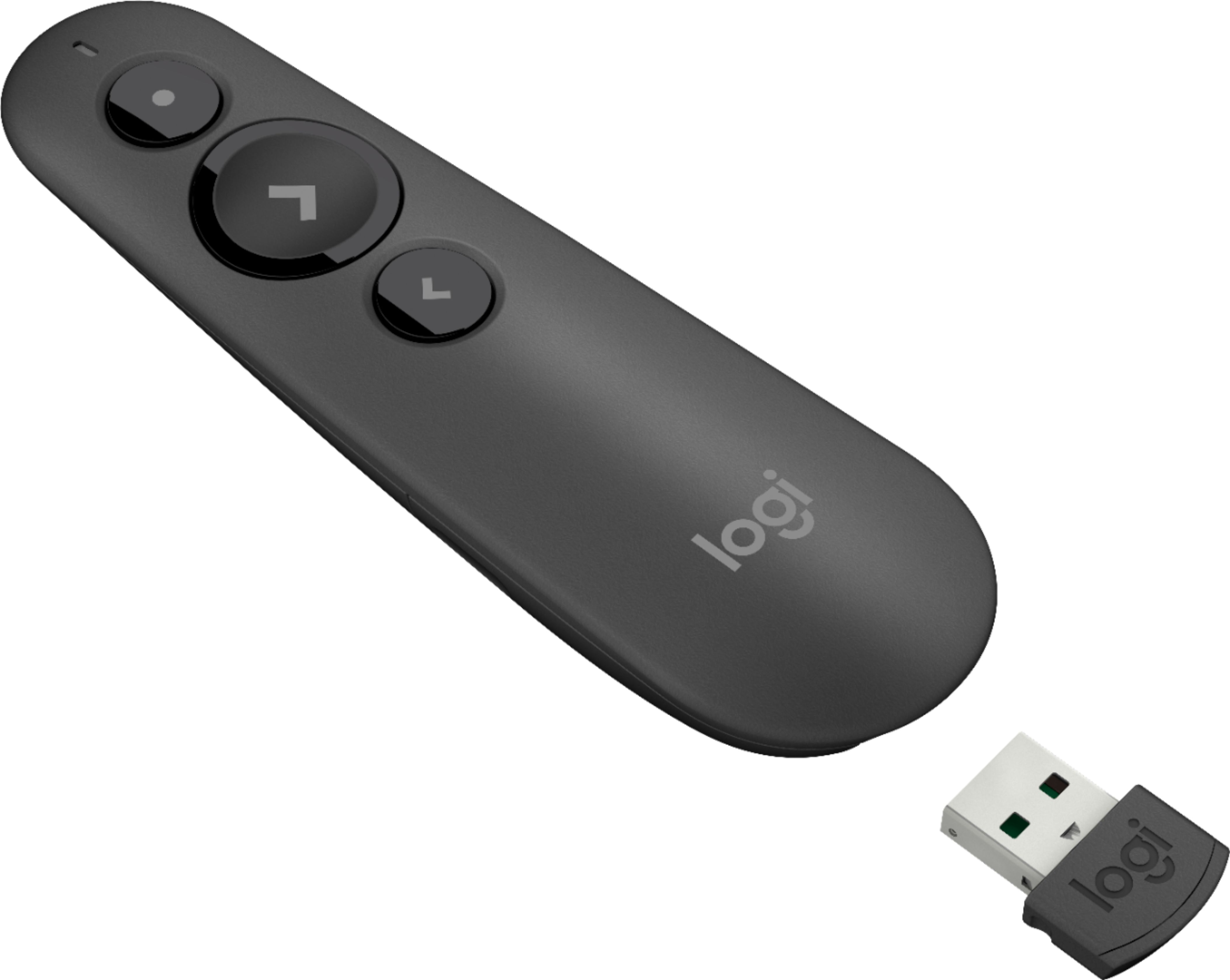
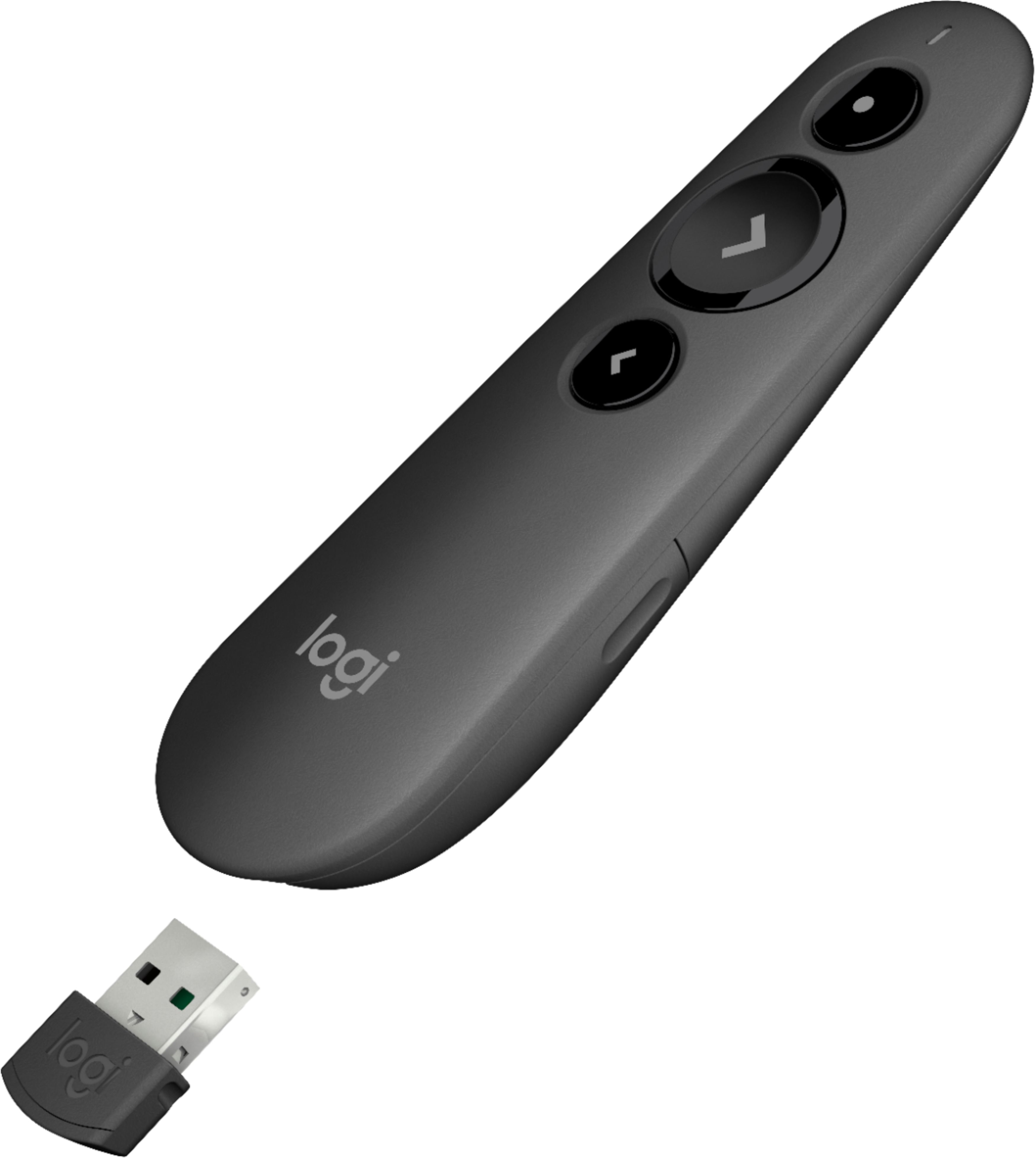
- A:Answer The R500 is optimized to work with Windows®, macOS® and leading presentation software. Logitech Proprietary Receiver: Available USB port required, macOS® X 10.12 or later. Bluetooth connection: Bluetooth Required macOS® X 10.12 or later iOS 8 or later Internet connection for software download. For more, please refer to: https://support.logi.com/hc/en-us/articles/360023459813 - Will, Logitech.
Answered by Logitech
Q: QuestionWill this work with macOS Big Sur?
Asked by CLW.
- A:Answer Hey there! This remote should work with anything macOS X 10.12 or later, so you should have no compatibility issues with Big Sur.
Answered by Logitech
Q: QuestionWill this device work with Microsoft Powerpoint presentation opened with Apache open office presentation?
Asked by Liagent.
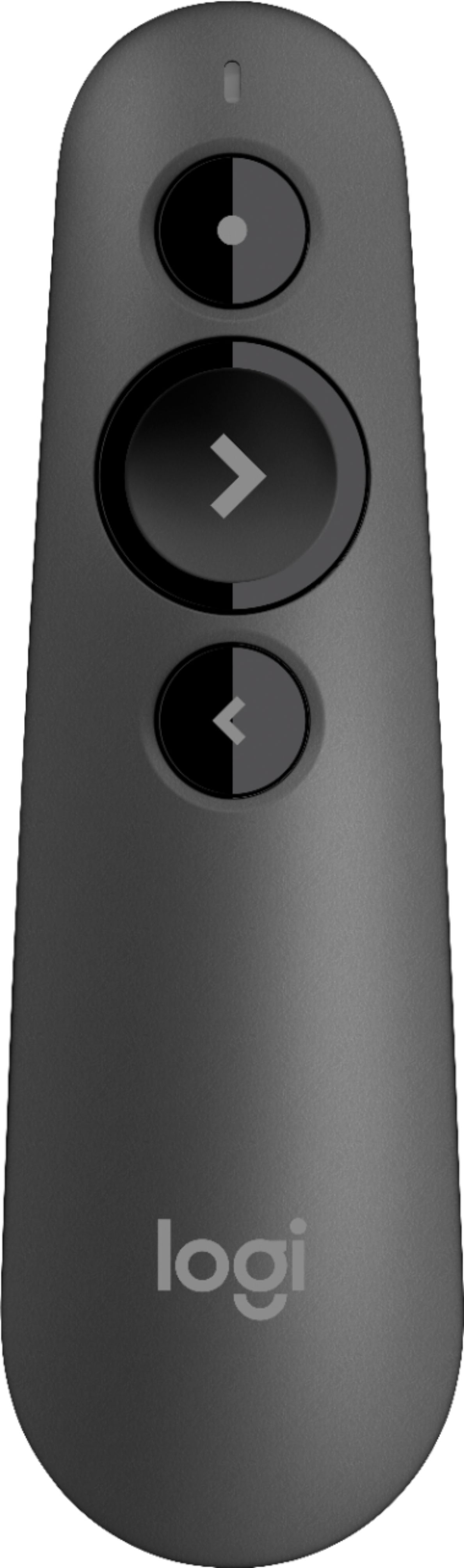
- A:Answer Hi Liagent, the R500 will work with the following operating systems using the provided USB Dongle: Windows® 7,8,10 or later, macOS X 10.12 or later, Chrome OS™, Linux 2.6+. When using the R500 with PowerPoint presentations it is best to have the content directly on the device presenting from.
Answered by Logitech
Q: QuestionCan 1 remote control 2 presentations? Like if I had 2 dongles?
Asked by Nick.
- A:Answer Hello, unfortunately one remote can not control two presentations simultaneously.
Answered by Logitech
Q: QuestionCn this remote be used with WORD to change pages?
Asked by wudwkr.
- A:Answer Hello, the R500 is designed to be used with presentation software, it will not support Word page changes.
Answered by Logitech
Q: QuestionI purchased this remote and have not been able to get it to work on my Mac computer. Who can I call to get help?
Asked by Ed.
- A:Answer Sorry you're having technical difficulties Ed, hopefully this will help: Please make sure the R500 has a new battery inserted, check to see if your Mac has been updated to macOS X 10.12 or later, and also download the free Logitech Presentation app to your Mac if you haven't already.
Answered by Logitech
Q: QuestionDoes this remote have the capability of controlling the computer cursor?
Asked by Fireman2137.
- A:Answer This pointer cannot control cursor. It can only change slides and point on the screen.
Answered by Yuncong
Q: QuestionDoes this work with google slides?
Asked by Anonymous.
- A:Answer Yes, this will work with Google Slide.
Answered by CommunityAnswer
Q: QuestionCan it control a keynote presentation running on an IPad Pro?
Asked by IPadPro.
- A:Answer It can! As long as your iPad is running iOS 8 or later, you'll be able to connect the R500 via Bluetooth to your iPad Pro and control your presentation.
Answered by Logitech
Page 1, Showing 1-10 of 10 questions
Most-viewed items
- $449.99$449.99The price was $899.99
- $329.99$329.99The price was $469.99
- $449.99$449.99The price was $649.99
- $99.99$99.99The price was $129.99
- $299.00$299.00The price was $349.00
- $1,149.00$1,149.00The price was $1,299.00
- $49.99$49.99The price was $79.99