A:AnswerHello Lored96! The POP Mouse Bluetooth Silent Scroll Mouse with Customizable Emojis doesn't have Touch features like the Apple Mouse to zoom in and out no. You'll be able to zoom in and out on pictures for example using the scroll wheel, or scroll down websites or documents as well, plus you also have the new Emojis button right under the scroll wheel that can be customized to other features inside the free Logitech Options software should you want to.
A:AnswerThe Logitech Signature M550 L mouse has a single DPI range that applies to both its Bluetooth and 2.4GHz wireless modes. This means the mouse can track movement with sensitivity ranging from 400 DPI (for more precise control) up to 4000 DPI (for faster cursor movement across larger screens). You can adjust this sensitivity using the Logi Options+ software on Windows and macOS.
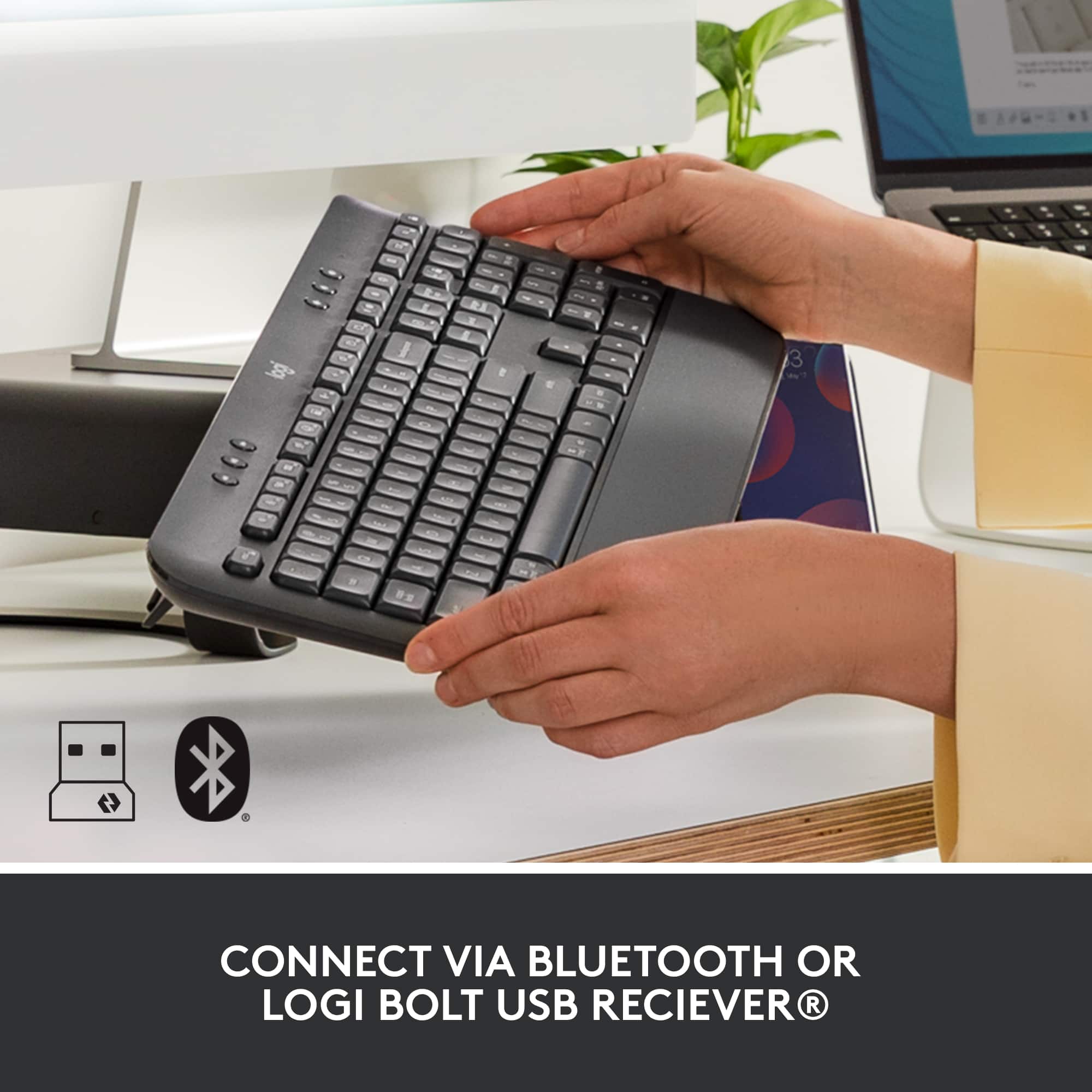
A:AnswerNo, the Logitech Signature M550 L uses a Logi Bolt receiver, not a Unifying receiver.
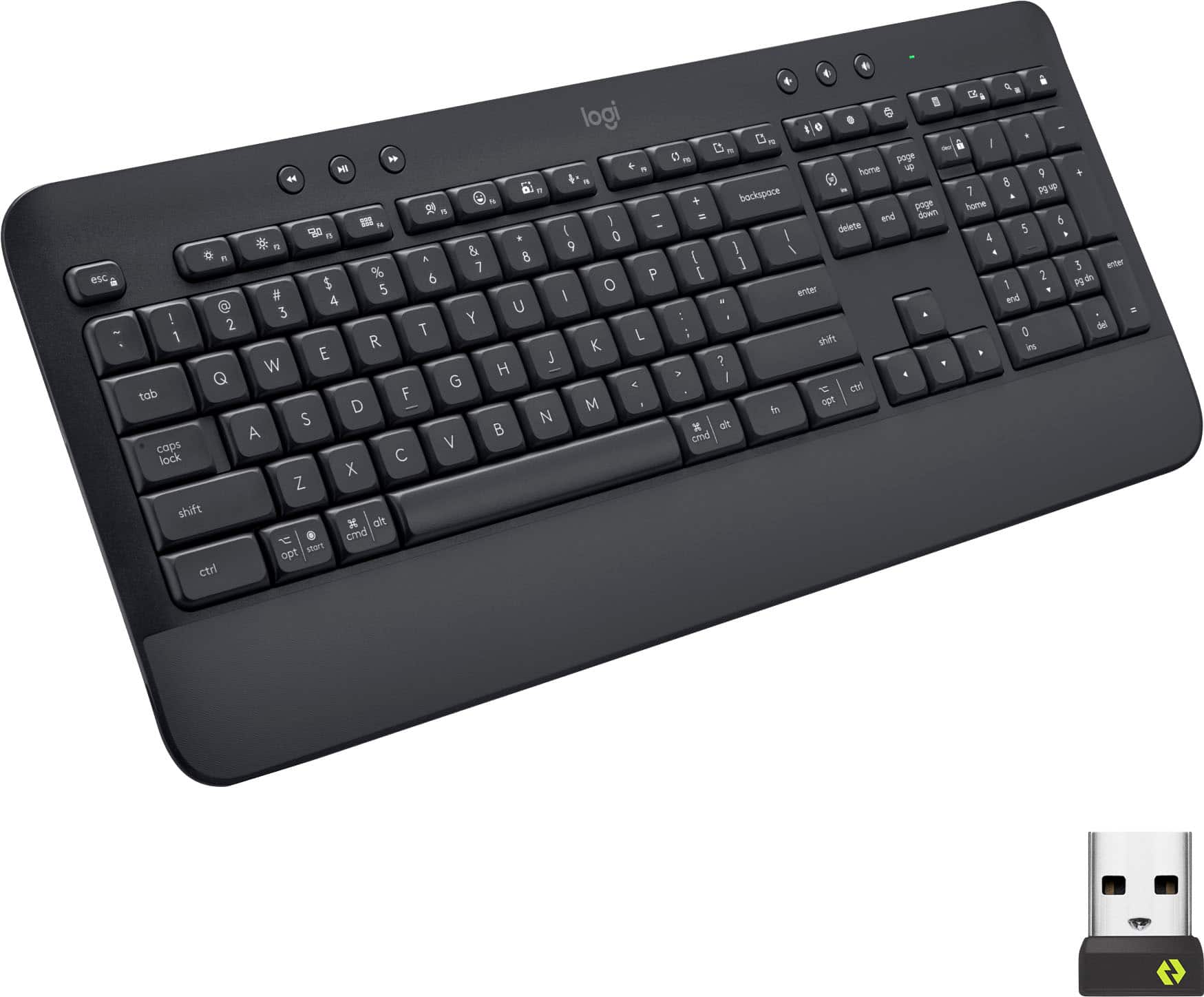
Logi Bolt and Unifying are two different wireless technologies from Logitech. A Logi Bolt receiver will only connect with Logi Bolt compatible devices, and a Unifying receiver will only connect with Unifying compatible devices. Therefore, the USB receiver included with the Logitech Signature M550 L will not allow you to connect a Logitech wireless keyboard that uses a Unifying receiver.