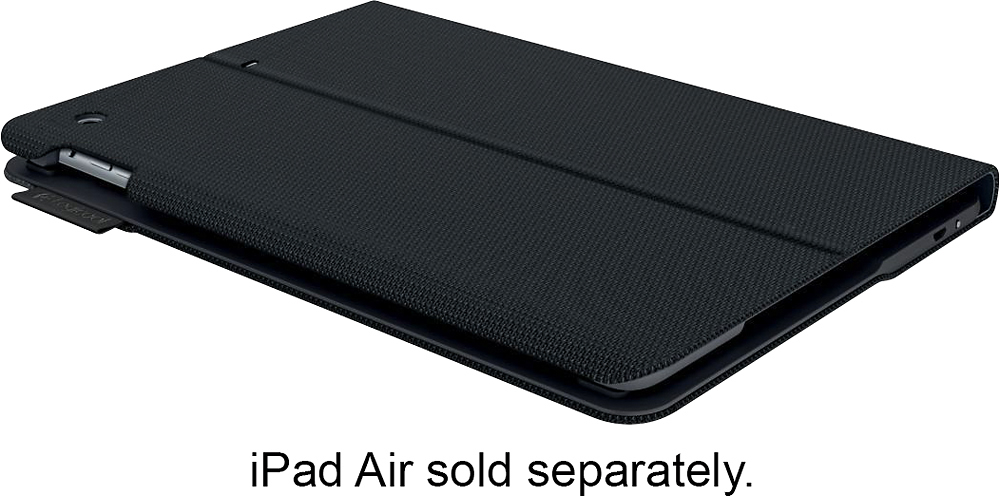
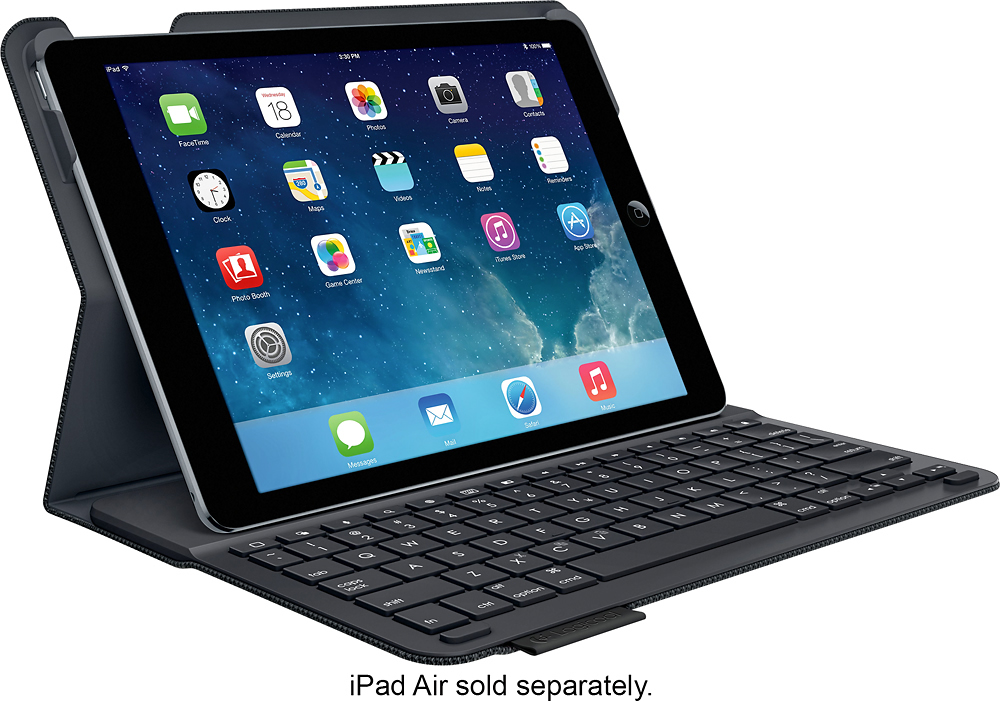
A:Answer First, this case is ONLY for the iPad Air 2; not any other model.
Simply snap the iPad Air 2 into the curved corners at the top, matching the corners of the iPad.
You must go into setup on the iPad and turn on Bluetooth. This is the way the keyboard works with the iPad.
As you lift the top of the case, the bottom of the iPad locks to the magnetic strip at the top of the keyboard section. The light should light green, then blue...then shut off. At this point, you should be able to use the keyboard for the iPad.