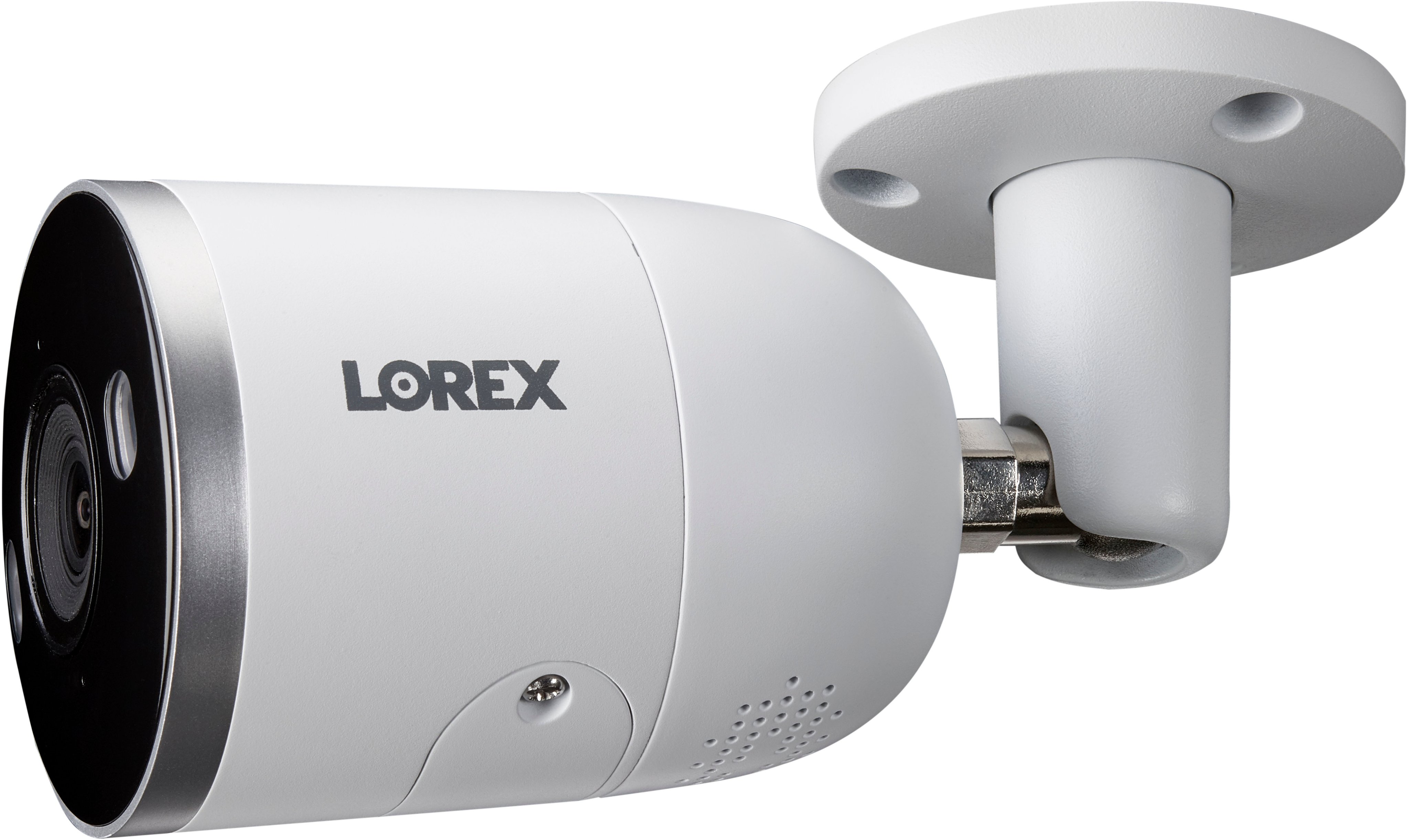
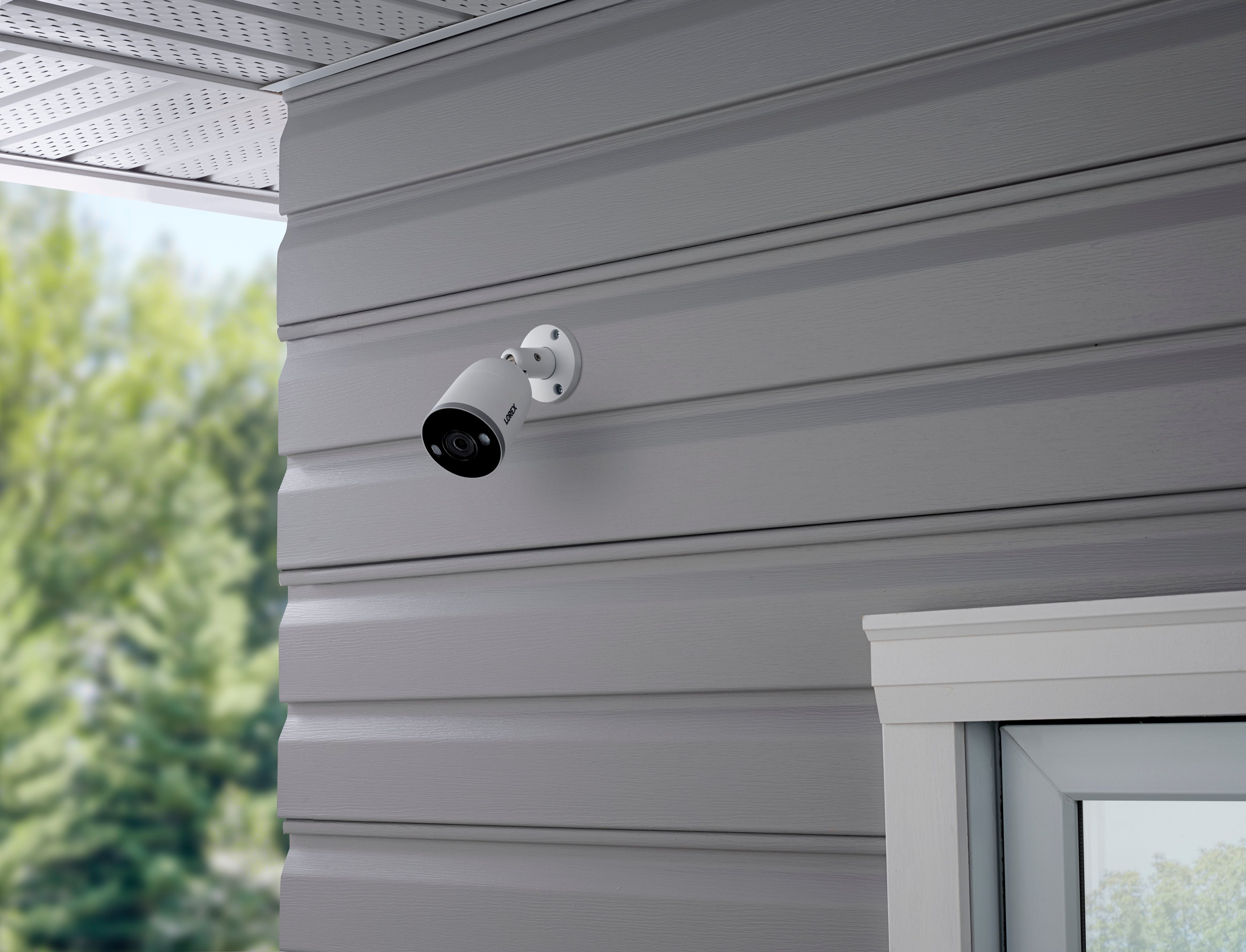
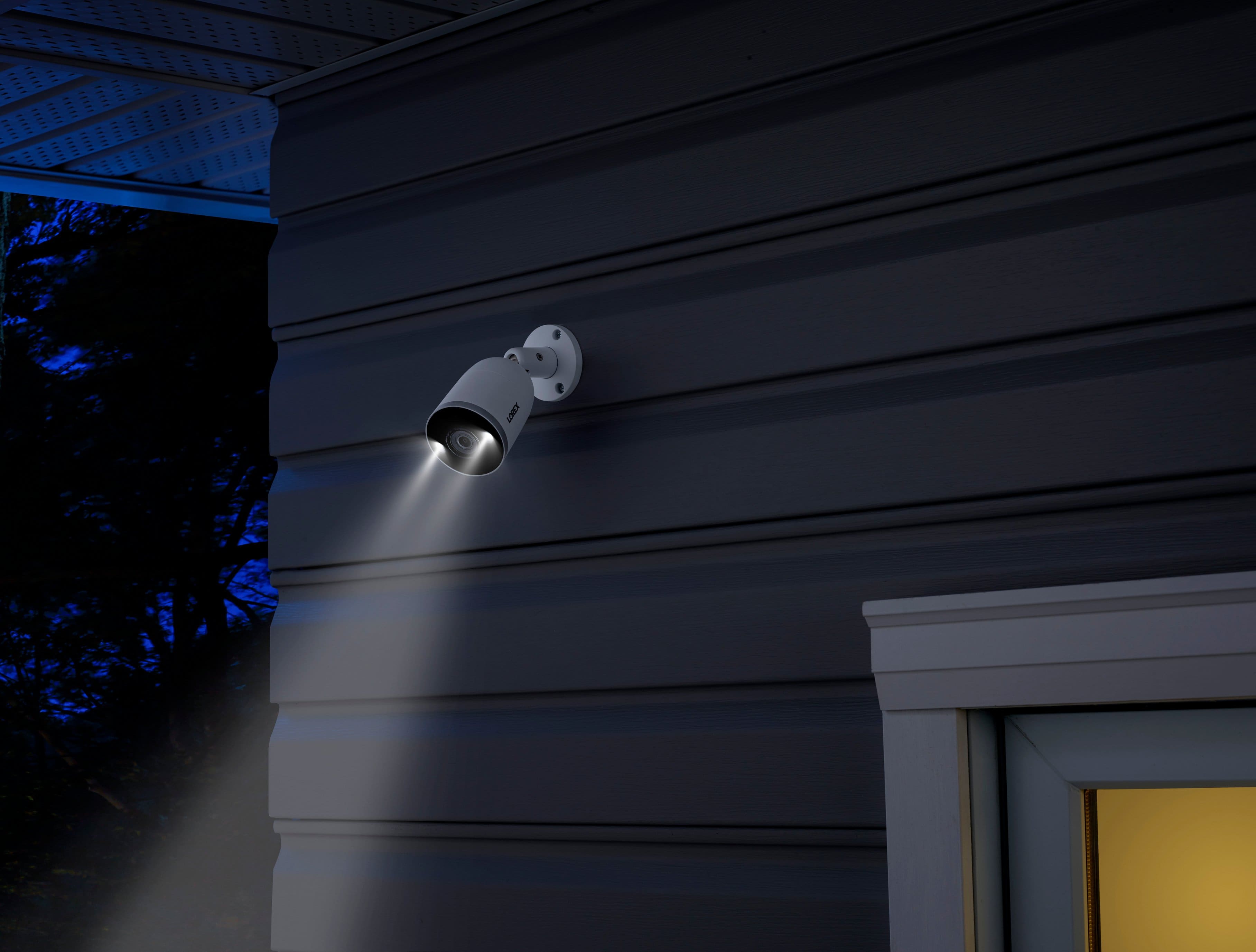
A:AnswerYou would need a monitor initially for setup, however once set up is complete you can download the Lorex Home app and view your cameras and recordings from there.
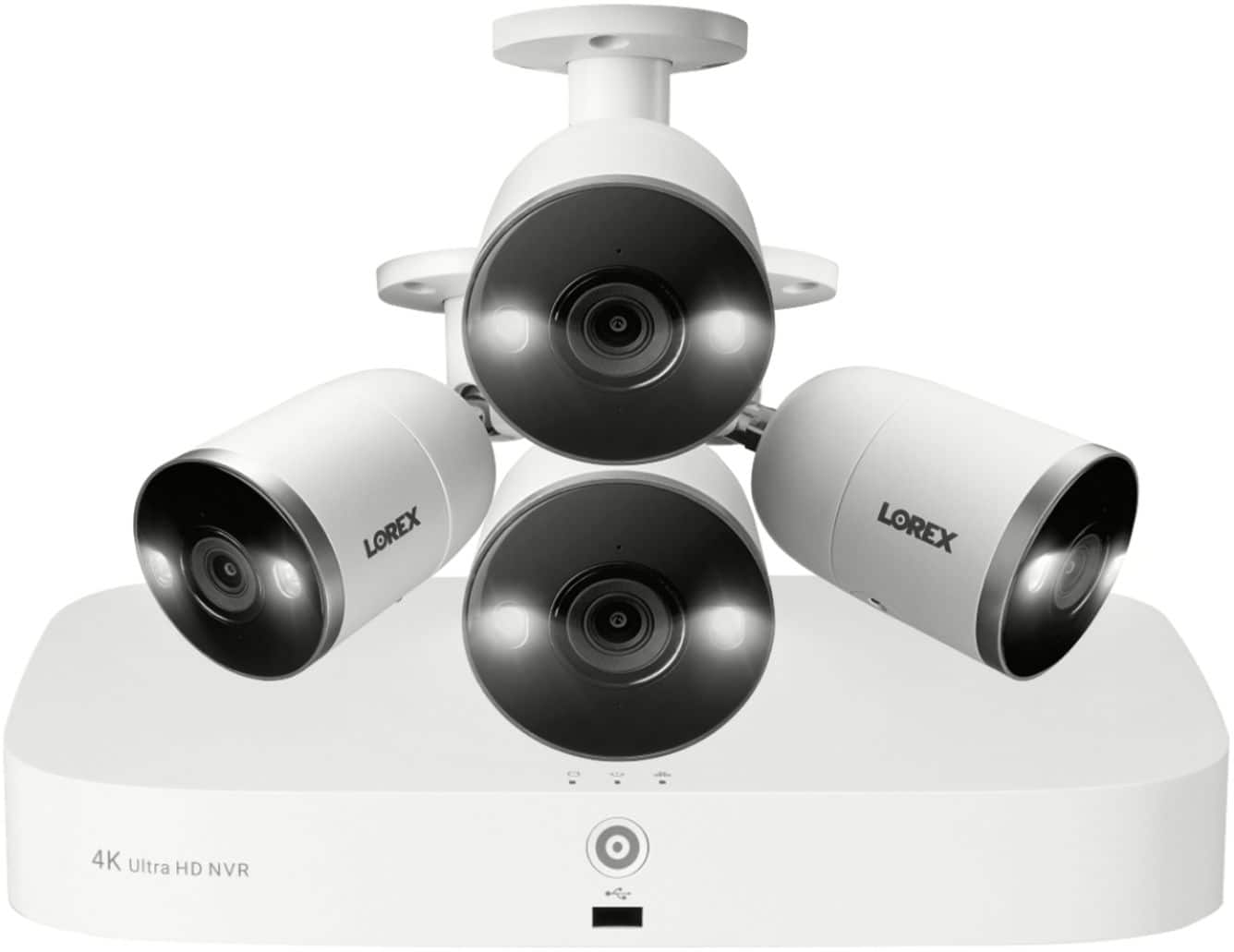
A:AnswerIt comes with 4 wired cameras easy to install and you can add 4 more cameras wired or wireless I don’t like wireless it’s a pain to remember to charge the battery and WiFi signal sometimes drops.
A:AnswerYes, you can turn on/off sirens and spotlights. And yes, you don't need other outlets and batteries. The power for the entire system comes from a single plug.
A:AnswerI would drill holes so as not to expose the cables to the elements. It also helps reduce the possibility that a would be intruder would cut the wires
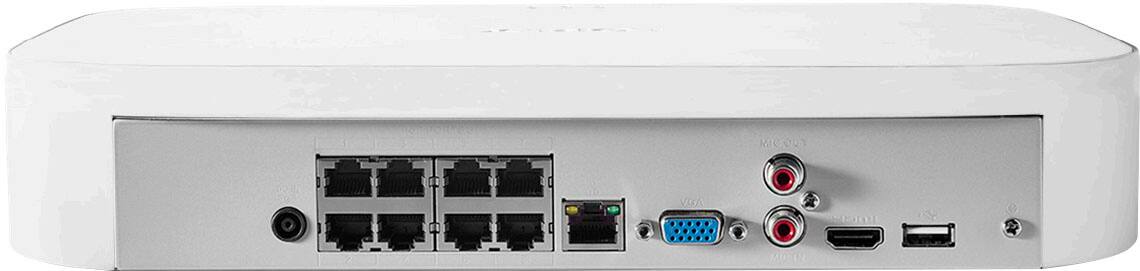
A:AnswerYes, these cameras can be powered by PoE. the NVR supplies the power over the Eithernet cable so you don't need to connect each camera to a 120v power supply. this is how i have my cameras set up.
A:AnswerNo, each camera uses a cable that provides data transmission to the hard drive and also power the camera. (No batteries to worry about changing)
The system comes with 4 - 100ft cables for the cameras.
A:AnswerOn Max settings, the DVR will hold around 7 days worth of footage which can all be viewed on the DVR connected to a TV or the app on your phone (you will need a wired internet connection to enable the app on your phone feature as the DVR does not have built in WiFi). The DVR can be set up to ether auto delete old footage or you can delete yourself. You can also save and export any footage in a bunch of different formats if need be by date and time to a USB flash drive.
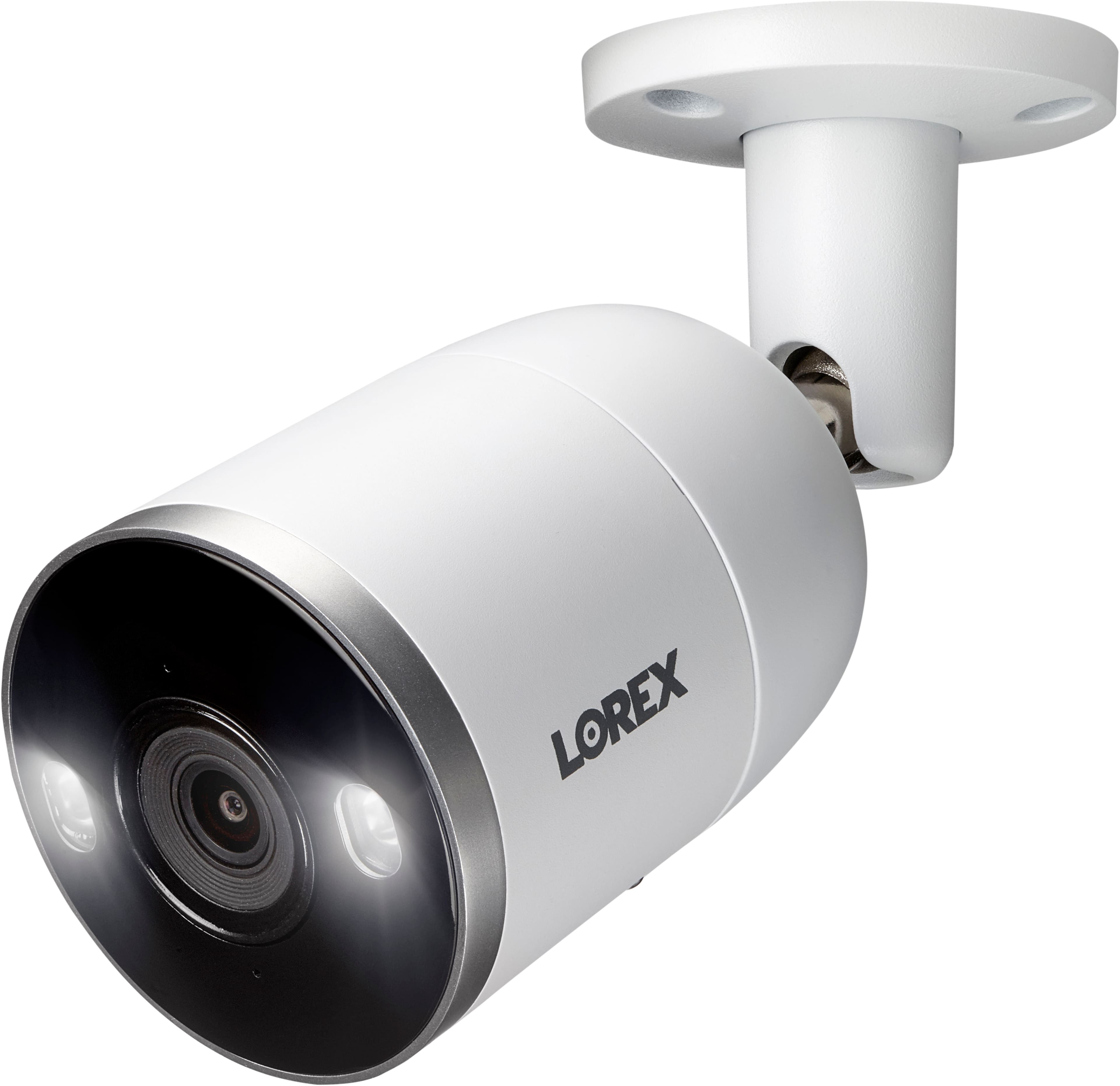
A:AnswerYou can turn off the deterrence light on each camera you would like to disable. The system is hard-wired to the network, and that is more secure than wi-fi.
A:AnswerThe mounting kit comes with a standard screw and anchors. That will work for wood and drywall; you might need to purchase metal screws depending on the metal thickness.