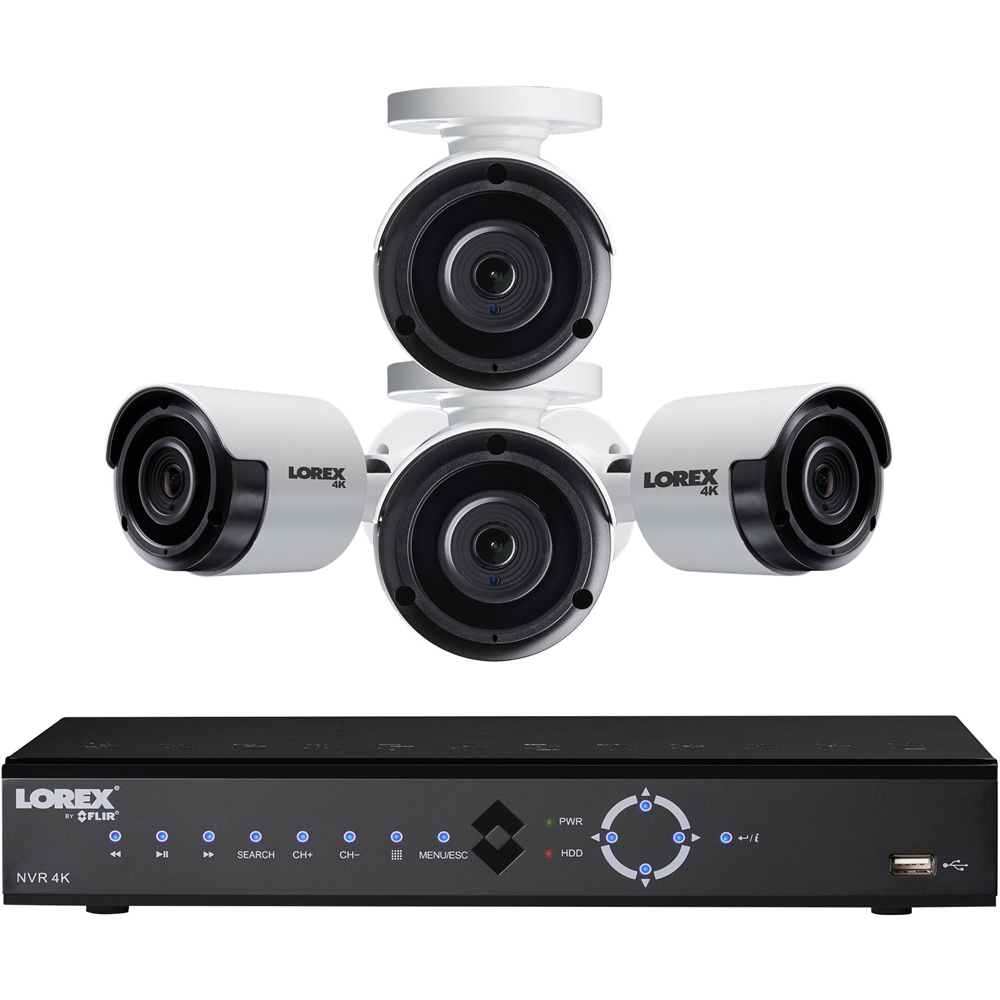
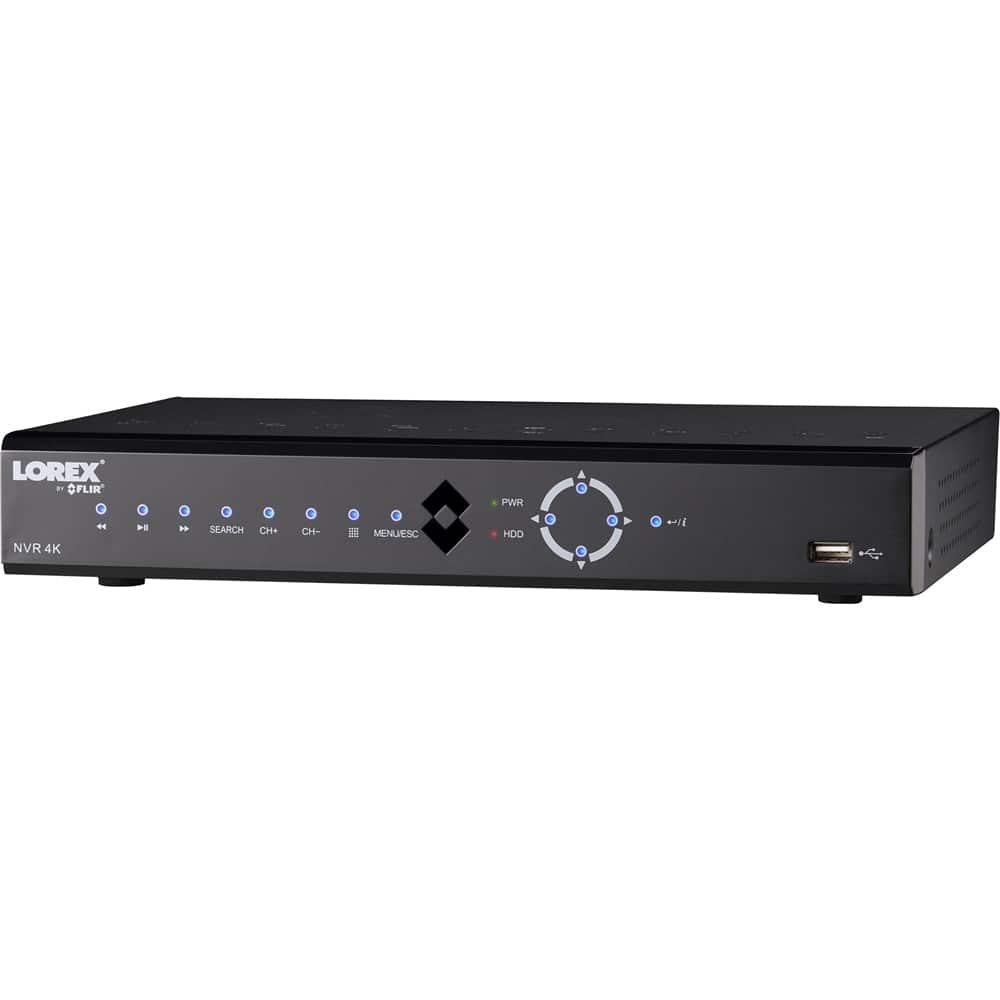
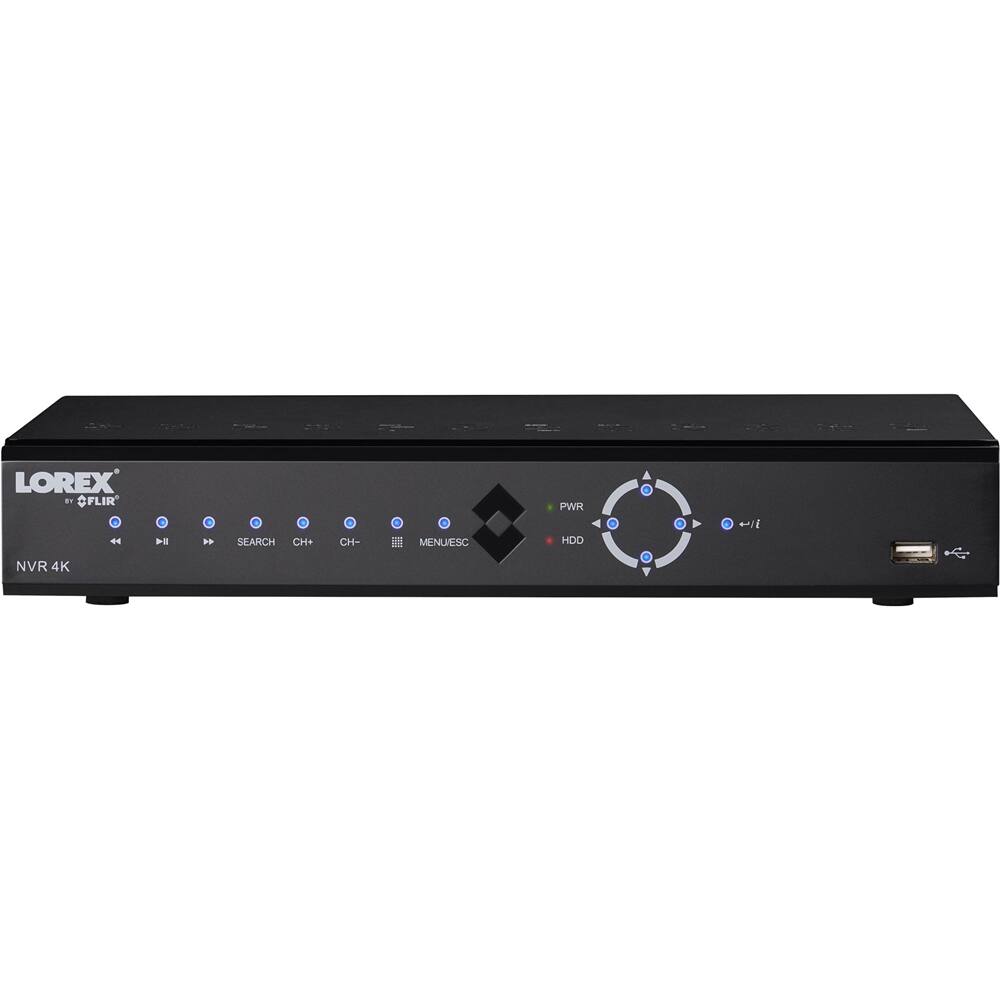
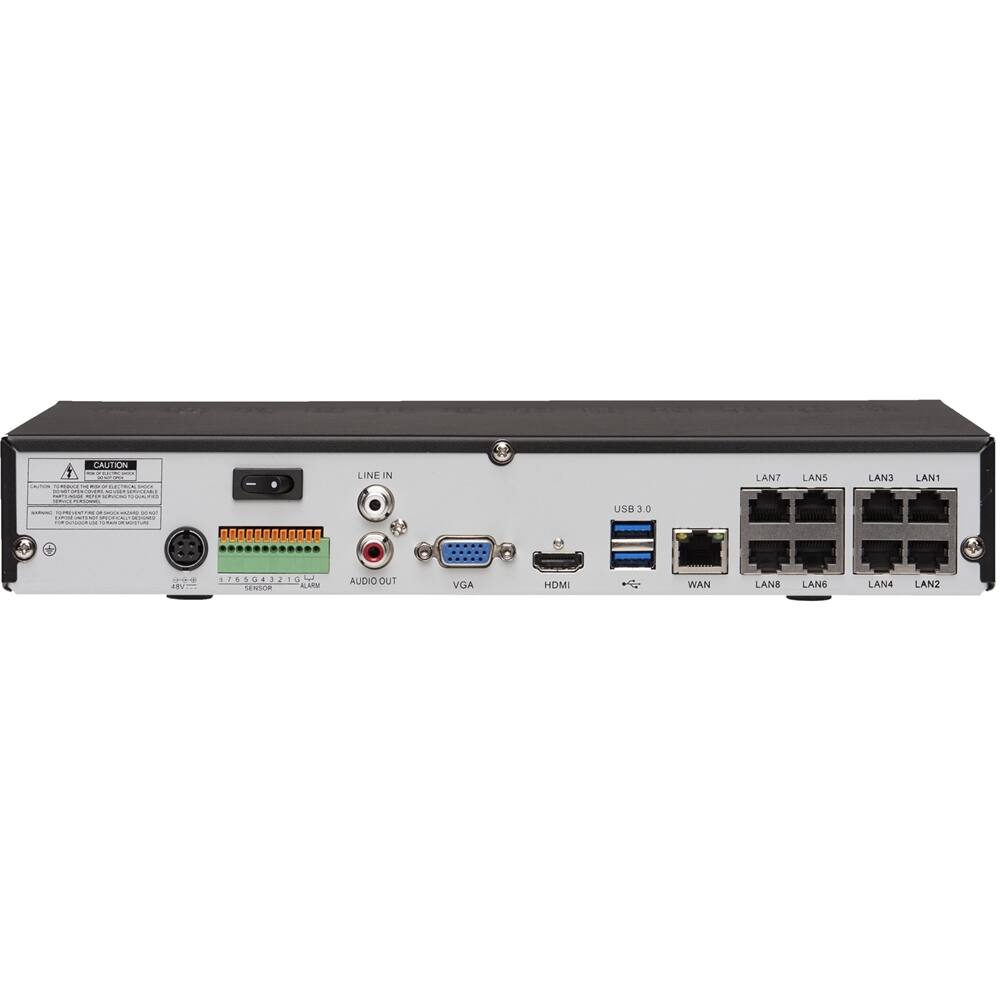
A:AnswerThank you for your question about this product. Yes it can be used for local real time monitoring without a router or internet connection.
The Lorex Customer Service Team
A:AnswerThank you for submitting your question about this product. Yes you can use cat 7 cable to connect the cameras to the NVR.
The Lorex Customer Service Team
A:AnswerThank you for submitting your question about this product. Yes you may both remotely and locally view your cameras using the Lorex Secure application on either an Android or iOS Tablet or smartphone.
The Lorex Customer Service Team
A:AnswerThank you for submitting your question about this product. The cameras in this bundle are digital zoom. Optical zoom would require a motorized or a pan-tilt-zoom camera which is sold separately.
The Lorex Customer Service Team
A:AnswerThank you for submitting your question about this product. Yes as this a power over ethernet network video recorder the cameras will require a cat5/5e or higher grade cabling. The NVR will also connect to your router or network via Cat5/5e or higher grade cabling for network viewing (both remote and local viewing).
The Lorex Customer Service Team
A:AnswerThis also has color night vision. Depending on outside light source it says 131 feet, but if pitch dark, then it states about 90 feet in the specifications and in the on-line manual on Lorex website.
A:AnswerI have two cameras and a WiFi hot spot in my barn connected to a POE network switch, which uses a single CAT6 cable from my router to connect to the NVR. You can use a network switch/router to connect multiple cameras without running multiple wires but I don’t think it’ll work by plugging the switch/router directly into the NVR. My setup has the NVR wired to one port on my router, then the switch wired to another port on the same router.
A:AnswerYou might be able to get away with connecting your Lorex wireless camera on same network and then telling nvr the ip address of the camera. I haven't tried it but it seems like that would work.
A:AnswerBoth. If you connect it to internet, you can use app to monitor it while not being connected to wifi. Otherwise you can only monitor it while being on the same WIFI. Obviously you can also monitor it by connecting monitor to NVR.