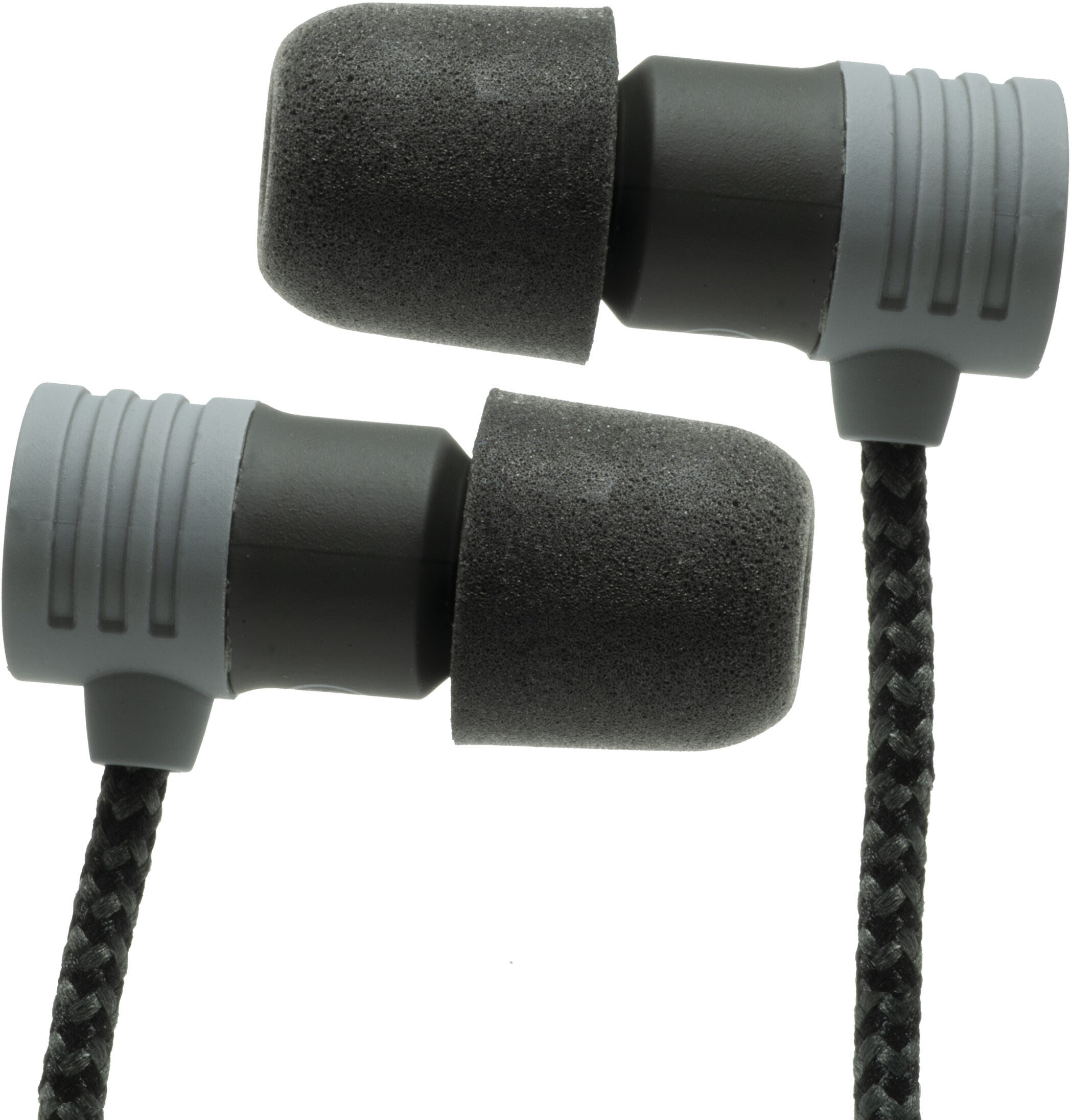
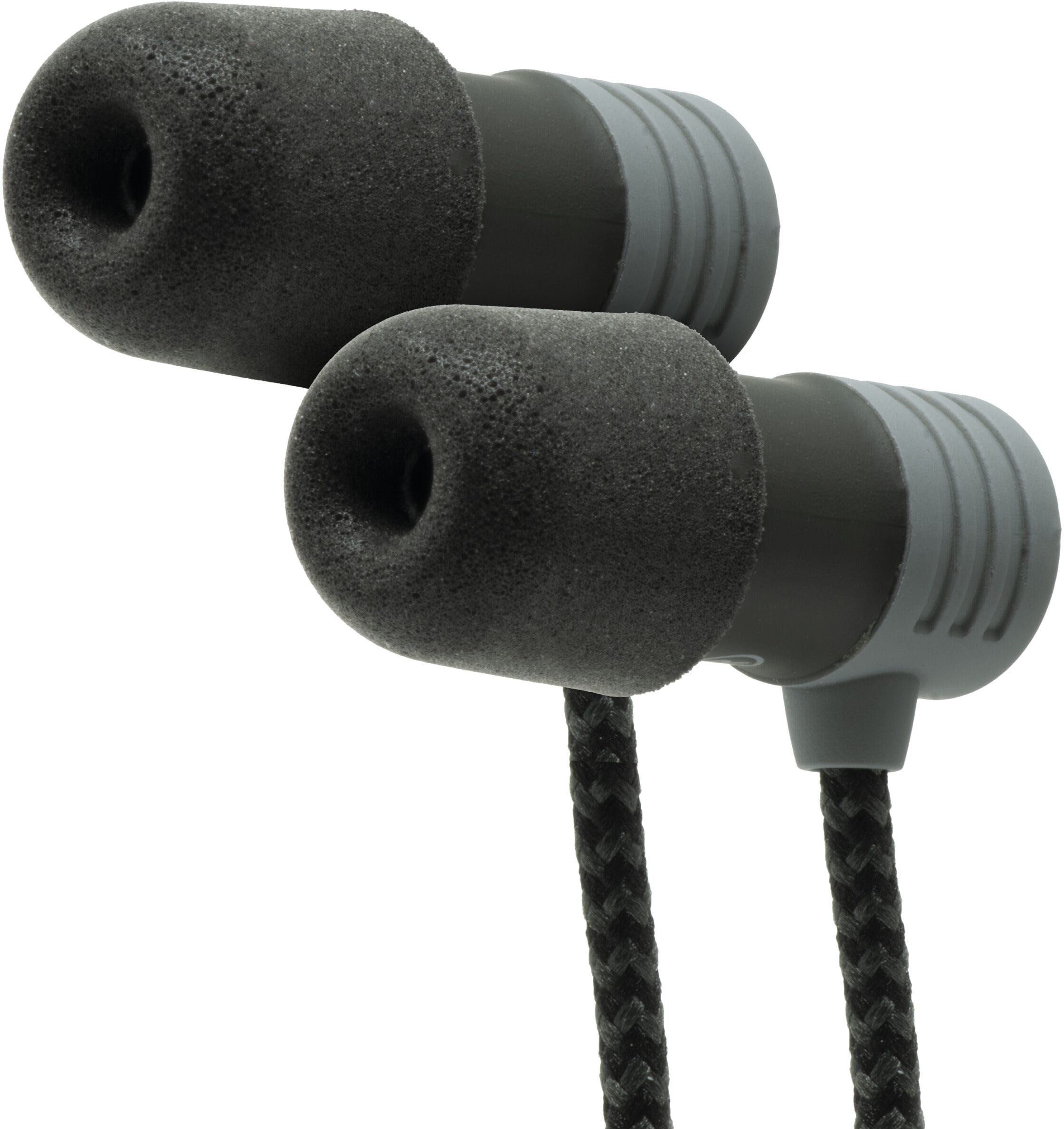
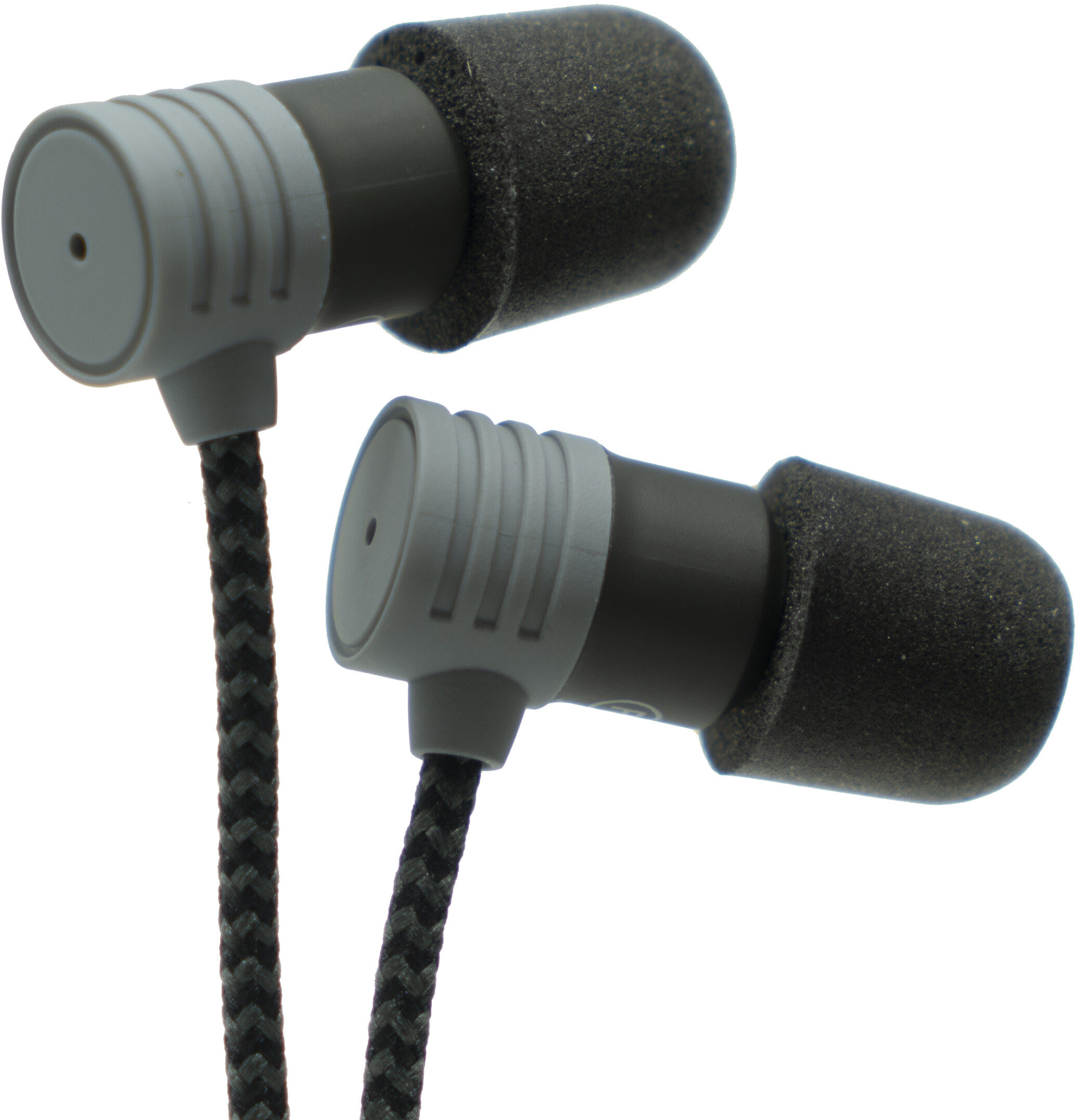
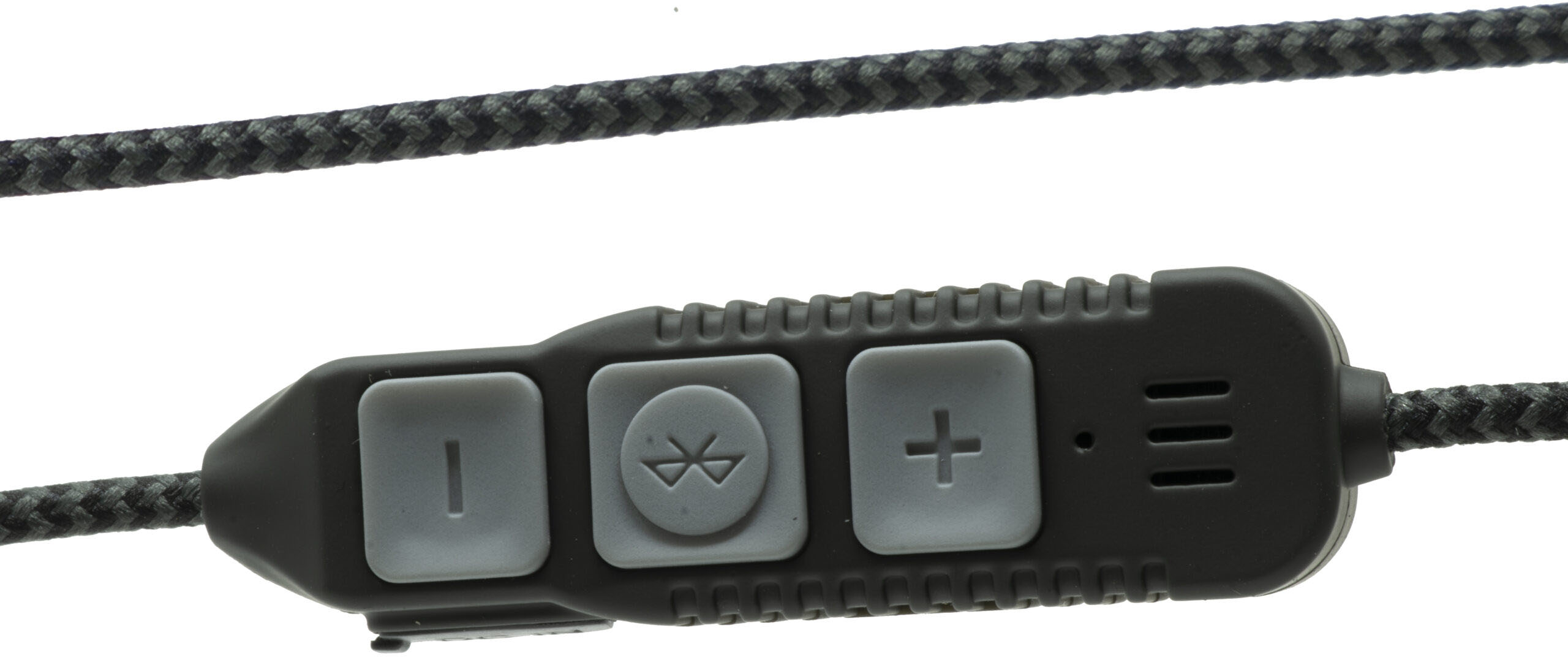
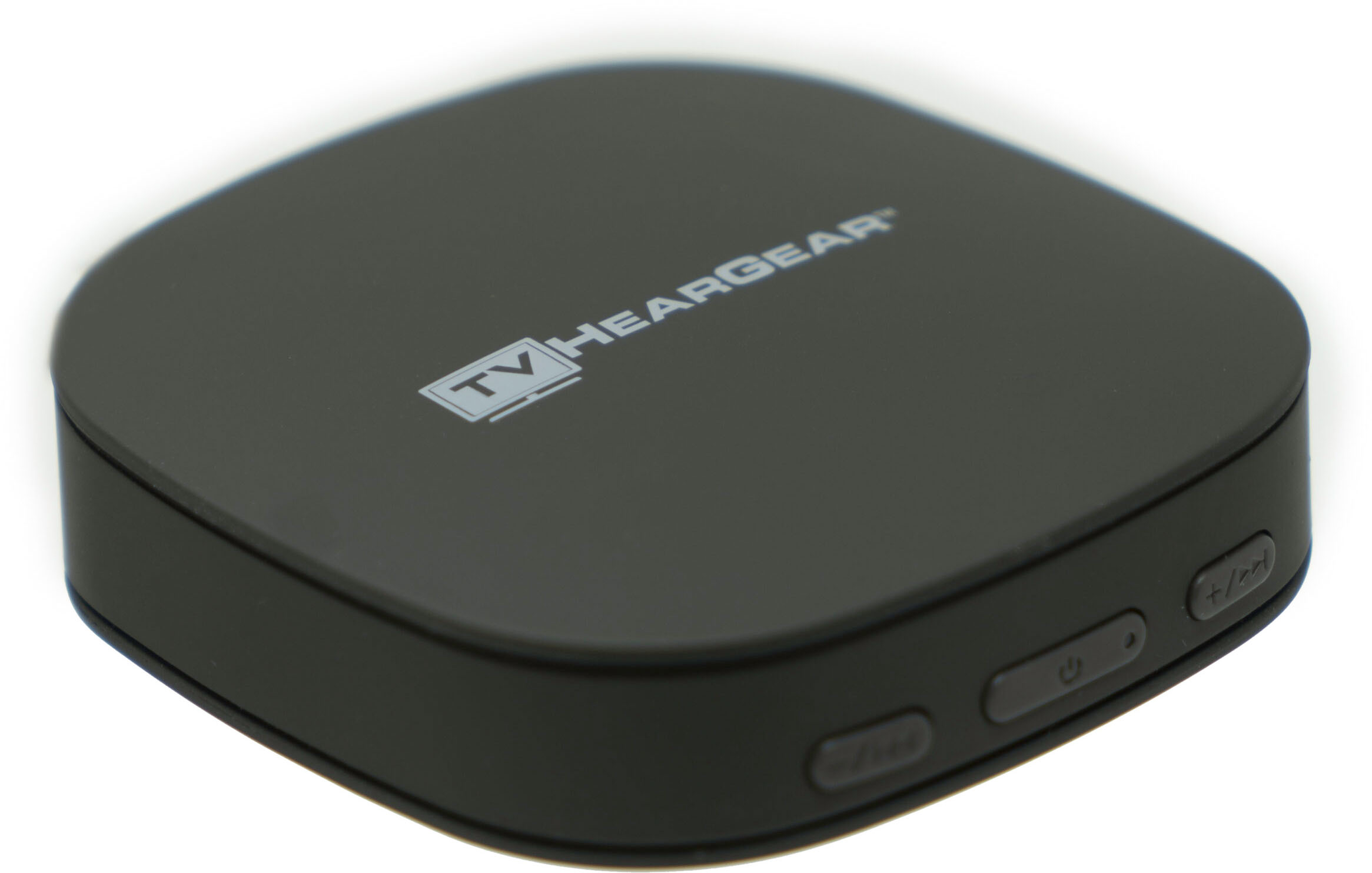
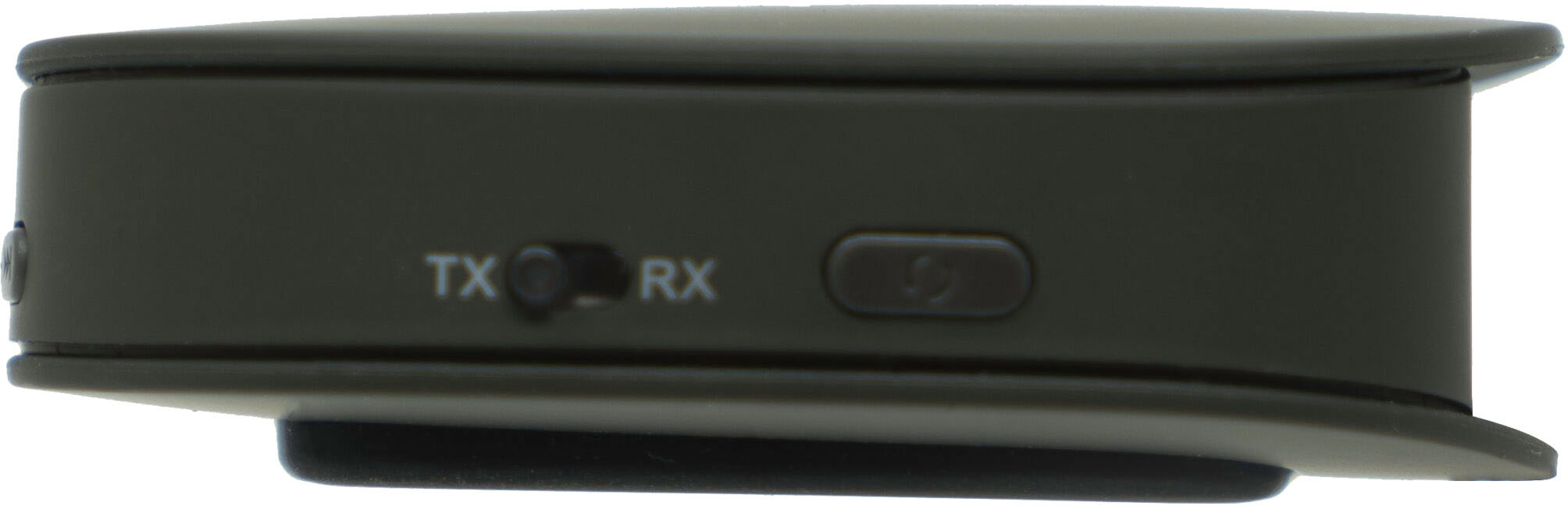
A:AnswerHi there! There are three ways to connect the transmitter to your TV.
1. 3.5 mm Audio - connect 3.5 mm audio cable B (included) to your HearGear transmitter and television.
2. RCA Audio - Connect 3.5 mm audio cable C to RCA audio cable D (included). Plug the RCA connectors to Red/White RCA output ports on your television. Plug other end of connected cables (3.5 mm plug) to TV HearGear transmitter.
3. Optical Audio - connect optical cable (included) to your HearGear transmitter and television.
After this pair your TV HearGear earphones to the transmitter.
Thank you
A:AnswerHi Rubita, you can always reference the back of the Heargear device and match by the size of the cables from there. If you still have concerns, please call our customer support team 1-800-785-6052.