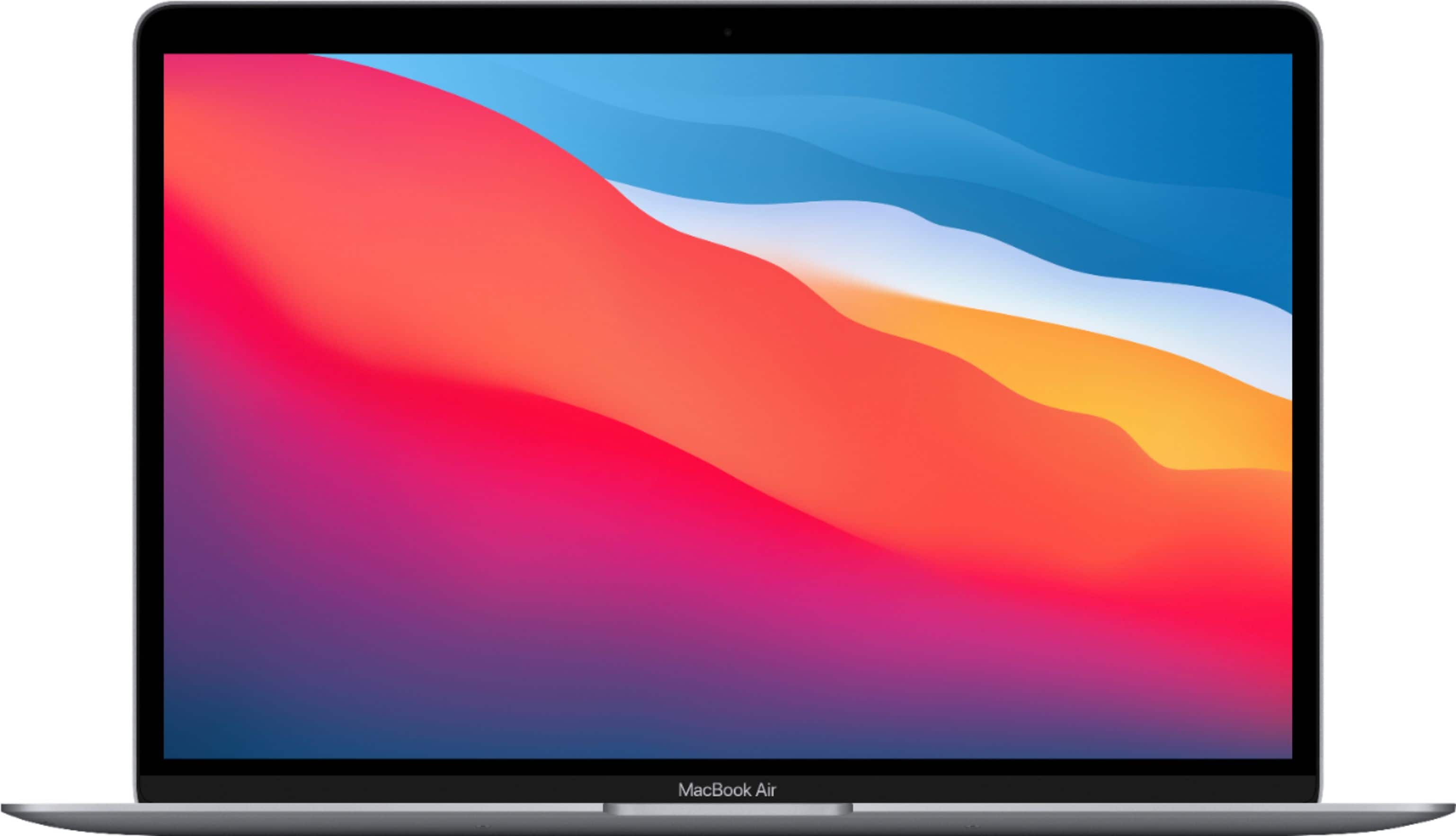
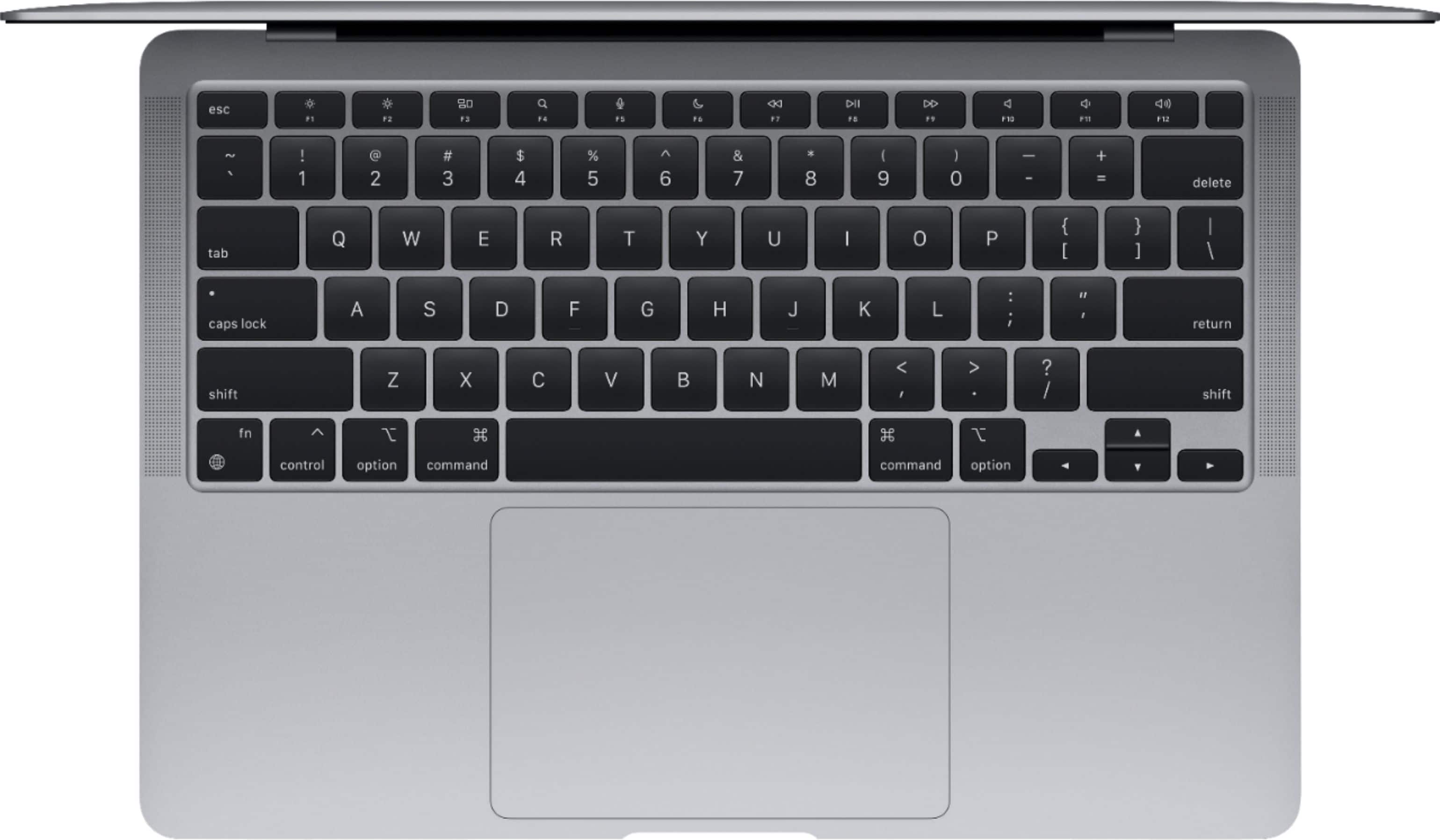
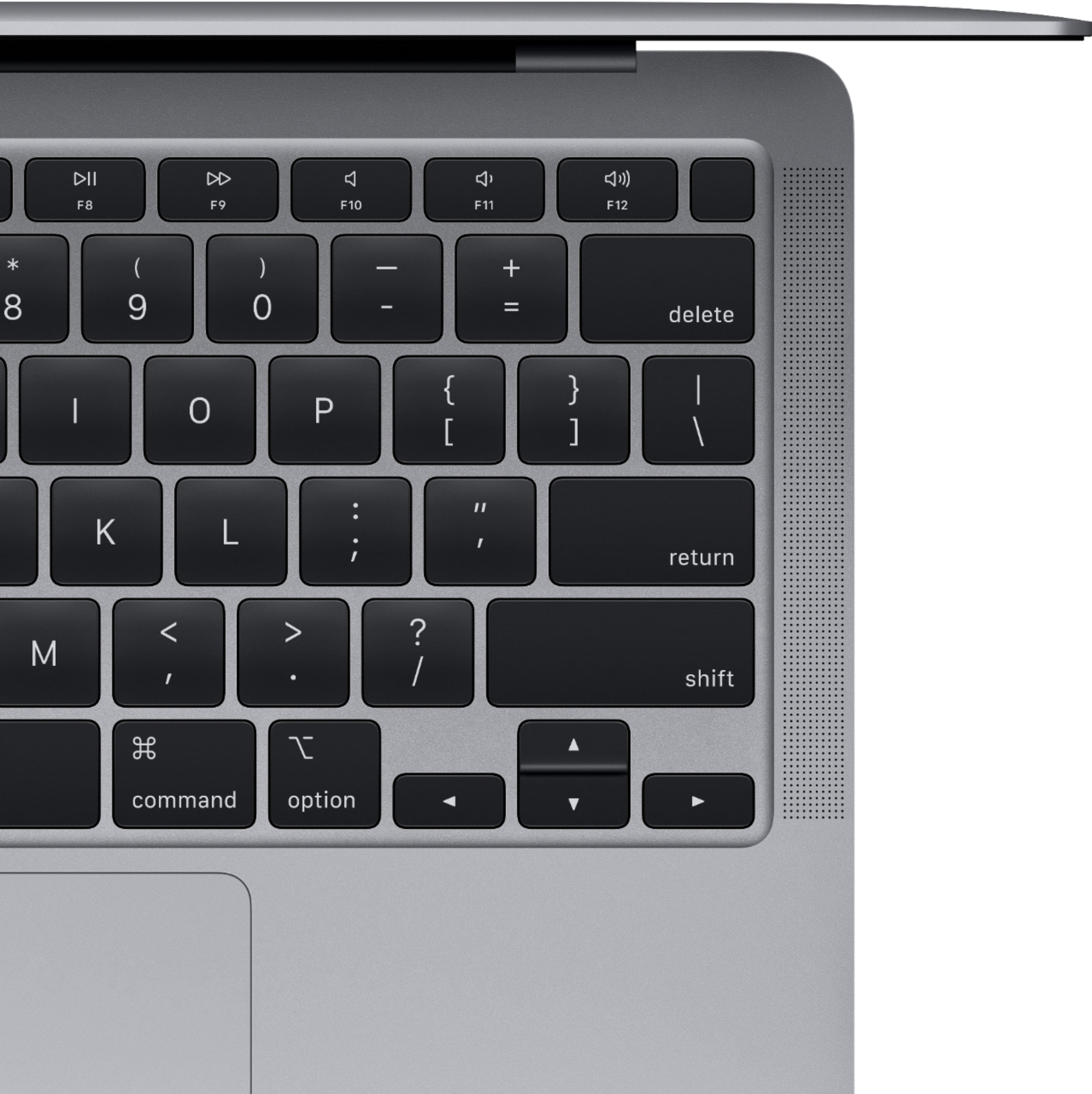
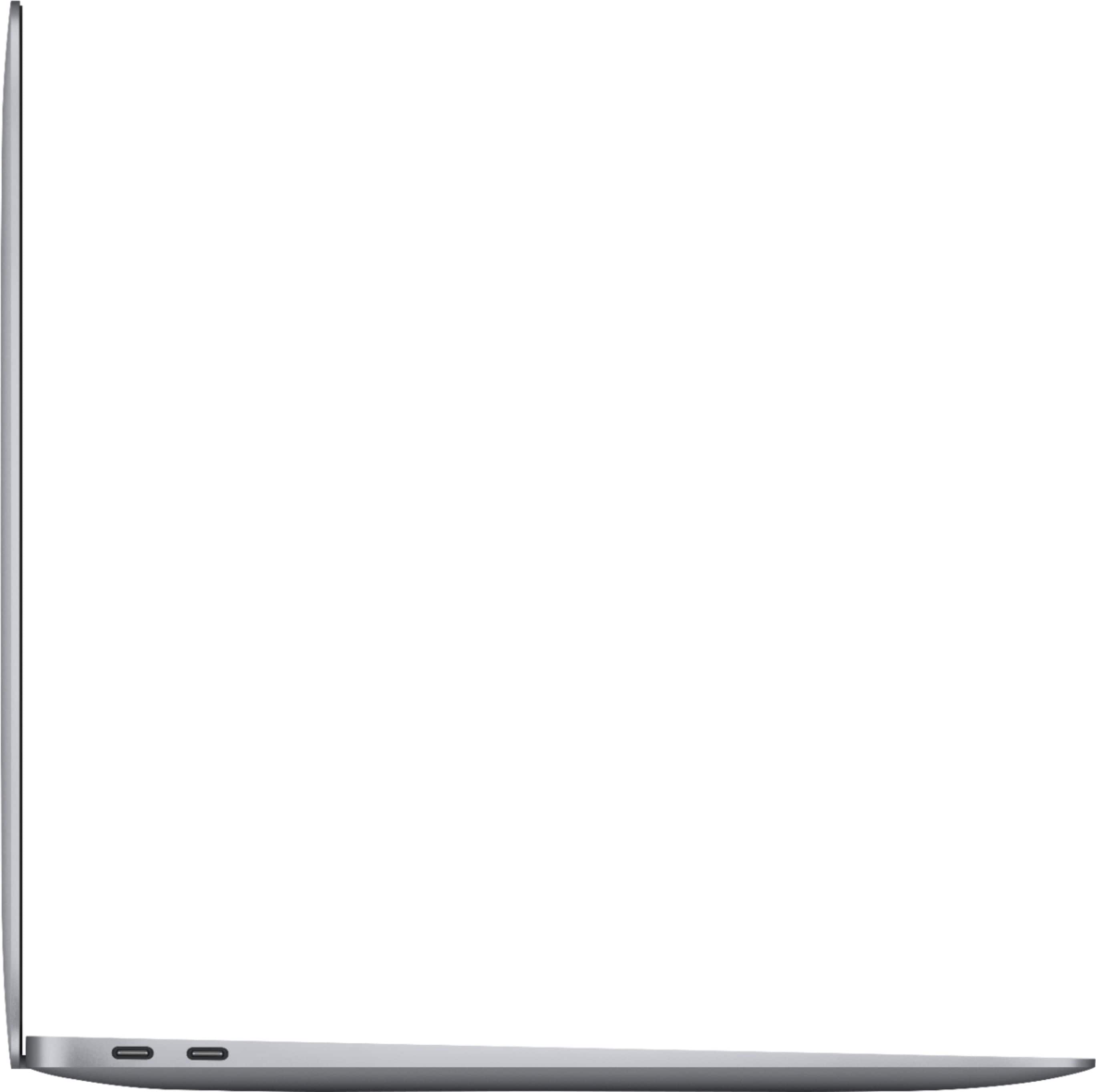
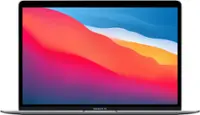
A:Answeryes, Use multiple displays with your MacBook Air (Retina, 13-inch, 2020) You can connect up to two 4K displays, one 5K display, or one 6K display using the two Thunderbolt 3 ports on your MacBook Air
A:AnswerYou should be able to do the payments. I put mine on the BB credit Card and you get interest free for 12 months.... I’m just paying it off faster, and it went home with me that day. Hope this helps.
A:AnswerBest Buy put it on sale for $899 right when Amazon Prime had their big sale in July. We looked at Amazon and could only find refurbished Mac products, but Best Buy had new ones discounted at the same time. Choices were to pay full price at the Apple Store, buy a refurbished unit from Amazon (or others), or get a new one on sale at Best Buy. Not the first time Best Buy has discounted new Mac computers. We always buy from them for that reason.
A:AnswerFrom my experience, not really to difficult. Took me a couple of days of watching videos and playing around. Of course there are a few things you just kind of figure out on your own and seem like a headache at first but then turn into something second nature. The gestures took some getting use to but are a nice touch. Key commands may take some practice too. I say watch some videos first and see how you feel about making the change.
A:AnswerWith the new MacBook Air, MacBook Pro, and Mac Mini Apple has begun to switch to their own silicon chips as they have already in the iphone and ipads. They are calling these new processors the M1.
The i3 and i5 names are from the previous models from intel. Apple plans to move completely away from intel within 2 years.
The advantage of the new processors are that they require no fan in the Macbook air and run at unbelievable speeds.
The biggest disadvantage is that you can no longer run Windows or some programs written specifically for intel based computer systems.
This shouldn't be a big problem once Apple continues to update the software and developers rewrite their code.
A:AnswerIt comes with Apple's equivalents - Pages is like Microsoft Word, Numbers is like Microsoft Excel and Keynote is like Microsoft Powerpoint. These can all open and edit existing Microsoft files and export to PDF format as well, for compatibility. The biggest change is the interface, which is very minimal compared to Office and if you're an advanced spreadsheet user (i.e. Macros) you'll likely want to purchase Microsoft's Office suite.
A:AnswerThe MacBook Air has no touch screen. The Apple Pencil can only be used on the iPad, which has a touch screen. The Apple Pencil is of no use with any MacBook, not on screen, not on the trackpad either.
A:AnswerYes, it is. Even though a suite of "free" applications (Pages, Keynote, Numbers) paralleling Microsoft Office (Word, Powerpoint, Excel) is provided with the operating system on the MacBook Air, I prefer to use the MS Office applications. Even though I have to pay for the MS Office suite, it's just my personal user preference.