A:AnswerIt does not require you to buy any antivirus software. I do not believe it comes with one either. You can search and download free ones online.
A:AnswerYour Mac comes with a wide range of apps already installed, so you can have fun, work, connect with friends, get organized, buy things, and more. Productivity programs like Pages, Numbers and Keynote and creative programs like Photos, iMovie and GarageBand are all available for free with your new Mac.
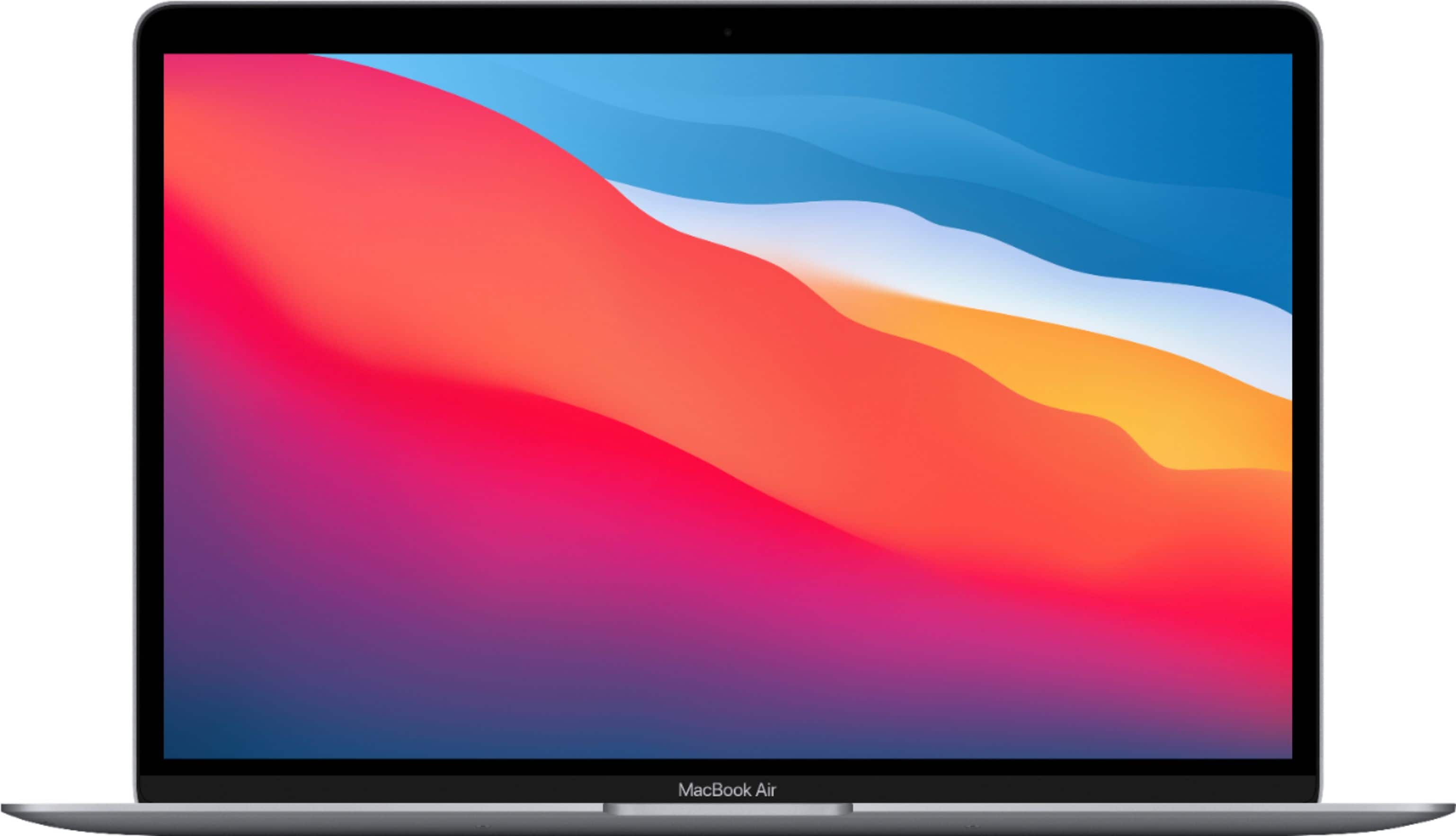
A:AnswerIf you have that many windows open, you might want to use an extra monitor or two. The Air can run at least one monitor. It doesn't run hot at all and I had a lot of windows and several programs open. Alternatively, you might want to get the Macbook Pro.
A:AnswerI did not get a $150 Apple giftcard when I purchased the new computer from Best Buy but I did receive a few perks like Apple+ TV and Apple Music for a few months
A:AnswerI have tried MacBooks with 8GB and 16GB. For best performance get 16GB, this Will make a difference on the performance when running more apps at the same time.
A:AnswerIt opens in native software called “pages” but then the format gets changed from word to pages.
If you are very comfortable with MS word then either you can work on documents in onedrive by creating a hotmail or Microsoft email account. Or you can work in documents by having them on google drive
Or
You can purchase Microsoft suite for around $10 a month to have all Microsoft products like word, excel, PowerPoint on your Mac.
Hope it helps. This is what I was able to figure out till now.
A:AnswerEvery Apple computer comes with Pages (word processing similar to Google Docs or Microsoft Word), Numbers (similar to Google Sheets or Excel), and Keynote (similar to Google Slides or PowerPoint). All three of these programs are intuitive in their layout and extremely easy to learn how to use.
A:AnswerYes, I highly recommend it. I am a freshman at college, I'm a photographer and I make films, I have used Final Cut Pro and photoshop on this, even on the starting model, it works amazing, does NOT heat up, I haven't even made this thing become warm from what I use this for.
A:AnswerNo, there is not an easy way to replace it, it is technical, the only easy thing that you do is use external SSD as SanDisk extreme like that, it is a perfect and cheap solution.
A:AnswerPlease check on Amazon. They have a lot of macbook air cases and screen and keyboard guards.
Please read the product description on Amazon and they must have written which models the case is compatible with.
“ IBENZER New 2021 MacBook Air 13 inch Case M1 A2337 A2179 A1932, Hard Shell Case & Keyboard Cover & Screen Film for Apple Mac Air 13 Retina Display with Touch ID (2018-2021), Crystal Clear, AT13CYCL+2”.