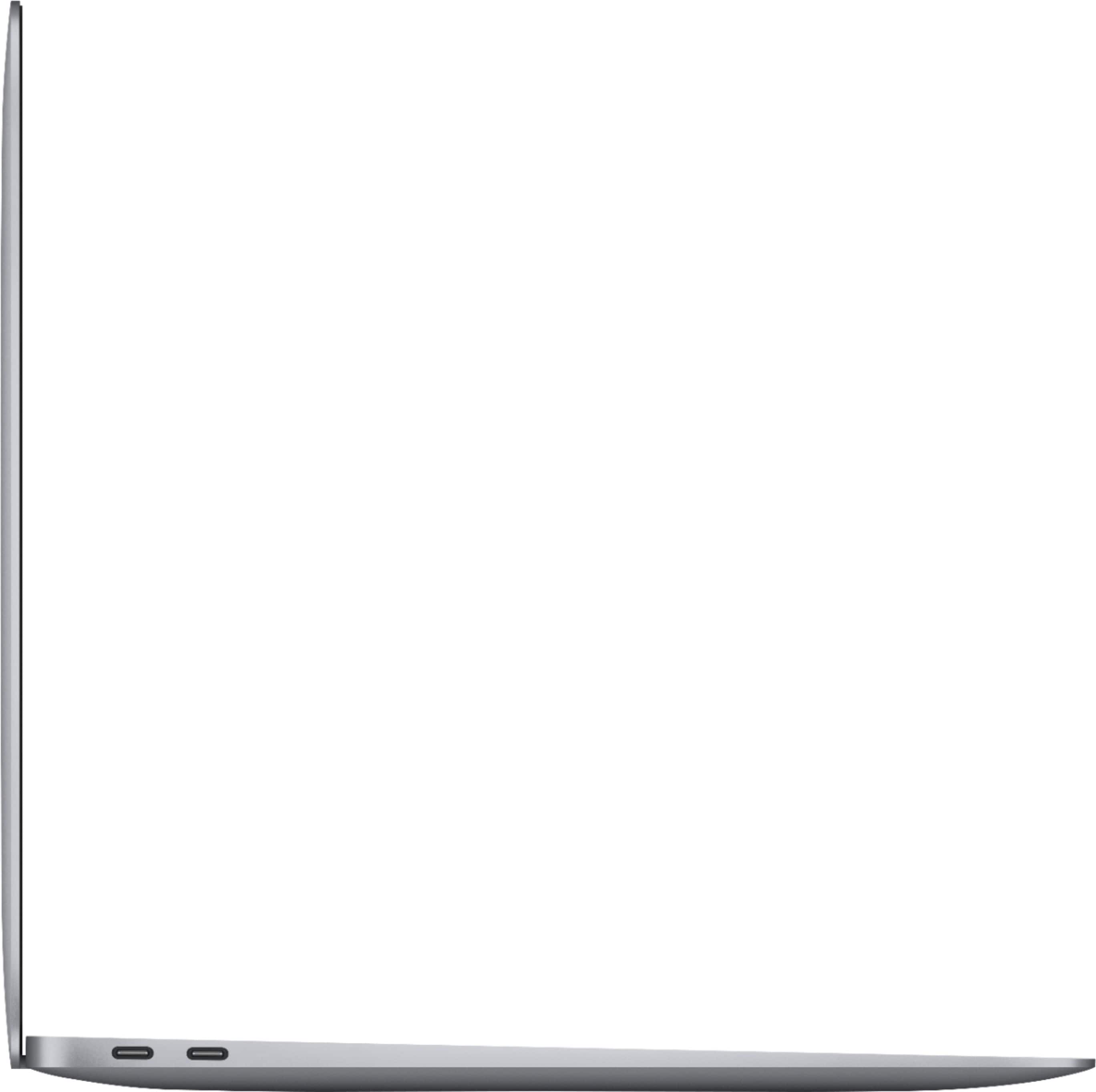
A:Answer From past experience with multiple computers and monitors, I believe that if you try connecting two monitors to one port via an adapter, it will confuse the computer and treat it like one monitor. Meaning the same image will be copied on both monitors. (A cheap adapter I should say, one being like $10-20 or so) (The adapter that isn’t a splitter is like $400-500 usually I think) If you try to get an adapter, make sure it is NOT a splitter adapter.
Also one thing I found weird that I don’t know if it was just mine that did this or not but you may need to go crazy with excessively long extension cables for a vga to hdmi cable. One computer I owned would not work unless I have it with 2 6 foot extensions, a vga to hdmi adapter, and another 6 foot hdmi extension just to reach my computer that was maybe 4 inches away from the monitor. Don’t ask why that’s a thing because it really does not make sense to me. What I’m trying to say is that maybe when it doesn’t work, just play with extensions and it might for some reason work like mine did. The sound was cutting out and the screen kept going blank and my computer sometimes didn’t want to fire up until I added those THREE extension cables, then it worked perfectly fine LOL. Still has me confused to this day.
(I would send pictures of the excessive cables for giggles but I don’t have that setup anymore.)