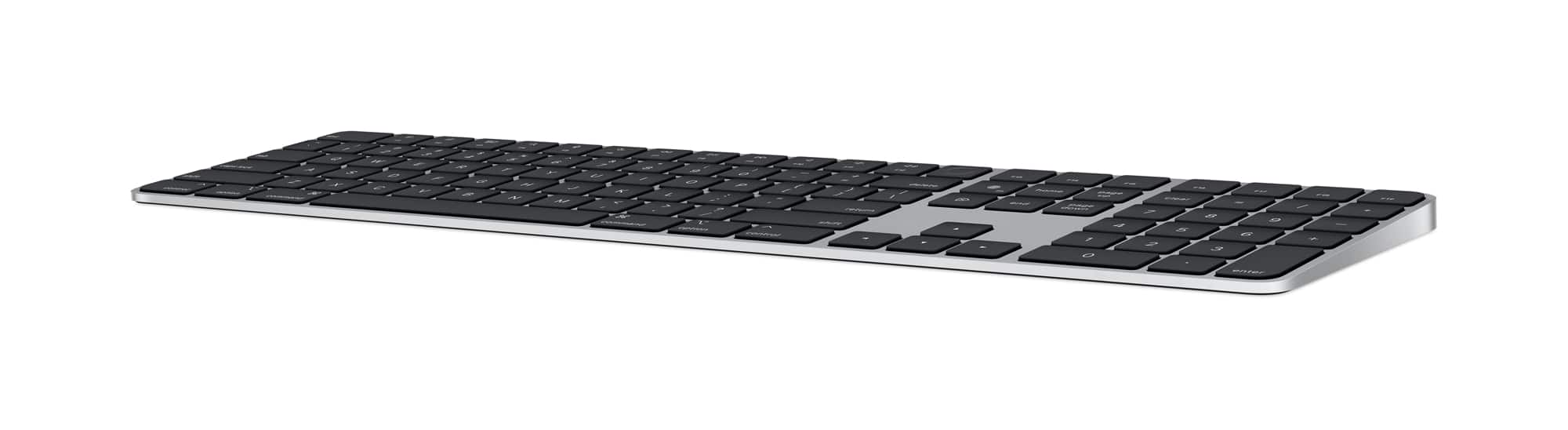
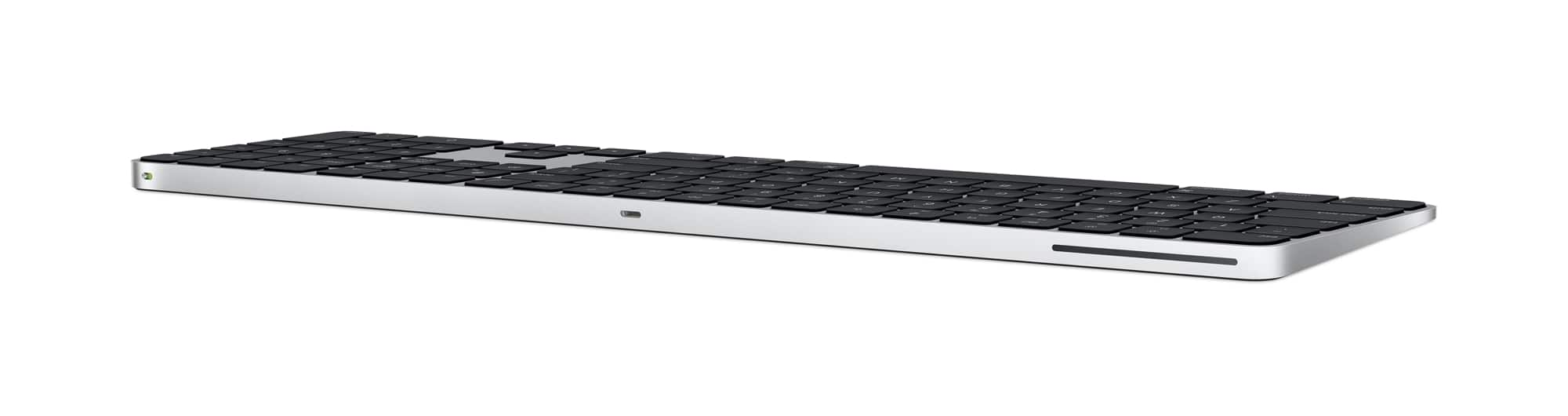
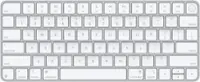
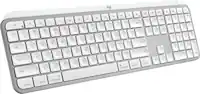
A:Answer I'm not 100% sure which iPad models are compatible with Magic Keyboard pictured? Here is a list. I'd suggest it to anyone that could use it. I just got mine a few days ago
Compatibility
iPad Pro 11-inch (4th generation)
iPad Pro 11-inch (3rd generation)
iPad Pro 11-inch (2nd generation)
iPad Pro 11-inch (1st generation)
iPad Air (5th generation)
iPad Air (4th generation)
It definitely doesn't work with intel Mac Minis.
What I do see is this info:
"Apple reuses its product names often, which can make this especially confusing when trying to buy a new Magic Keyboard.
Out of the three Magic Keyboard models above, the Magic Keyboard for iPad Pro might sometimes just be referred to as a Magic Keyboard. As a result, here are the key differences to look for:
--the Magic Keyboard for iPad Pro includes a function row of keys at the top of the keyboard for changing controls like volume and brightness
--the standard Magic Keyboard does not include that function row, so the top row of keys is the number row
Finding your iPad device model
If you’re unsure which model your iPad is, there’s a quick way to find out.
On your iPad, open Settings ⇾ General ⇾ About ⇾ Model Name.
This will show you exactly what you need to know before buying a Magic Keyboard using the information above.
https://www.apple.com/shop/select-ipad-keyboards