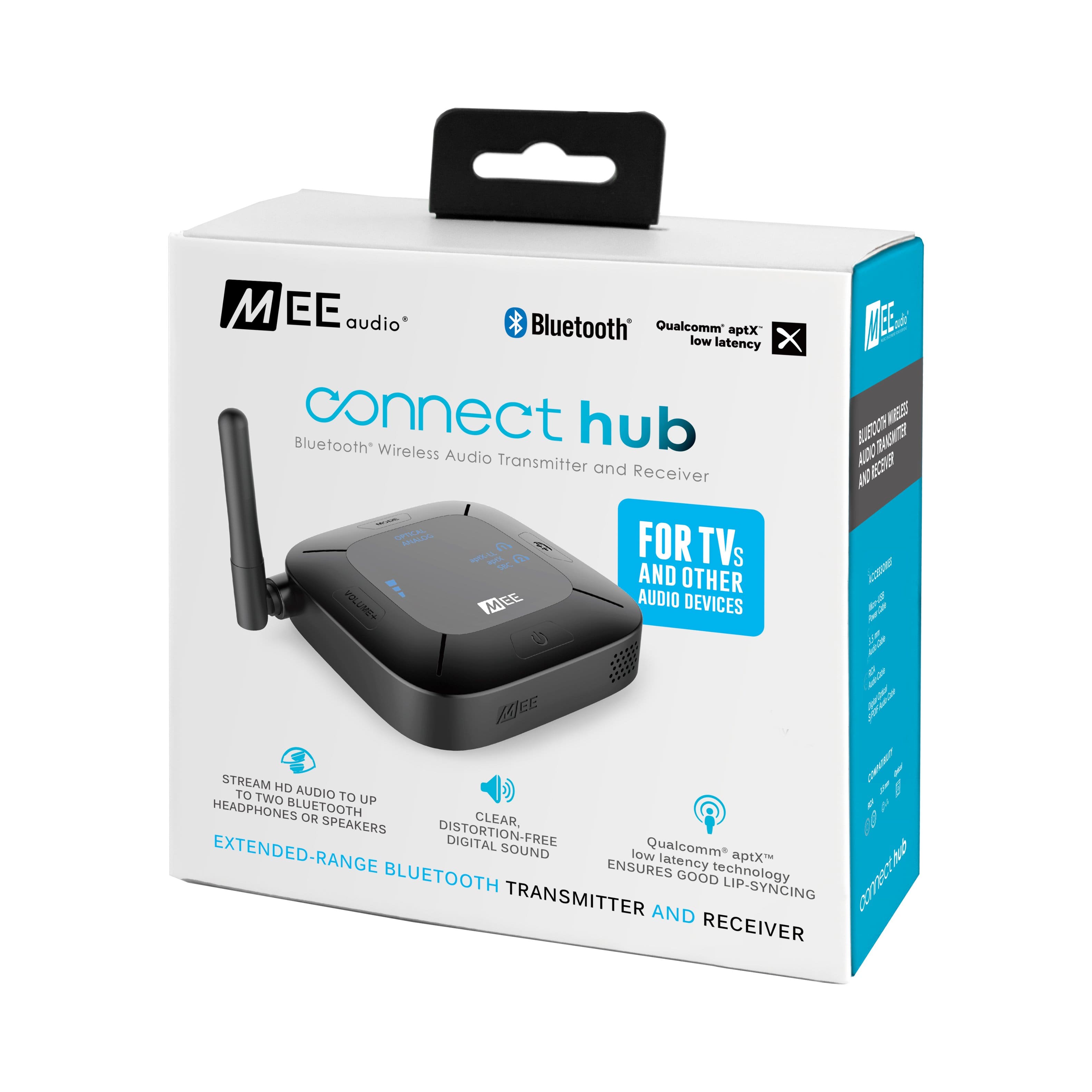
A:AnswerThe transmitter is great and "does" contact to many and plenty Bluetooth devices plus adapters. But the MEE
transmitter is not so user friendly with Sony and Apple. Your Bluetooth device may be a off set name with any recognizable Bluetooth number code for you MEE transmitter device to register. Tip: try another device system, or you may use a Bluetooth car adapter unit for home use with popular names like LG, Insignia, Ihome, and Altec Lancing....Hope that helps.
A:AnswerI suppose it will, but depending on how old your computer is, it should already have blue tooth capability. At the very least you can use file sharing and play the music via WiFi connection through your pc
A:AnswerYes. connect the aux jack to the unit and it will transmit sound to a portable speaker. The switch console was the first thing i connected this unit to for testing.
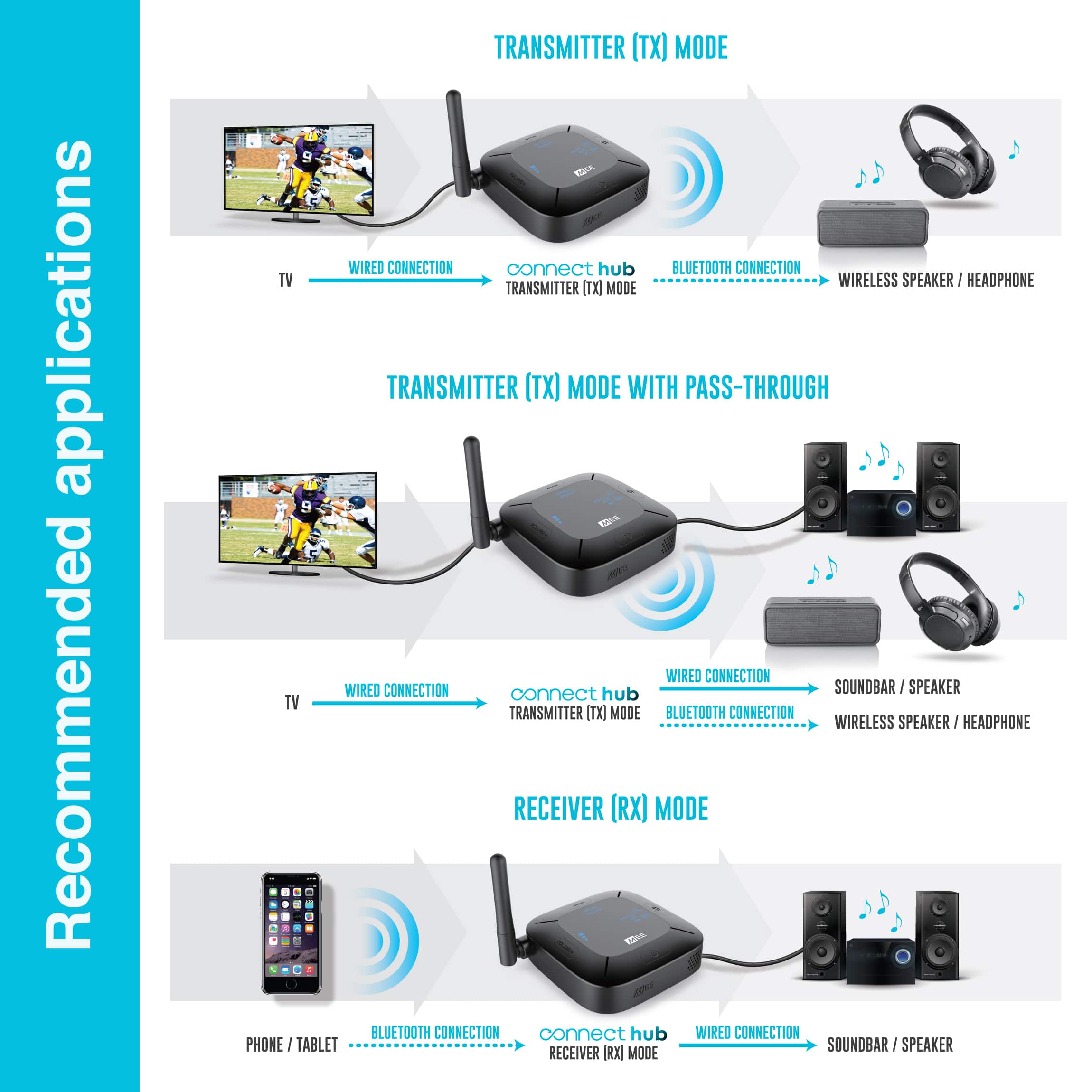
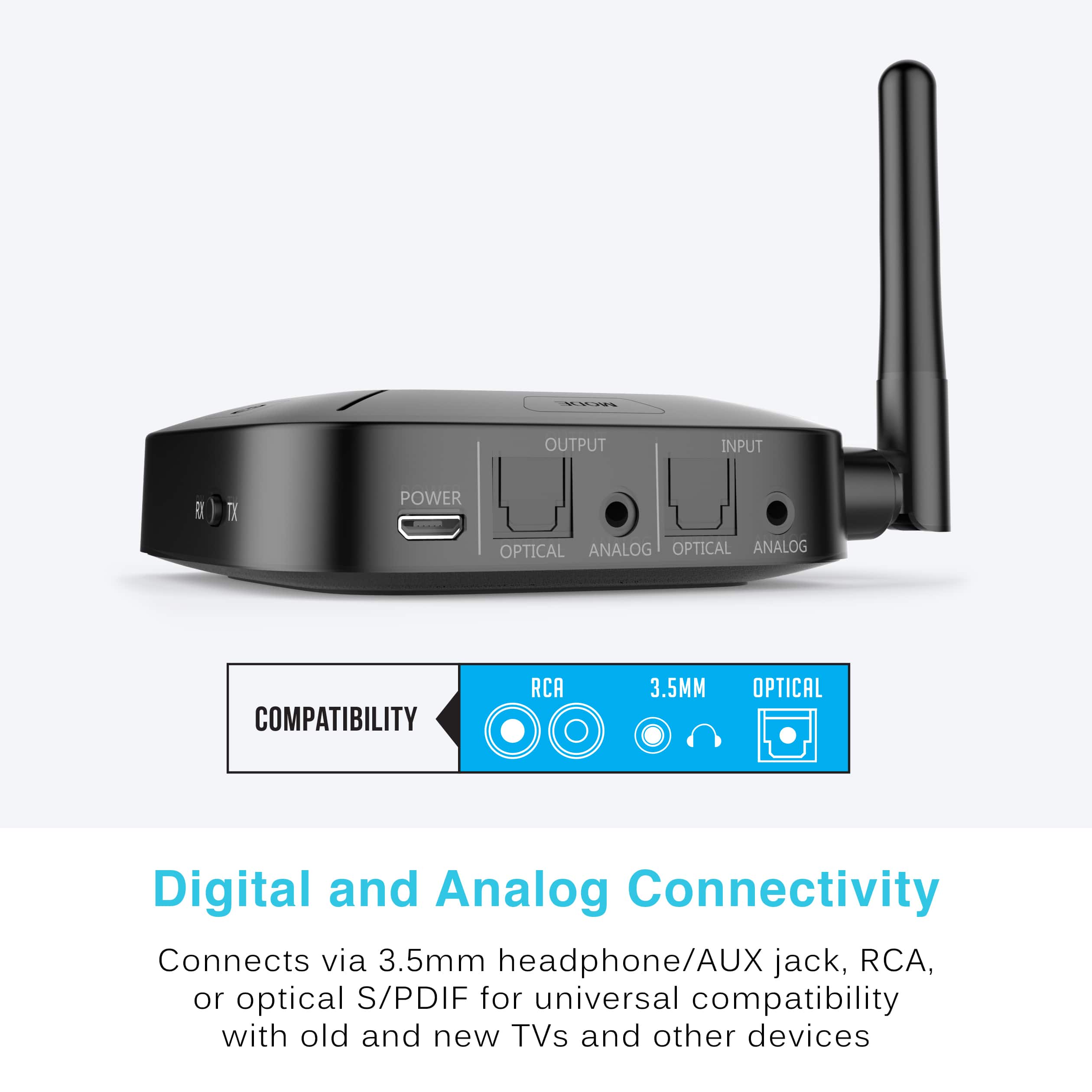
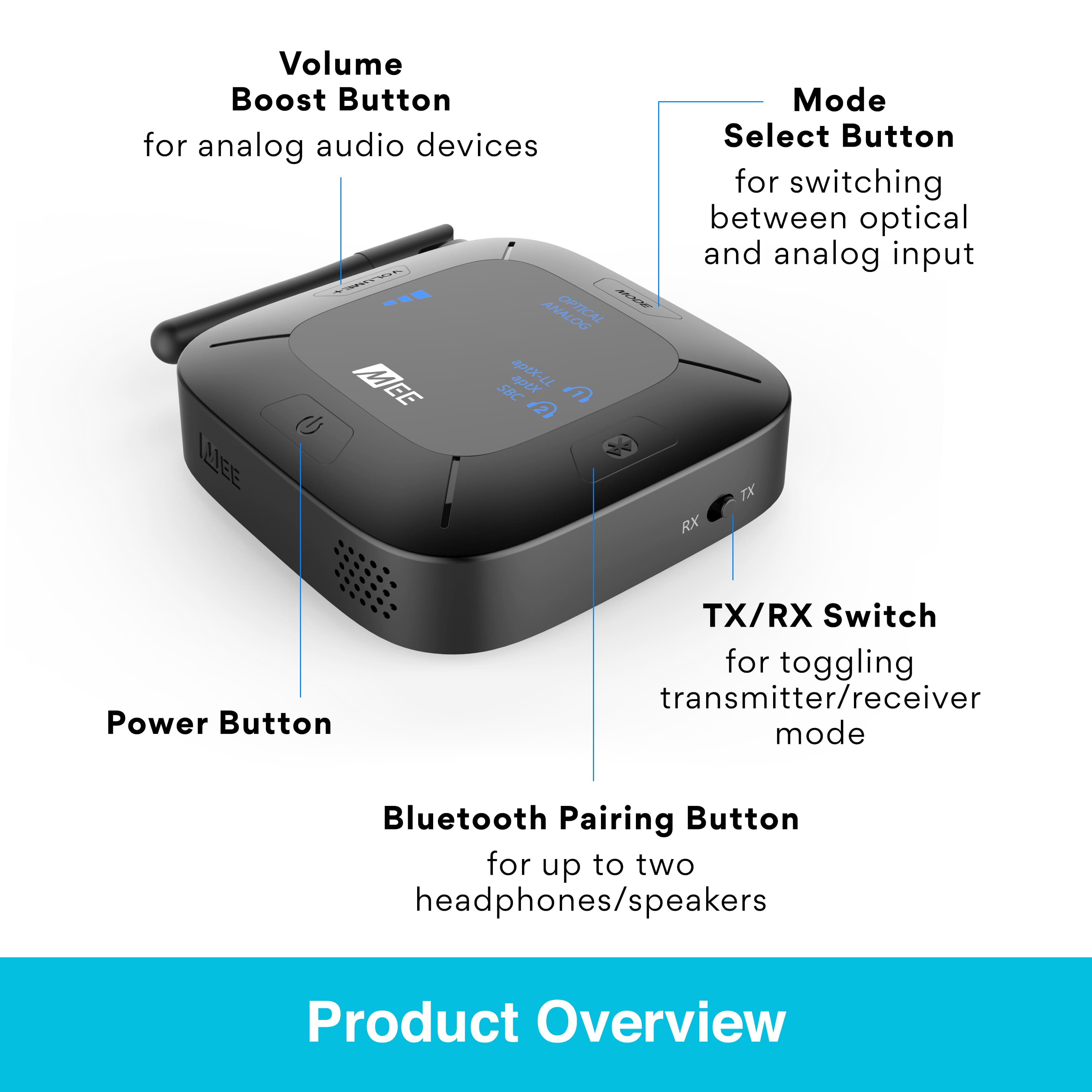
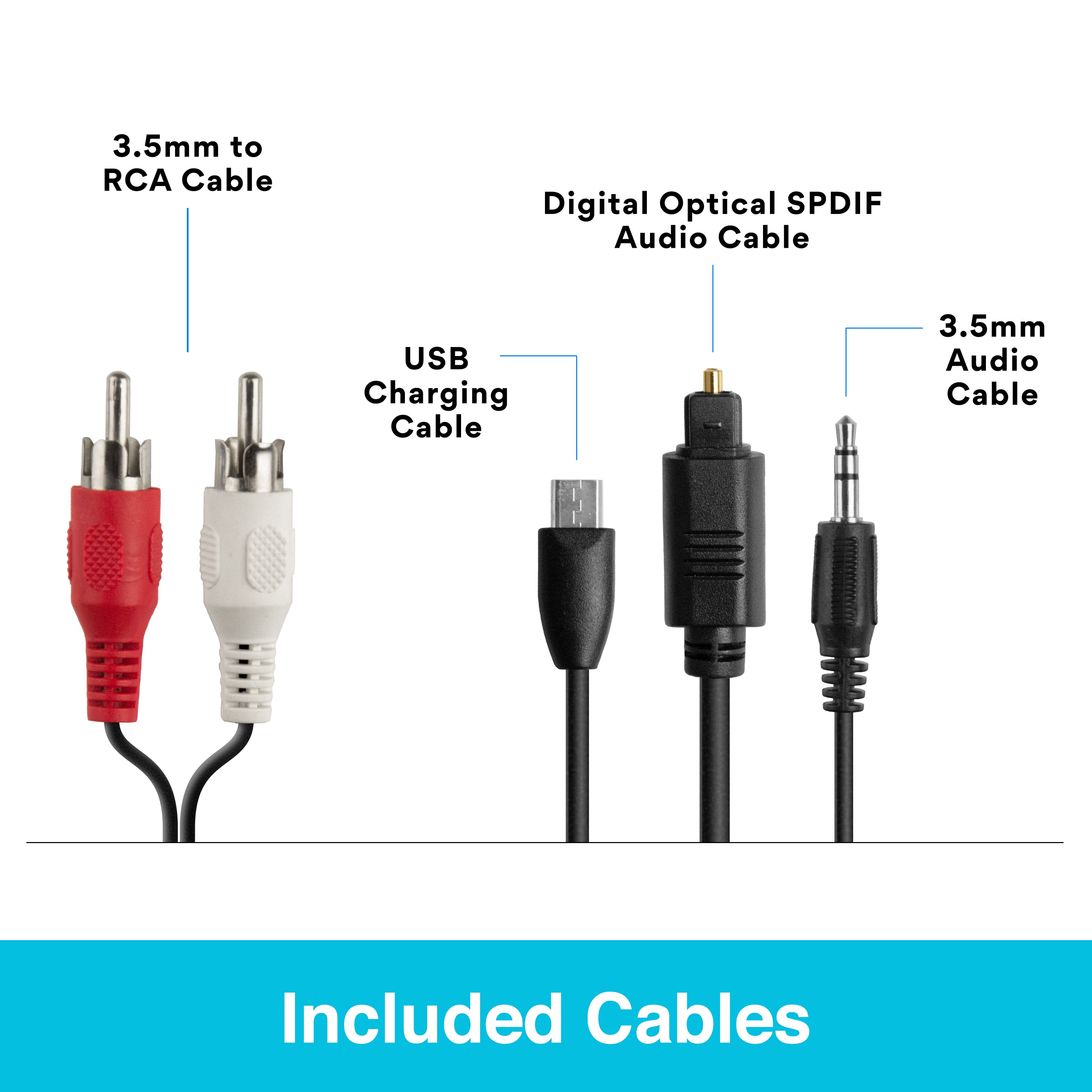
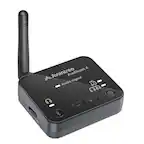
A:AnswerKeeping in mind that Bluetooth can only transmit two audio channels (Left and Right) so you would not be able to take full advantage of your surround system when using Bluetooth, you can indeed use this device (the Connect Hub) to send a Bluetooth signal to your Bose. You would put the Connect Hub into receiver ("RX") mode using the switch on the side, then connect the output of the Connect Hub to either the Optical, RCA (red and white), or 3.5mm Aux input of your Bose system, whichever is available, and then pair your phone/tablet/other device you want to stream audio from to the Connect Hub via Bluetooth.
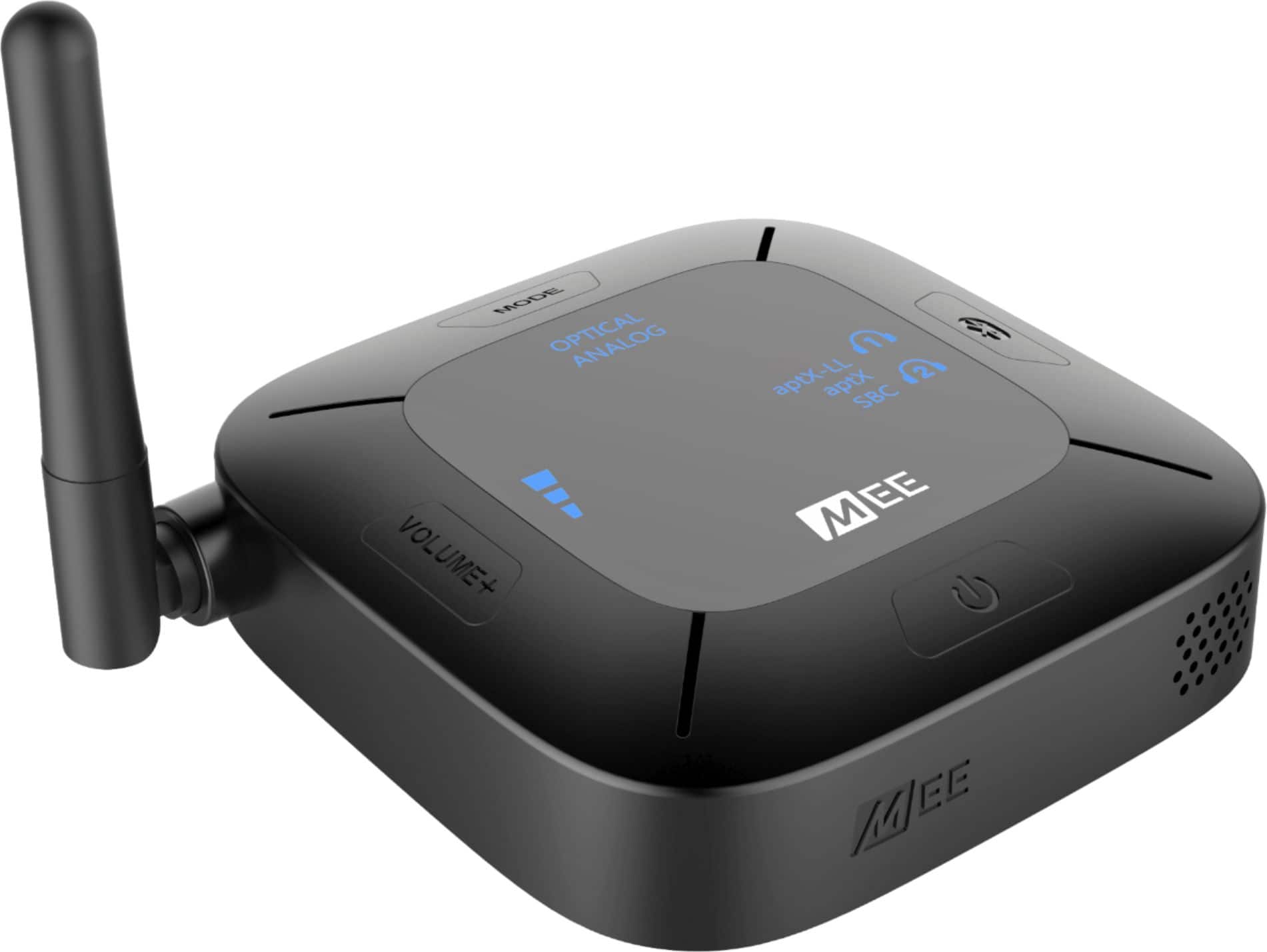
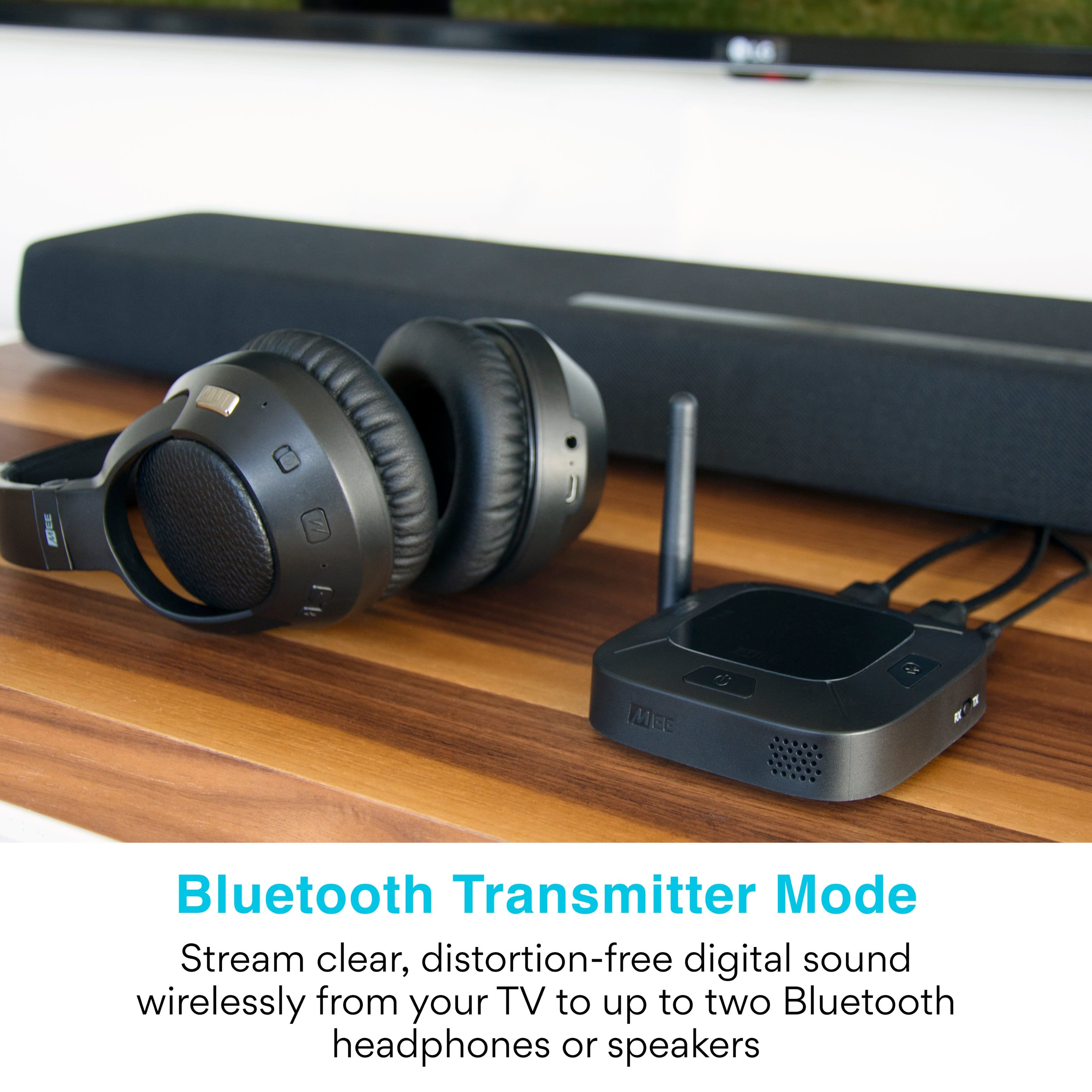
A:AnswerYou can check the user manual for the particular model of your Heos Link, but for the most recent model there is a Bluetooth input function. You would plug the Connect Hub device into your TV's audio output and set it as a Bluetooth transmitter (TX mode). You would then pair the Connect Hub with your Heos Link via Bluetooth and use the Heos Link to stream the audio to your speakers.
A:AnswerYup! I've had mine connected and on except for power interruptions for a year and a half with no issues of any kind. Still works as well as the first day.