A:AnswerHi, I am not sure exactly what you are saying but the only thing that I can think of is that you need to adjust the volume on the headphones I am using great Sony headphones tied to this device and once the connection is made the volume is in the right ear cuff. Each time you stroke that side of the headphones the volume goes up or down. If you cover the right side with your hand, the volume goes off. I'm not sure that this is relevant to you but I hope that all works out well.
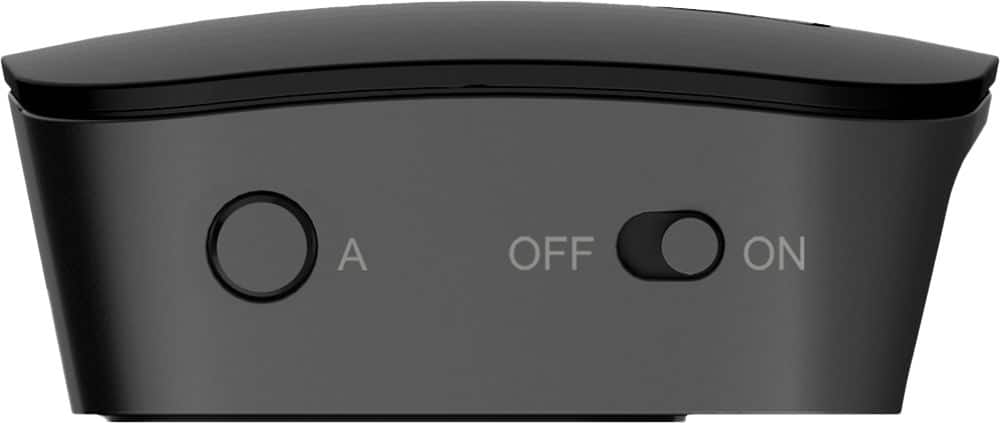
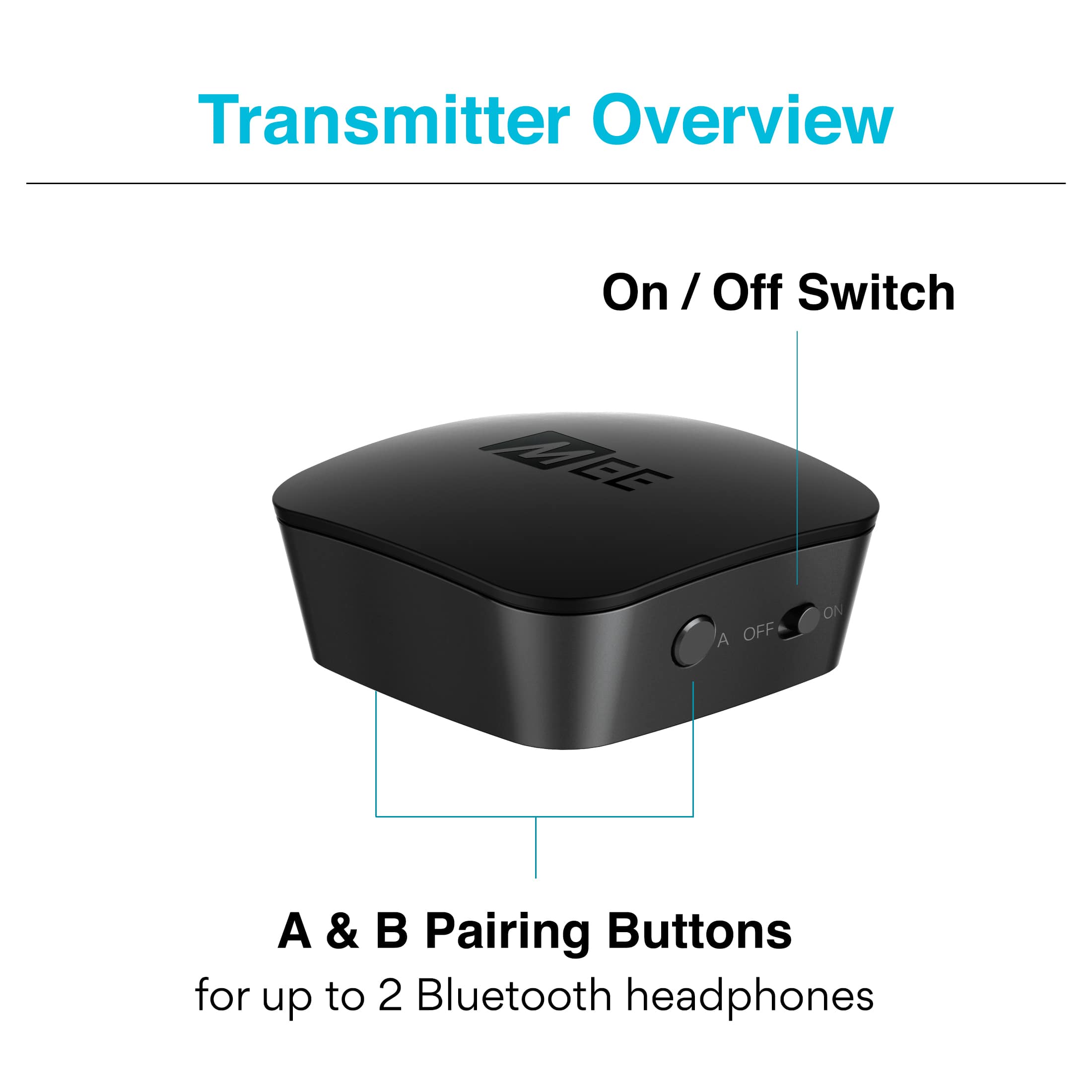
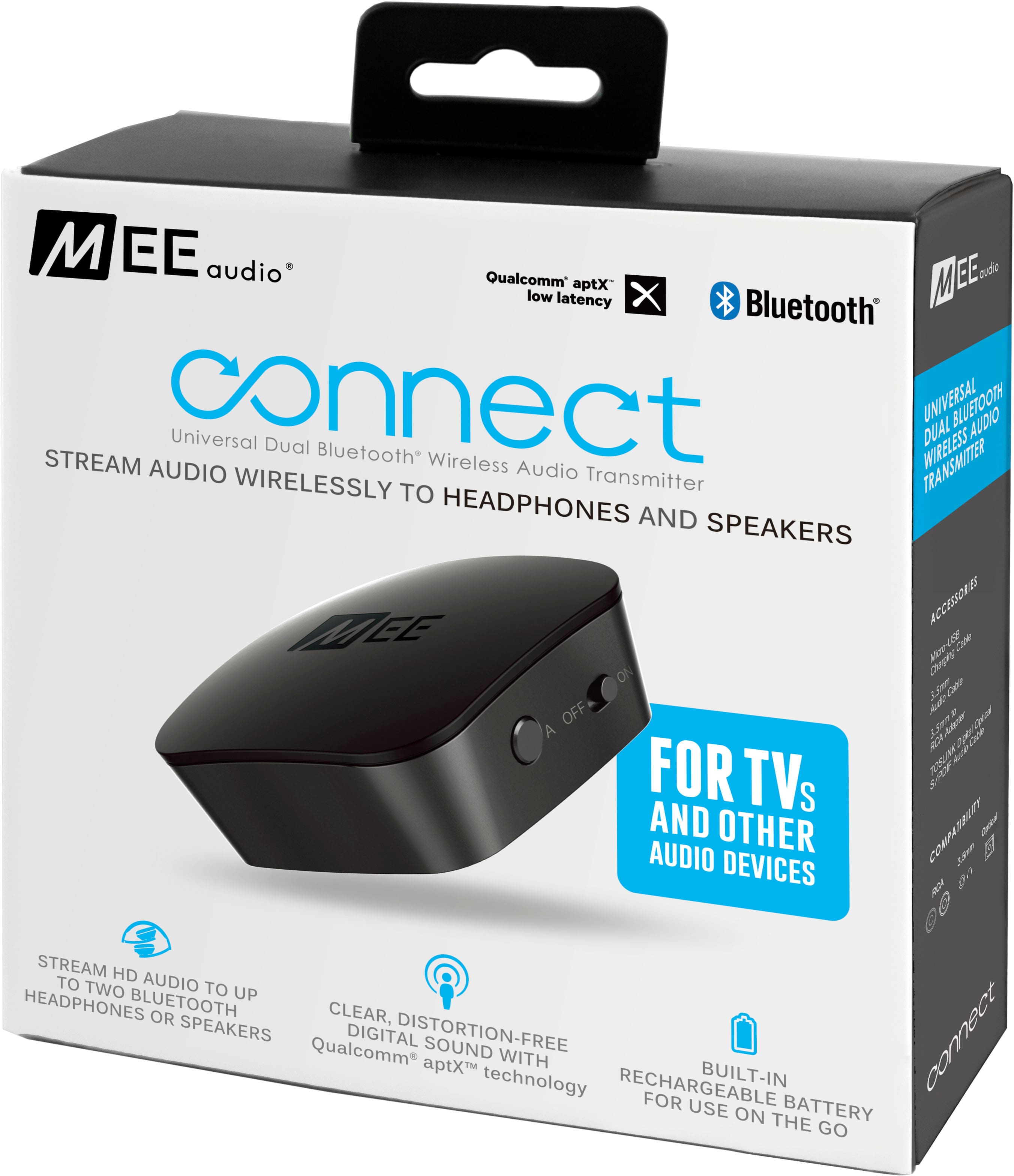
A:AnswerCheck your connections and make sure your unit is on. Then press the A button. It will light up and will attempt to pair with any Bluetooth device available. If these steps do not work return to store. It may be defective.
A:AnswerAs a troubleshooting step, it would be helpful to reset both the headphones and transmitter so that they have no other devices in memory, and then create a fresh pairing. To reset the Connect transmitter, make sure it is powered on, then press and hold the "A" button for about 7 seconds, until the blue light stops blinking. If possible, please reset your headphones as well following the manufacturer's instructions. After this, follow the same process you initially did to connect the headphones with the transmitter and it should work better. If the issue is not resolved or you have any additional questions, please contact our support line at 626 965 1008 Monday-Friday 9:00AM ~ 5:00PM PST.
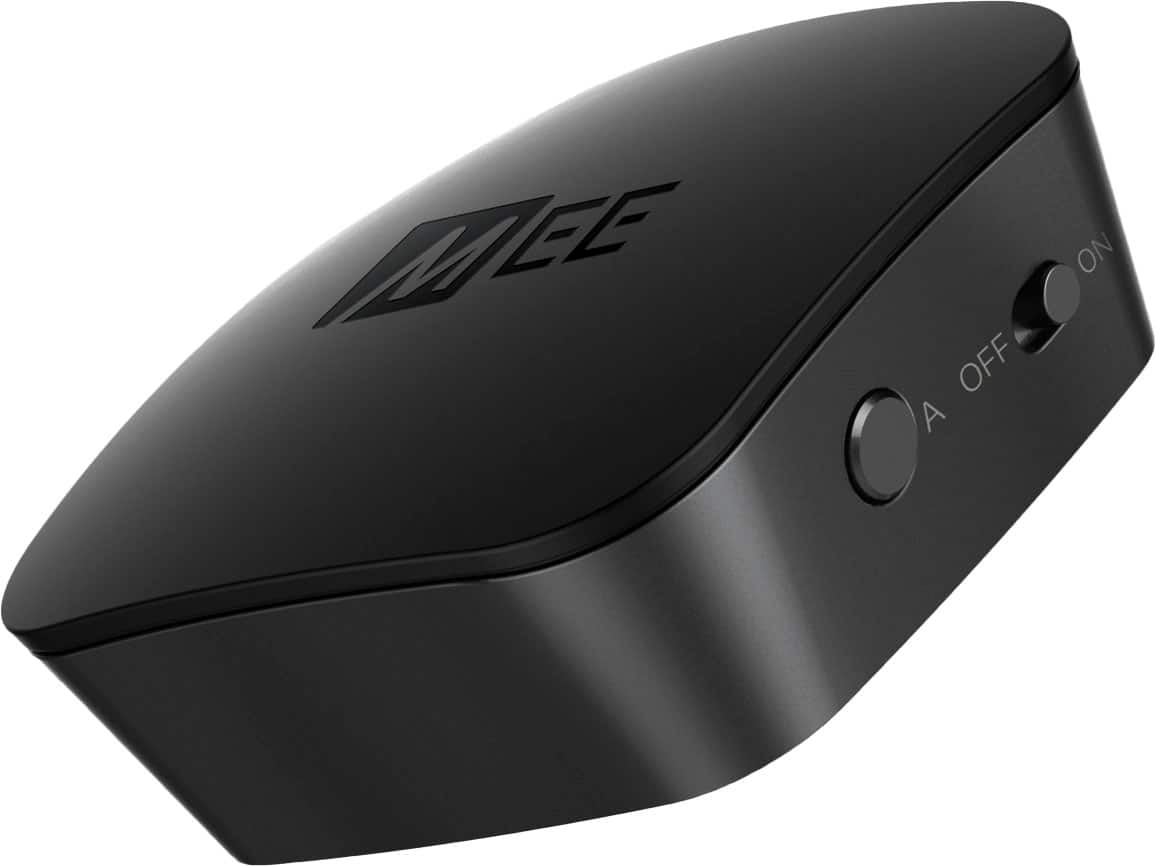
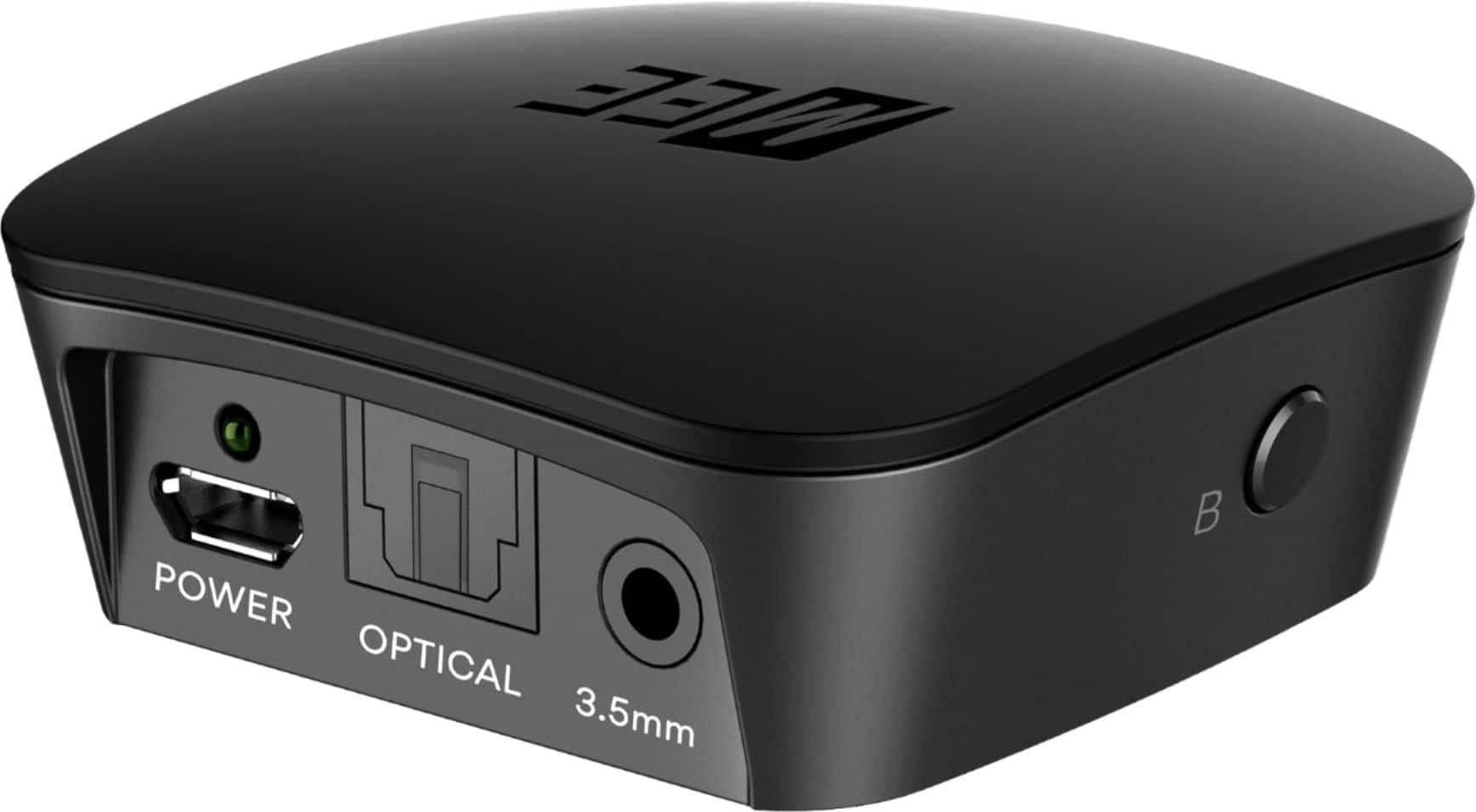
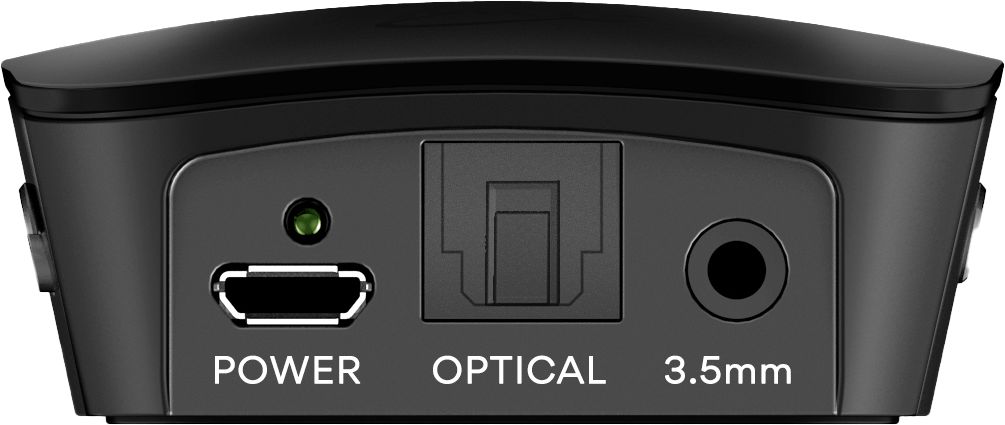
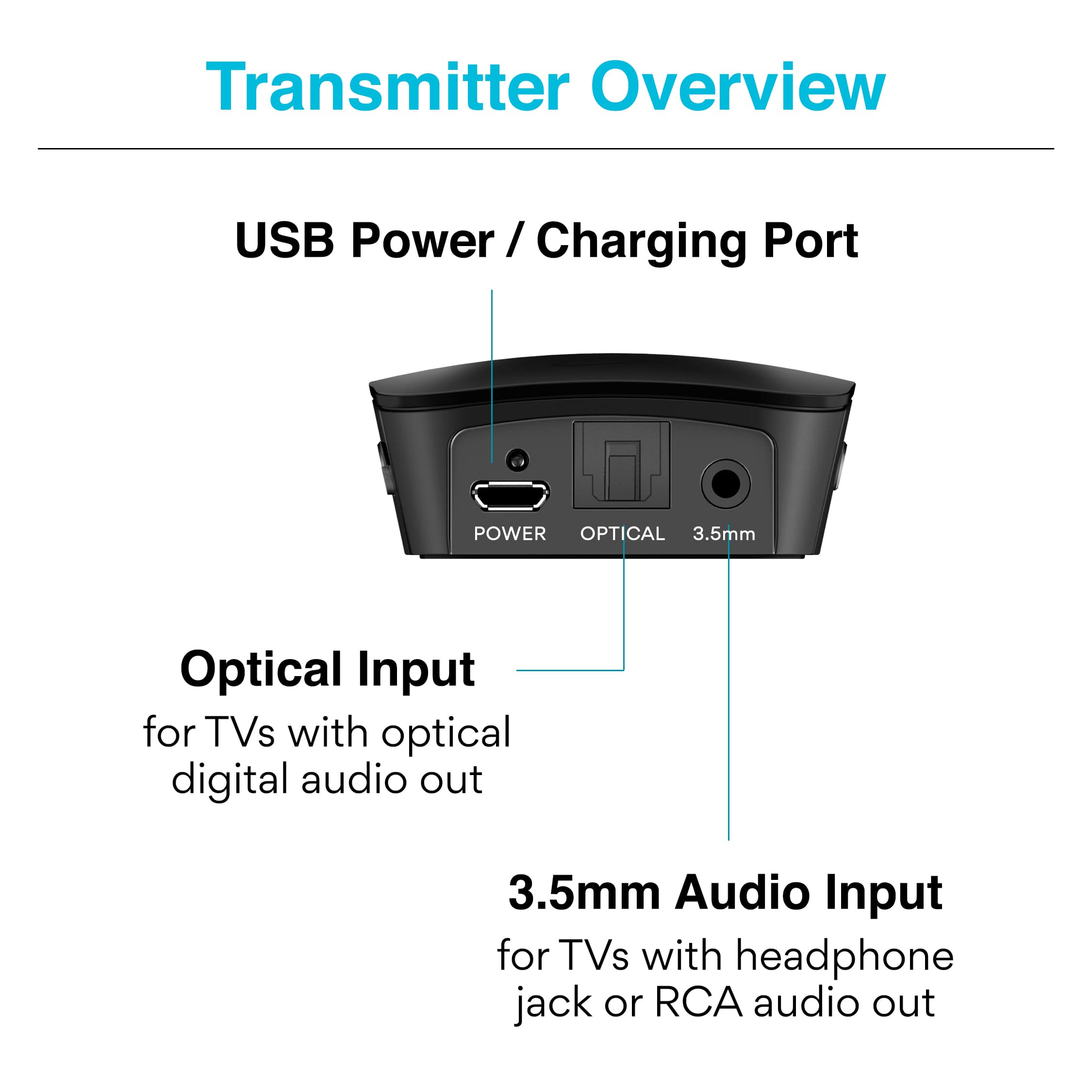
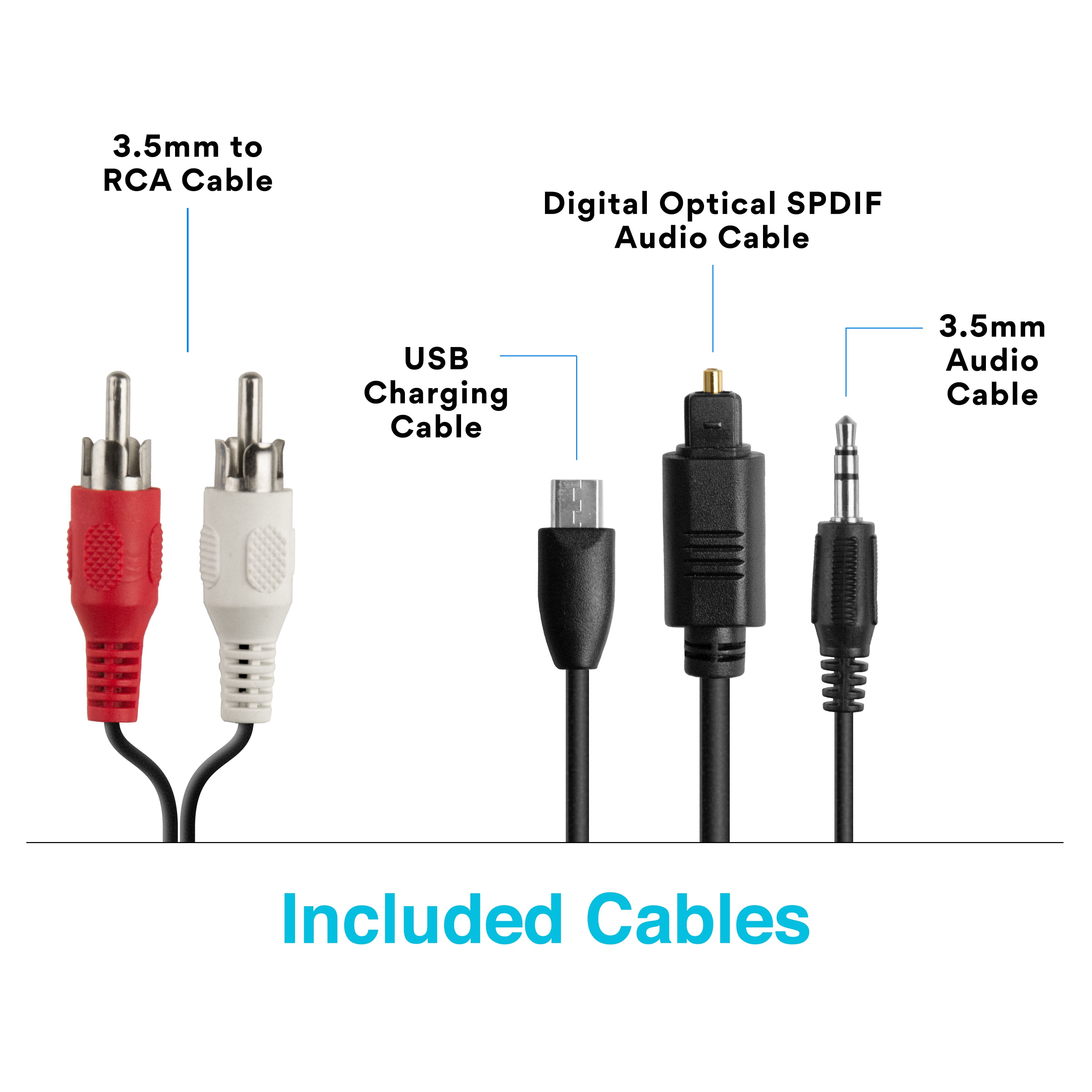
A:AnswerYou can connect the MEE in different ways: If the sound bar is connected to the TV via a fiber optic, well disconnect the fiber optic from the sound bar side and connect it to the MEE, or locate the output connectors in the soundbar and use the optic fiber or the RCA cables supplied by the MEE.
A:AnswerHi, Are you charging the MEE fully? I have two of them and when one goes out I put it on the charger and place the fully charged one in. I use Sony top of the line headphones and when the MEE ruins out of juice I get an audible message in my phones that says "Blue Tooth Disconnected". It is then that I pull it and put it on charge and put my previously charged one on. If you have two you can charge one while the other is working. I hope that this helps. Stay Healthy!
A:AnswerNo! A cable box has all signals/channels primarily so your TV can tune/select what your listening to. Sounds like a bogus question to me. You need Geek Squad quick don't touch anything else. MEE is a great way to bluetooth headphones to your TV or some other devices. Love you!
A:AnswerYes, it will work with any speaker / headphone that runs bluetooth. I made this purchase to be able to use wireless speakers with a TV in my office. I also use those speakers for music, so it proved to be a pain and not a quick process to connect them when needed. I would suggest that if you are going to use this with headphones, you designate those headphones for that area and do not hook them up to other things if you want it to be seemless and fast to use. Otherwise you will need to go through the set up each time. For me it was tiring so I returned the product and bought a designated speaker system.
A:AnswerBecause AirPods have no built-in volume control buttons, you would be better off with a different brand/model of headphone that does have a built-in volume control. That said, if AirPods are your only option, you can adjust the volume by pairing them to your iPhone or iPad, adjusting (increasing) the volume, and then pairing them back to the TV transmitter. This is obviously very cumbersome and makes sense only as a last resort.
A:AnswerOptical output typically will not disable RCA audio output - if it does, there would need to be a setting for it. You can check in your TV's audio menu if a setting exists for choosing between optical and RCA out. If it does not, then both will work simultaneously. And yes, you will be able to use Bluetooth truly wireless earbuds with this device, but it's better to use headphones/earphones that have dedicated volume up/down buttons.