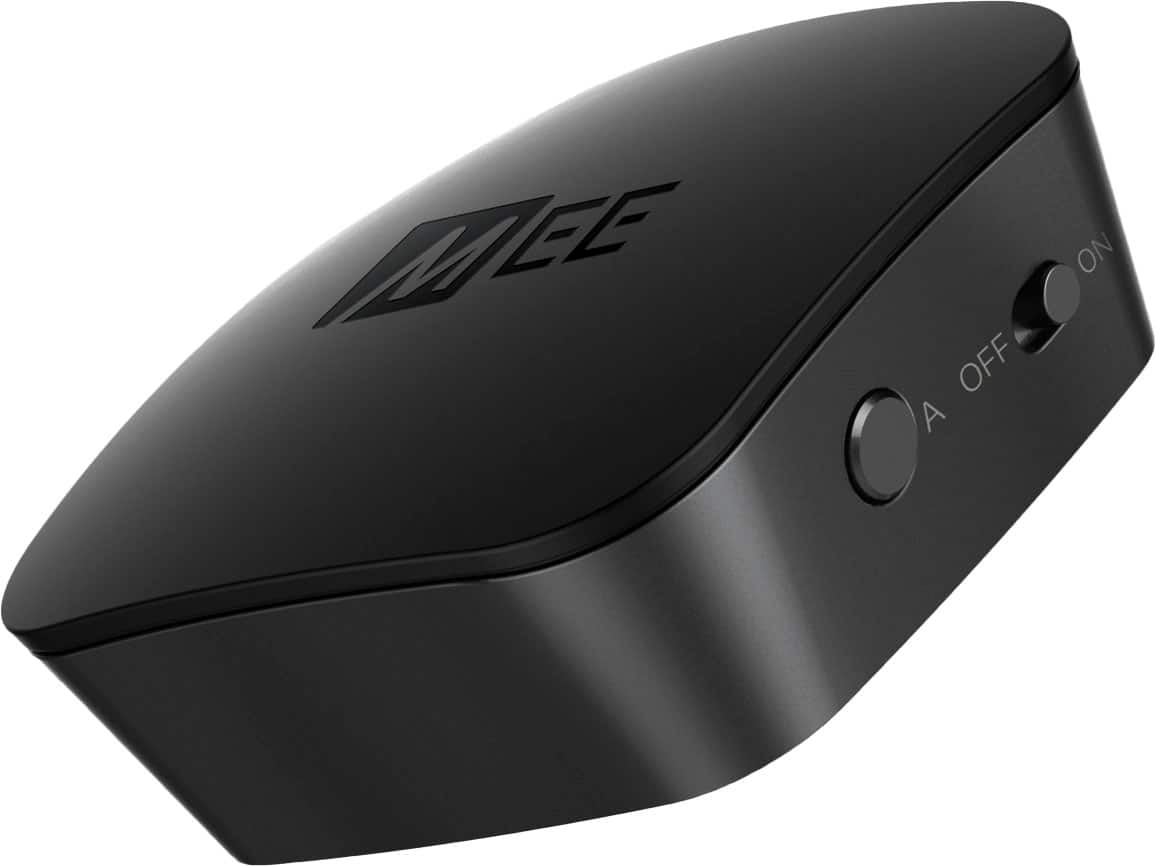
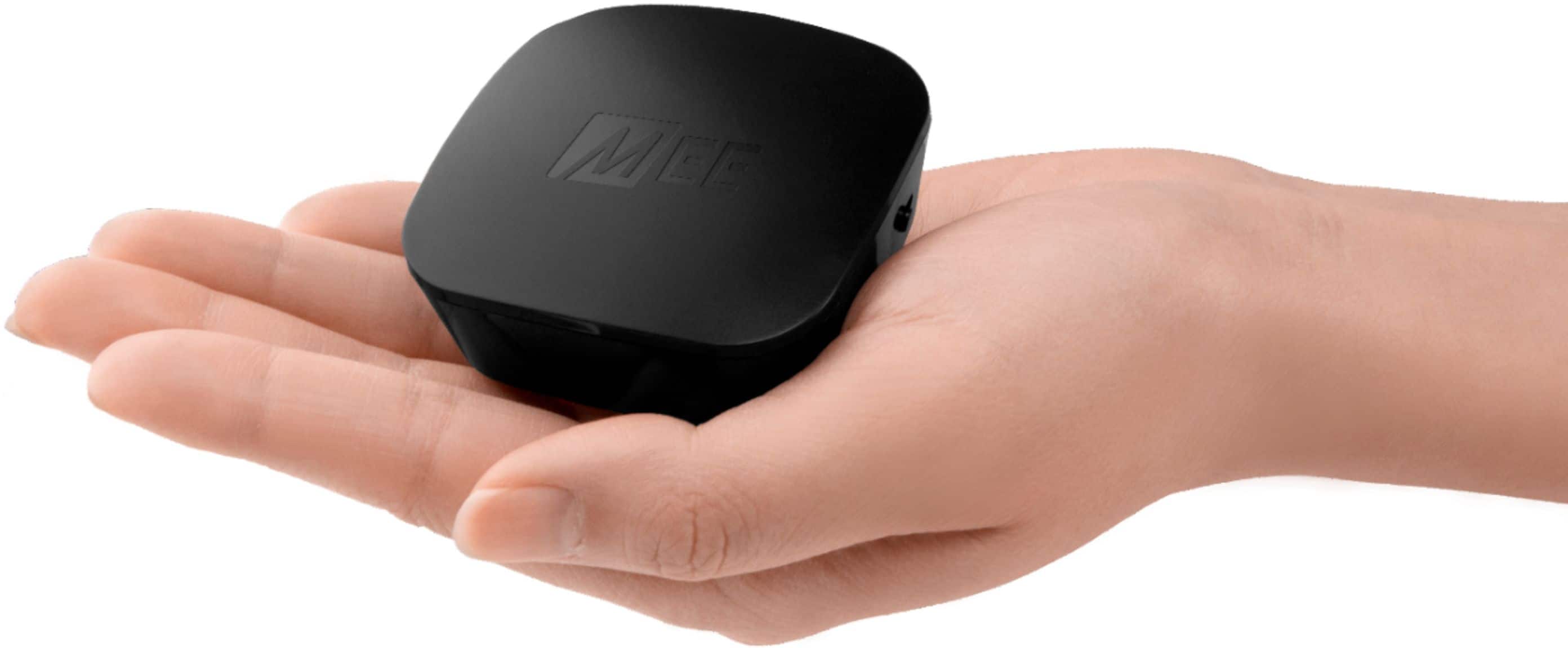
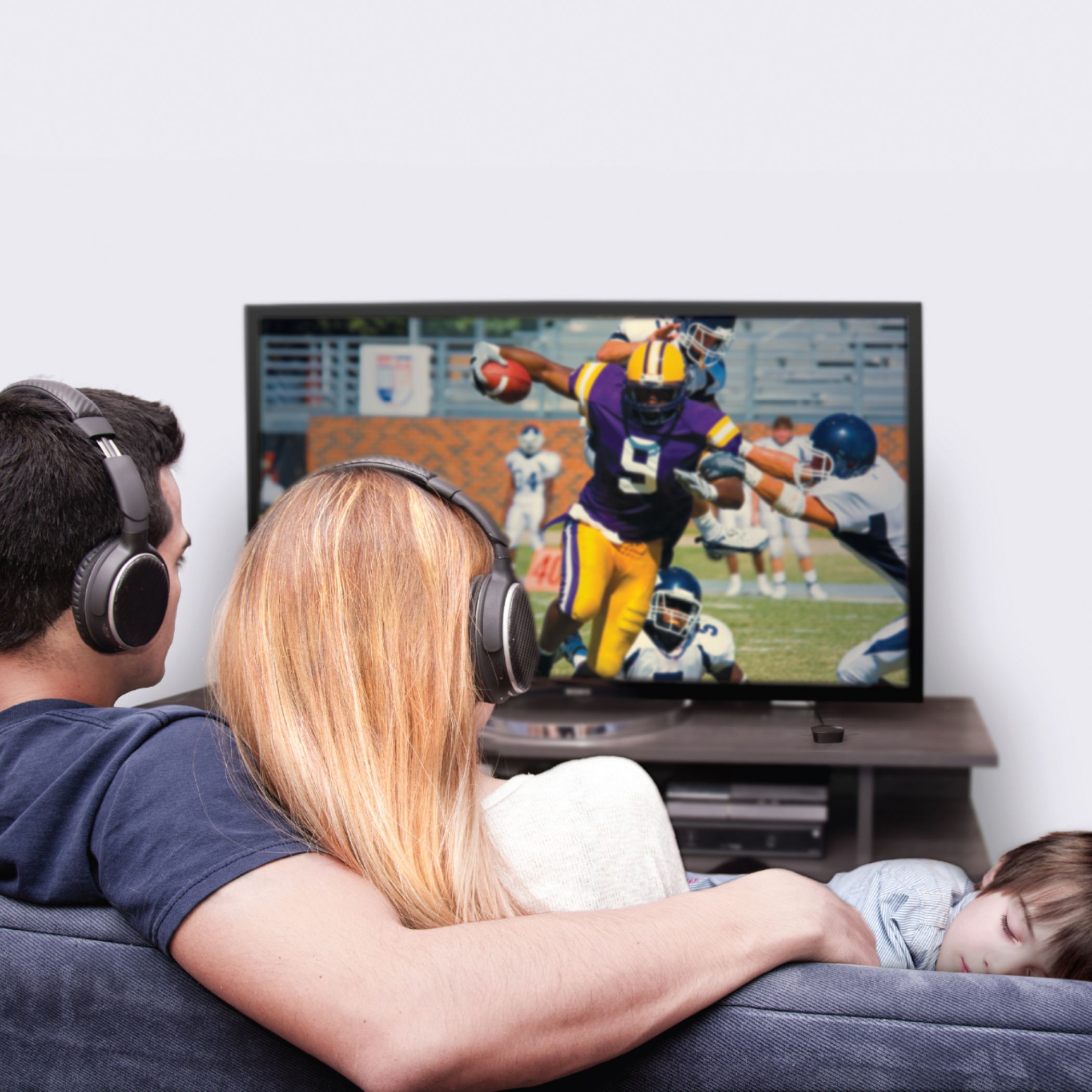
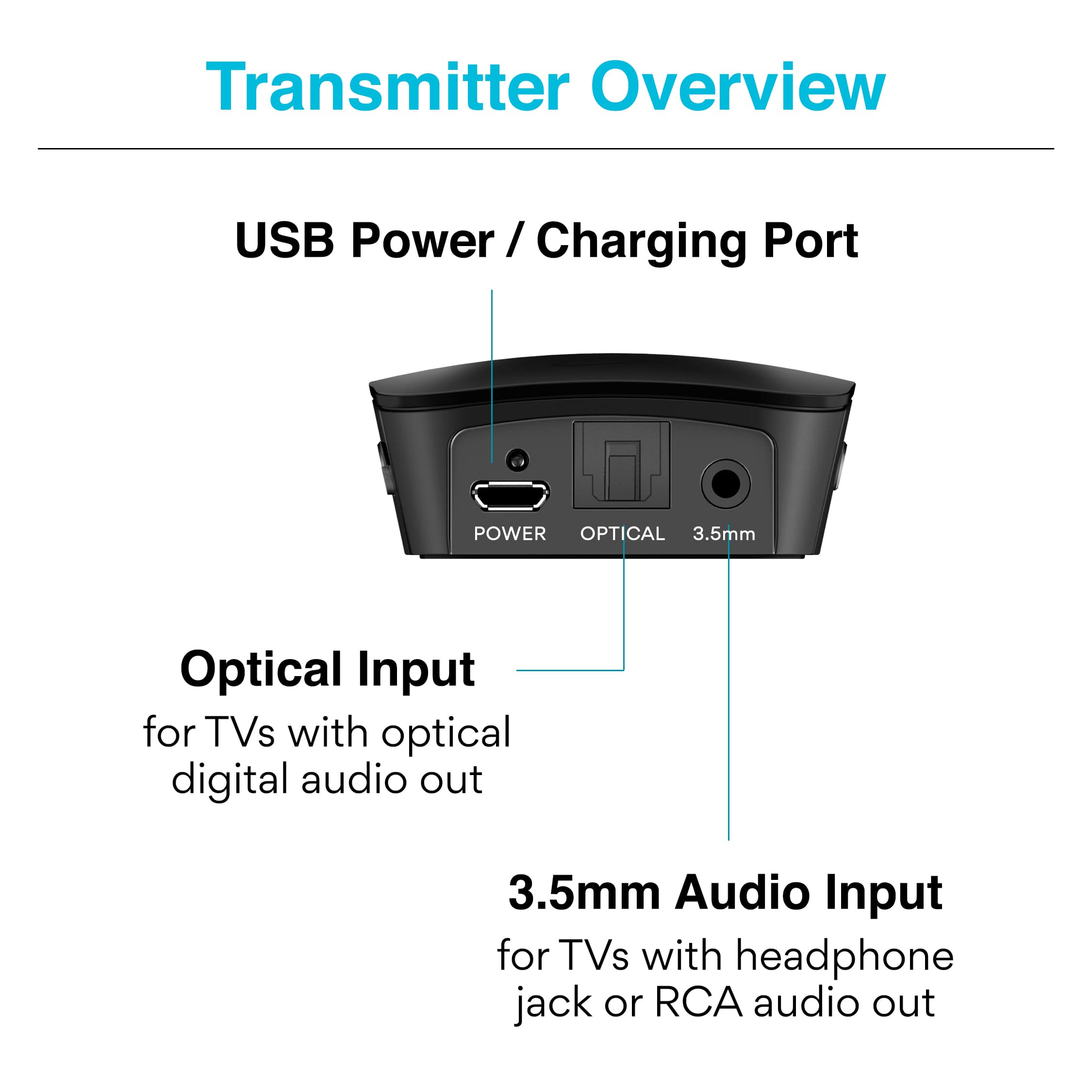
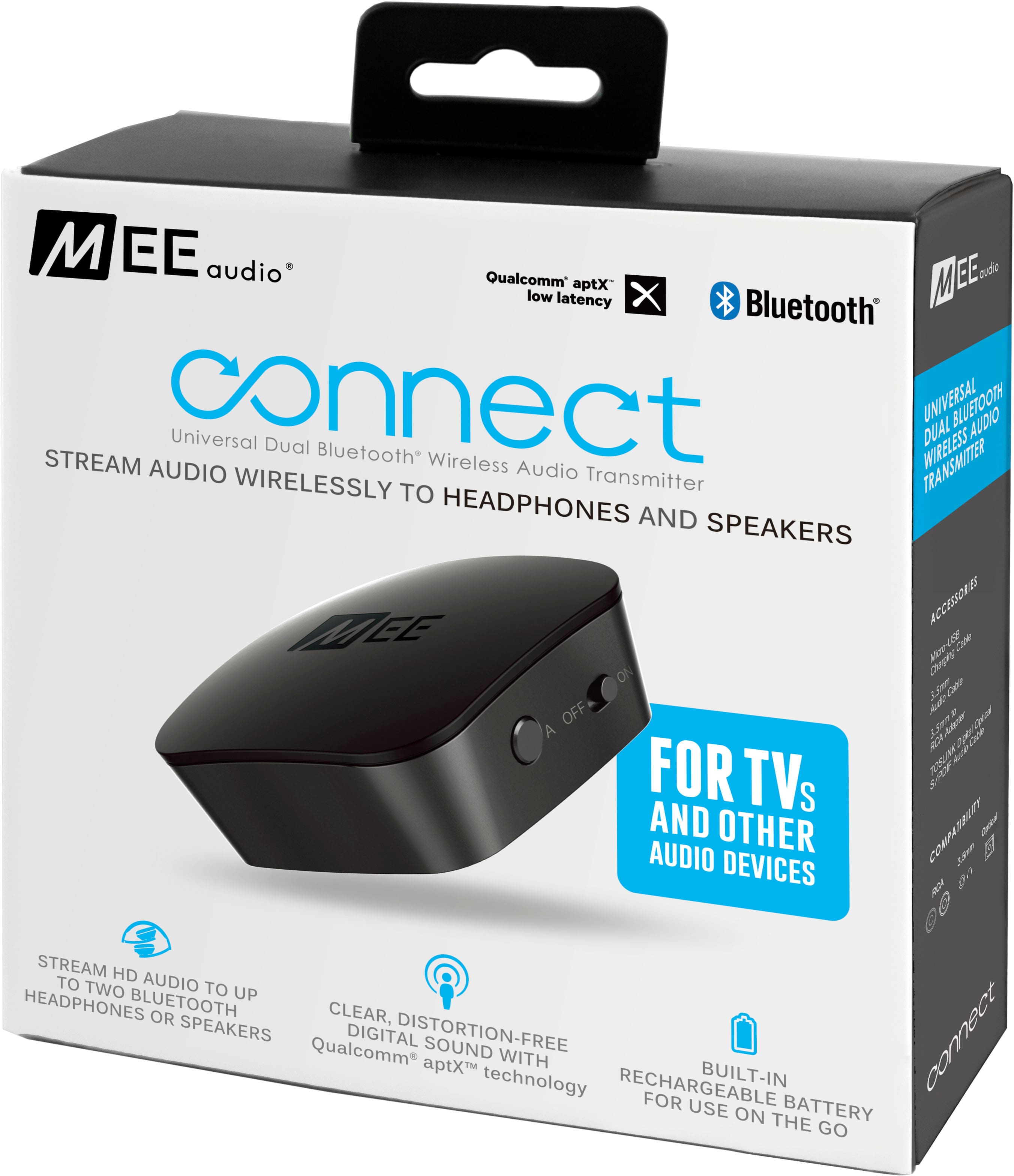
A:AnswerThis device is a Bluetooth audio transmitter designed to transmit audio from a TV to Bluetooth headphones and/or speakers. It can only be connected wirelessly to Bluetooth headphones and speakers, not to an iPhone. If you can clarify the audio setup you are trying to accomplish using this device, we can provide additional information on how to accomplish your goals. If you have any additional questions on how to use this device, please feel free to post them here or to contact our support line at 626 965 1008 Monday-Friday 9:00AM ~ 5:00PM PST.
A:AnswerUnfortunately Dolby Digital has too many audio channels for headphones, which only support left and right audio channels. You would need to change your TV's audio optical output format into "PCM" or "stereo" mode for headphone compatibility. Most older TVs will allow you to do this, usually this setting is found in one of the submenus of the "Audio" settings menu and called "Digital Audio Output" or similar (it varies by TV model).
If you need assistance checking if your TV supports this, please contact our support department at 626-965-1008 M-F 9am-5pm PST, and we will help you double check.
A:AnswerYes, this will work, though you will need a splitter with 1 input and 3-4 outputs. This is easy to do if you are using the TV's headphone jack, as 5-way splitters for the headphone jack are common, but may become challenging if your TV only has a digital optical or RCA (red and white) outputs, as you would need to find a splitter that has 3-4 simultaneous outputs for those.
Also, depending on how many other wireless signals are in the area, we would recommend no more than 6 headphones be used this way. Bluetooth shares its bandwidth with other wireless devices, and having 8 or more Bluetooth headphones in the same room would start to affect their range.
A:AnswerBluetooth wireless earbuds will work with this product - you just have to consult the earbuds' user manual to check the correct procedure for putting them into Bluetooth Pairing mode so that you can connect them.
A:AnswerThis device does indeed allow 2 pairs of (Sony or other) Bluetooth wireless headphones to be used simultaneously. Regarding connecting this device and getting the audio from your fire stick, this depends on the audio outputs of your TV. If your TV has an audio out connection compatible with this devices (digital optical audio out, headphone jack, or RCA red/white "AUDIO OUT"), then you should be able to make this work. If you have any further questions regarding TV or headset compatibility of this device, please contact the MEE audio support department at 626-965-1008 M-F 9AM-5PM PST or at [email protected]
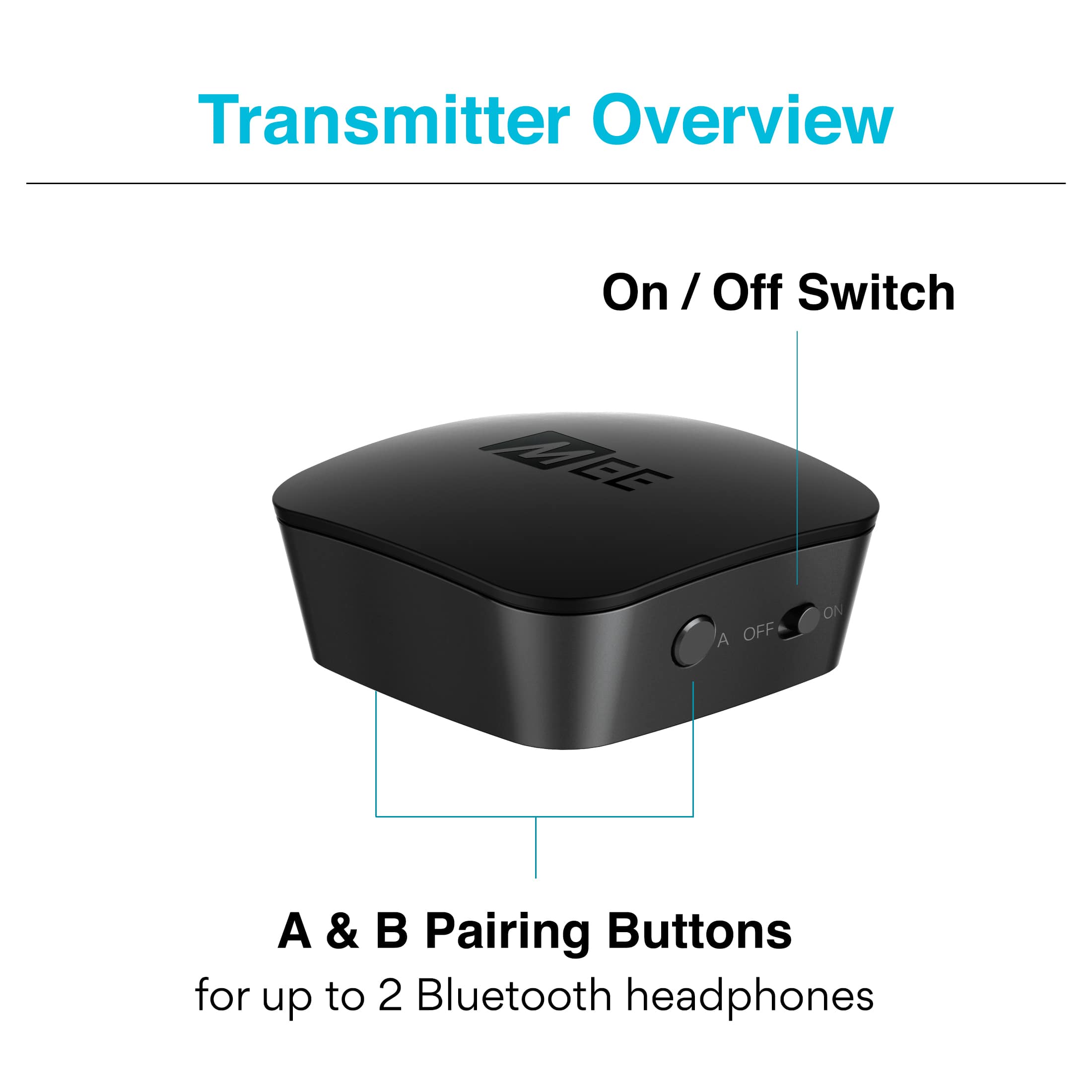
A:AnswerWith Bluetooth there is a limit of 2 headsets per transmitter. However, you can pair up to 4 headphones by using a splitter from your TV and connecting two of the Connect transmitters to the splitter, and then pairing 2 headphones to each of the transmitters.
A:AnswerThis depends on how the sound bar is connected to your TV, and how the audio/sound settings of the TV are set up. Sound bars generally offer a few different connection options, and many TVs have additional settings for routing audio and different audio output formats. If you contact our support department and provide these details, we should be able to provide some suggestions.
Our support department can be reached at 626 965 1008 Monday-Friday 9:00AM ~ 5:00PM PST or by emailing [email protected]
A:AnswerThis depends on the specific Bluetooth functionality of your hearing aid. Because there are several different models of Oticon More hearing aids, it is best to consult Oticon regarding the specific hearing aid model you are using to see if there is a procedure for pairing it with Bluetooth-compatible devices that are not a phone. Generally speaking, hearing aids that use MFI ("made for iPhone") technology, or that utilize an app to connect to phones/tablets, will not be compatible as there will be no way to connect them with a screen-less device. Only hearing aids that have an independent Bluetooth pairing mode (like a headphone has) will be able to be connected. There may even be variations between different software versions for the same hearing aids, so again it's better to get the operating information specific to your hearing aids to ensure accuracy.
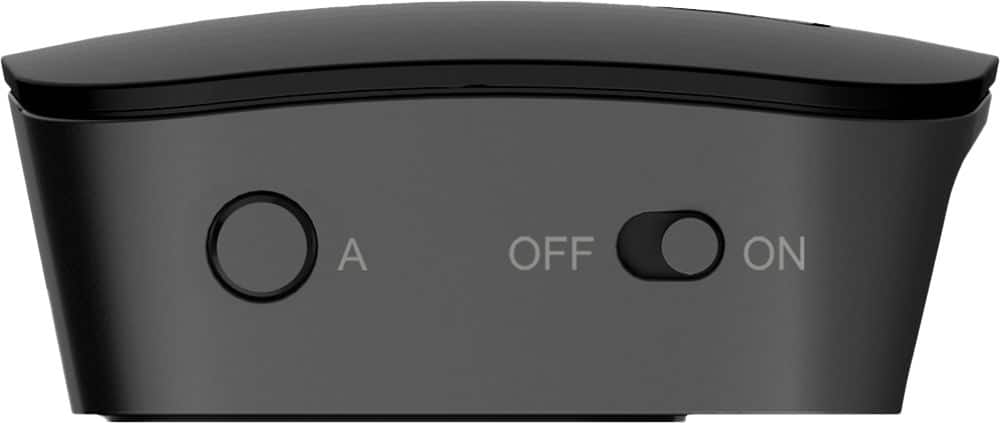
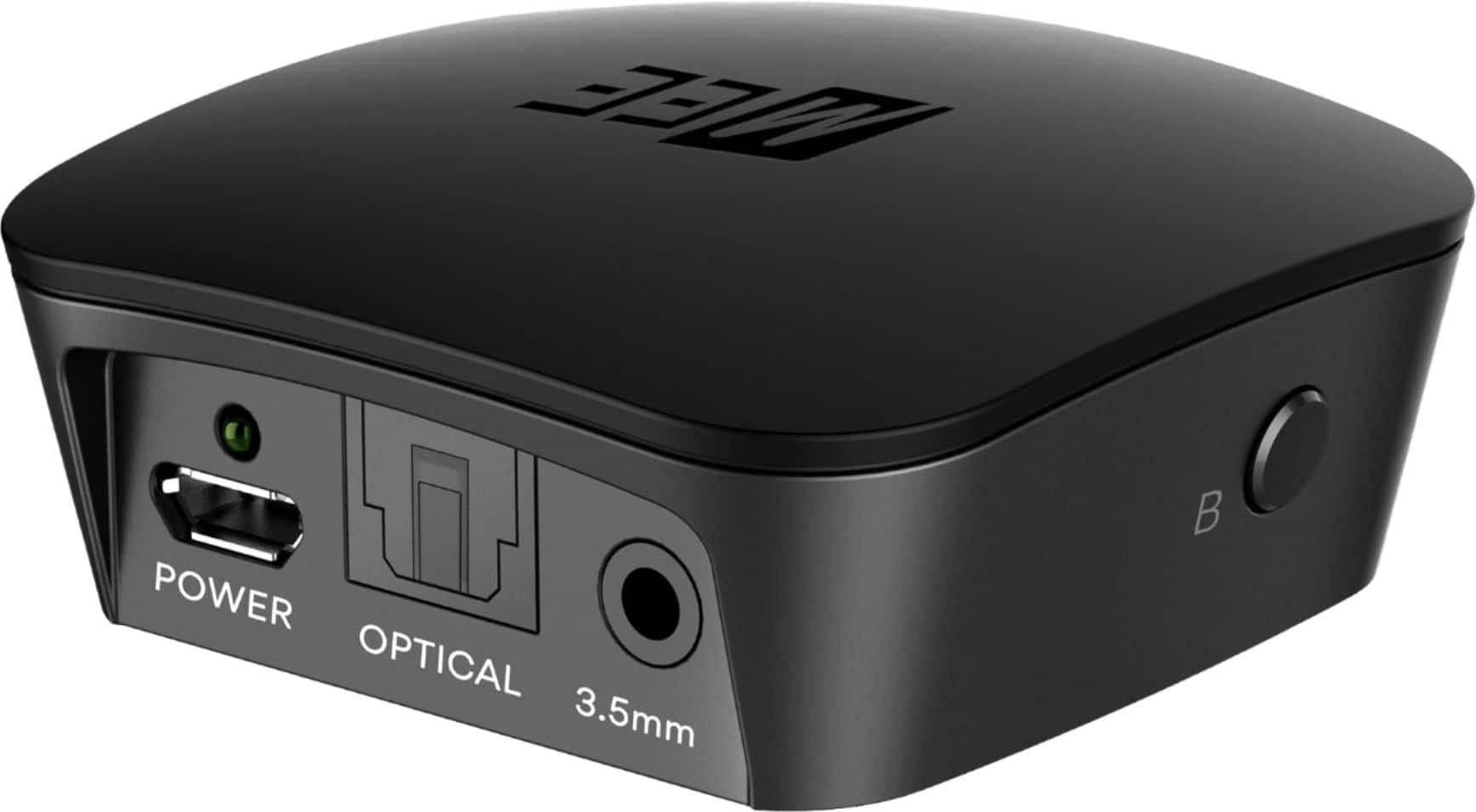
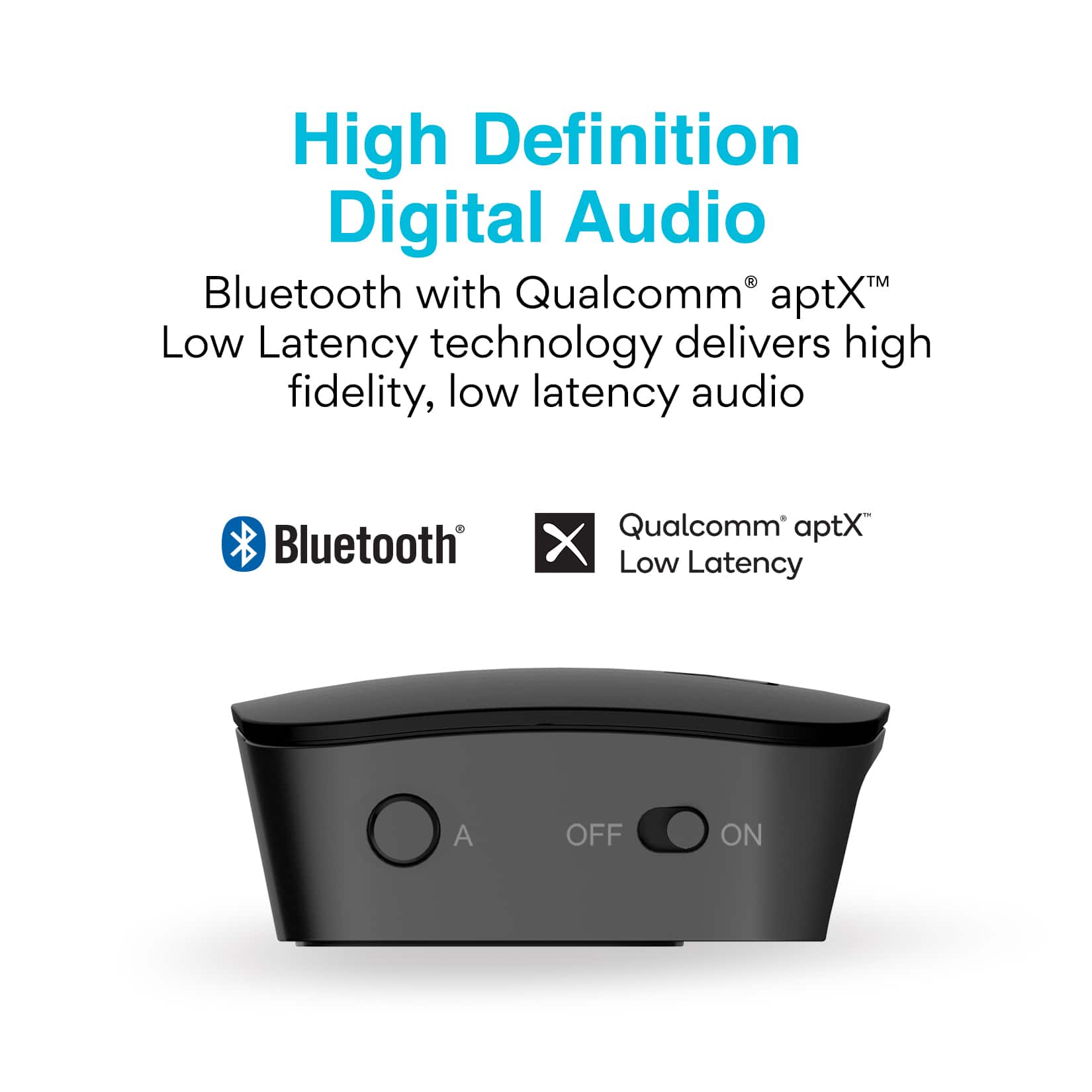
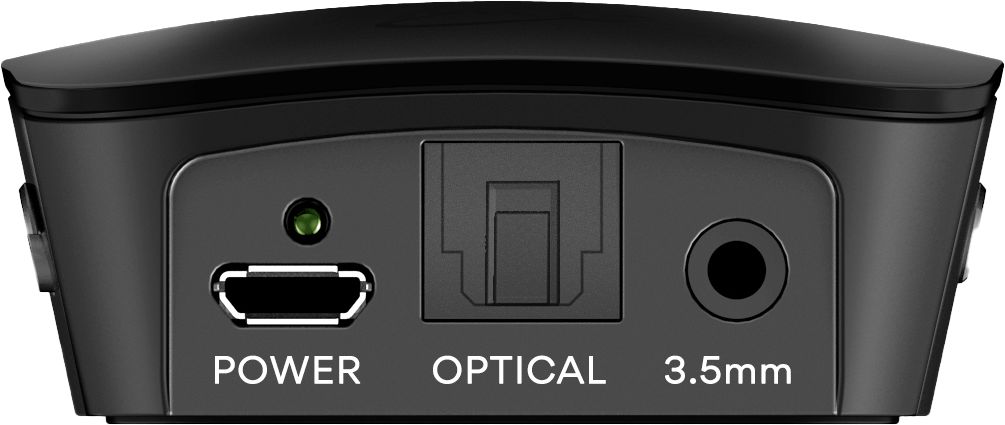
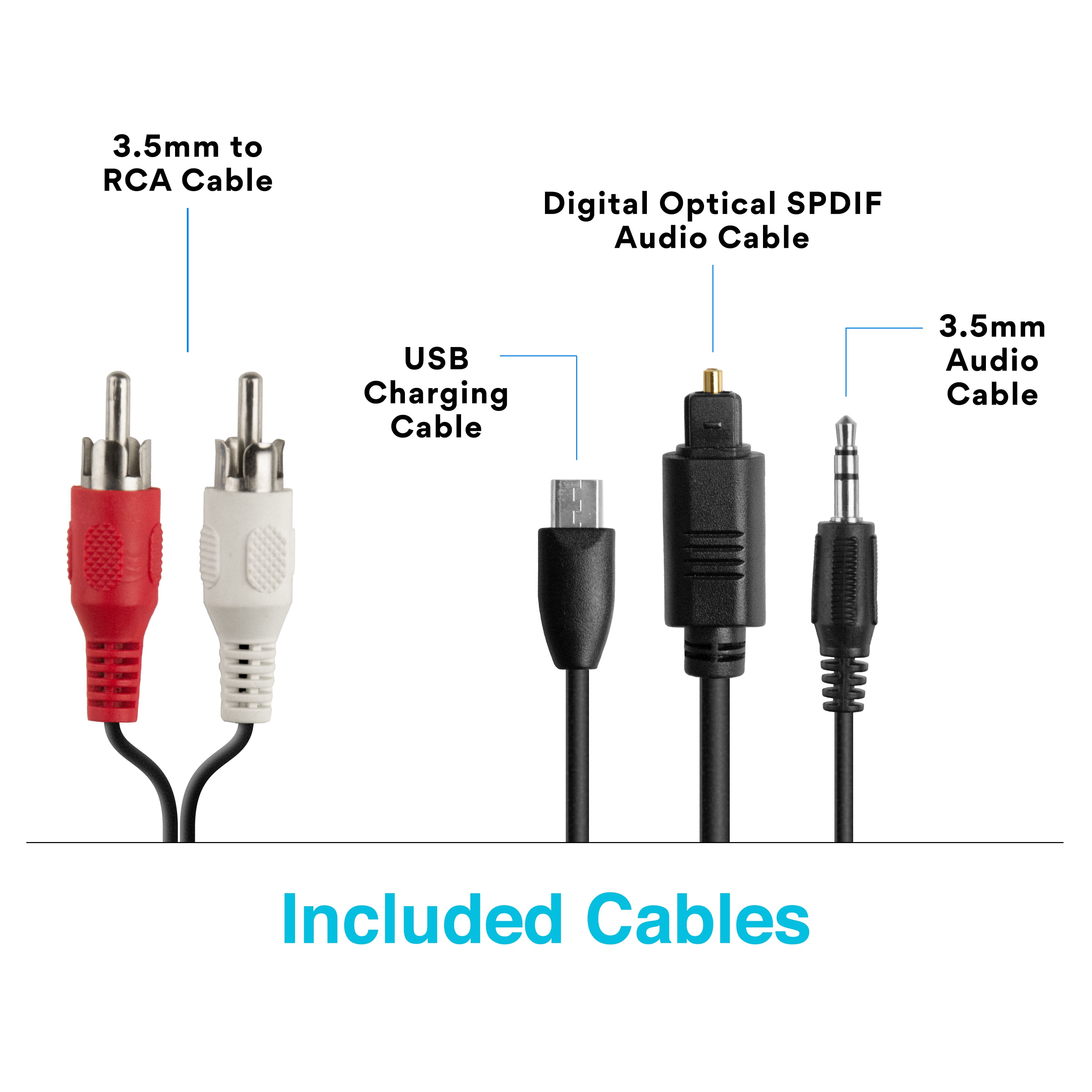
A:AnswerThere are several possible causes, the most common being a lack of power to the unit. The Connect transmitter needs to either 1) be plugged into a powered USB port or 2) the internal battery needs to have been previously charged from a powered USB port. Please use the included USB cable to connect the charging port (labeled “POWER”) on the back of the device to a powered USB port. If using the USB port on a computer or TV for power, make sure the computer or TV is powered on. The green power indicator light on the rear of the unit will light up when the unit is plugged into a working power source. Lastly, please make sure that the on/off switch on the side of the unit is in the “on” position. If you have any additional questions, please contact our support department at 626-965-1008 and we will help you troubleshoot the power/charging configuration of the transmitter.
A:AnswerAs long as you know how to put the Bluetooth receiver in Bluetooth pairing mode, you will be able to hook up. To have the soundbar continue to work as well, you will have to check how the sound bar is connected to your TV. Most likely your TV only has one Digital Optical Audio Output. If your soundbar is already connected to your TV using that optical output, you should get a "Connect Hub" model instead of this model. If your soundbar is connected to your TV via some other method and you have an empty Digital Optical Audio Output on the back of your TV, you should be able to plug this device into it and have it work at the same time as the soundbar. If you have any additional questions, please contact our support line at 626 965 1008 Monday-Friday 9:00AM ~ 5:00PM PST or by emailing [email protected]
A:AnswerI have mine hooked up to an optical splitter to my Shokz's and my soundbar. I turn my volume down on the soundbar when I am using my Shokz. I do get occasional crackling interference through our Shokz also.