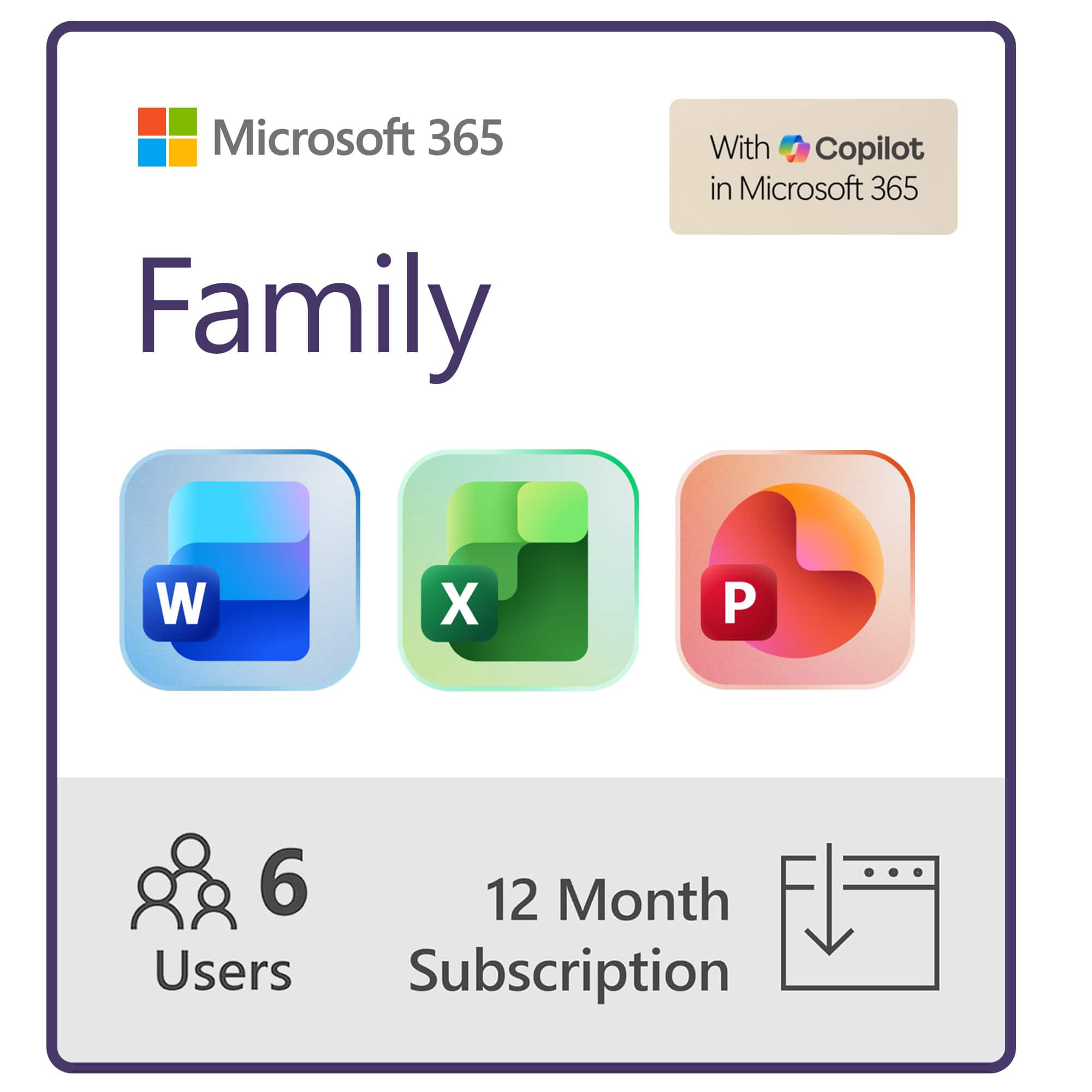
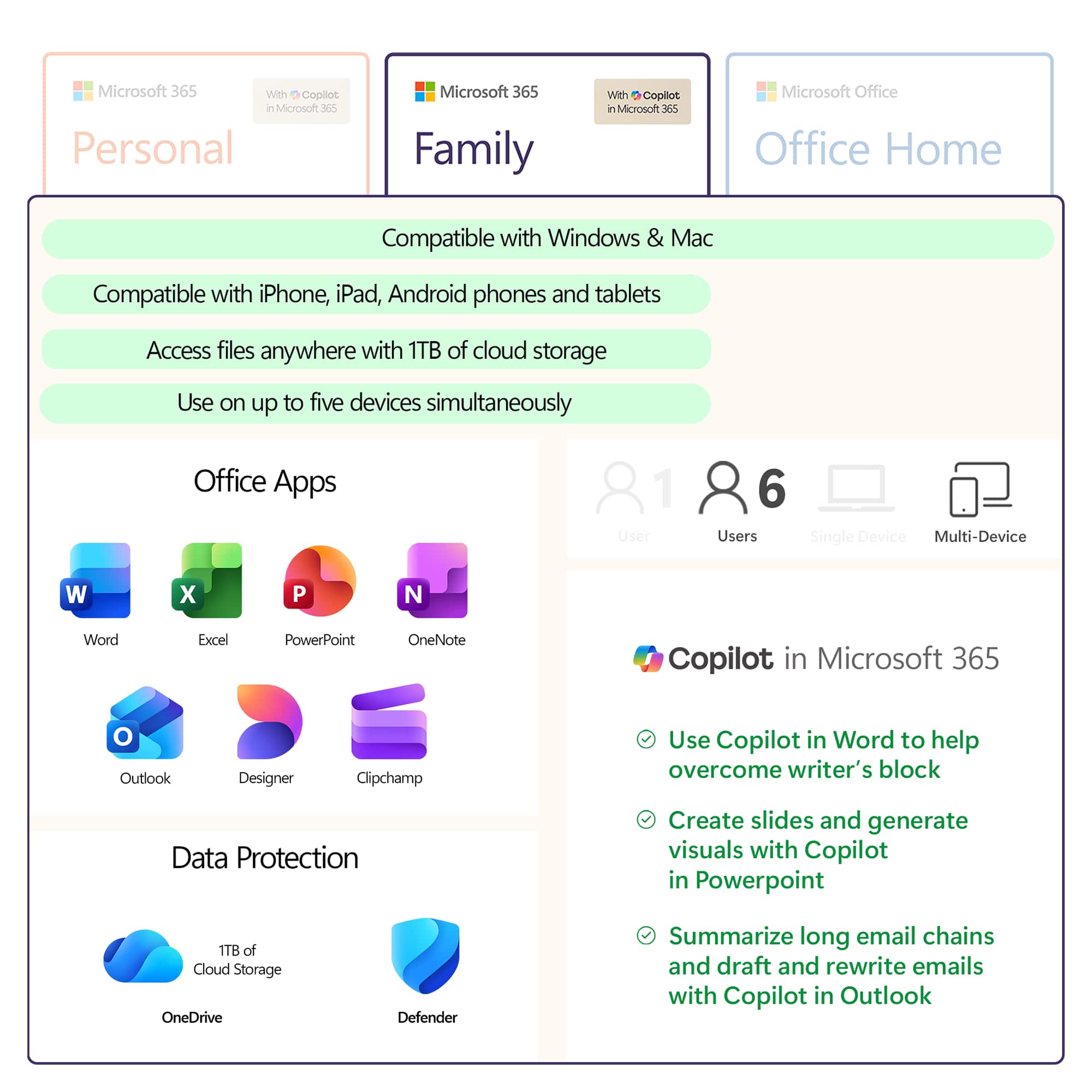
A:AnswerAutomatically renewing Microsoft 365 Family subscription will renew each year for $99.99 (or then-current price) unless canceled before yearly renewal date.
A:AnswerSwitching or extending your subscription has never been easier. Simply visit your Microsoft account, where you will be able to access your current subscriptions, and make any necessary adjustments you see fit.
A:AnswerThank you for your question. Yes, Microsoft 365 Family may be used on MacOS devices such as MacBook Pro, and can be installed on both of your computers.
A:AnswerIt sounds like you may be interested in Office Home & Student 2019 or Office Home & Business 2019, which are one-time purchases for one person and one device.
A:AnswerCheck out our installation Support page here: https://support.microsoft.com/en-us/office/download-and-install-or-reinstall-microsoft-365-or-office-2019-on-a-pc-or-mac-4414eaaf-0478-48be-9c42-23adc4716658
A:AnswerYou can check out our installation and Support page here: https://support.microsoft.com/en-us/office/download-and-install-or-reinstall-microsoft-365-or-office-2019-on-a-pc-or-mac-4414eaaf-0478-48be-9c42-23adc4716658
A:AnswerPersonal Edition is one installation on one computer. The family edition can be installed on up to 6 computers and each user has his/her own account.