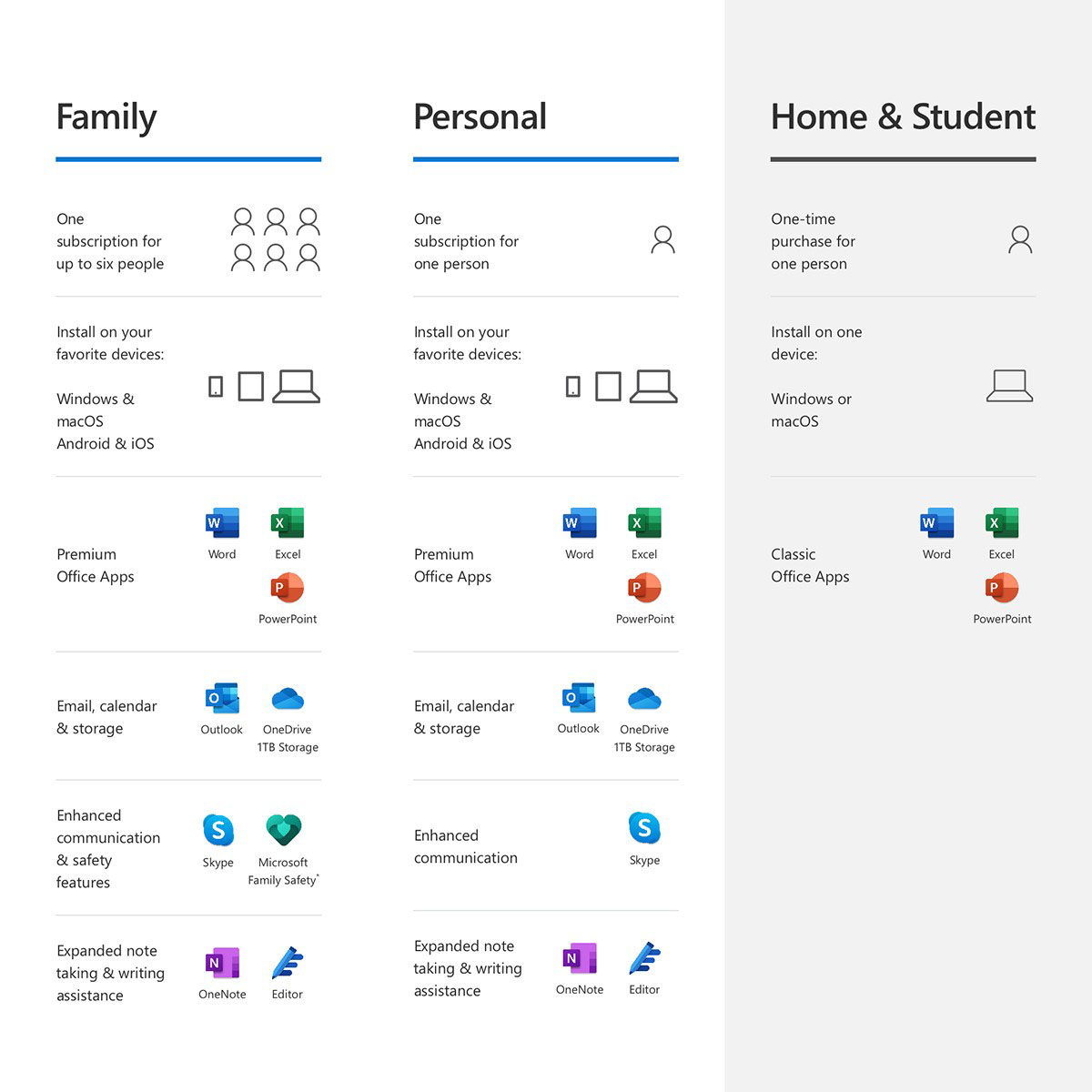
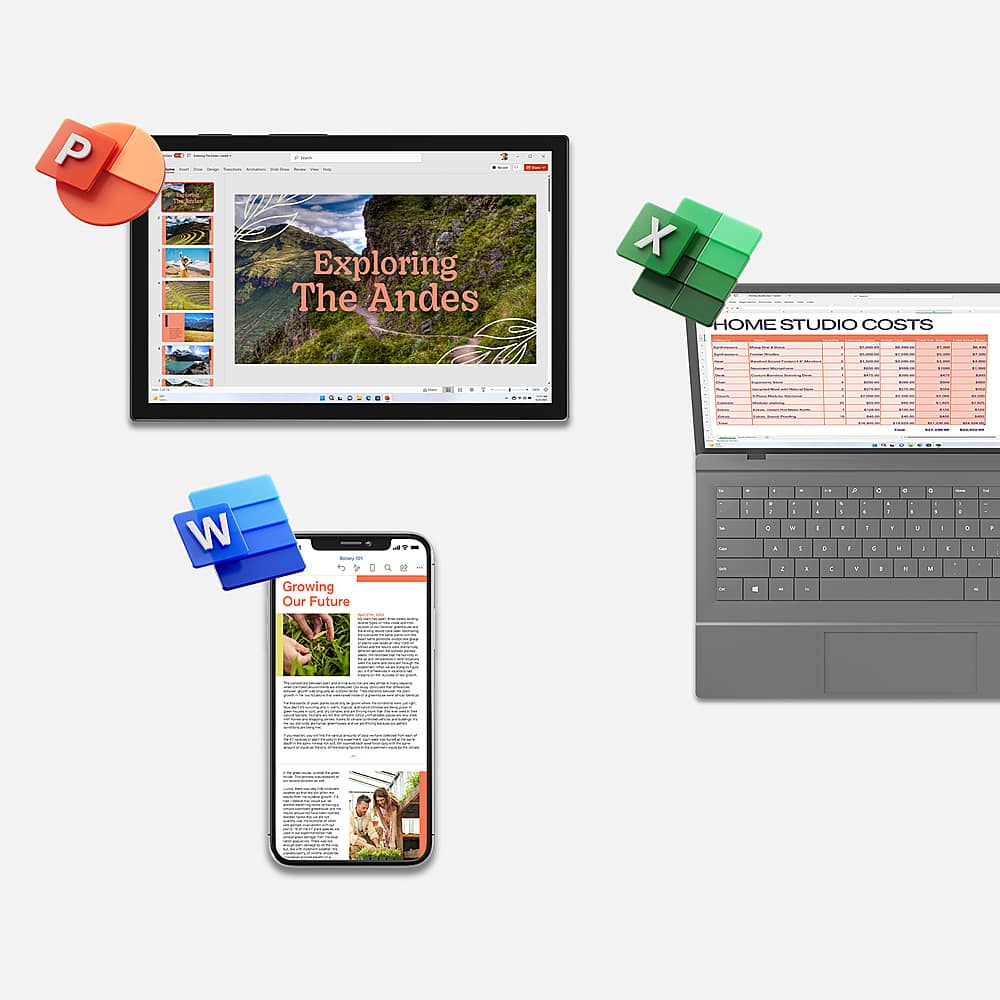
A:Answer Thank you for your question. If you have an active Microsoft 365 Family subscription, you can share it with up to 5 members of your household. Each household member you share your subscription with can install Microsoft 365 on all their devices and sign in to five devices at the same time.
To add someone to your subscription, visit account.microsoft.com and follow the on-screen instructions to add a user. Each person you add will receive an email with the steps they need to follow. Once they have accepted and completed the steps, their information, including the installs they are using, will appear on their My Account page. You can stop sharing your subscription with someone or remove a device they are using at account.microsoft.com.