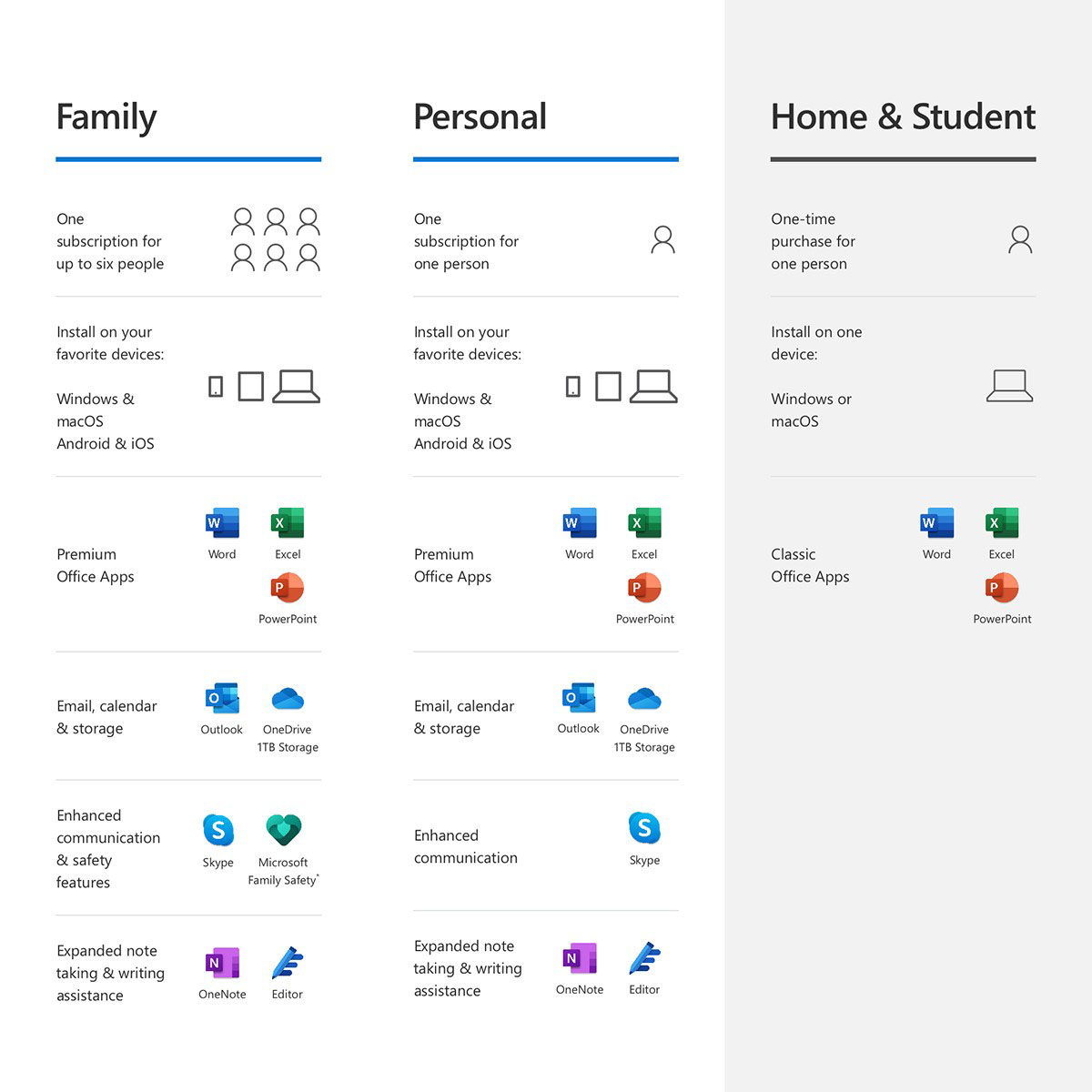
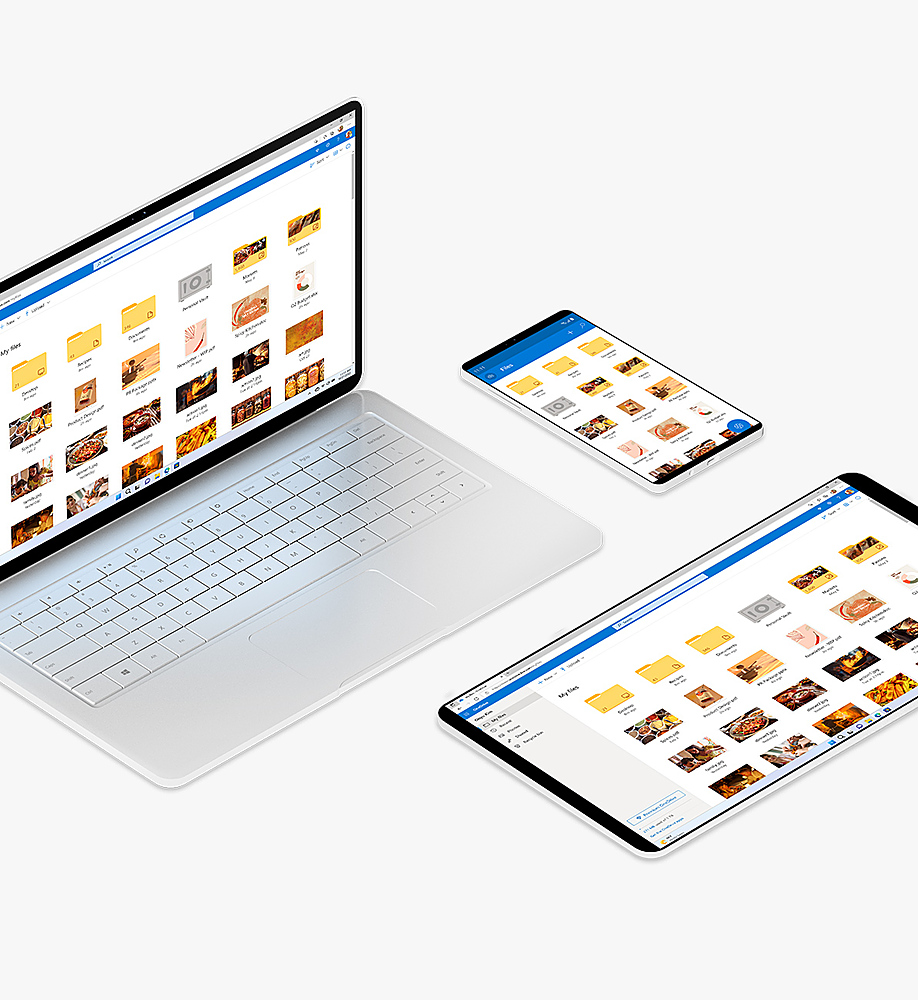
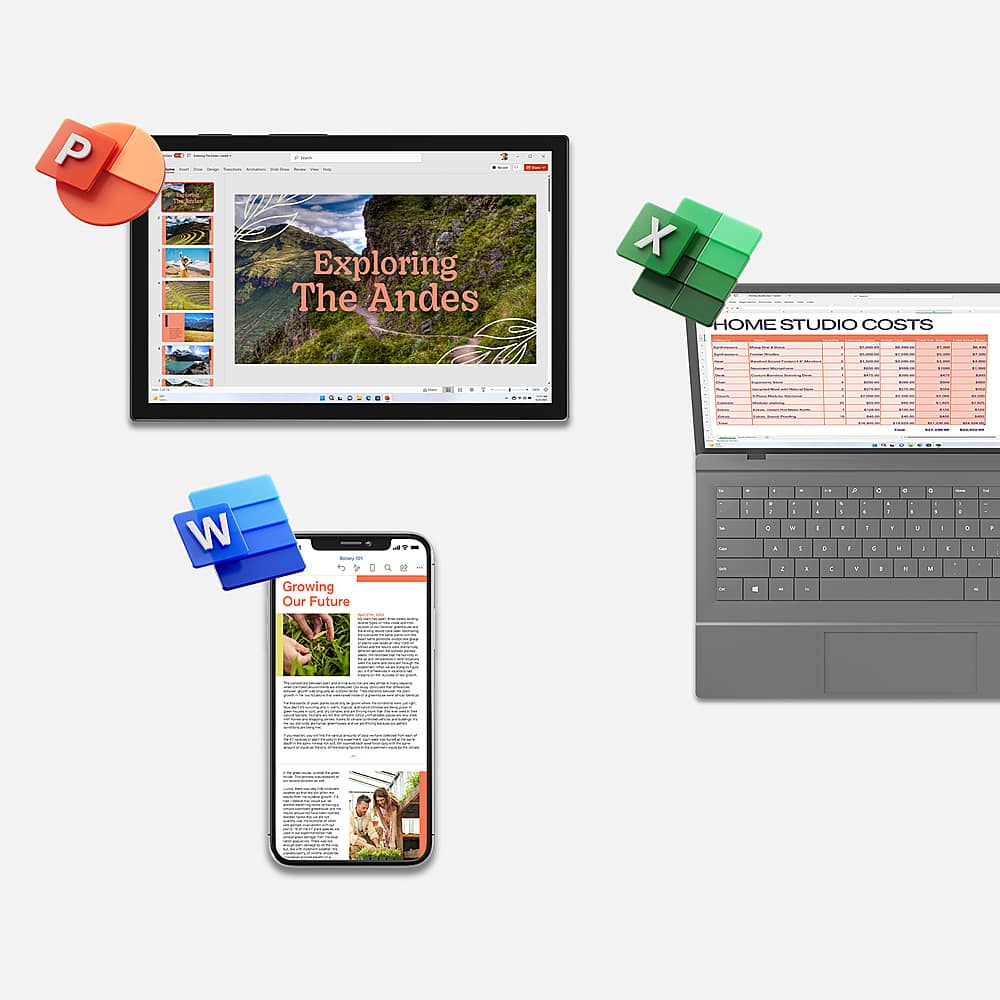
A:AnswerYes, this is our subscription version of Office. It also comes with 1TB of OneDrive cloud storage and access our whole Office suite of products.

A:AnswerStop at Best Buy in-store Geek Squad or call Geek Squad 800 number for help with the installation of Office 365. Are you sure it's Microsoft Office 365 or Word (Perfect)? Check with Geek Squad.
A:AnswerYes, it does. You can learn about the end of Windows 7 support and how it impacts your Office 365 subscription here: https://www.microsoft.com/en-us/microsoft-365/windows/end-of-windows-7-support.
A:AnswerI had about a month left on my subscription, installed on Windows PCs. I bought a new iMac and Office was $20 off. The new subscription added on to the time I had remaining. And yes, mixed Windows and Mac devices now, no problem.
A:AnswerYou just have to log into the Microsoft account on the other PCs. So you can have 6 users and then it is however many devices you want. I log into mine on a MacBook, desktop, phone, surface and iPad. Then my mom has her own log in under the same account. She is logged into about 5-6 devices herself as well. We can still add 4 more people and they can log into all of their devices too.
A:AnswerYou can learn more about sharing your subscription here: https://support.office.com/en-us/article/learn-more-about-sharing-your-office-365-home-subscription-155c850a-65b6-4a1a-9b28-b84e16b07bfc.
A:AnswerYes, though we recommend that you upgrade to Windows 10 before Windows 7's end of support. You can learn more about how that affects Office 365 Home here: https://support.office.com/en-us/article/windows-7-end-of-support-and-office-78f20fab-b57b-44d7-8368-06a8493f3cb9.
A:AnswerI use it for five office machines. If you need five more just buy another card and register it under a employee's name. As long as the e-mails are different, they won't stop you.