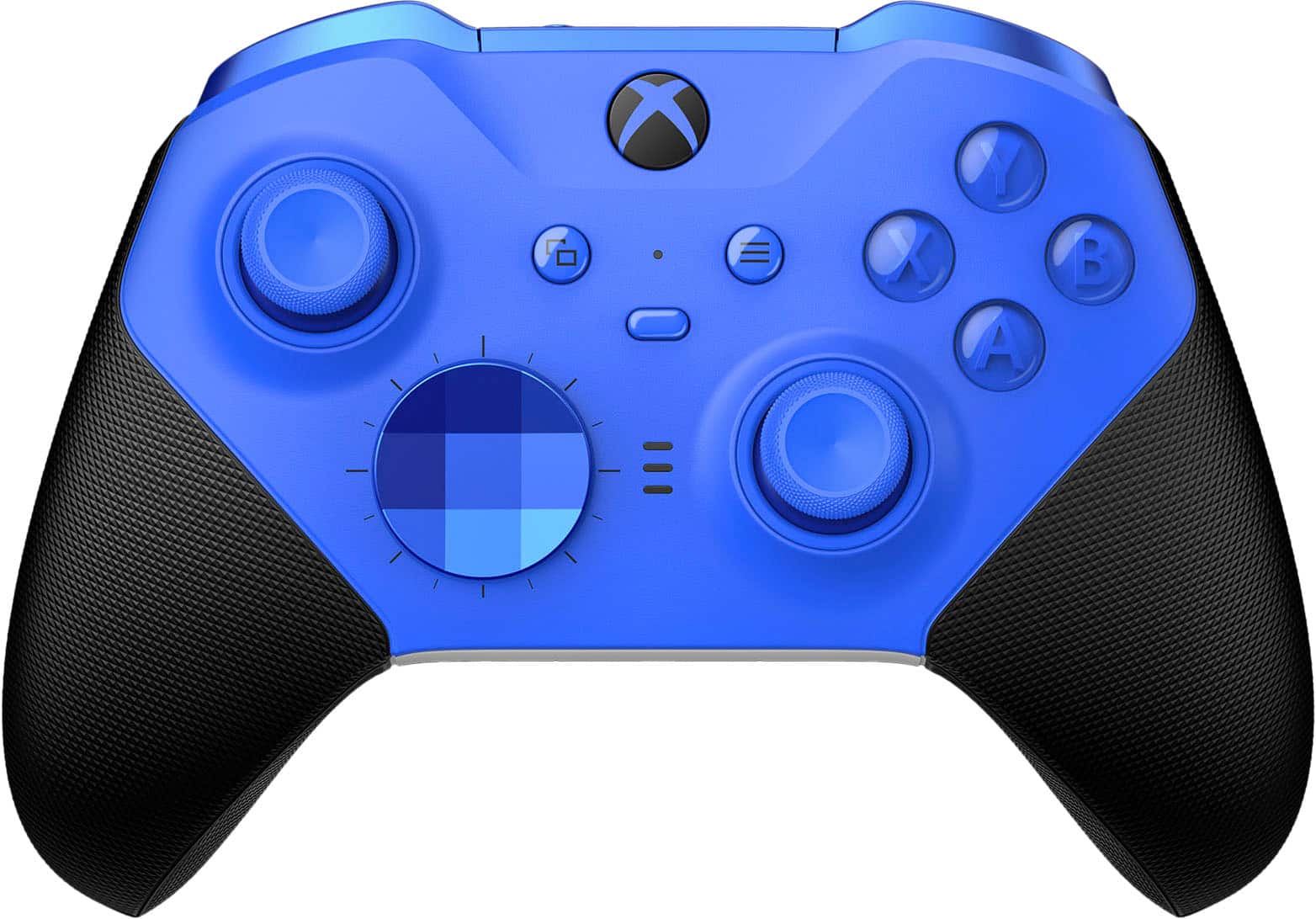
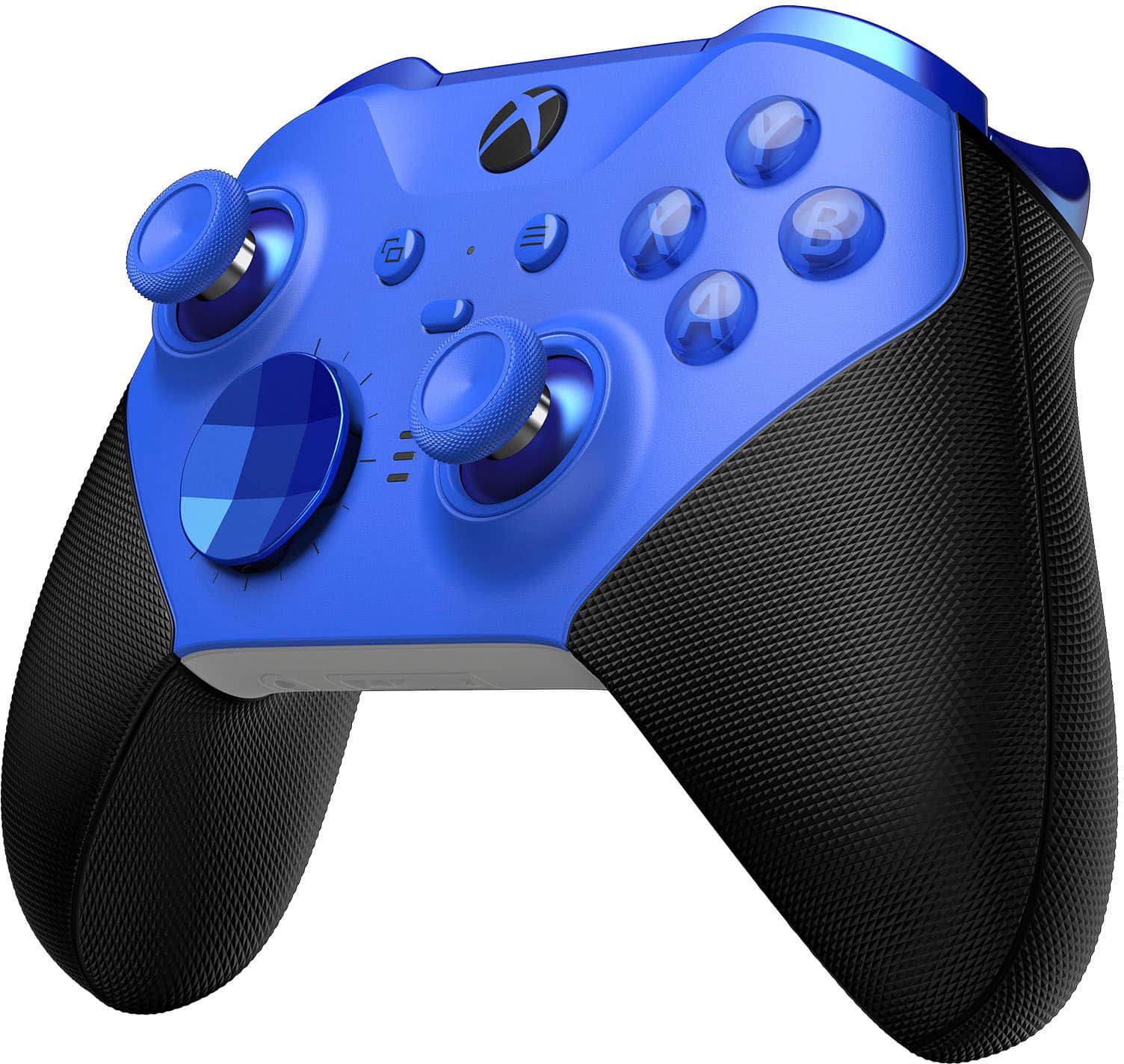
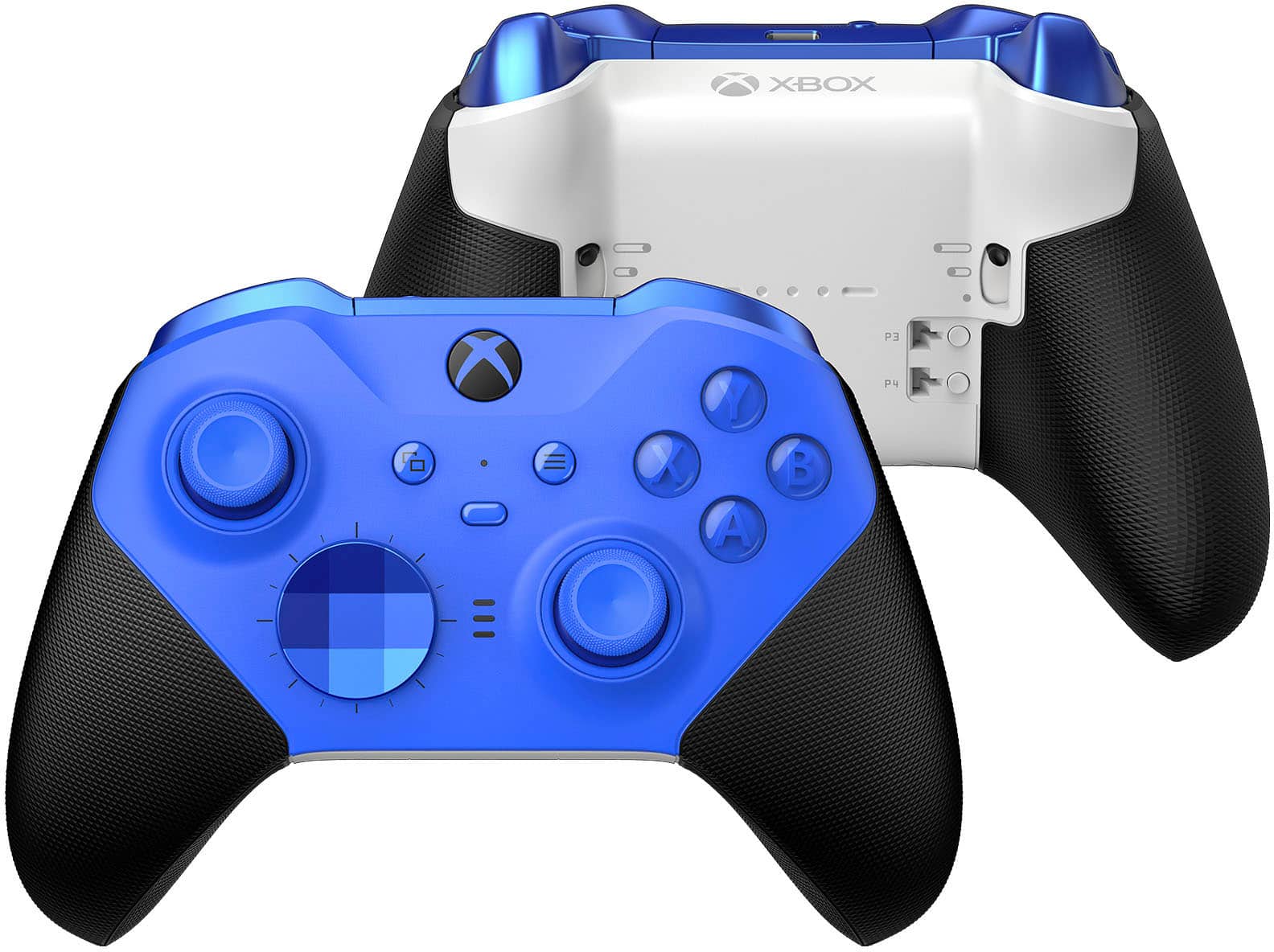
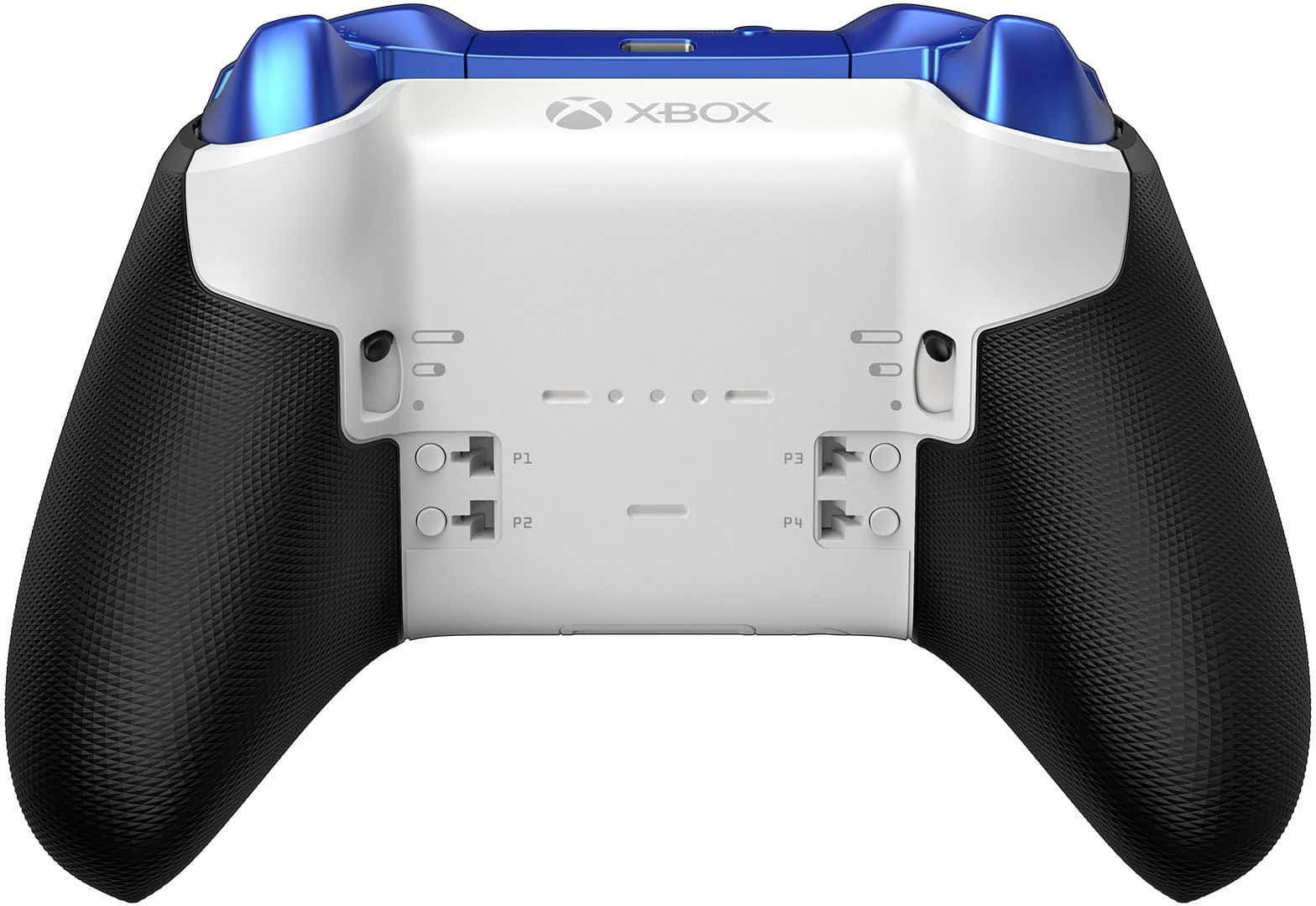
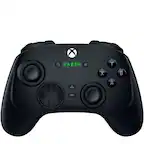
A:AnswerThanks for checking! Yes, Xbox Elite Series 2 controller is compatible with Windows 11 PC via Bluetooth, wired connection, or Xbox Wireless Adapter.
A:AnswerAs I understand it and as it was told to me by a very trusted BB employee, it is a 1 time use only...so swapping it out because of that right bumper issue will burn it for you moving forward - although, if it is within 30-45 days (depending on your BB member status) still, then you should be able to return/exchange it separate from your Geek Squad 2-year warranty and get a new one that works properly. Hope that helps man.
A:AnswerThe button you may be referring to is the Profile button, which allows you to switch between controller profiles you create in the Xbox Accessories App. For more information about the functions of the Xbox Elite Wireless Controller Series 2, go here: https://support.xbox.com/en-US/xbox-one/controllers/get-to-know-elite-series-2
A:AnswerI had my right bumper break yesterday and I went to Best Buy today they are completely sold out of the elite 2 controller and I have the 2 year extended warranty. They will not replace the controller, they will not give me my money back and they will not tell me when I can get a new controller from them. I then called Microsoft since it's only been 2 months since I purchased the controller and they transferred me around as so many different departments and gave me the run around for about 30 minutes I was never able to get ahold of their xbox support team. I have to schedule a visit and come in to talk to somebody. It is real bad. Pfa 3 broken elite controllers.
A:AnswerNo, the Xbox Elite Wireless Controller Series 2 comes with a premium internal battery that is not compatible with current rechargeable battery docking stations.
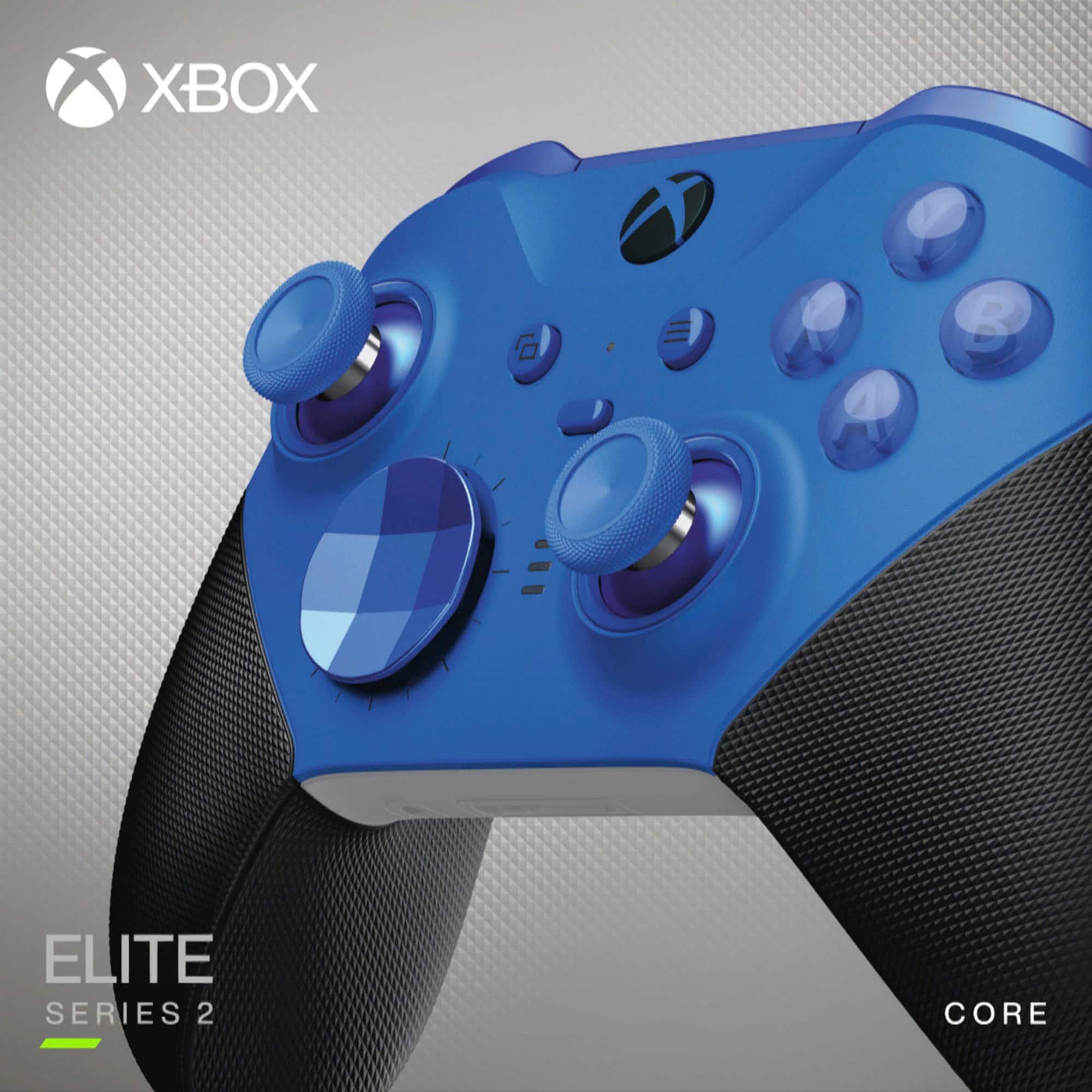
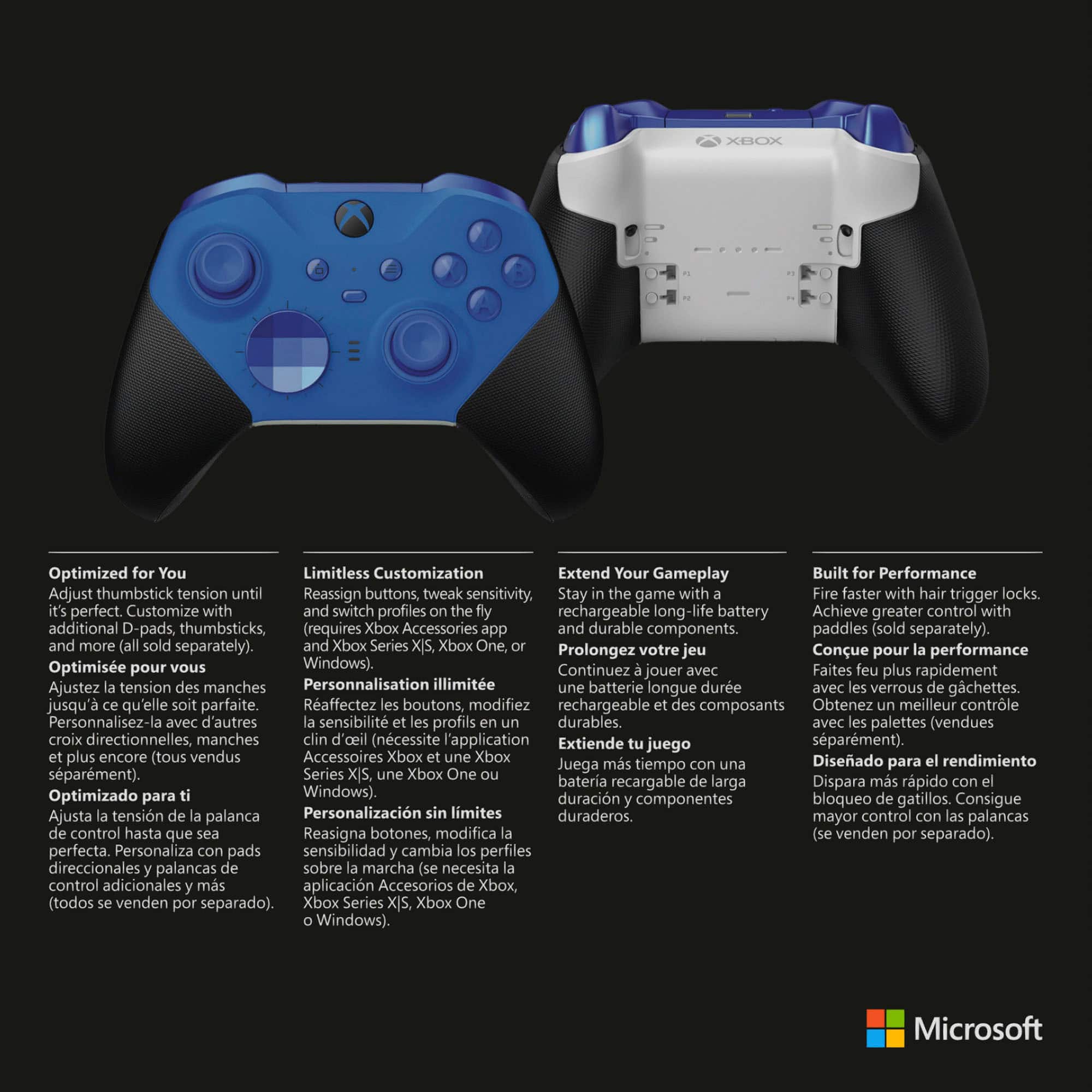
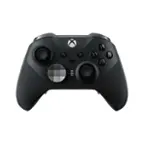
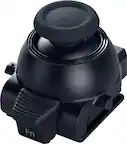
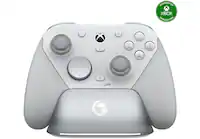
A:AnswerThis controller comes with all the accessories. Charging cord, charging dock, back paddles, different dpads and all size thumb sticks. The core only comes with charging cord, basic thumb sticks and no other accessories.
A:AnswerThe paddles from the elite series 1 will work just fine, but you will need to purchase thumb sticks specifically for the series 2. The series 1 thumb sticks are not compatible.
A:AnswerThanks for asking! Yes, you may use a wireless headset and microphone when using Xbox Elite Series 2. Please note that the controller itself has a 3.5mm stereo headset jack for use with most standard wired headsets. Wireless headsets (such as Xbox Wireless Headset) connect wirelessly to your Xbox console and not the controller.
A:AnswerThanks for asking! Yes, the Xbox Elite Series 2 computer is compatible with Windows PC via Bluetooth, wired connection, or with Xbox Wireless Adapter.
A:AnswerYes, the warranty extension applies if your controller was purchased from Best Buy. For more information, please go here: https://support.xbox.com/en-US/help/hardware-network/controller/controller-warranty
A:AnswerWhen we first launched the Xbox Elite Wireless Controller in 2015, it was the first time we offered a premium controller option so the past four years have taught us a lot about how people play games and interact with their controllers. The Xbox Elite Wireless Controller Series 2 was inspired by fan feedback and is the second iteration of the Xbox Elite Wireless Controller re-engineered for ultimate performance, customization, and durability. That means that specific components like the bumpers, thumbsticks, and grip were completely redesigned for improved durability, extended usage, and different styles of gameplay.