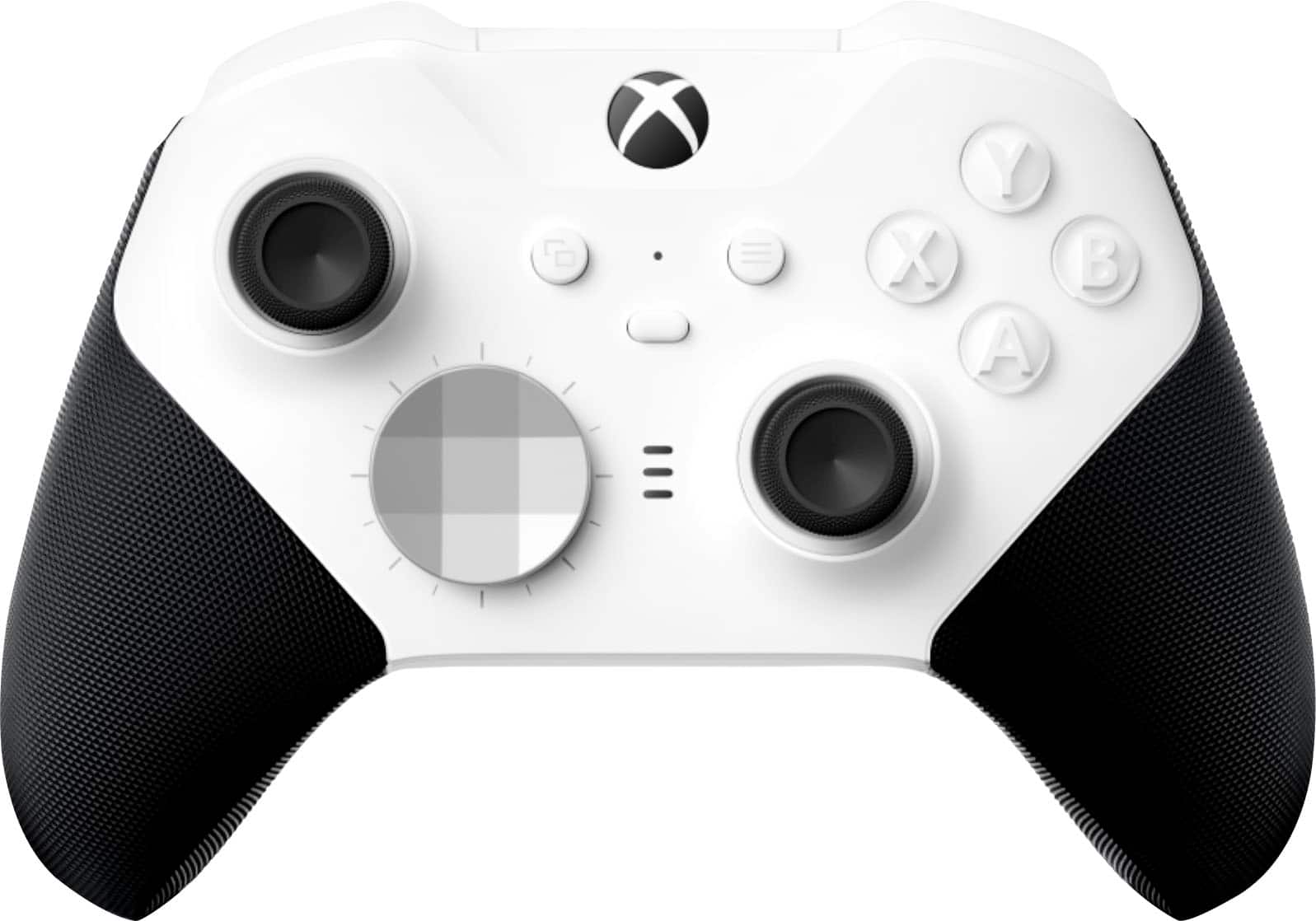
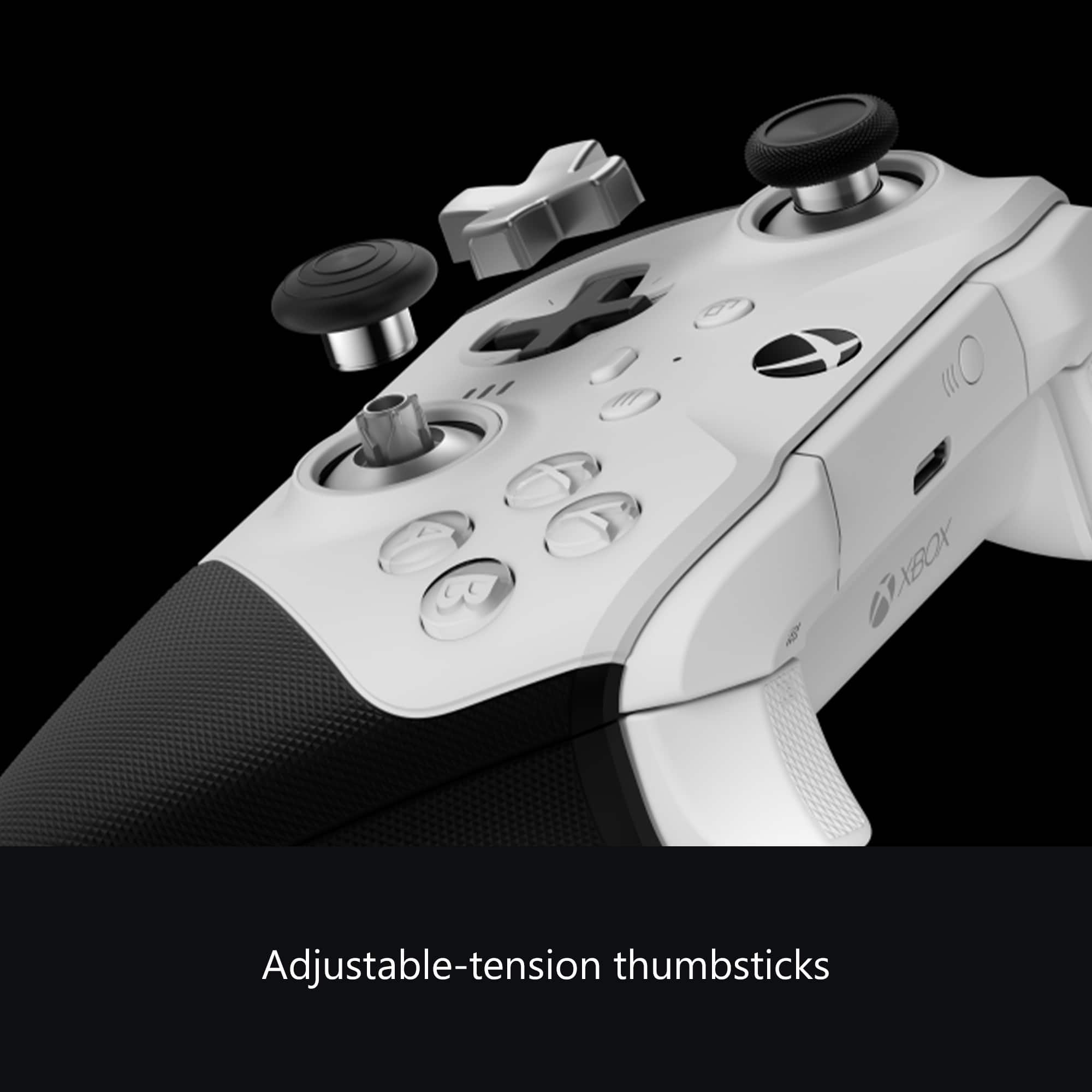
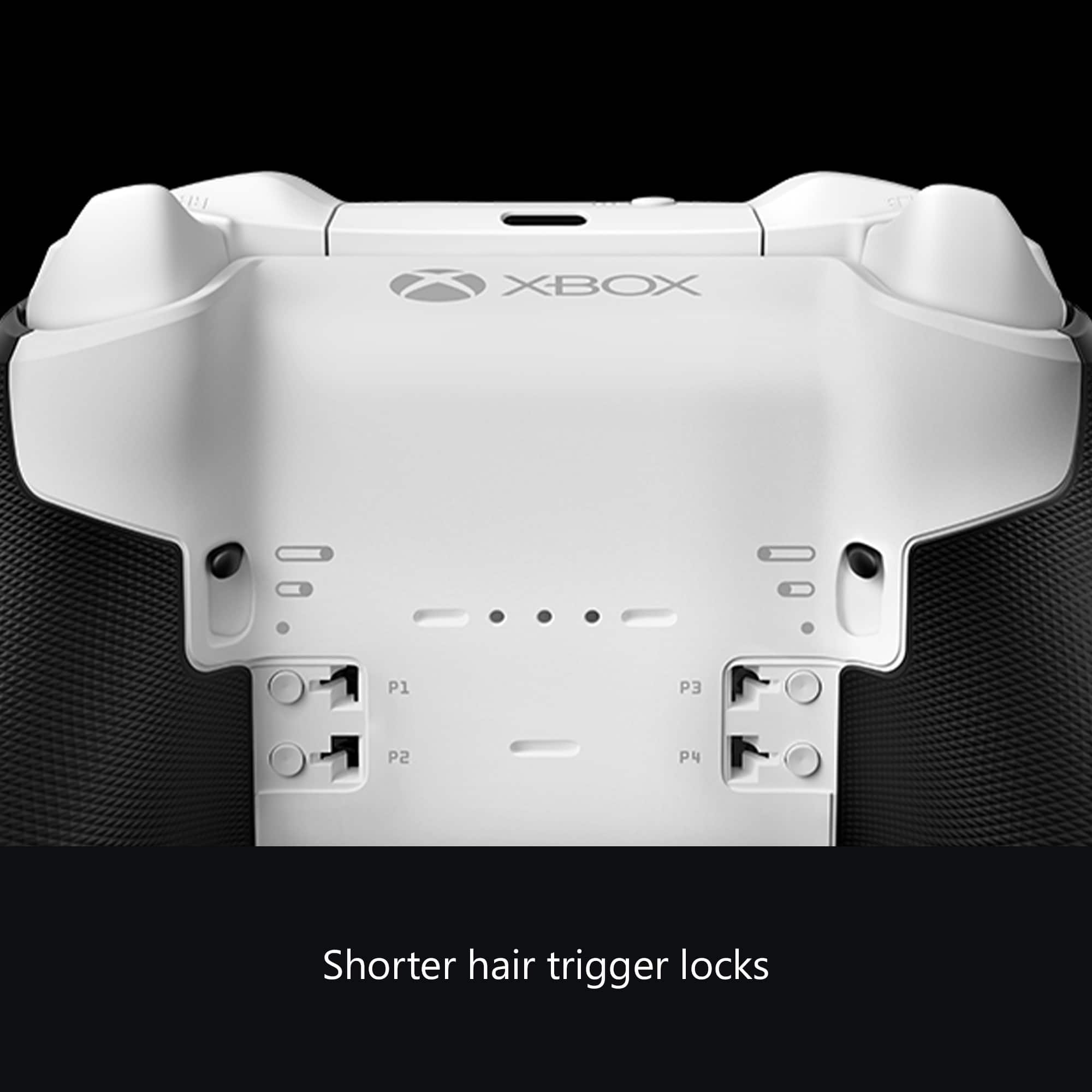
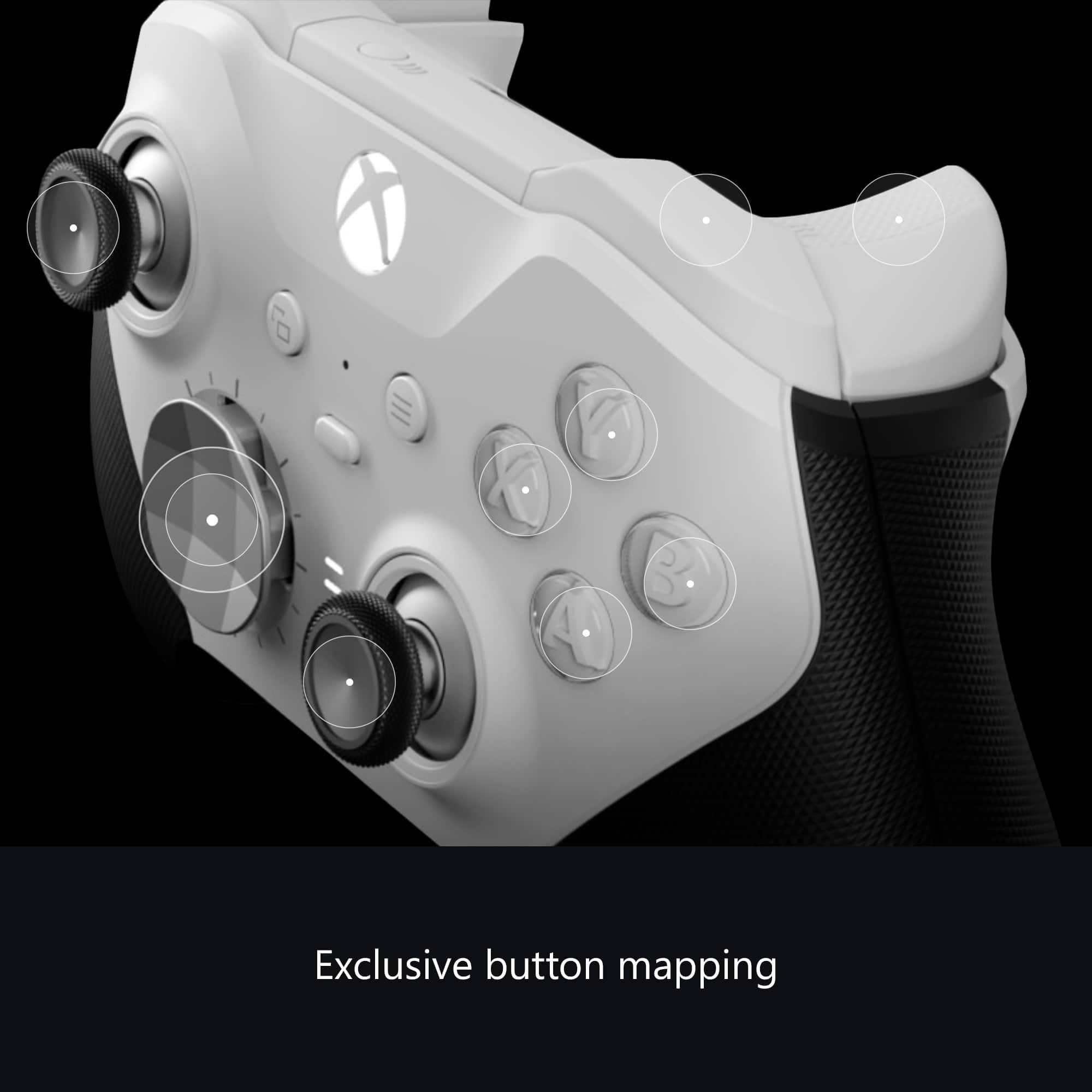
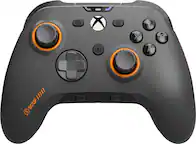
A:AnswerI don’t know definitively if there’s a Microsoft App Store on Windows 7 like there is on 10/11, but the Xbox Accessories app is where you remap the four alt triggers on the back and adjust dead zones for triggers. That may be it!
A:AnswerMost likely it will work with the Mac, however I highly advise against buying it, I have returned 2 and not going for a third. I just purchased a recharging kit and using my old controller that has been working for over 1 yr.
A:AnswerJust received my controller last week. It's an FST-00001, and the A button sticks terribly. It did help a bit to use an alcohol wipe with my fingernail and clean around the sides of the button, but it still sticks a bit. Of course, there are no more controllers in stock to exchange it with.
A:AnswerThey go so stiff that i had to back them down from the firmest setting. I dont know about poundage. This is the reason i wanted this controller and for me its amazing
A:AnswerThanks for asking! Xbox Elite Wireless Controller Series 2 has built-in Bluetooth support for connecting to Windows 10 PC. If you plan on customizing its features using the Xbox Accessories App or using its 3.5mm stereo headset jack, you will need to use a Xbox Wireless Adapter.
A:AnswerThanks for asking! Xbox Elite Wireless Controller Series 2 is compatible with all Xbox One consoles, including Xbox One S, as well as Xbox Series X/S and Windows 10 PC.