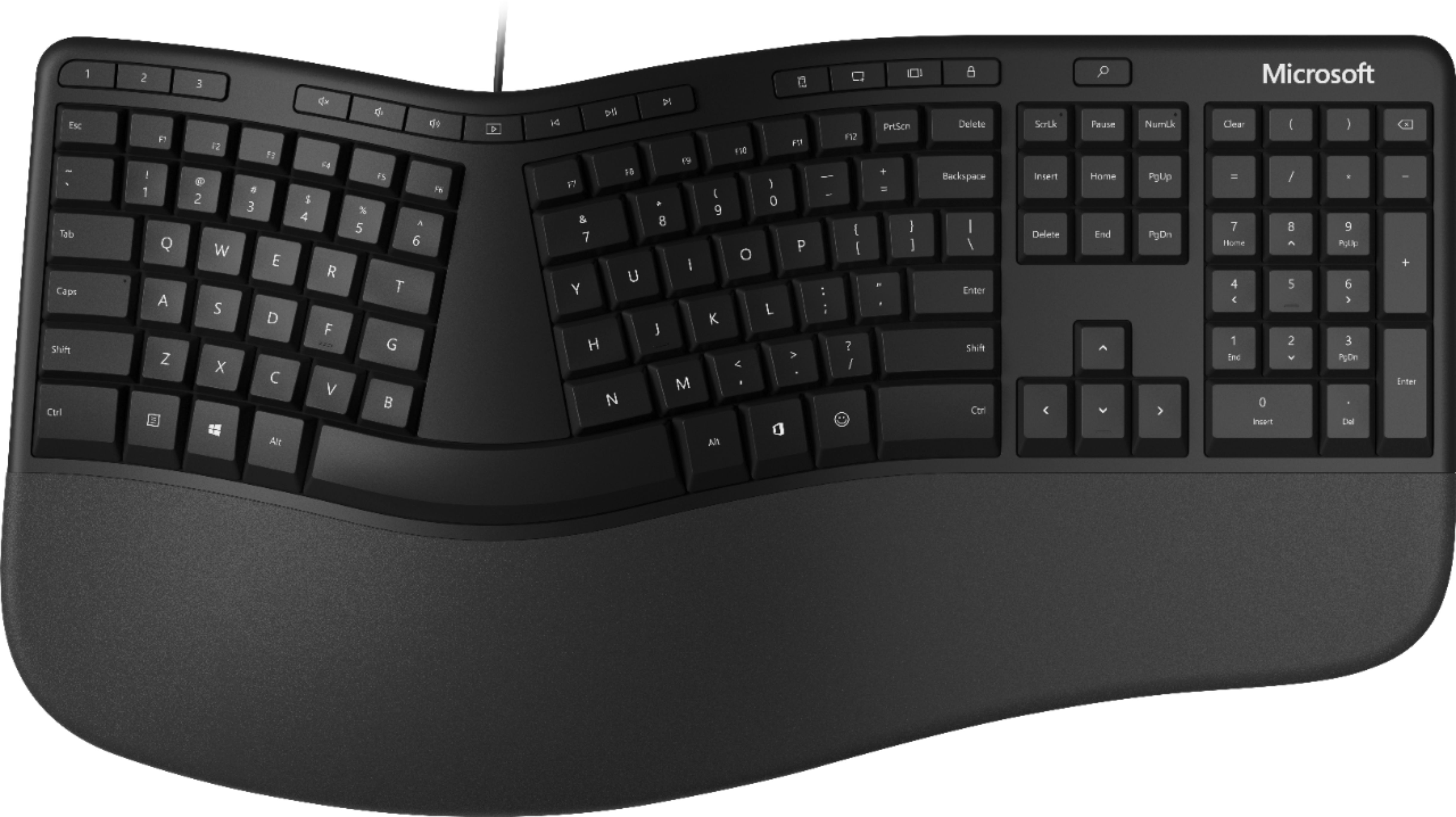
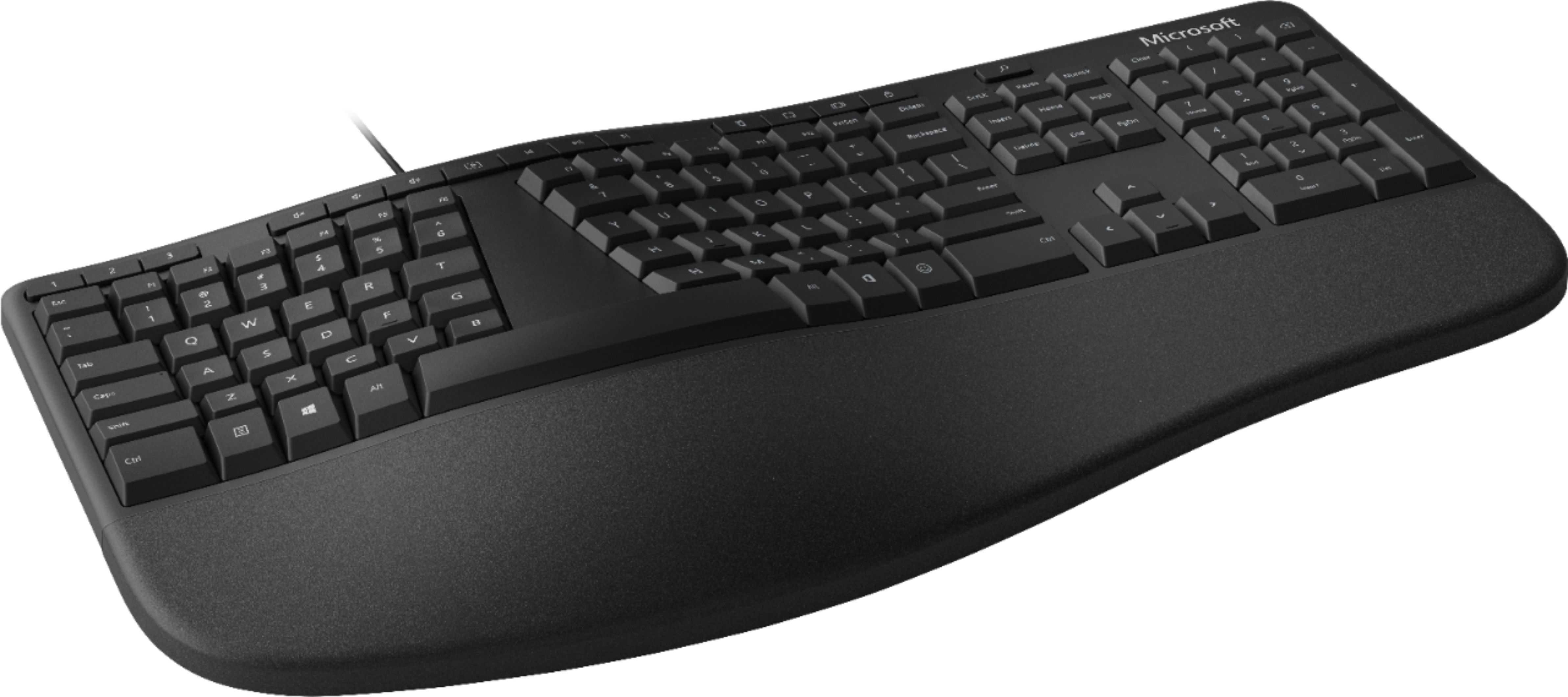
A:AnswerYes! I've been one of these on a PC and one on my work Mac for years and it works just fine. When you plug it into a Mac (any version of the OS) it'll ask you to hit a couple keys (ex: "what's left of the right-hand shift key?") to help your Mac identify the layout then you're off to the races. Treat the Windows key as the Command key and you're all set.
A:AnswerIf I understand your question correctly, the Windows key, third in, bottom left, serves as the command key for a Mac. Programming keyboards is beyond me.
A:AnswerNo problems it's plug & play unplug keyboard turn off computer restart wait until it's full back on plug in keyboard let the system find the correct drivers and you should be good to go
A:AnswerNo "trick" that I encountered. There is a feature to program it. Try that. Maybe the computer simply needs to "find" the keyboard, but I am not a technical guru.