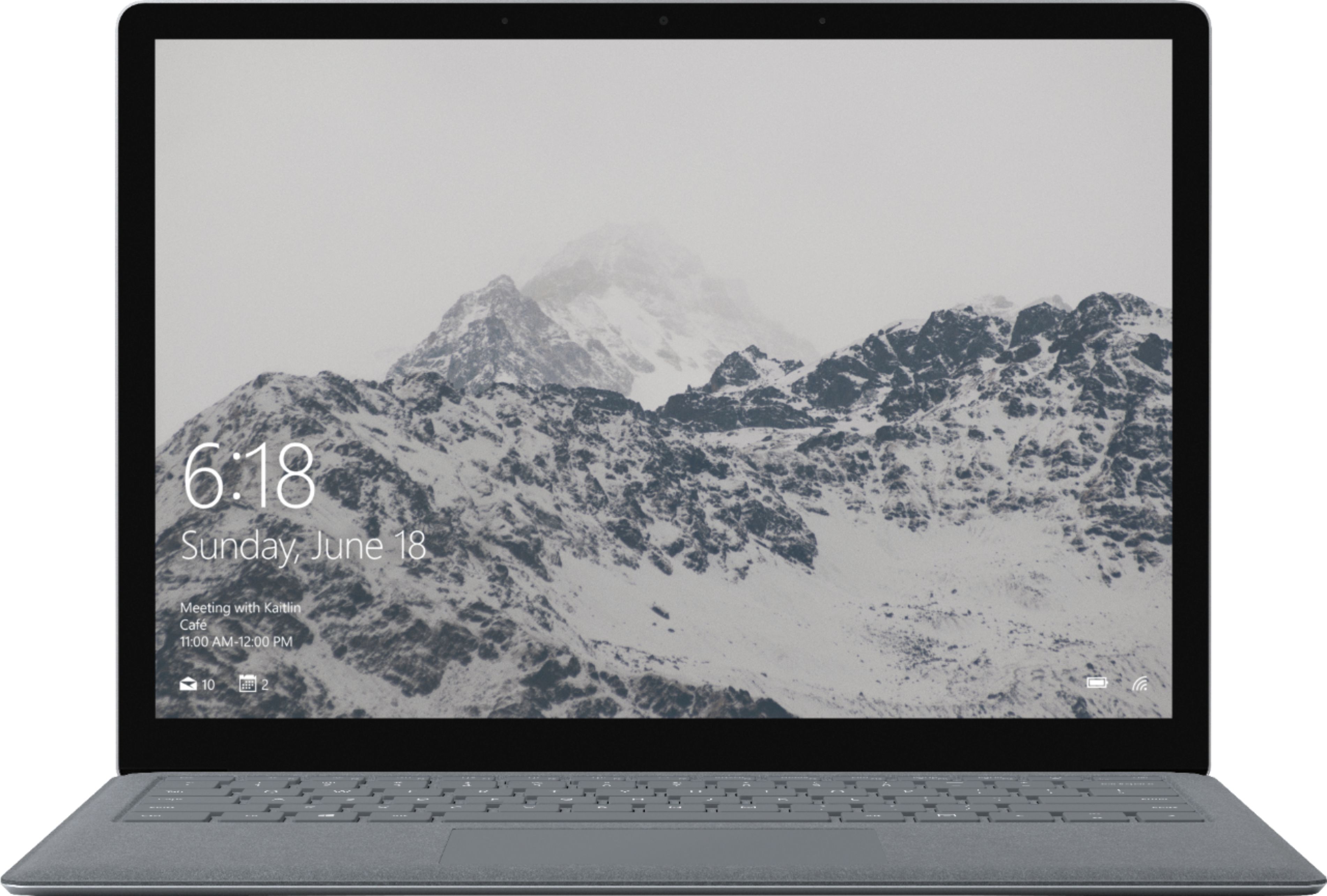
A:AnswerLike any device, we highly recommend comparing the system requirements of the program you wish to download, to the specs of Surface Laptop before purchase. This will ensure that you choose a device with optimal specs to run your program smoothly. We hope this helps!
A:AnswerLike with any device, please check the system requirements of the game you wish to play, and compare them to the specs of Surface Laptop. This will ensure optimal performance.
A:AnswerSurface Laptop is great for students. It's lightweight design and speedy performance is great for carrying from class to class accomplishing your every day tasks. Like with any device, please compare the system requirements of the game you wish to play to the specs of Surface Laptop. This will ensure that your game will run optimally.
A:AnswerWe have had many of our customers comment that they love using this device for video editing. Just like any other laptop, just be sure to check the system requirements of the video editing software you wish to download to make sure it is compatible with the specs of the Surface Laptop.
A:AnswerThe Windows Mail app will successfully be able to link to your Live Mail account. Find out how to link your live account here:https://support.office.com/en-us/article/Set-up-email-in-the-Mail-app-for-Windows-10-7ff79e8b-439b-4b47-8ff9-3f9a33166c60.
A:AnswerThis device does not offer a CD or DVD disk drive. However, if you have digital copies of movies, or enjoy live streaming, the Surface Laptop has brilliant display for watching all your favorites.
A:AnswerIt can depend on the game you are intending on playing. Be sure whenever you are downloading any program or game, that the system requirements line up with the specs of the device. You will want to make sure that the Surface Laptop has enough processing power, RAM and storage capacity for the game(s) you wish to play.
A:AnswerThis model appears to meet the minimum specifications, but performance will depend heavily on how processor intensive the work you are trying to do and what other programs you may be running in the background.
A:AnswerThis model does not meet the minimum requirements of the game. We always suggest checking out a game's minimum and recommended specifications before making a hardware purchase if you are hoping to play a certain game.
A:AnswerThe model you are questioning has a Intel Core M3, which will be slower than an i5. Check the minimum specifications for the software you are hoping to run and see if the Surface device meets or exceeds those. To see what's included with Windows OS, check out this page: https://www.bestbuy.com/site/microsoft-windows-10-pro-64-bit-windows/4379719.p?skuId=4379719.