A:AnswerMS Excel runs lickety-split on Surface, even better if you let it auto-backup to OneDrive. You'll want the typecover keyboard as pen is more for annotation in MS Office and I'm often having to erase marks I left when I was just trying to edit cells, etc. with the pen; just put it aside in Excel. PS I've been using Excel Very long, having been early alpha tester for Microsoft developers in Seattle.
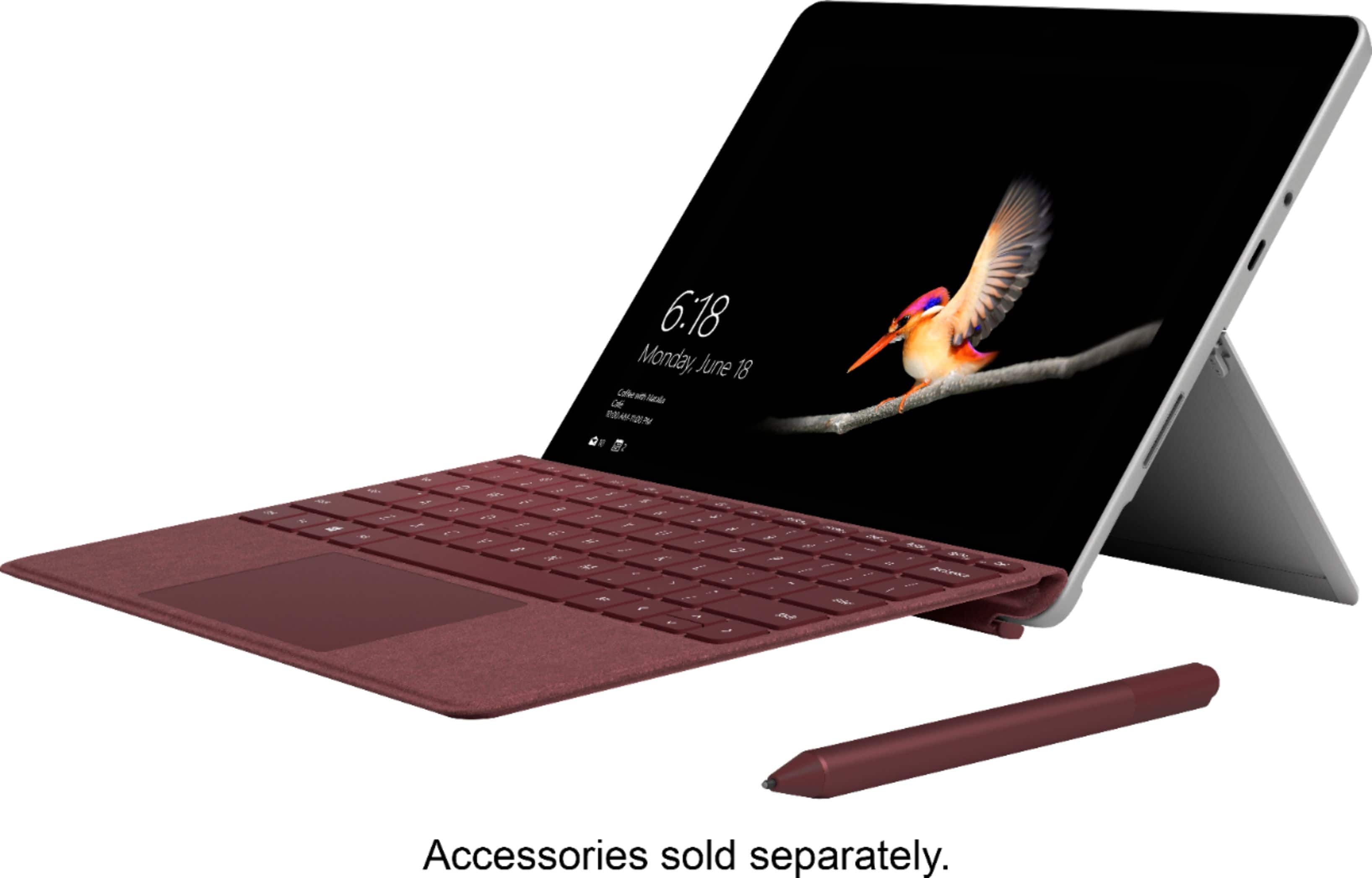
A:AnswerTo download apps or programs that are not from the Microsoft Store, you will need to switch your Surface Go out of S mode, which you can learn how to do here: https://aka.ms/AA4rbqo. After that, as long as Surface Go meets the requirements for the program you want to use you should be able to run the program with no issues.
A:AnswerNo, it does not have GPS. The Surface Go offers "Location Services," which uses Wi-Fi and IP addresses to 'guess' where you are. But, it's not useful as a traditional GPS, though.
A:AnswerSurface Go comes with Windows 10 in S mode, which only allows you to use Microsoft apps from the app store. If you switch your Surface Go out of S mode, you can then sync your iTunes account with your Surface Go. You can read a more detailed guide here: https://support.microsoft.com/en-us/help/4023449.
To learn how to switch your Surface out of S mode, click on this link here: https://aka.ms/AA4rbqo.
A:AnswerWe recommend checking out Surface Book 2 for using all the design programs you've described, as it has the additional screen resolution and memory you'll want for all of your projects. To learn more about Surface Book 2, our friends at Best Buy have one here: https://www.bestbuy.com/site/microsoft-surface-book-2-13-5-touch-screen-pixelsense-2-in-1-laptop-intel-core-i5-8gb-memory-256gb-ssd-silver/6145604.p?skuId=6145604.
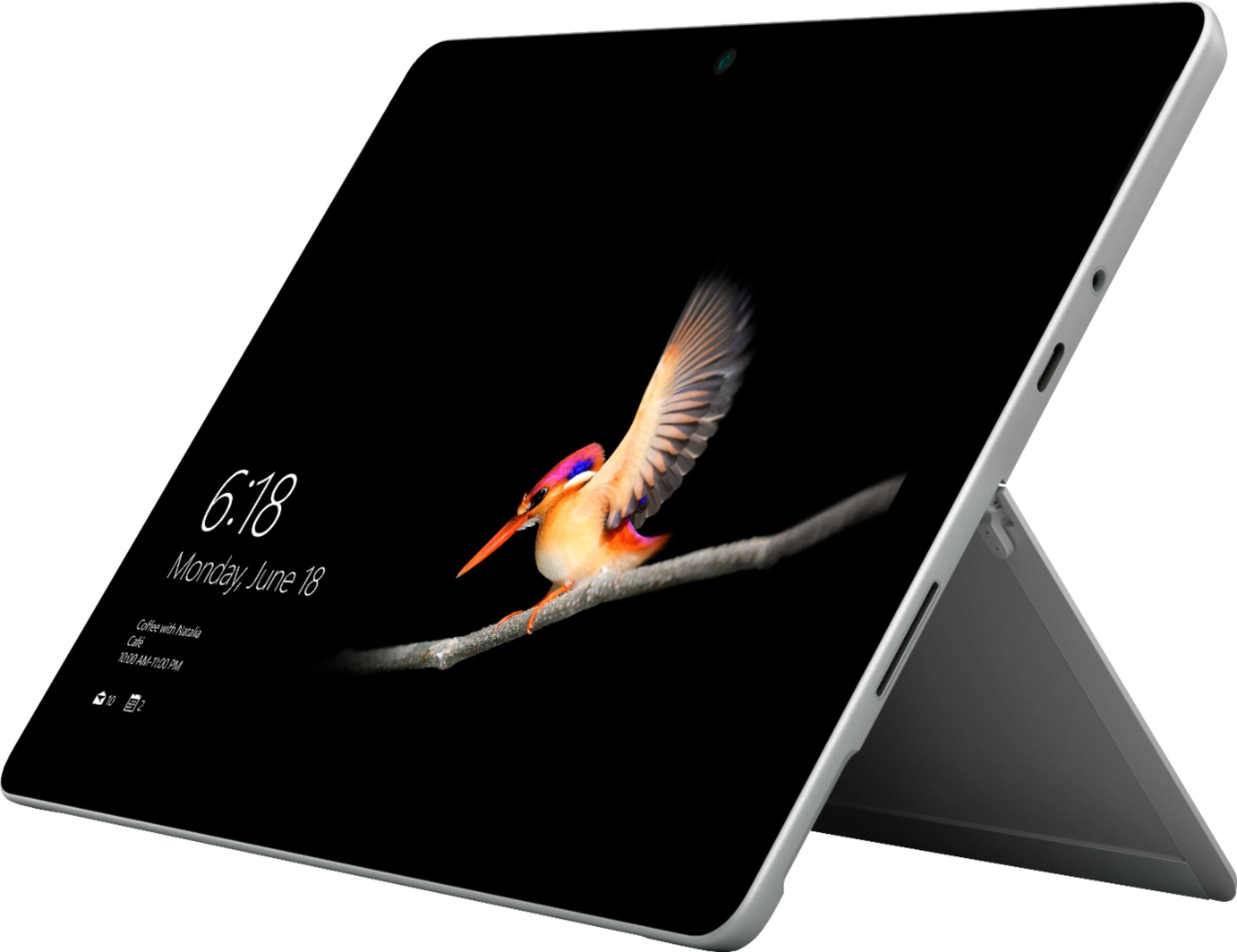
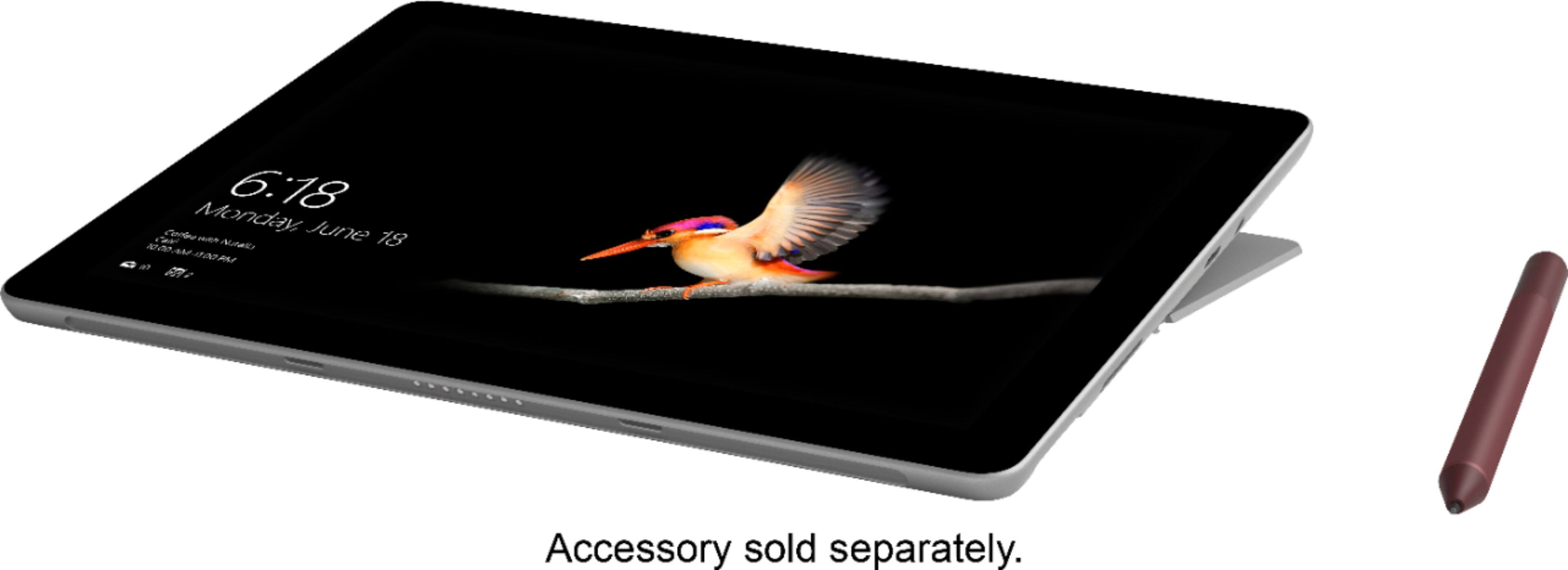
A:AnswerSurface Go does not have an integrated HDMI port, but it has a USB-C port, which paired with a Surface USB-C to HDMI Adapter would give you the ability to connect to another HMDI display.
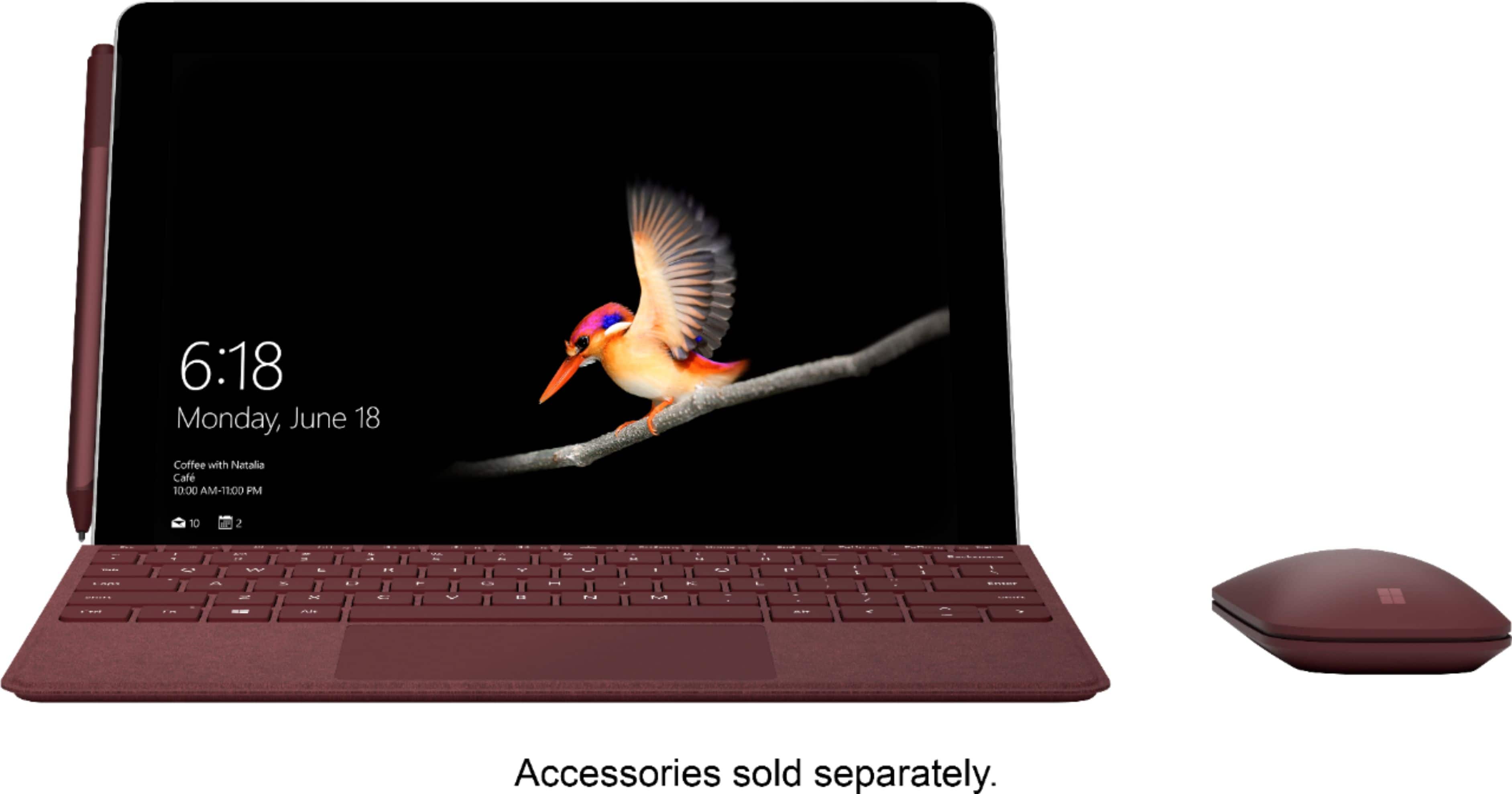
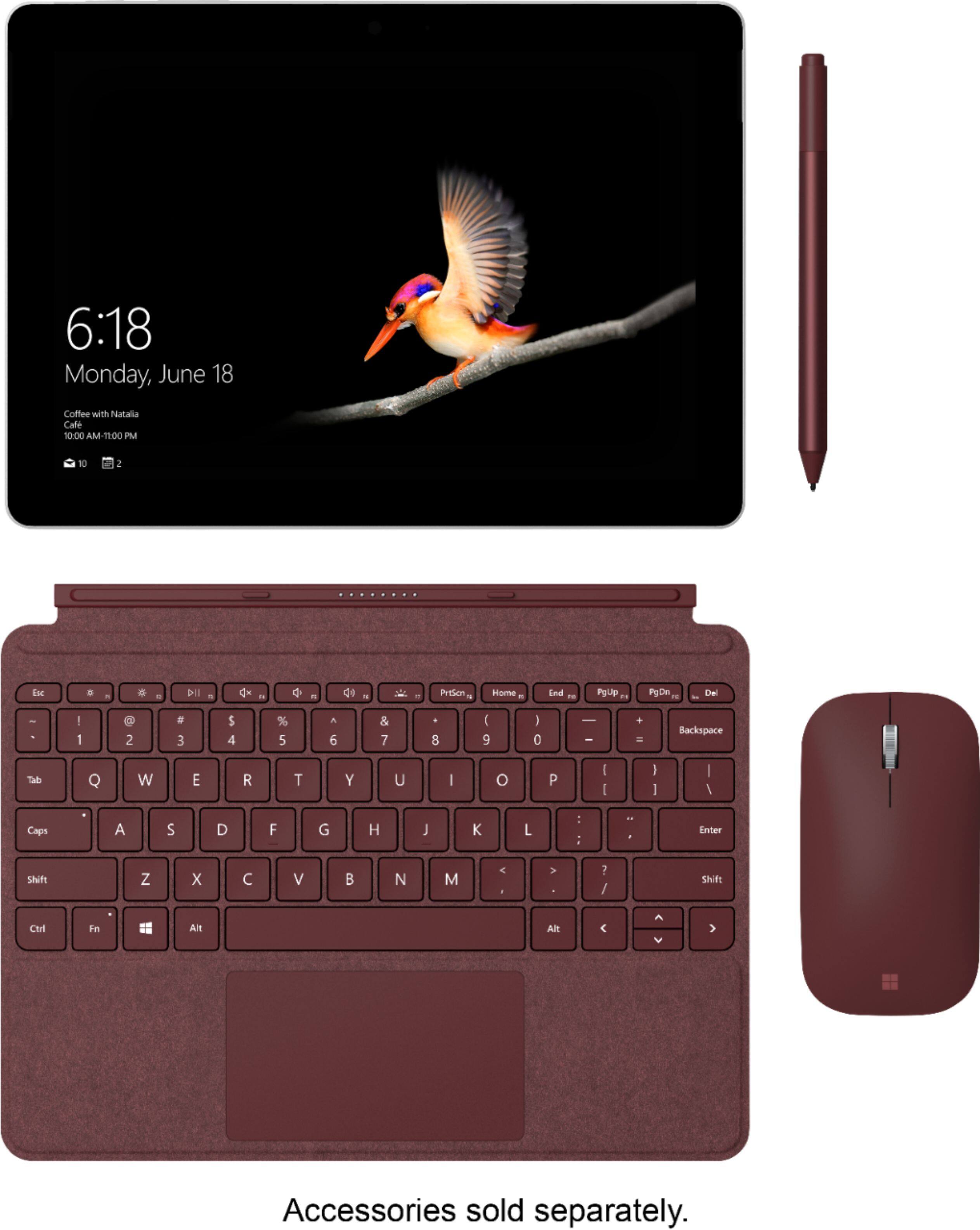
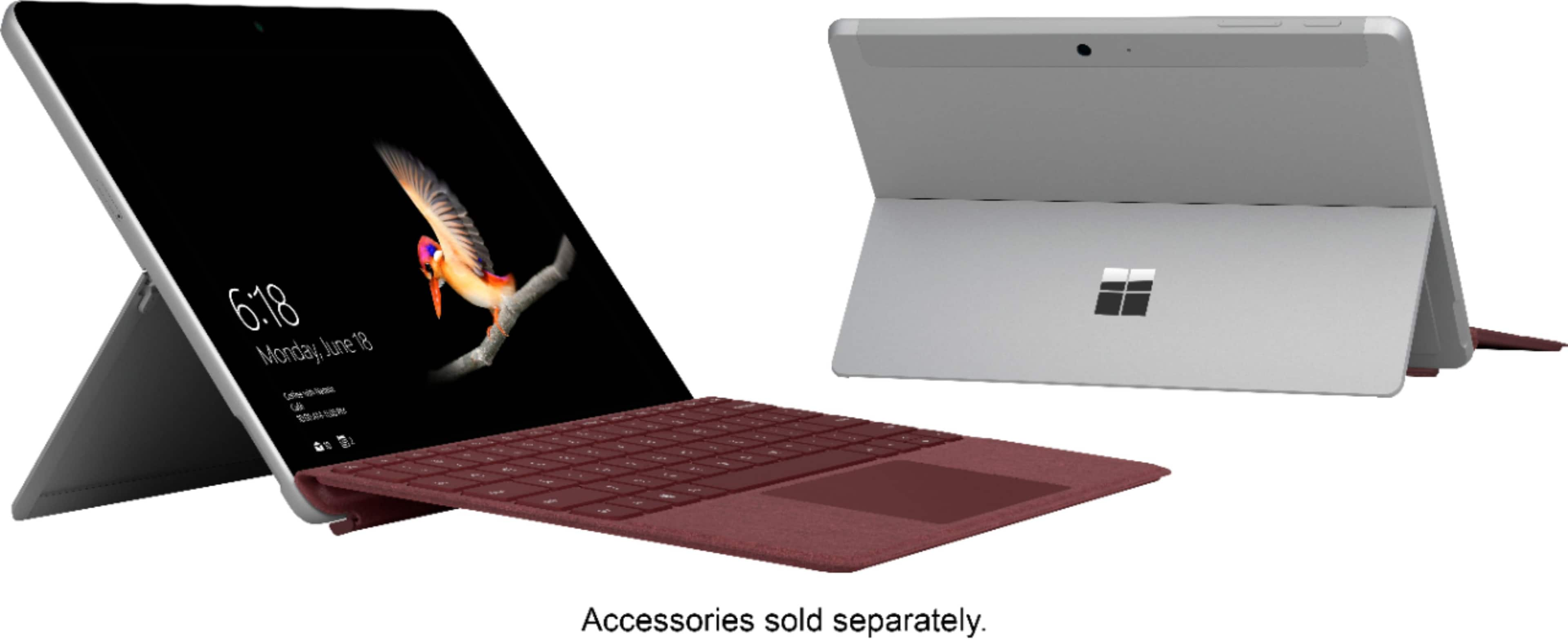
A:AnswerI'm not entirely sure, because this model is only 10 inches in length and I haven't had any older models. But I did hear that the older models are bigger. So, the keyboard has to be 10 inches because it clicks onto it with a magnet.
A:AnswerYes. Just be sure that the mouse you choose is compatible with the specs of Surface Go. We highly recommend Surface Mobile Mouse. Find it at Best Buy here: https://www.bestbuy.com/site/microsoft-surface-mobile-mouse-silver/6261287.p?skuId=6261287.
A:AnswerYou may use Bluetooth to connect a wireless mouse to this tablet, as well as a mouse that uses USB-C for connection. Either will Work great. We highly recommend checking out Surface Mobile Mouse to use in combination with Surface Go: https://www.bestbuy.com/site/microsoft-surface-mobile-mouse-silver/6261287.p?skuId=6261287.
A:AnswerTo echo what the community has said, Surface Go comes with a free trial of Microsoft Office. If you wish to continue use, you will need to purchase the version of Office that you prefer.