A:AnswerThere is a box/link for this, so possibly, but it depends on the specific item you want to trade-in. Unfortunately, computers, like cars, begin to depreciate the moment you turn the ignition, and what might be a cherished, useful item for you is just a used piece of junk to someone else. In summary, you will find that you won't get anything near the price you think you should get. You might do better giving it to a charity (they would probably give you the full value for a tax write off, but this is only useful if you itemize deductions), or pay it forward to a friend/relative, or sell it on eBay.
A:AnswerAt this time (late January 2026) BB was offering a 1-year, 1-person subscription for $100. Sorry, but that isn't very good; when you are setting up your PC, MS usually offers the same for $70.
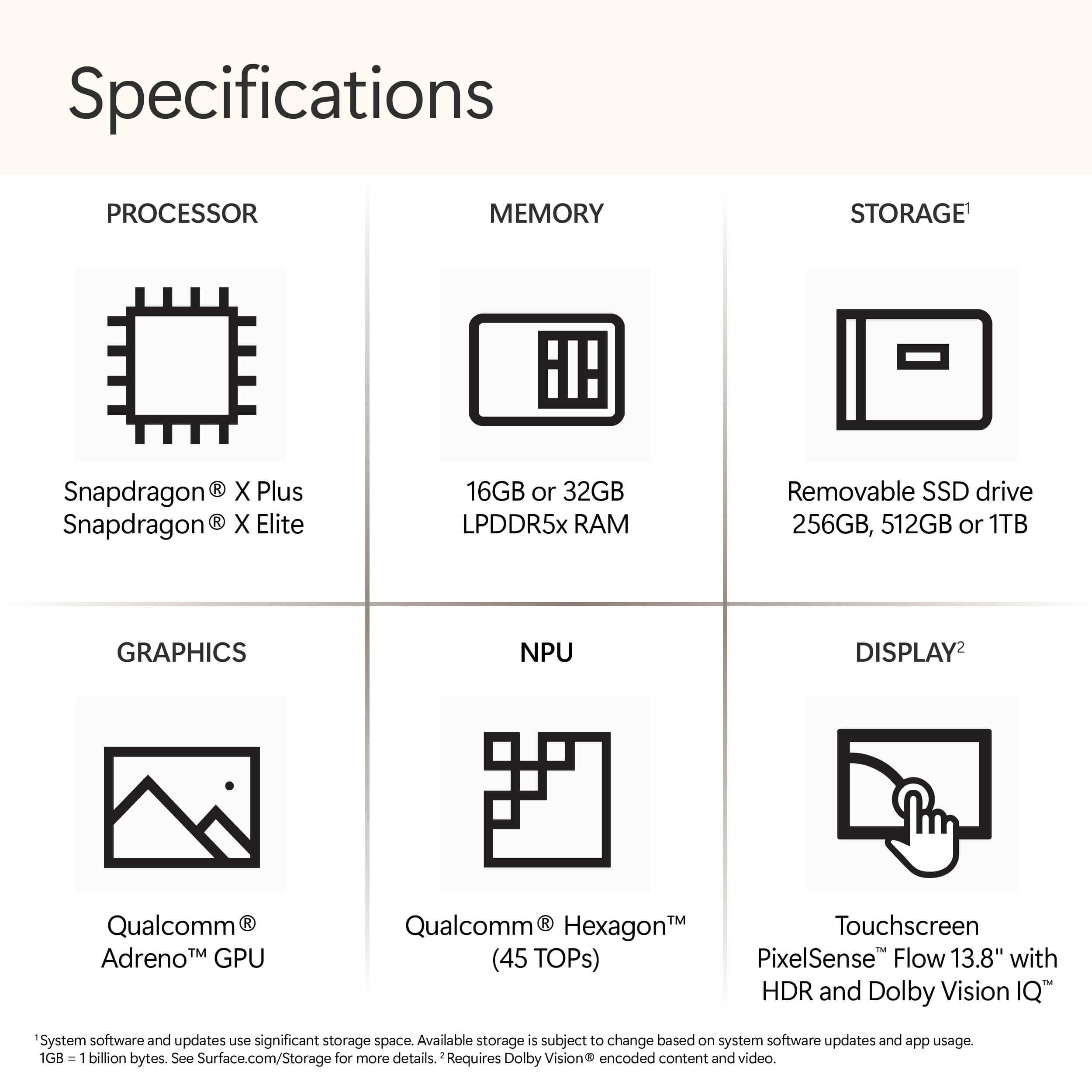
A:AnswerHello Brianna, and thank you for taking the time to ask your question. Yes, this is a great laptop for students! Snapdragon processors support a wide range of apps with more being added every day. Please check https://www.qualcomm.com/products/features/windowsapps to see the most popular apps that are supported. For more specific app compatibility information, visit www.WorksOnWoA.com
A:AnswerHello Bob, and thank you for taking the time to ask your question. Snapdragon processors support a wide range of apps with more being added every day. Please check https://www.qualcomm.com/products/features/windowsapps to see the most popular apps that are supported. For more specific app compatibility information, visit www.WorksOnWoA.com
A:AnswerHello, and thank you for taking the time to ask your question. Snapdragon processors support a wide range of apps with more being added every day. Please check https://www.qualcomm.com/products/features/windowsapps to see the most popular apps that are supported. For more specific app compatibility information, visit www.WorksOnWoA.com