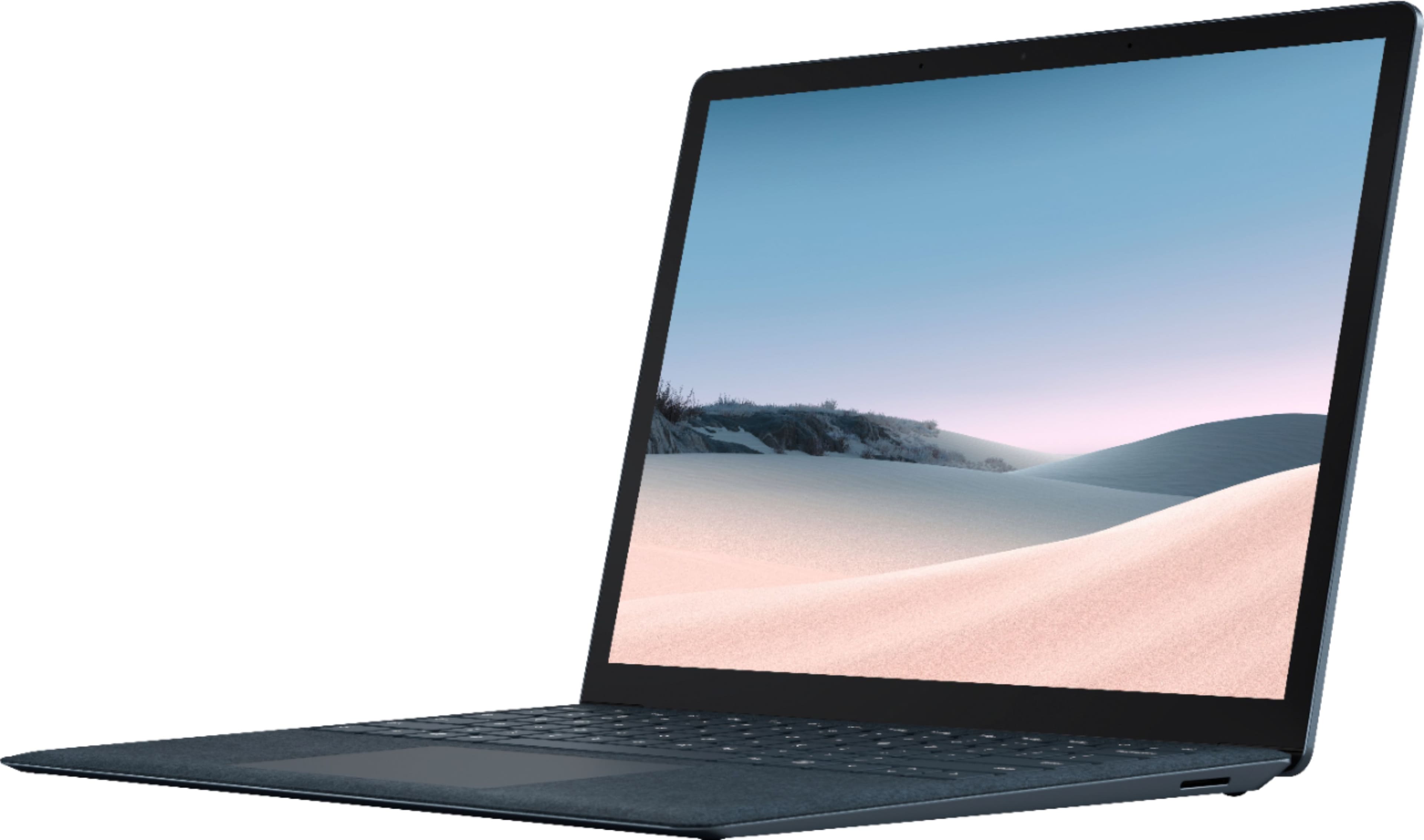
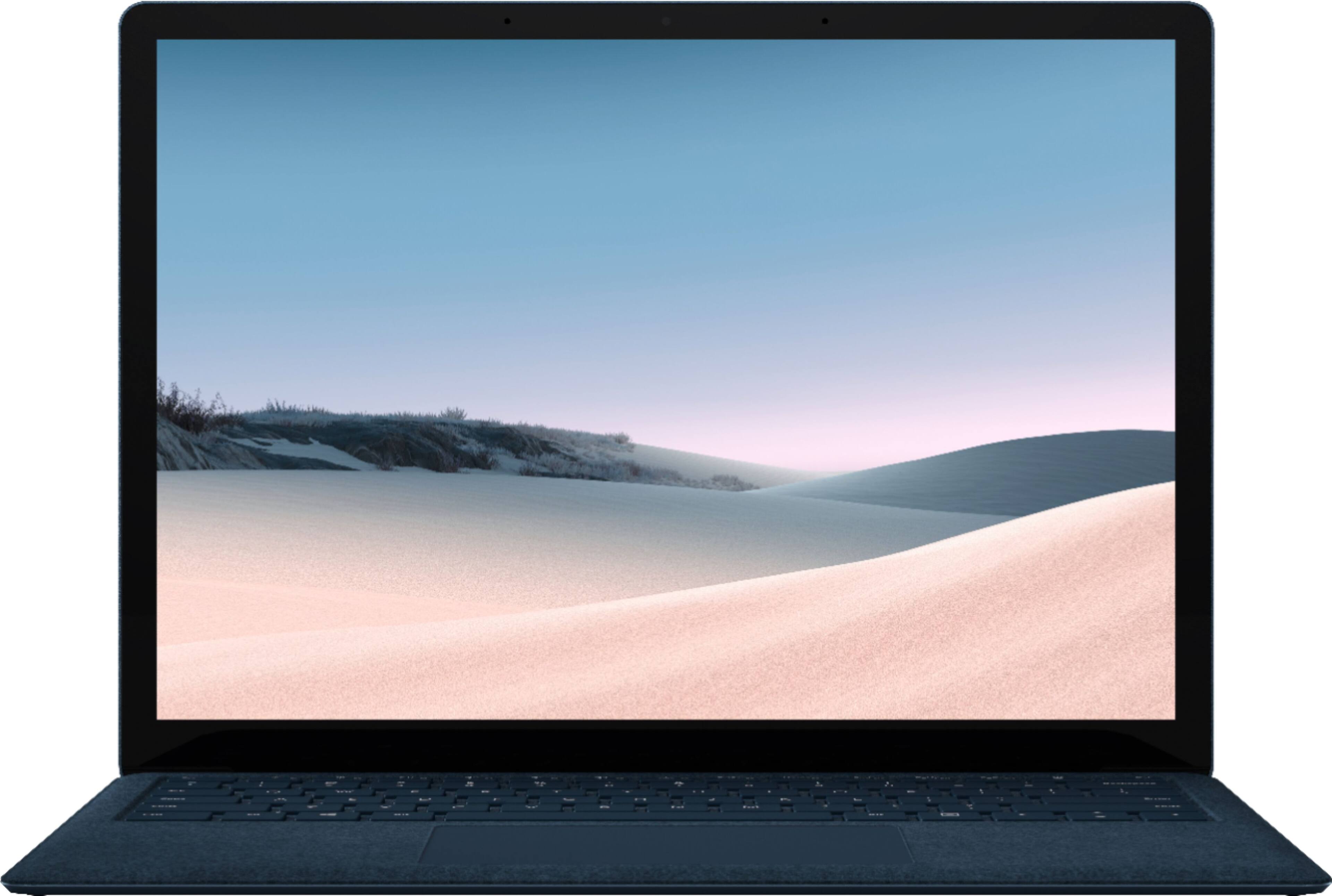
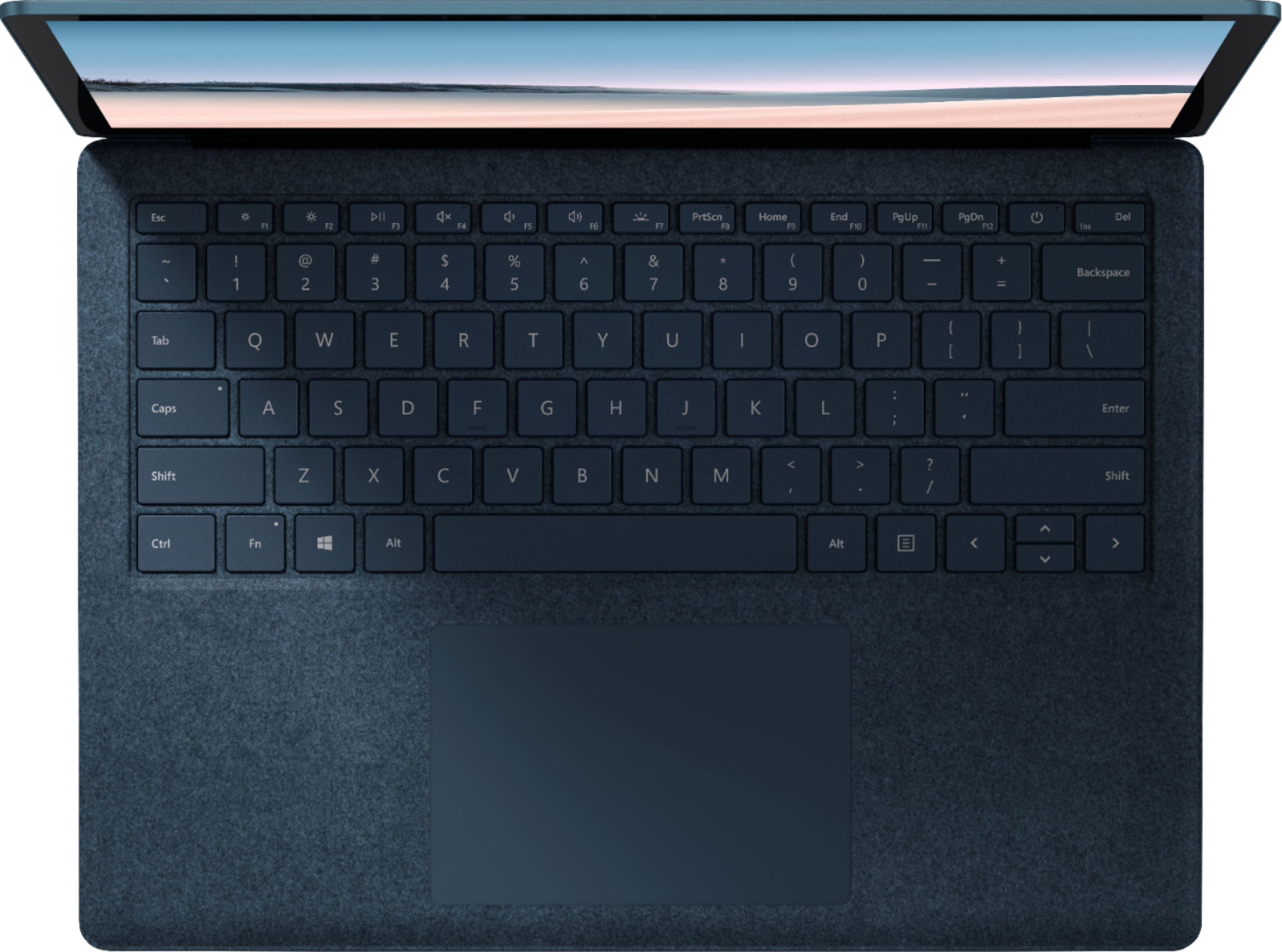
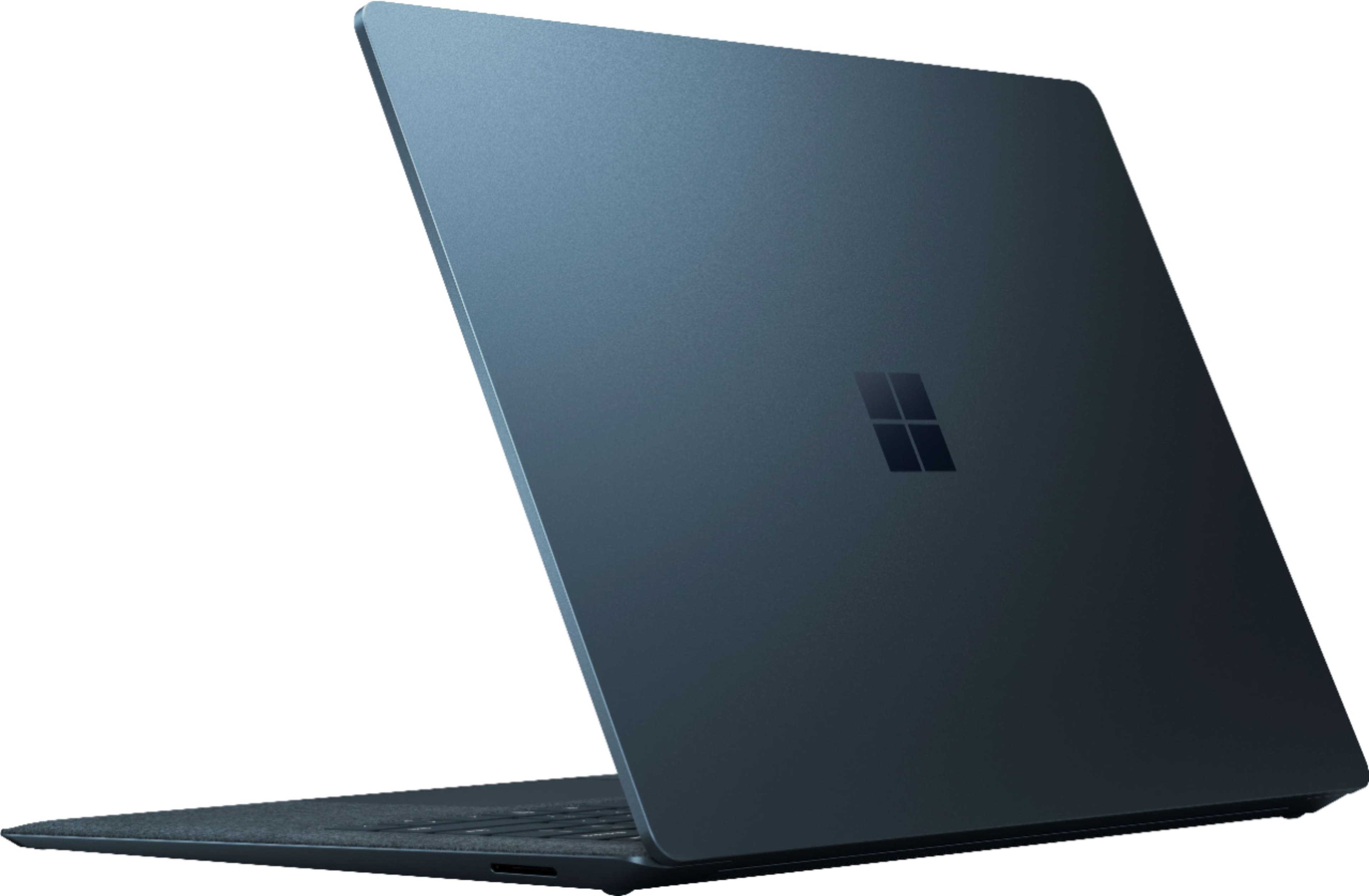
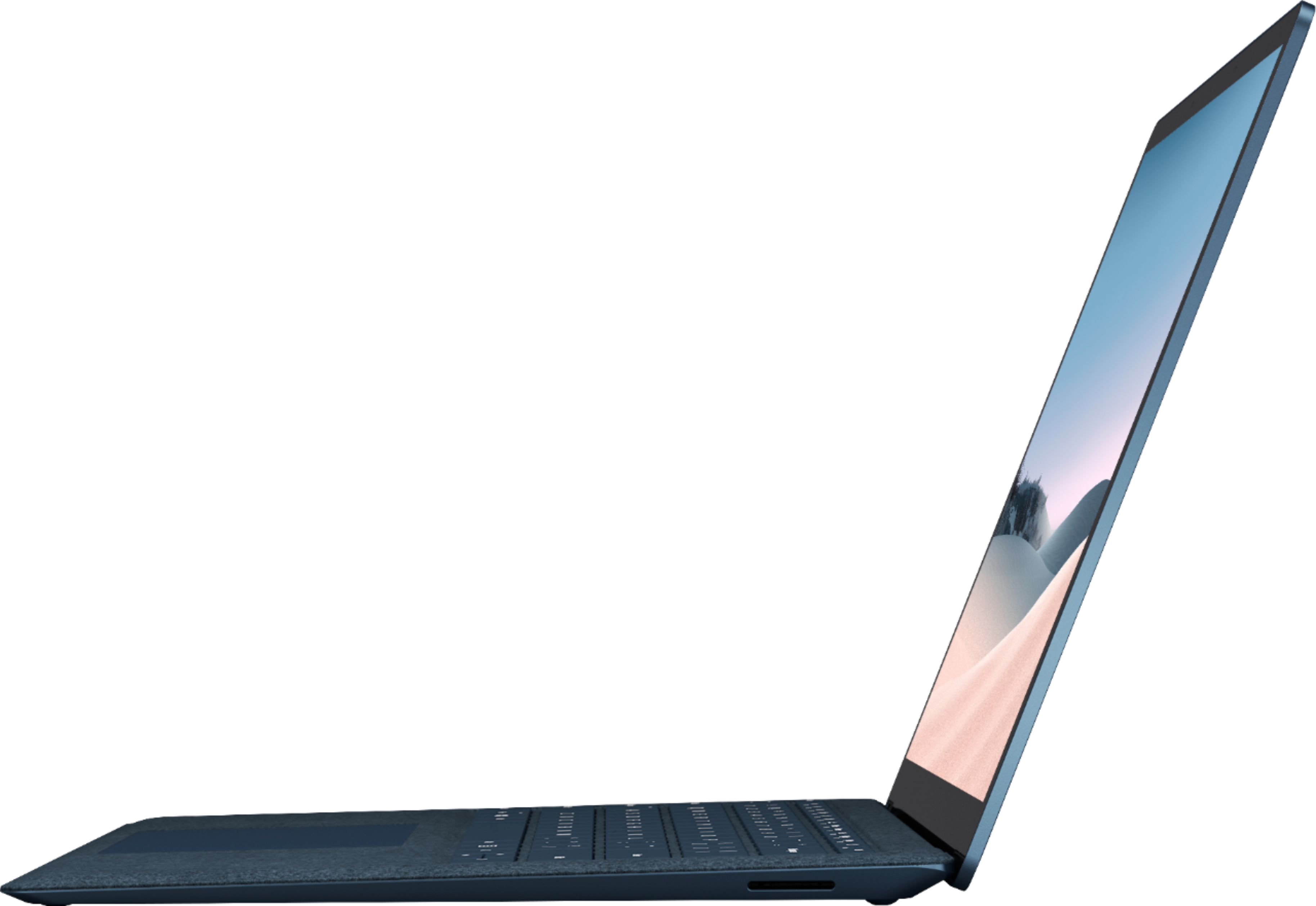
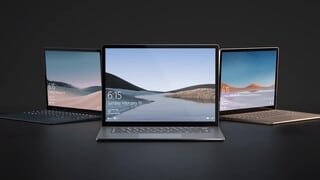
A:AnswerGreat question. When using Surface Dock 2, it’s possible to add a third display by using the rear USB-C port. Please note that to get the third display the internal screen on the host Surface device will shut off. To learn more about the Surface Dock 2, please visit our website: https://www.microsoft.com/en-us/p/surface-dock-2/8QD908364SG2
A:AnswerThe computer graphics are great. We purchased it just to for our son to use it as a school computer. But the clarity and picture are amazing!! The technology has gotten much better than in the past few years.
A:AnswerThe best way would be through USB type C. Dell has a USB type C monitor that displays and powers your device at the same time, so you don't always have to unplug your power adapter each time when you go somewhere.