A:AnswerWe're sorry to hear you need to reset your Surface Pro. You can do so following the steps here: https://support.microsoft.com/en-us/help/4023533/surface-restore-or-reset-surface.
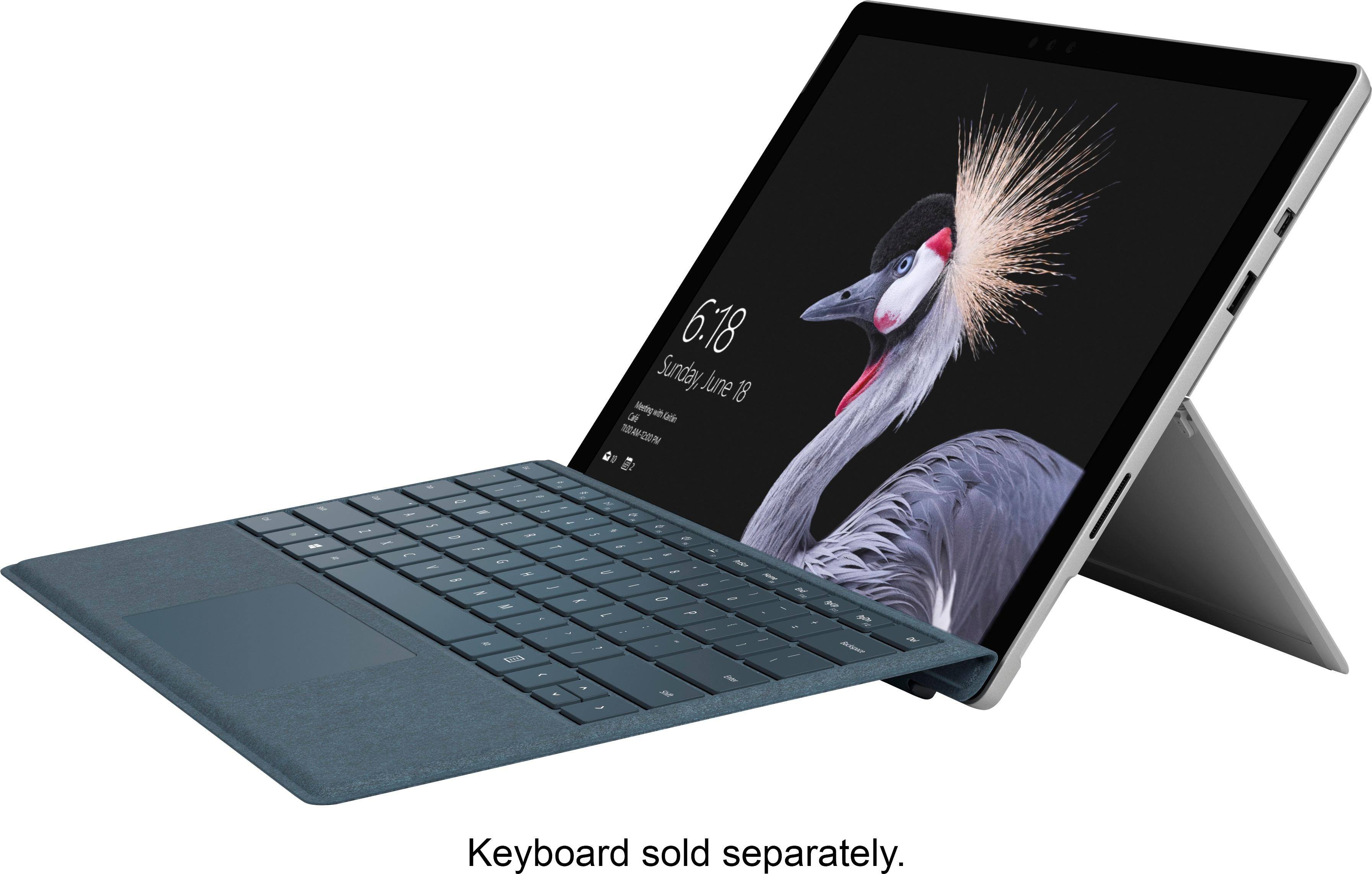
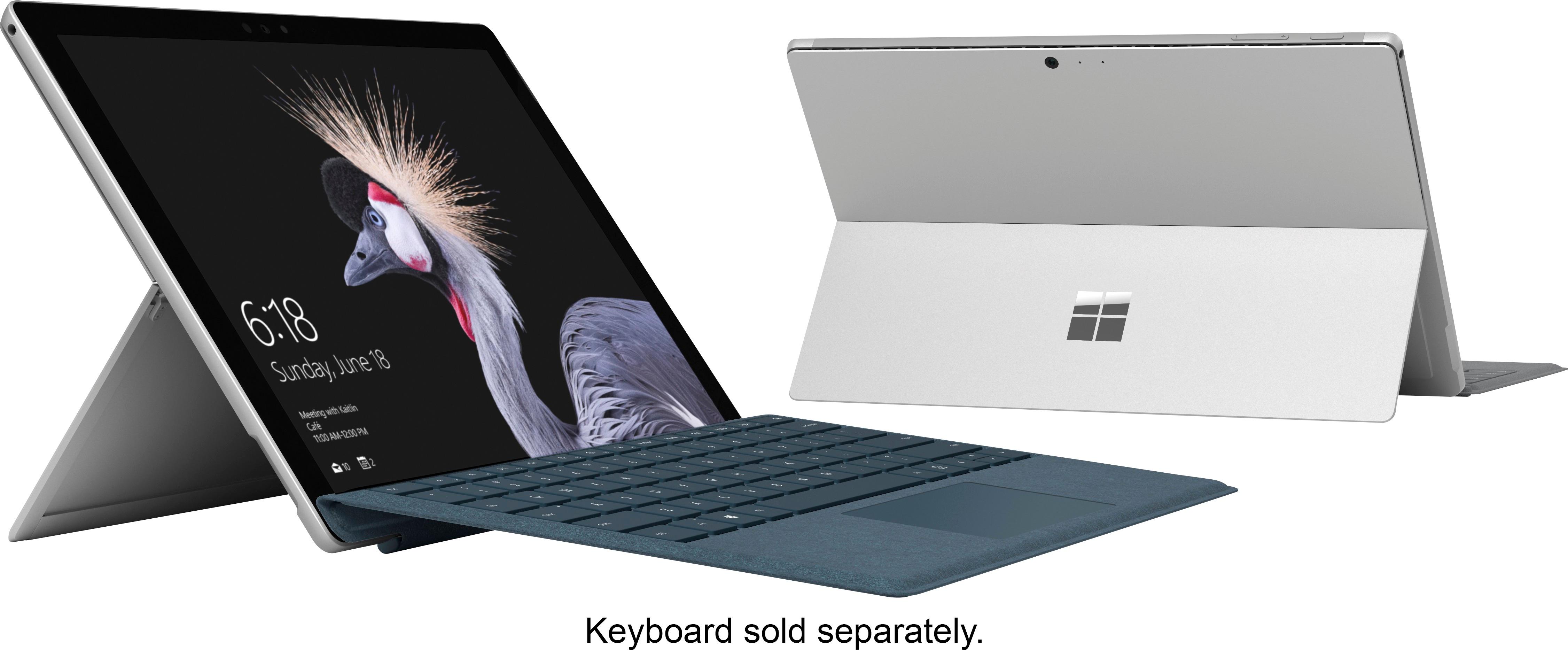
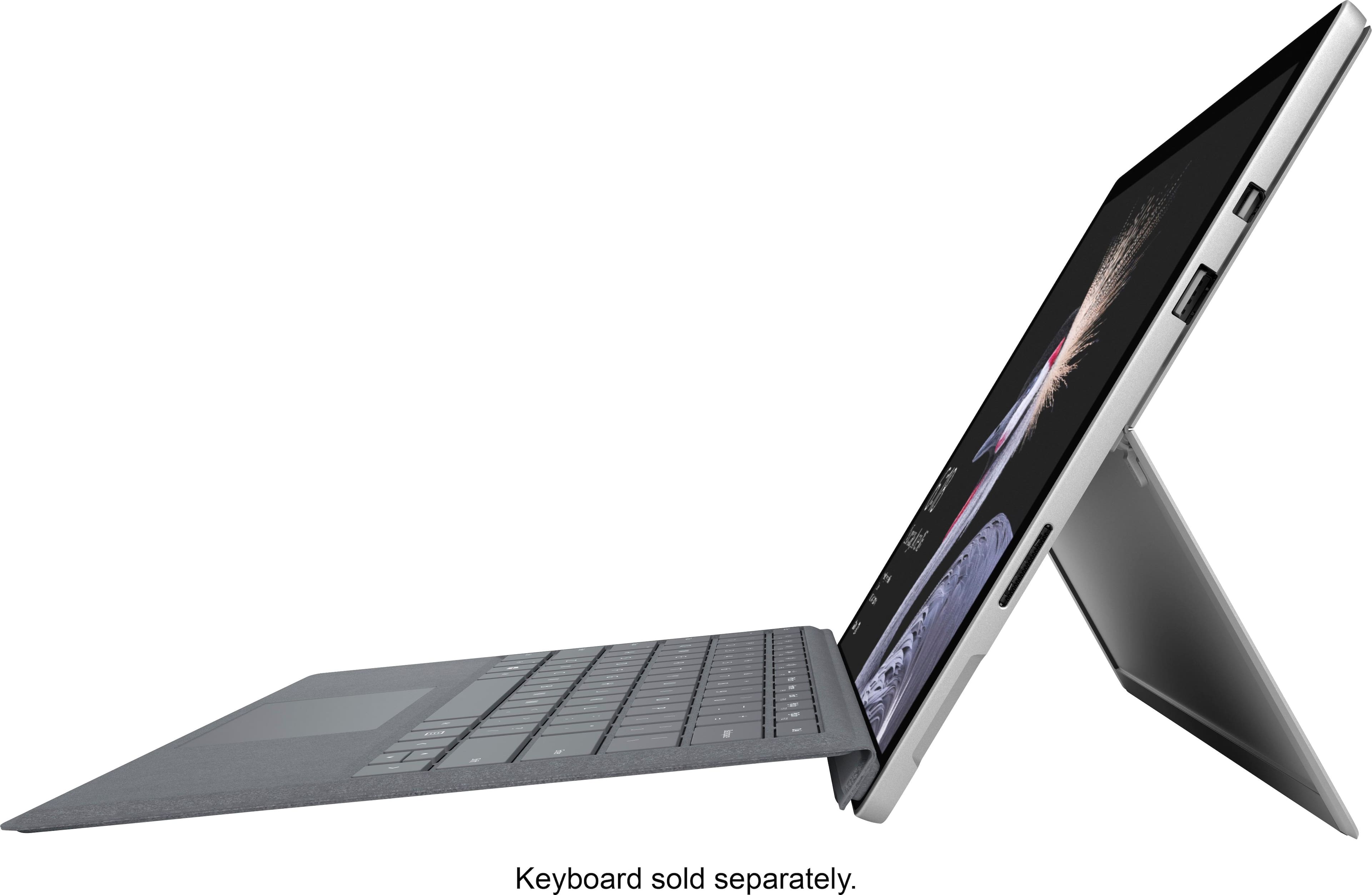
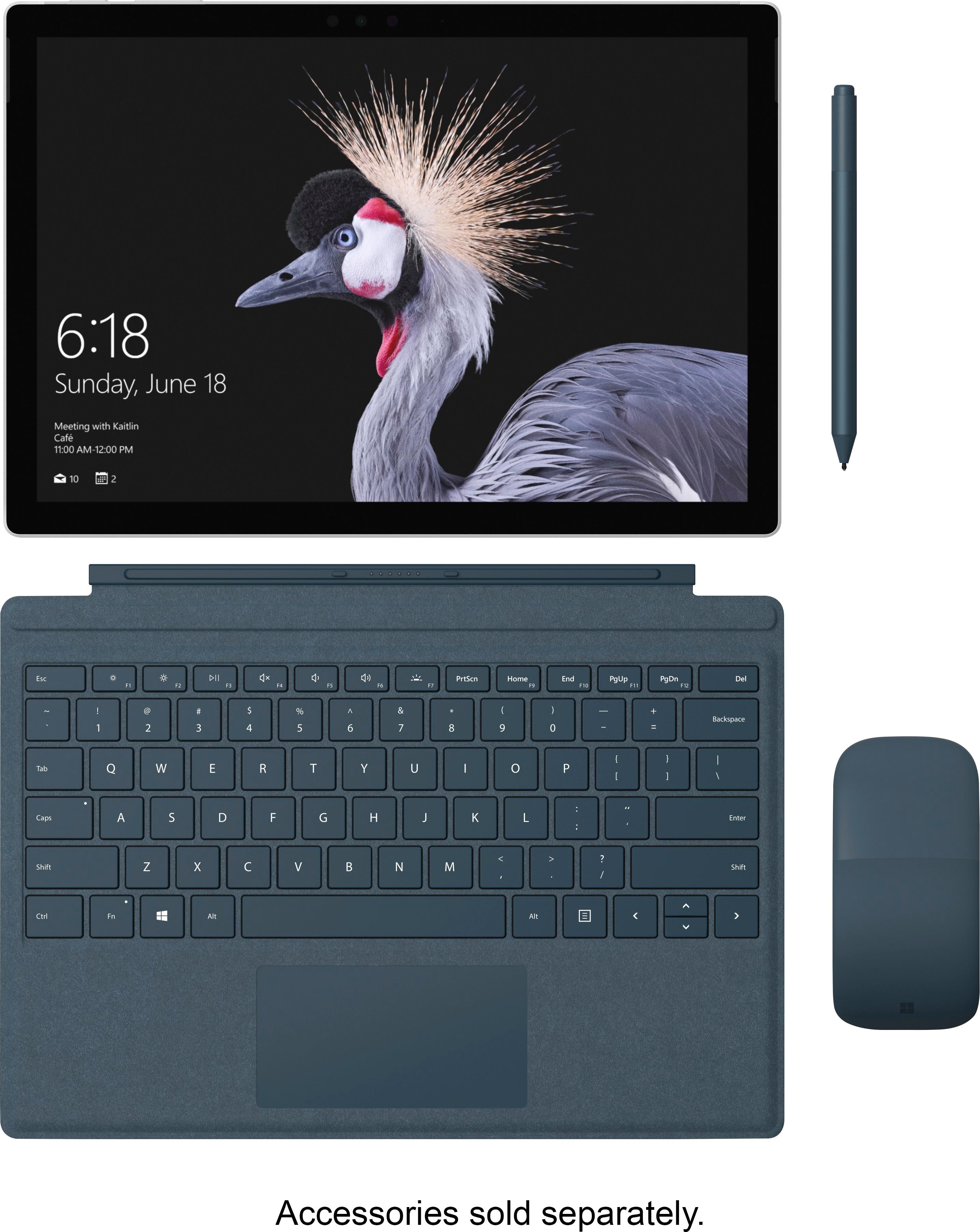
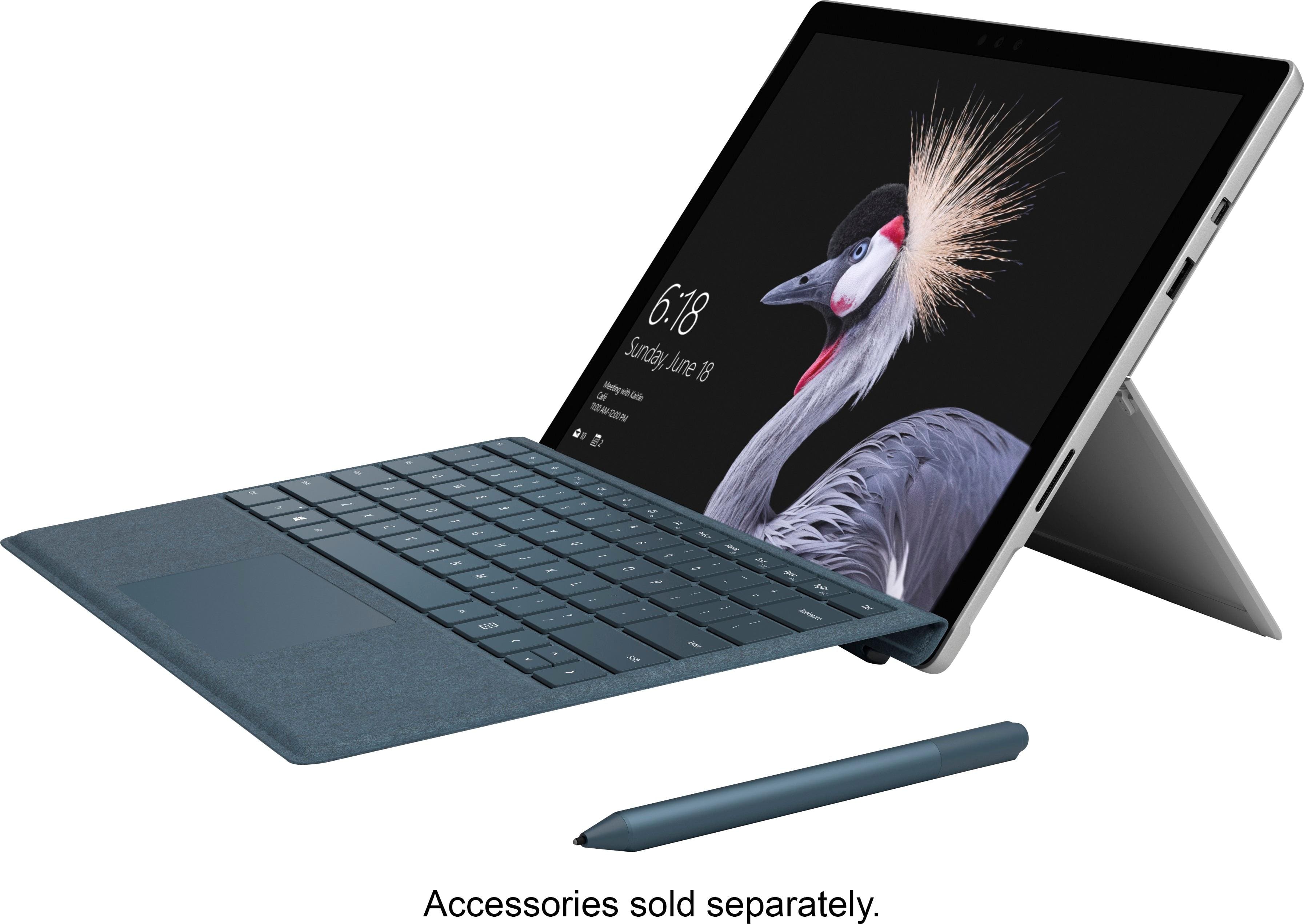
A:AnswerThe Surface Pro does not come with a Type Cover included, so that you can decide if you'd prefer a Type Cover, or a Surface Keyboard, and which version and color you'd prefer!
A:AnswerQuality and user-friendly are both top notch. (IMVHO) Really love this thing. One of the very few high end devices I have ever bought and had zero buyer's remorse.
A:AnswerYes, it can be replaced. Let's think about this - I seriously doubt that Microsoft gives users a new Surface Pro if the SSD dies (provided that the unit is under warranty). If the unit is not under warranty, users can replace the SSD themselves but it looks to be a delicate and difficult procedure based on an iFixit article that details the steps.
A:AnswerI do not have photoshop but any high resource needing program I have thrown at the SP *so kewl it don't need no version*, it has not slowed or bogged.
A:AnswerHi there,
The Surface Dock will allow you to connect multiple monitors, but not having to sacrifice any ports to do so!
Kindly,
Victoria
Surface Customer Care
A:AnswerHi there,
As listed in the product specs, the Surface Pro does not come with the Type Cover. There are various styles and colors of Type Covers available, so this offers you the ability to pick which option suits you best.
Kindly,
Victoria
Surface Customer Care