A:AnswerThe Surface Pro 6 is a great device for playing Wizard 101! As long as you are able to connect to the internet, you will be able to play this game.
A:AnswerYou can use a Wireless Display Adapter to display your PowerPoint presentation on an HDMI compatible screen. You can learn more about the Wireless Display Adapter from our pals at Best Buy here: https://www.bestbuy.com/site/microsoft-wireless-display-adapter-v2-receiver-dark-titanium/4974200.p?skuId=4974200.
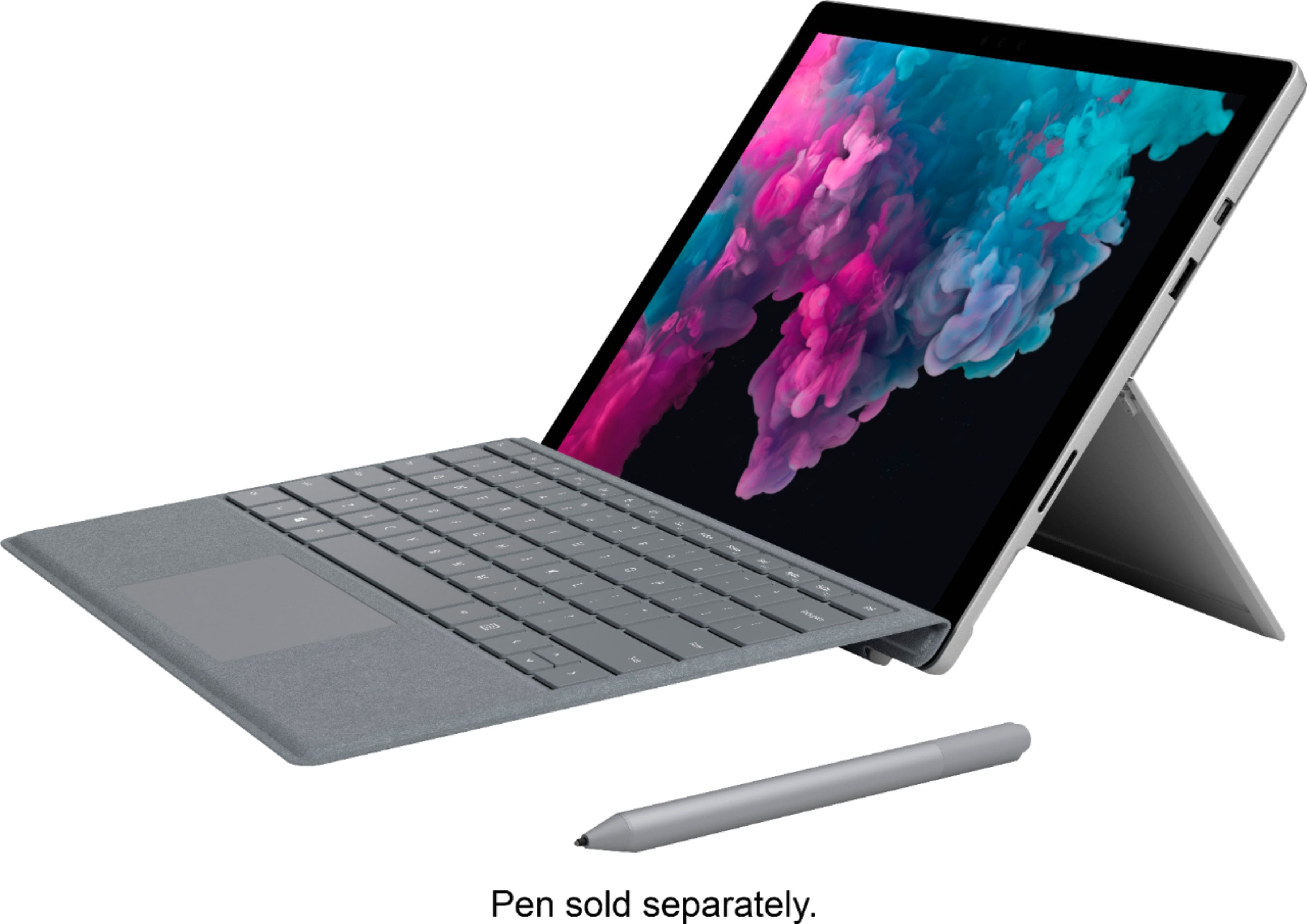
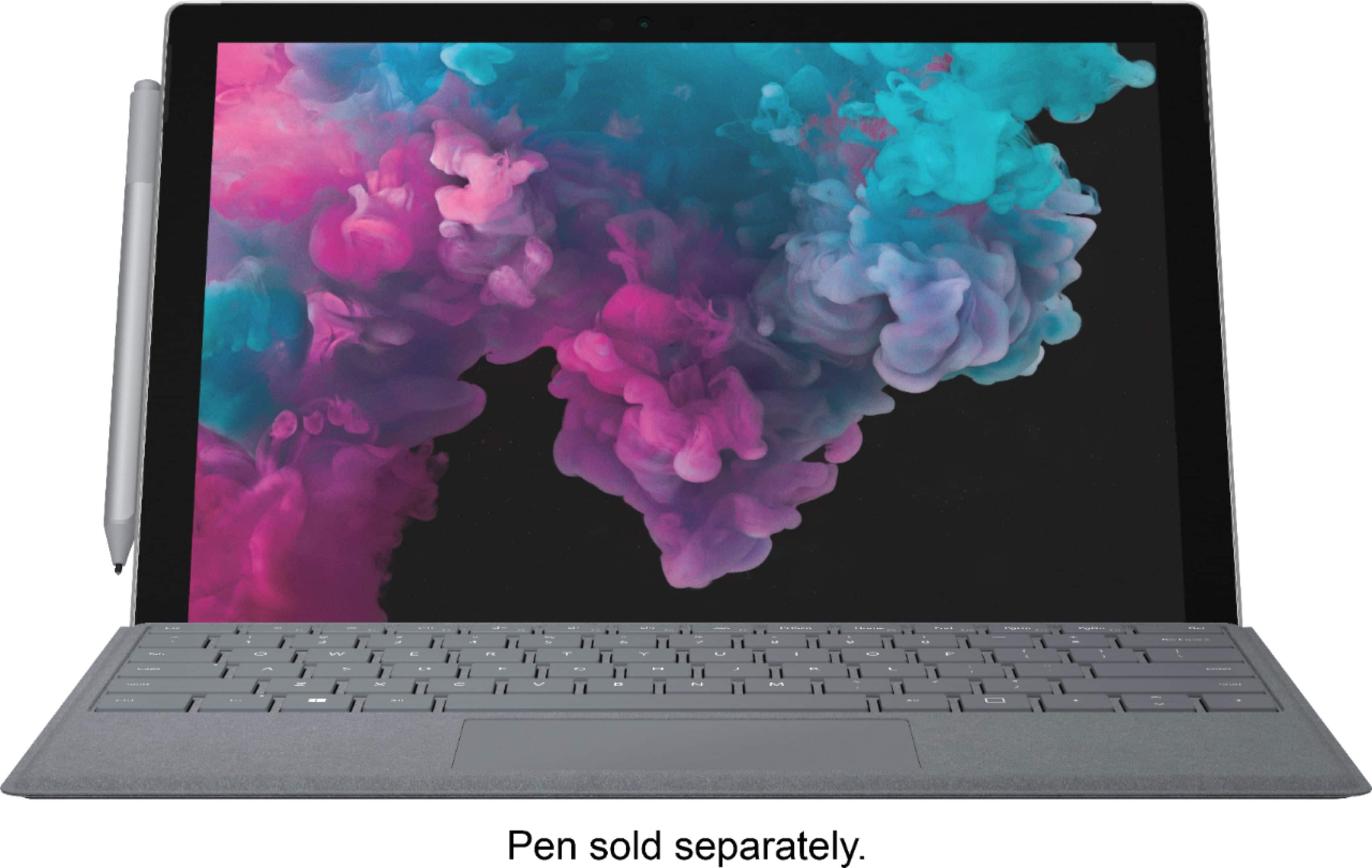
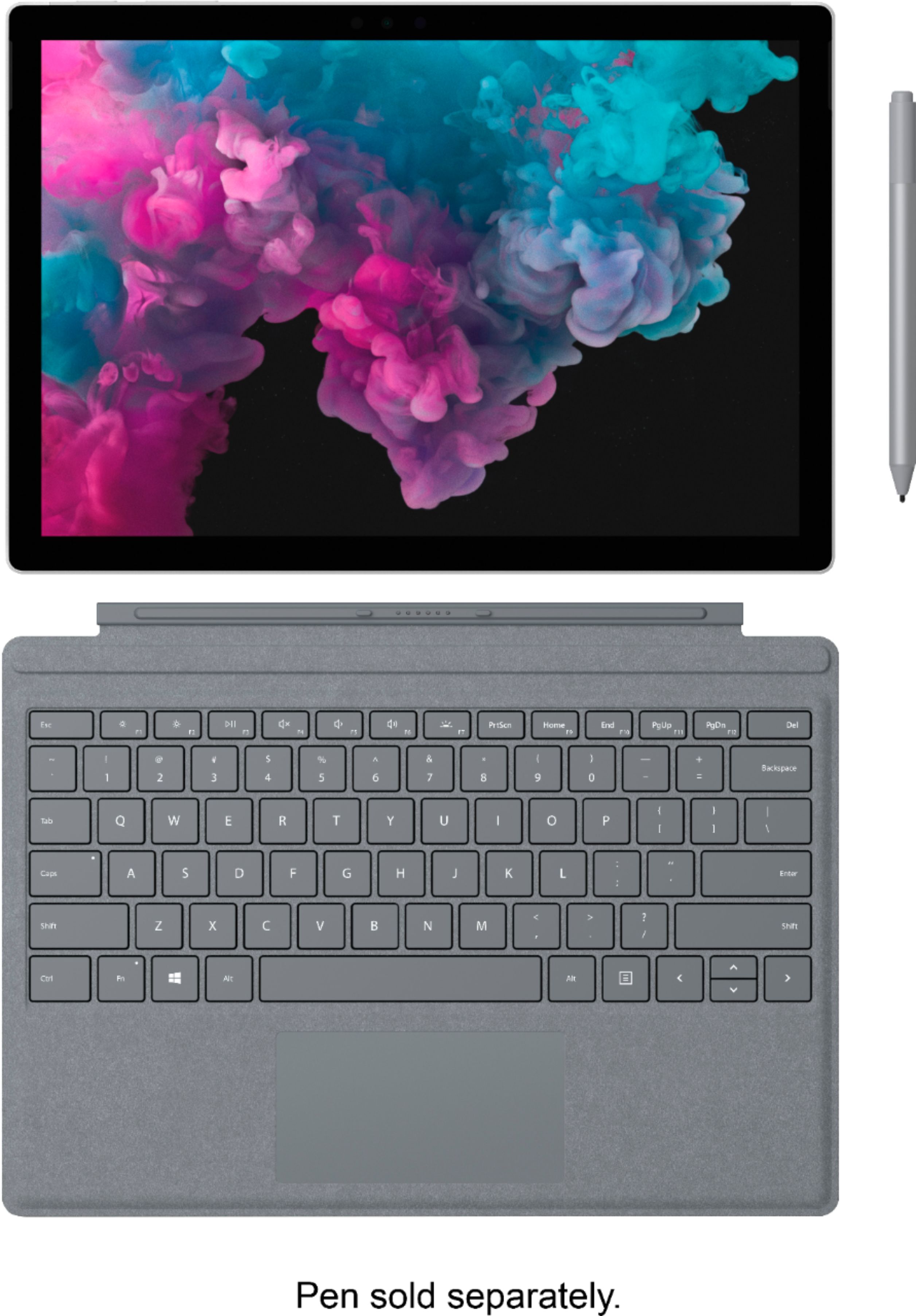
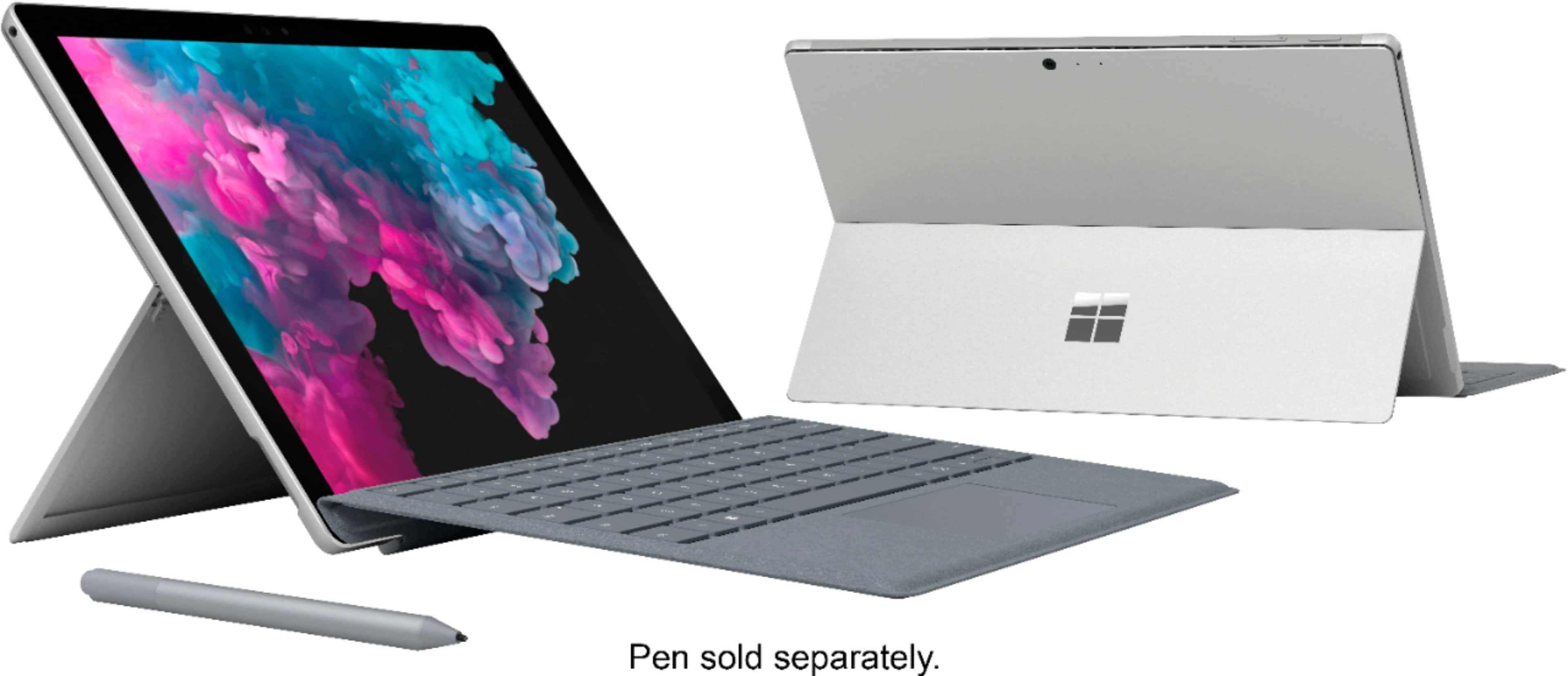
A:AnswerBoth of these devices have the exact same specs (Intel Core i5, 8GB Memory and 128 GB SSD.) The only difference is that this model (LJK-00001) comes with a platinum Surface Pro Signature Type Cover.
A:AnswerThe two I bought were brand new with wrapping. All were clean and after a brief look in the computer there were no signs of previous use. The back is metal that can easily scratch, so just check if there are any scratches. Mine had none.
Anyways, it's the luck of the draw in the end. Being sent used computers is always a chance in any retailer.
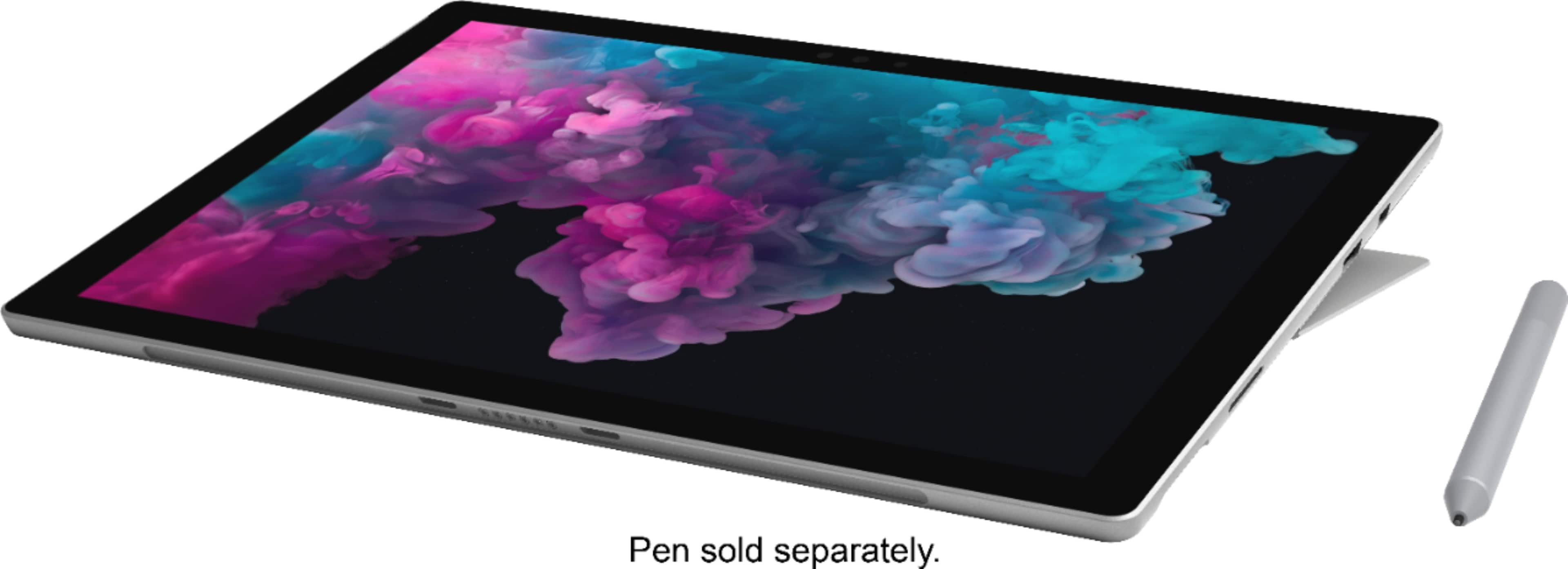
A:AnswerThis bundle does not come with Surface Pen. To get you started, check out Surface Pen at Best Buy here: https://www.bestbuy.com/site/microsoft-surface-pen-black/5859100.p?skuId=5859100.
A:AnswerTo echo what the community has said, Surface Pro 6 does not come with the Microsoft Suite. To get you started, check out Office Home & Student 2019 at Best Buy: https://www.bestbuy.com/site/office-home-student-2019-1-device-product-key-card-macwindows/6278700.p?skuId=6278700.