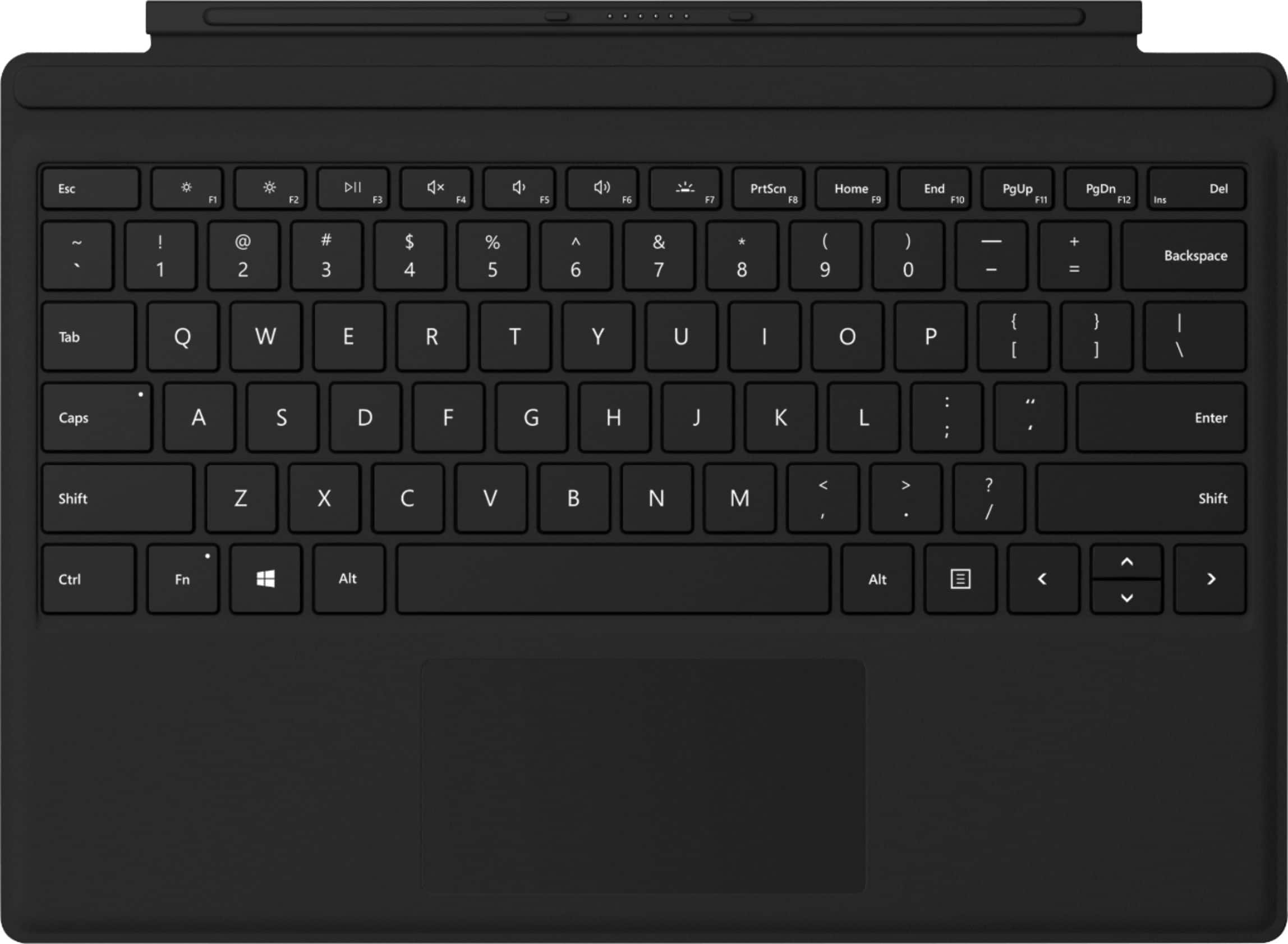
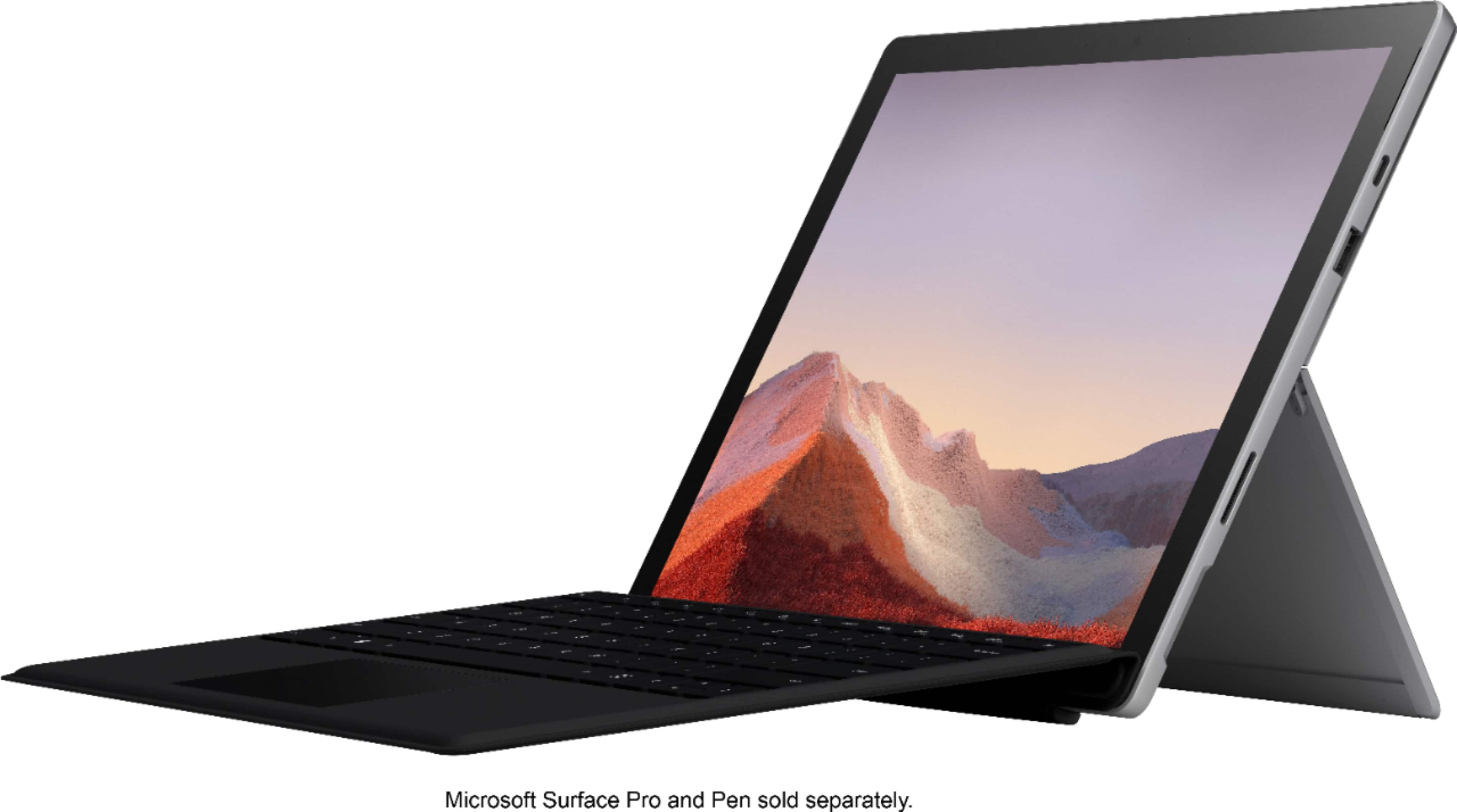
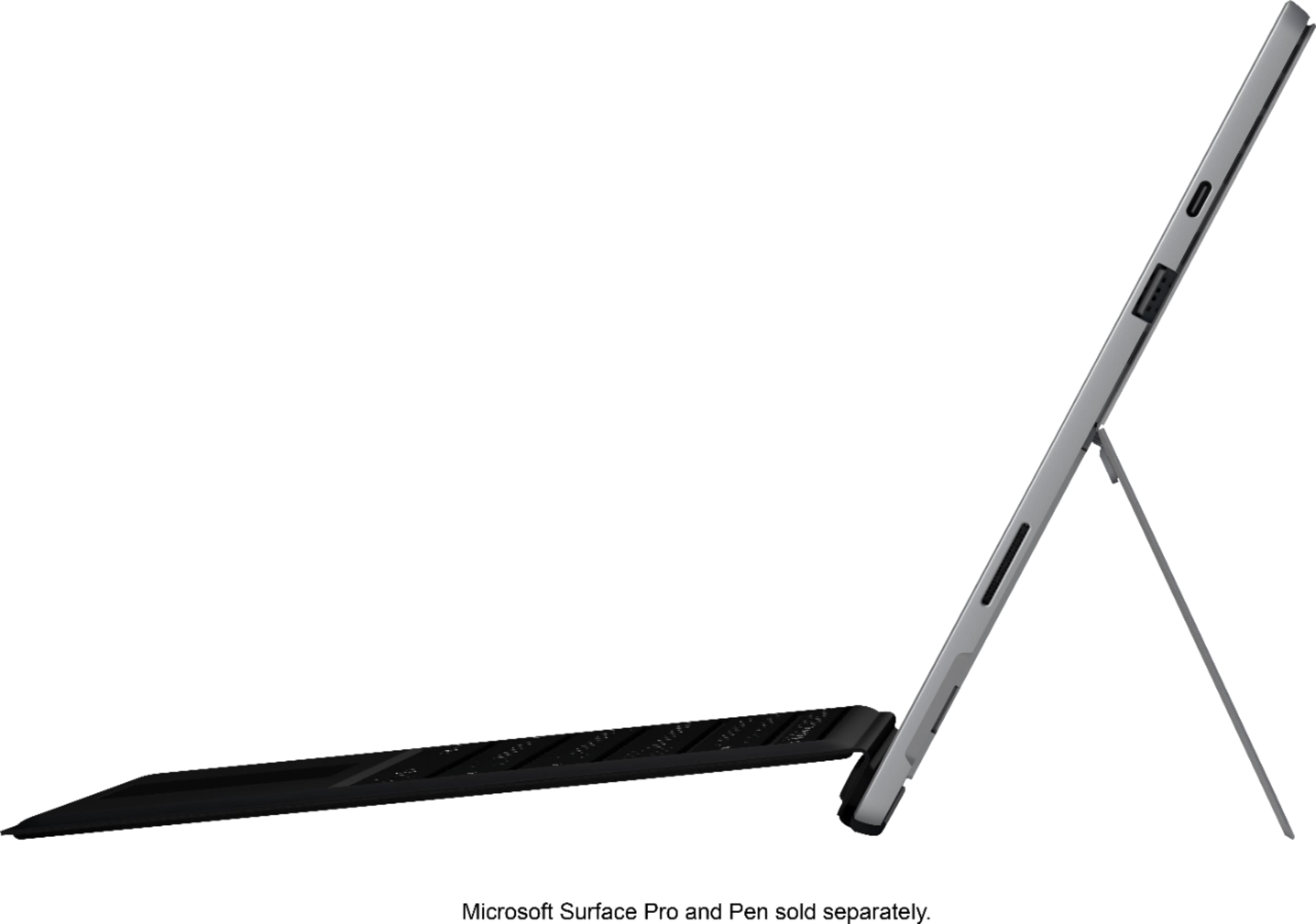
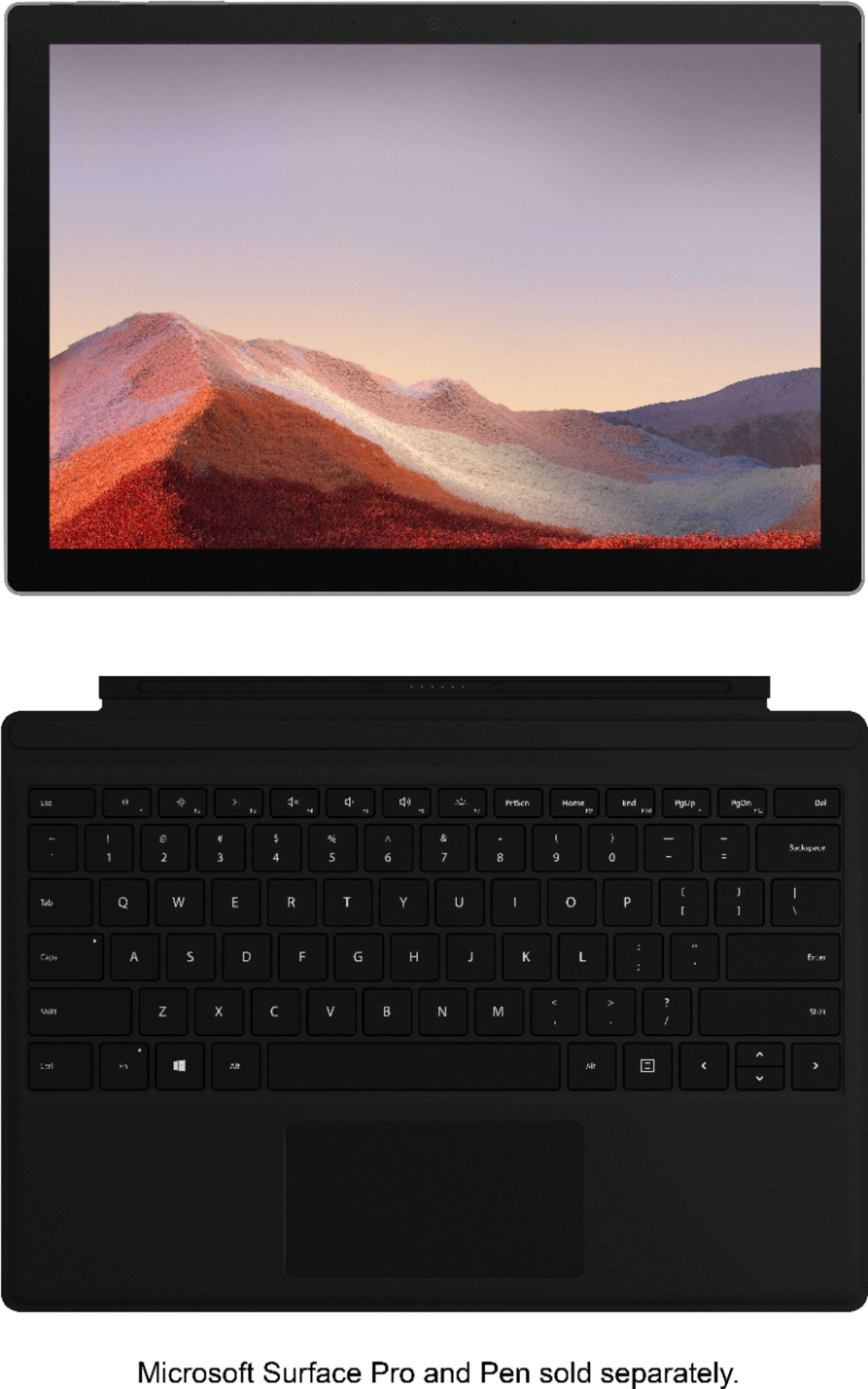
A:AnswerIt's powered by its small connection to the Surface/pad. There is no need for a separate charger. It's not Bluetooth so it will only work when snapped to the Surface/pad
A:AnswerThanks for the question. Surface Pro Signature Type Cover does not use Bluetooth. The Type Cover easily clicks into place transforming your Surface Pro from tablet to laptop.
A:AnswerThank you for asking. Surface Pro Signature Type Cover is not compatible with Surface Go 2. We recommend Surface Go Signature Type Cover instead.
A:AnswerProbably not...size of pre-3 models was different. Bring your device to a brick & mortar store and test, using the instore display models if you want to know for sure.
A:AnswerThanks for reaching out. We're sorry to hear you've encountered difficulties with your Surface Pro Signature Type Cover. We suggest checking out our type cover troubleshooting guide here: https://support.microsoft.com/en-us/help/4486820. If you need additional assistance our support team is available here: https://aka.ms/AA4rbq6.
A:AnswerGreat question! This Surface Pro Signature Type Cover is not compatible with Surface Pro X. Surface Pro X is only compatible with Surface Pro X Type Cover which you can see here: https://www.bestbuy.com/site/microsoft-surface-pro-x-keyboard-black/6382270.p?skuId=6382270.