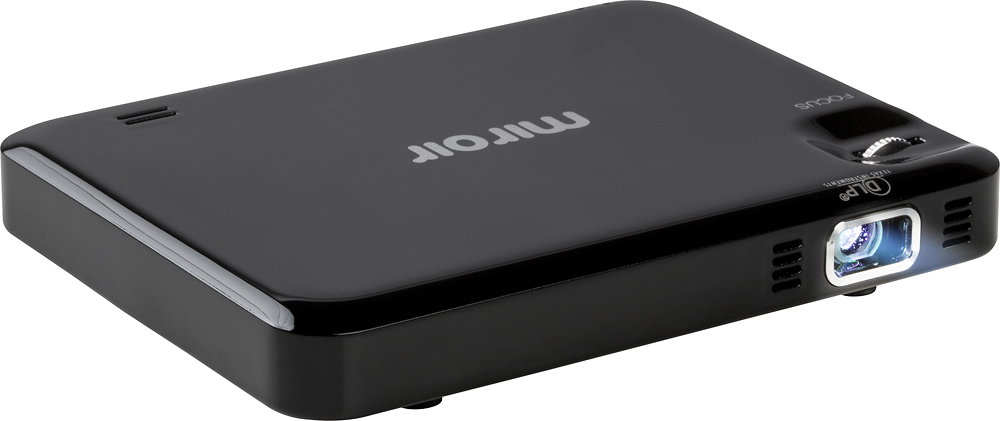
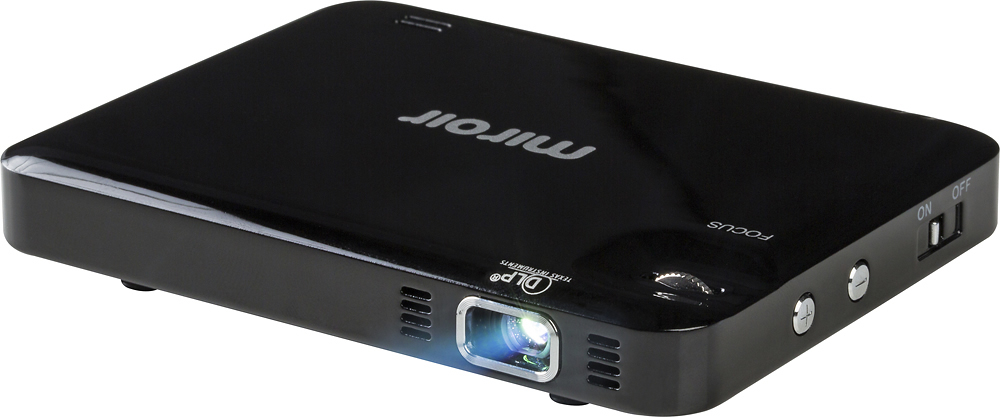
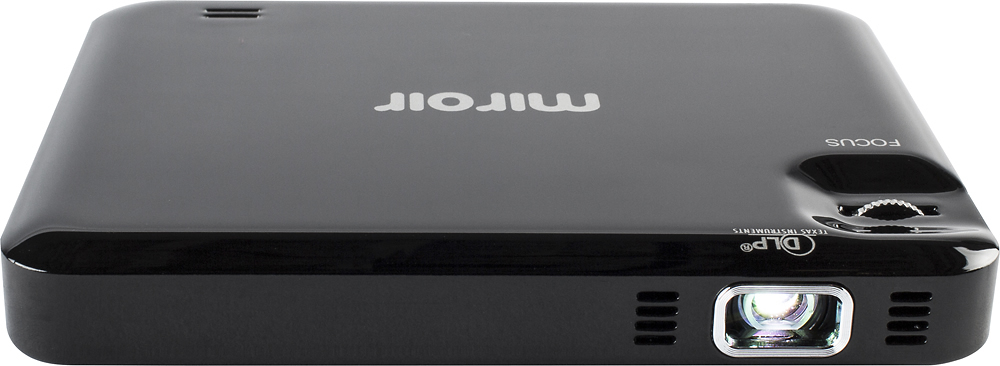
A:AnswerYou can project on a variety of surfaces - screens, walls, garage doors, etc. Keep in mind that your surface may effect the image quality if it is dark colored, textures, or reflective.
A:AnswerYou will need to adjust some of the settings on your MacBook. I had the same problem and finally got it corrected.
You will need to call APPLE SUPPORT. They will walk you through exactly what needs to be adjusted.
Best wishes.
A:AnswerIt has hdmi hookup so u can hookup anything that can be hooked up to hdmi. So depending on ur phone, unless u can put the nfl app on ur laptop it will work.
A:AnswerAlmost any distance works to be quite honest and there is a focus dial to fine tune. The only problem you will have is the light in the room or area as the lumens are pretty low and that is a problem only you can answer.
A:AnswerEven though I have a Samsung S7edge, I had to purchase Chromecast in order for the projector to work from my phone/tablet. You wont need an adapter since it will run through the home app and wifi. The chromecast adapter will be plugged into the projector. Also, you will need to download the app Home from the playstore. At that point, it should work for you.
A:AnswerNo, but the hours on it are enough time to keep it on, continuously for a full year. I asked mirroir the same question. You have to buy a new projector. Then again, $99 for what would be 24/7, for a full year, isn't a bad deal.