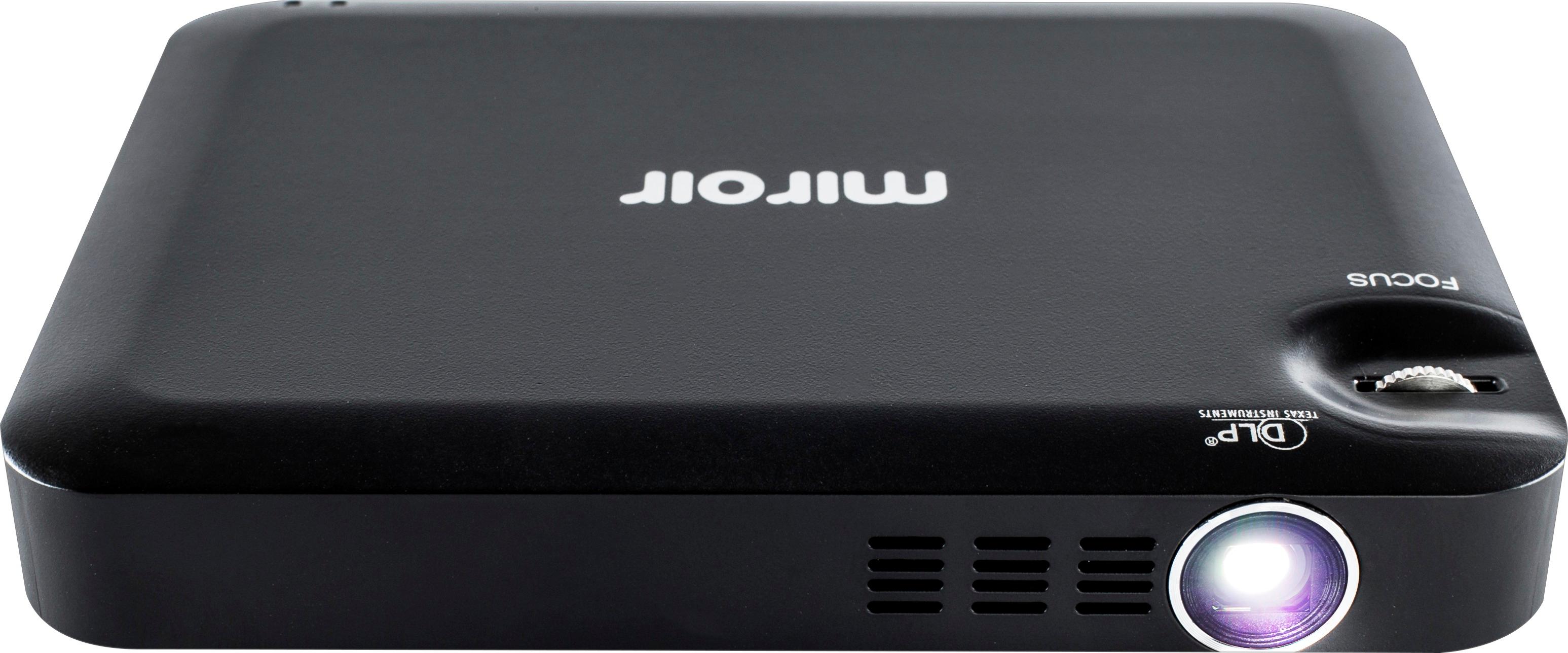
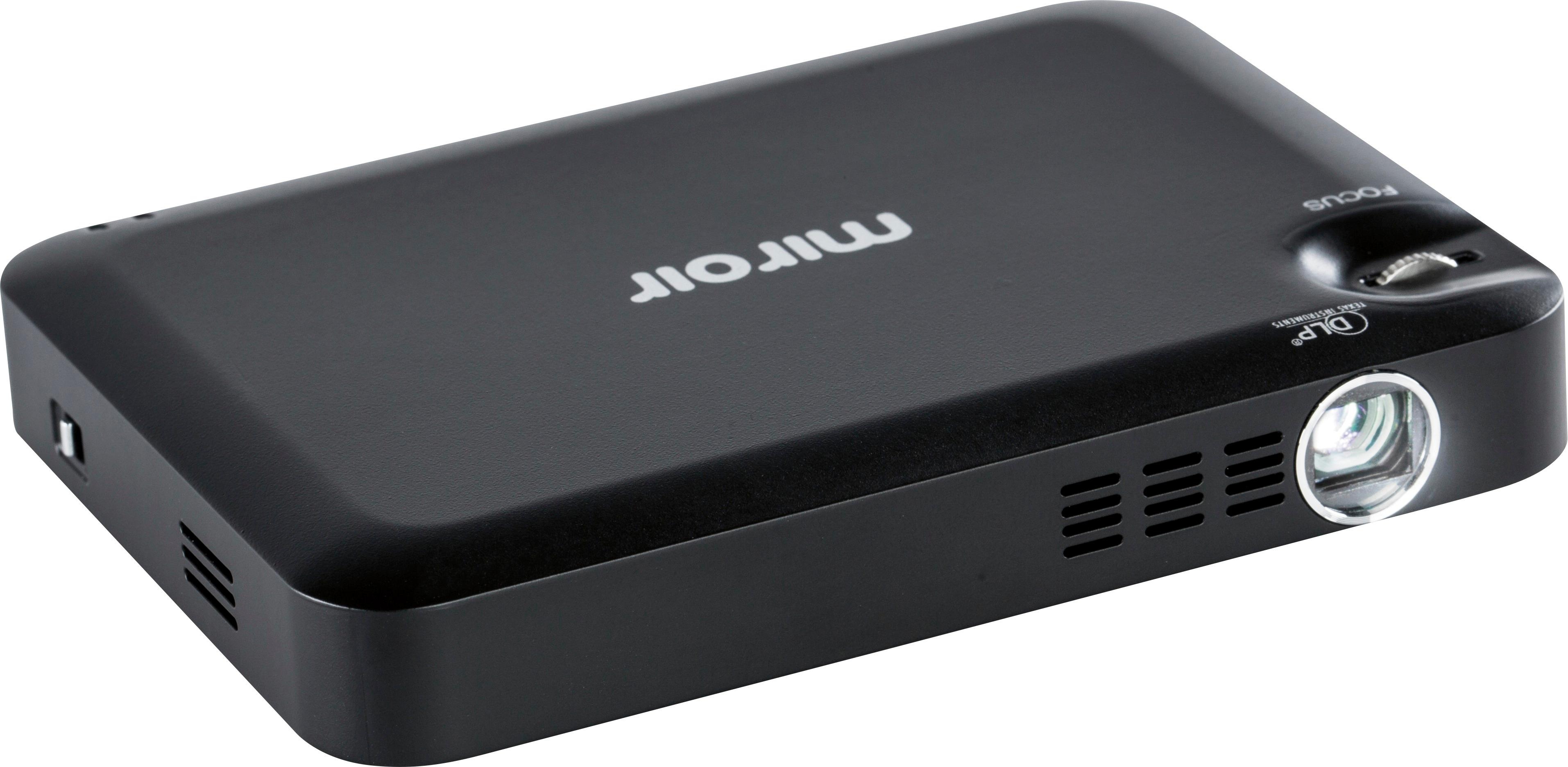
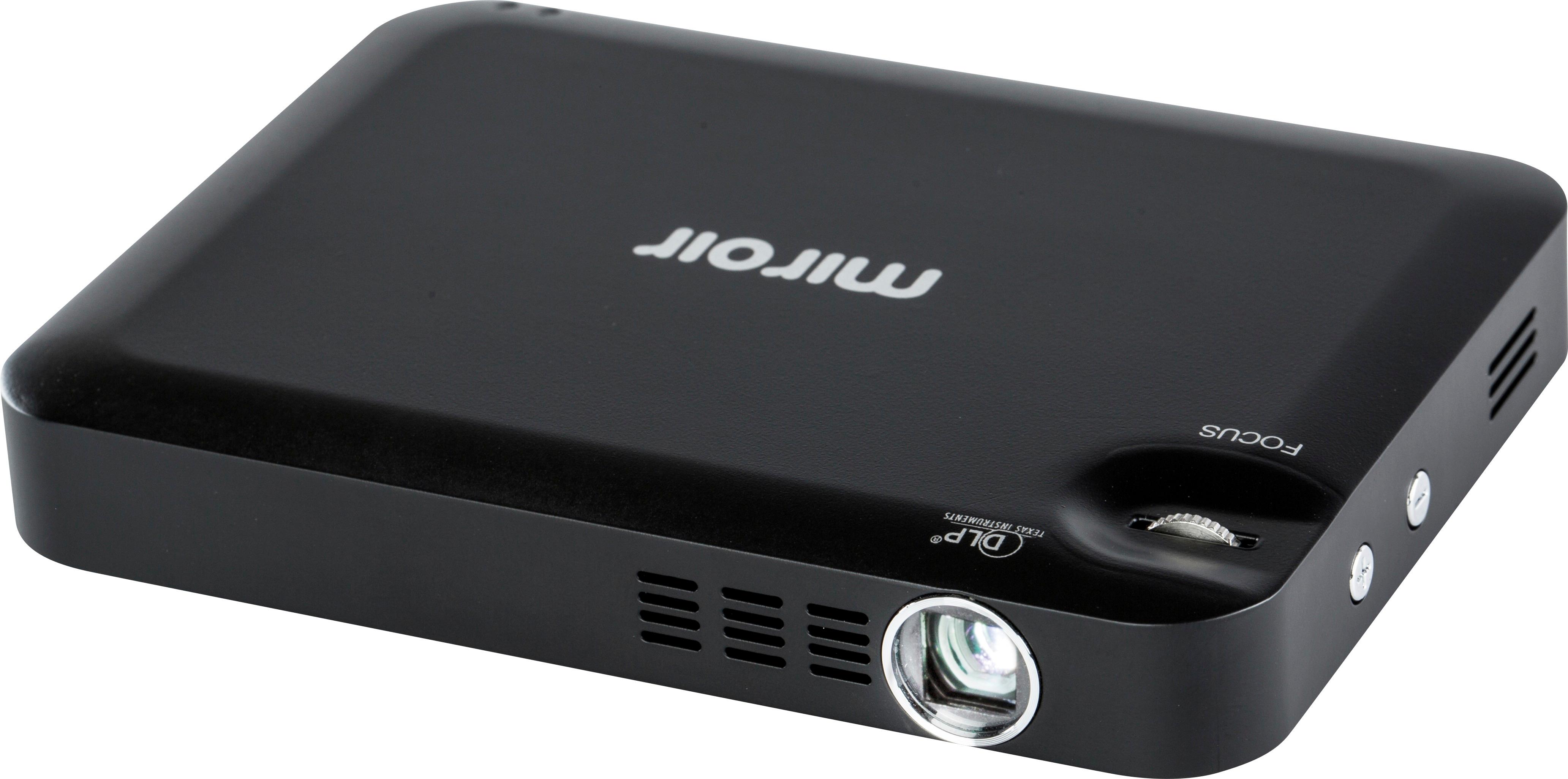
A:AnswerNot sure havent tried it. But I can say right now it's not meant for blueray its more for watching videos of YouTube I put a google chrome cast on mine and just share stuff like that
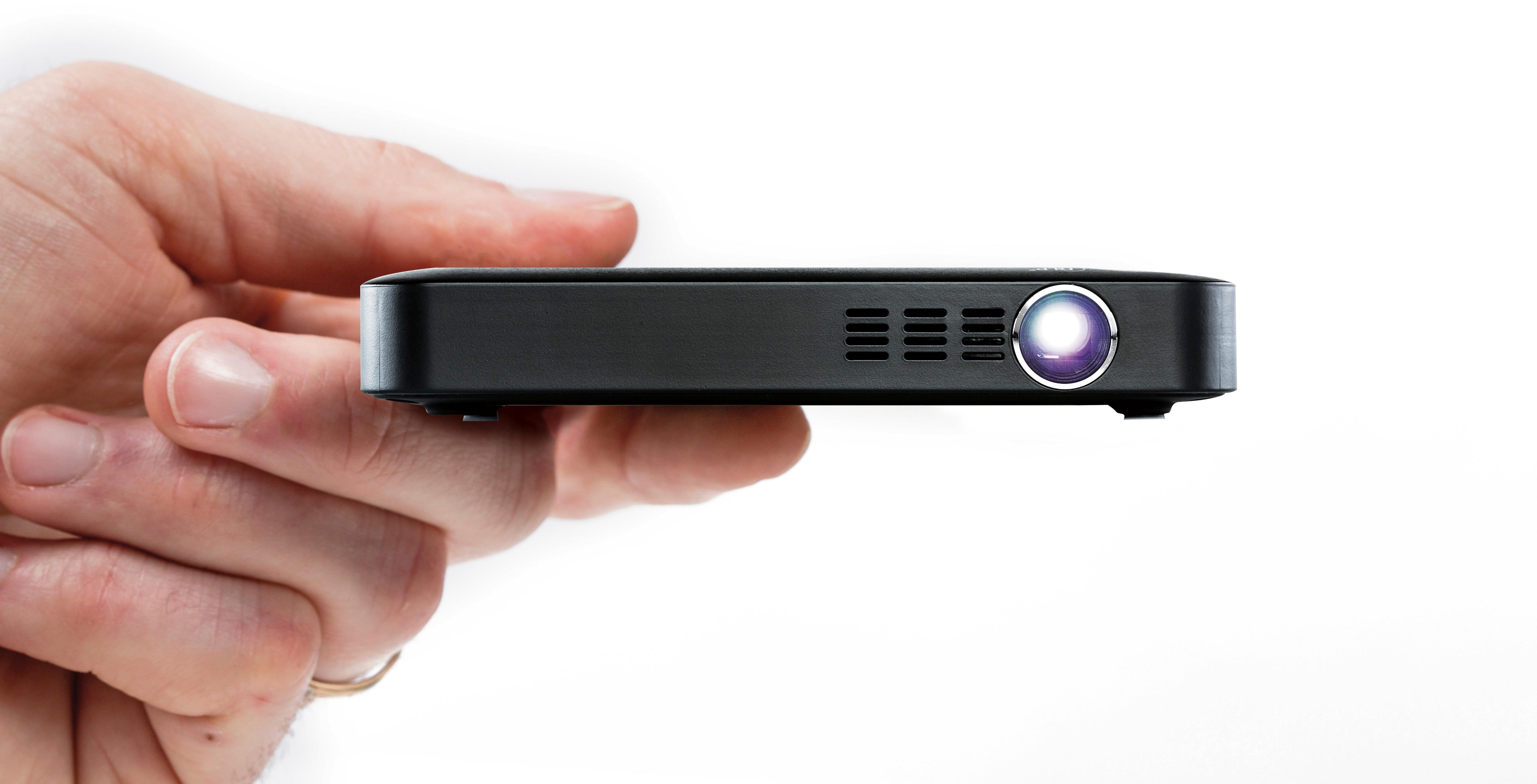
A:AnswerI would not recommend it as a TV replacement. I used it for a PowerPoint presentation and it was fine, but the picture was not particularly clear. It's a great price, easy to use, and has a compact design.
A:AnswerIt looks like 4'1" will give you a 50 screen. Go to this link and select the projector and view the throw distance according to the dimensions you are looking for. This was my search for Miroir M220 projector but you can change it from the drop downs. http://www.projectorcentral.com/miroir-M220-projection-calculator-pro.htm
A:AnswerA Roku would be connected to the projector with the included HDMI cable, and then you would control the image the same way you do normally on a TV (with the Roku remote).
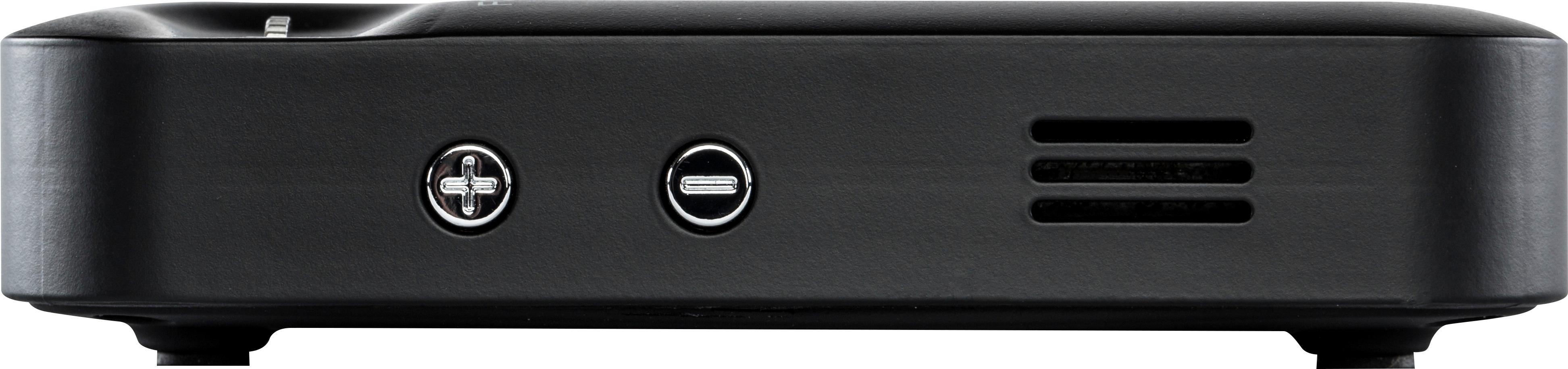
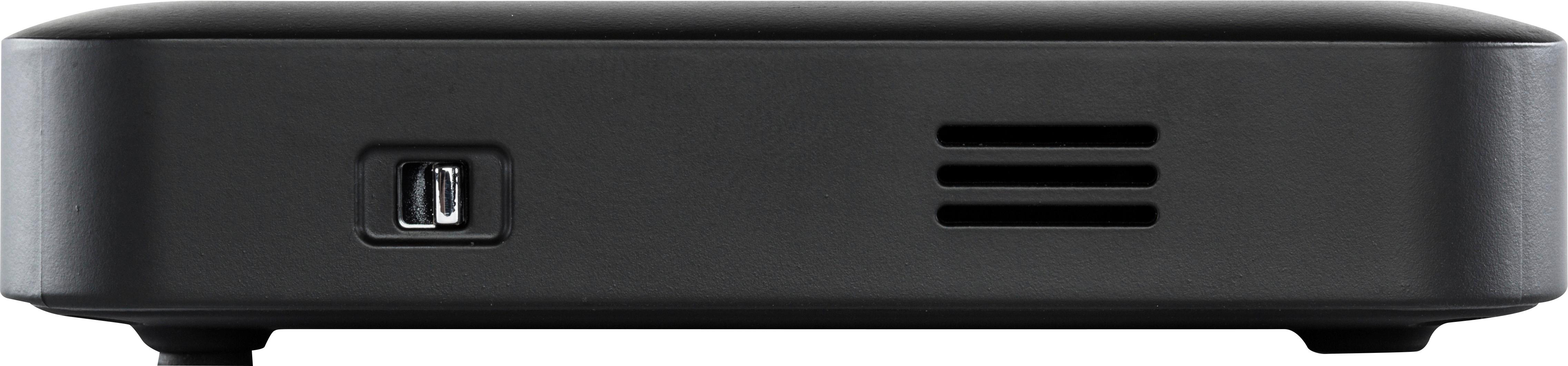
A:AnswerDonte, not sure what you mean by cable. It has an HDMI connection on the back. I would assume if you have an adaptor from HDMI to the cable you are trying to connect it should work.