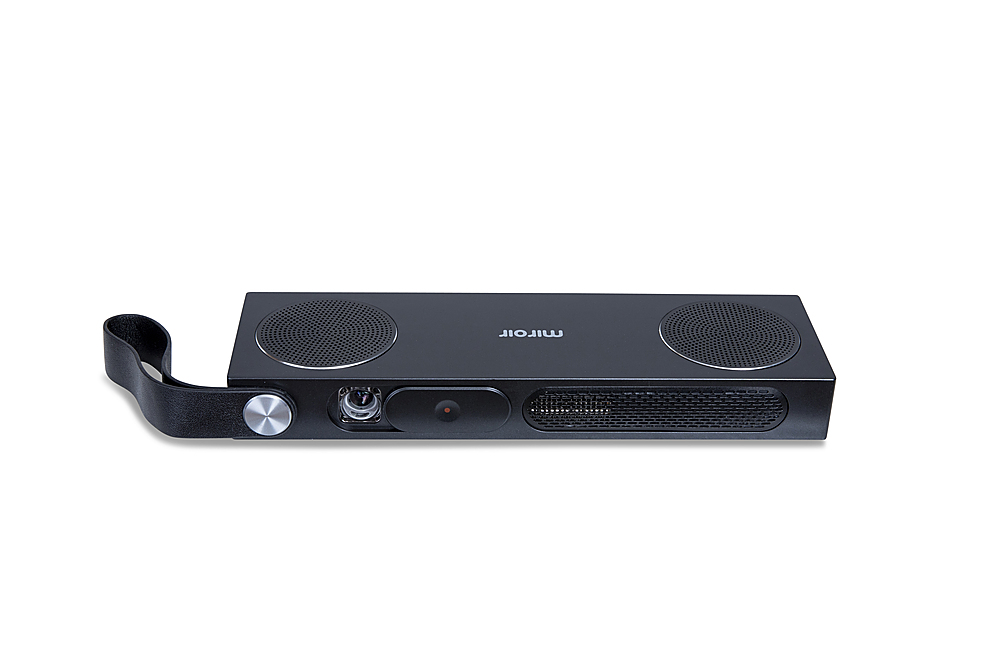
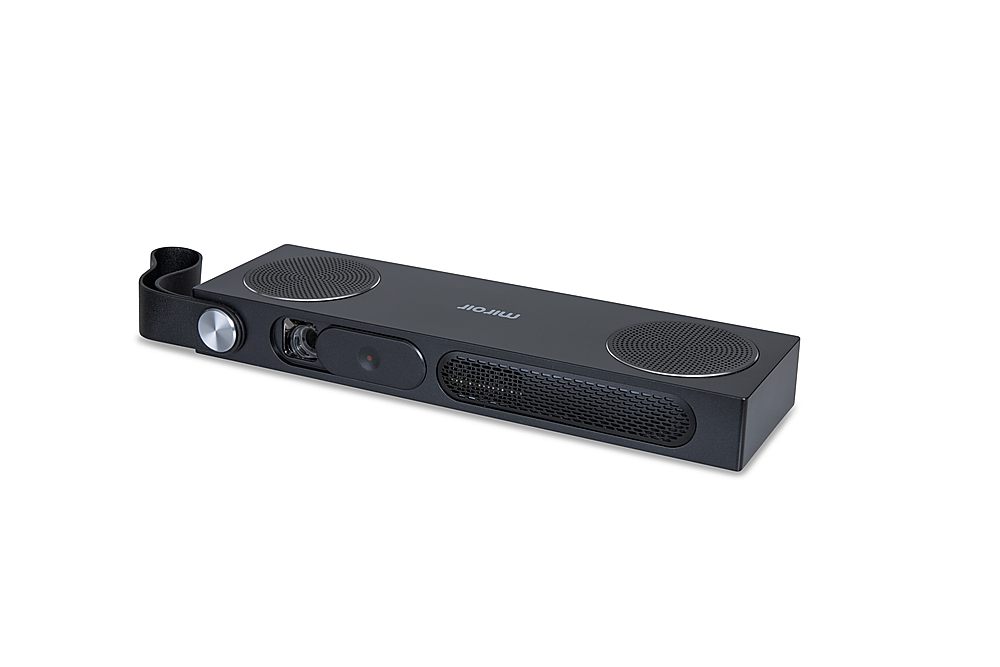
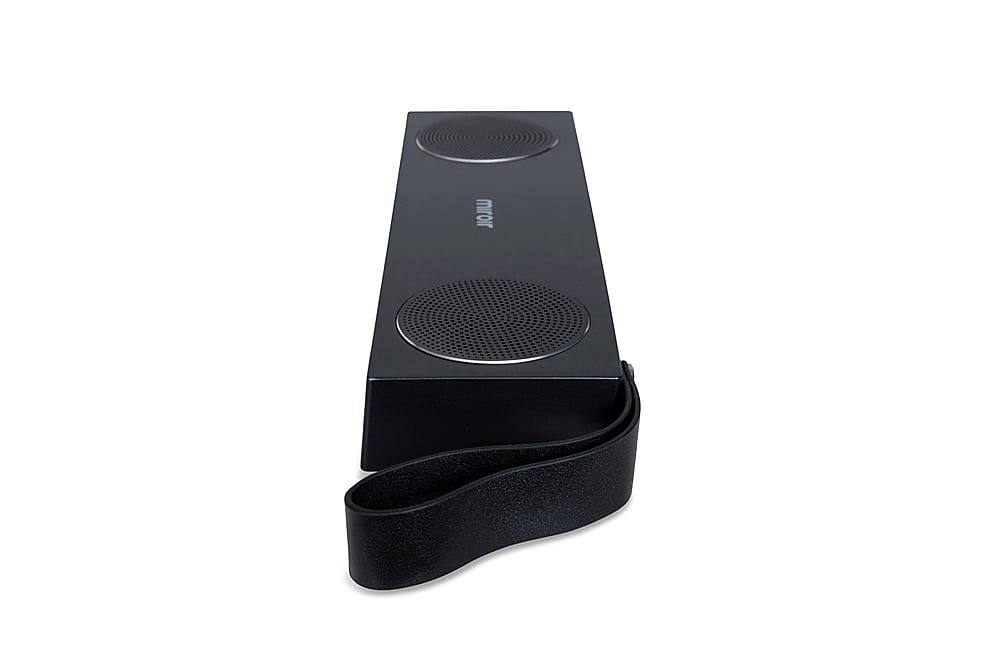
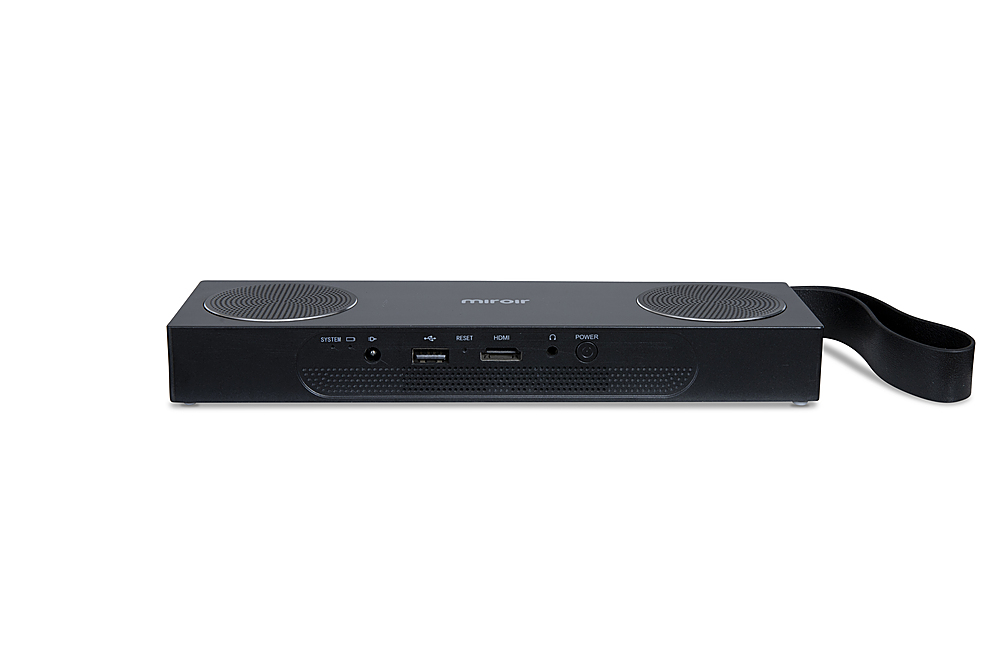
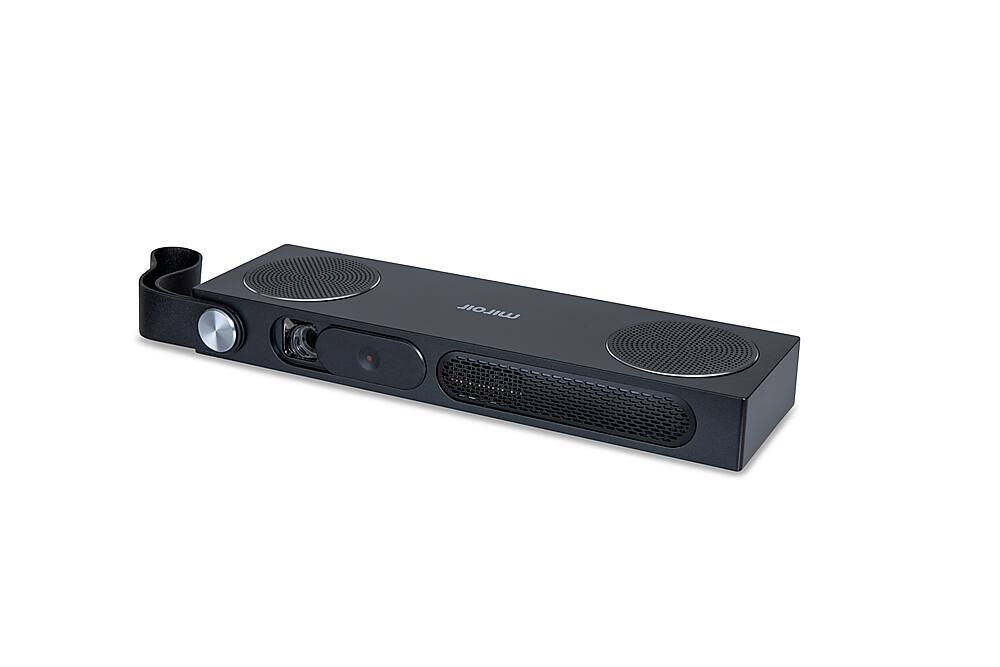
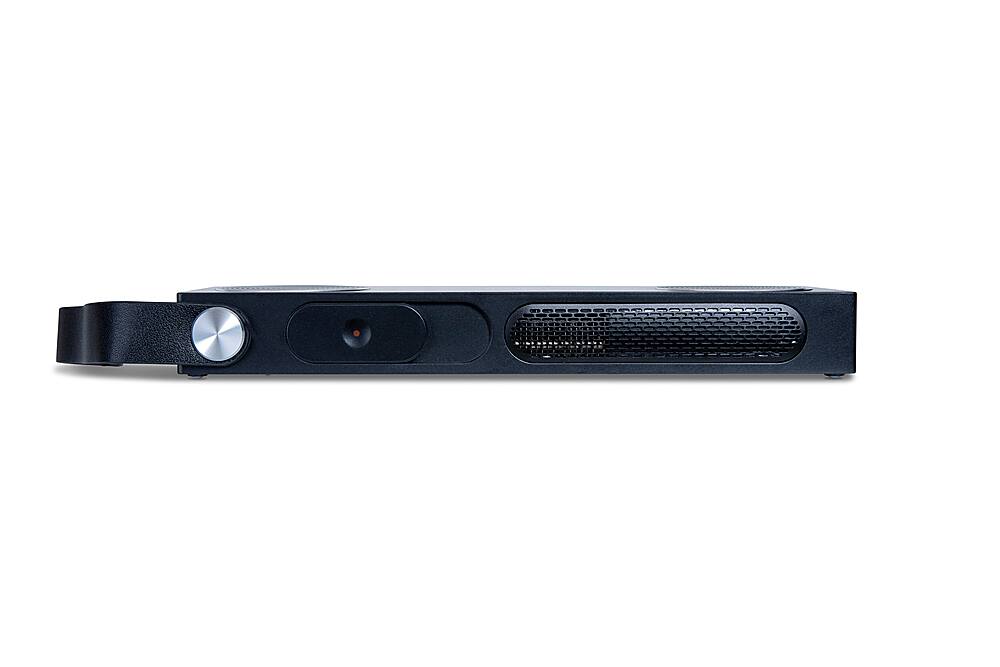
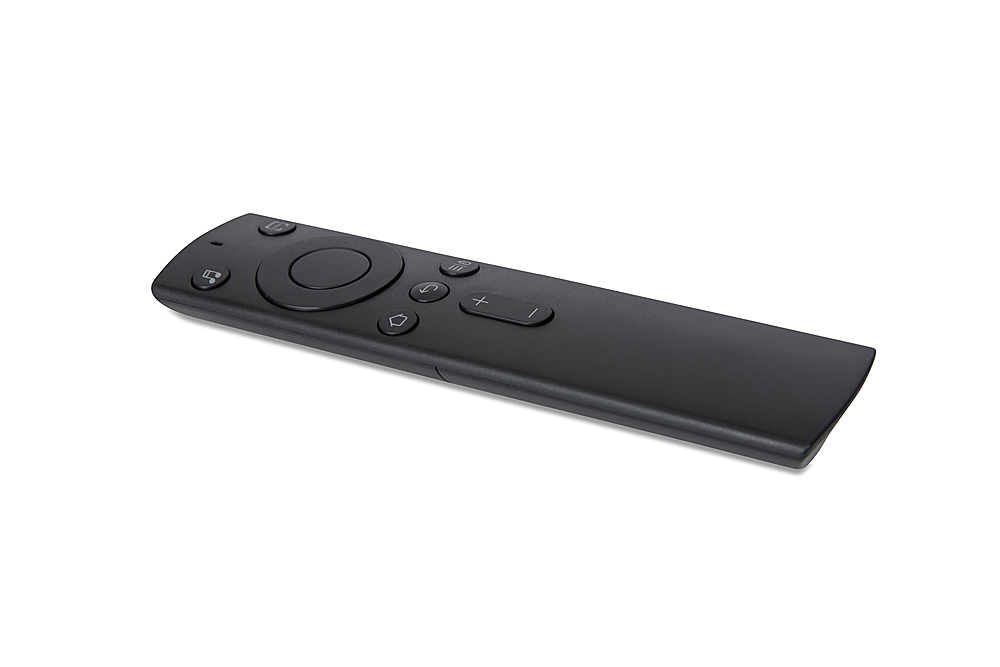
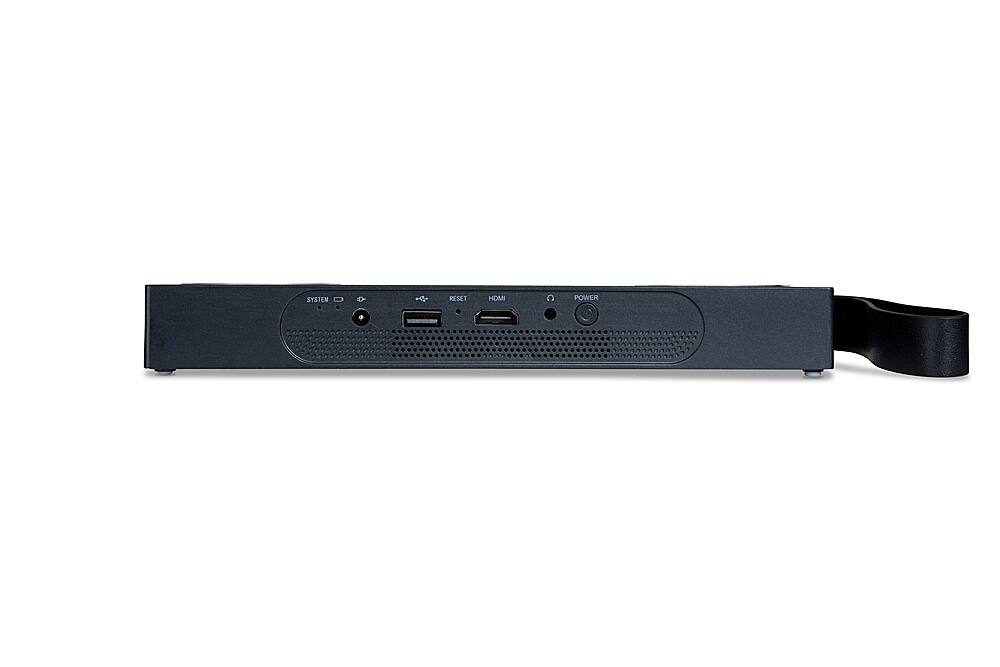
A:AnswerThe M280A supports the 3D featuer. You would need Texas Instruments supported 3D glasses to watch a 3D movie. DLP Link 3D glasses.
Thank you.
Miroir Team
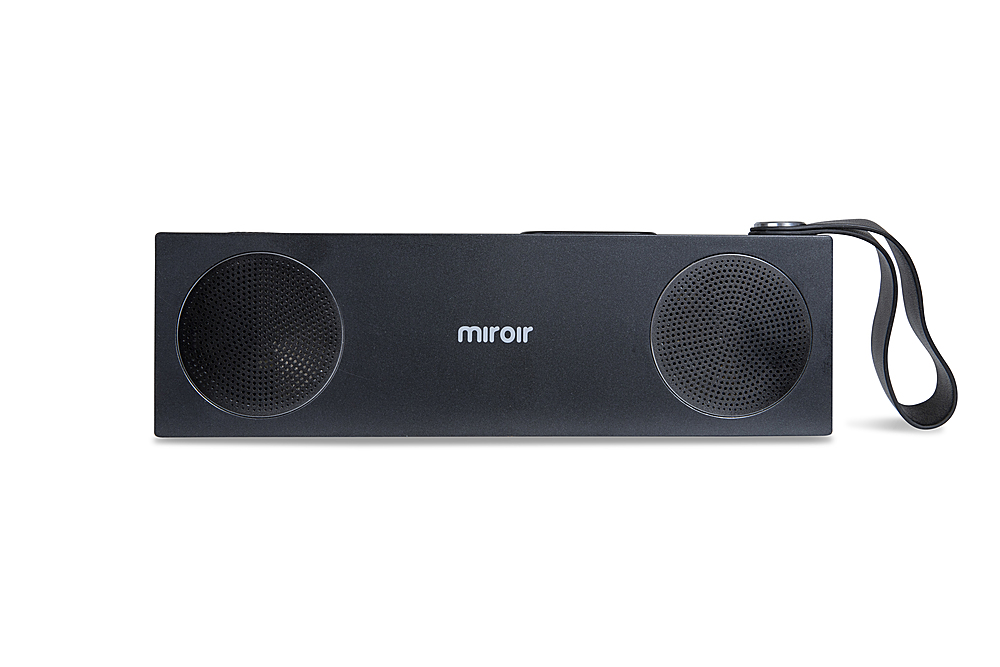
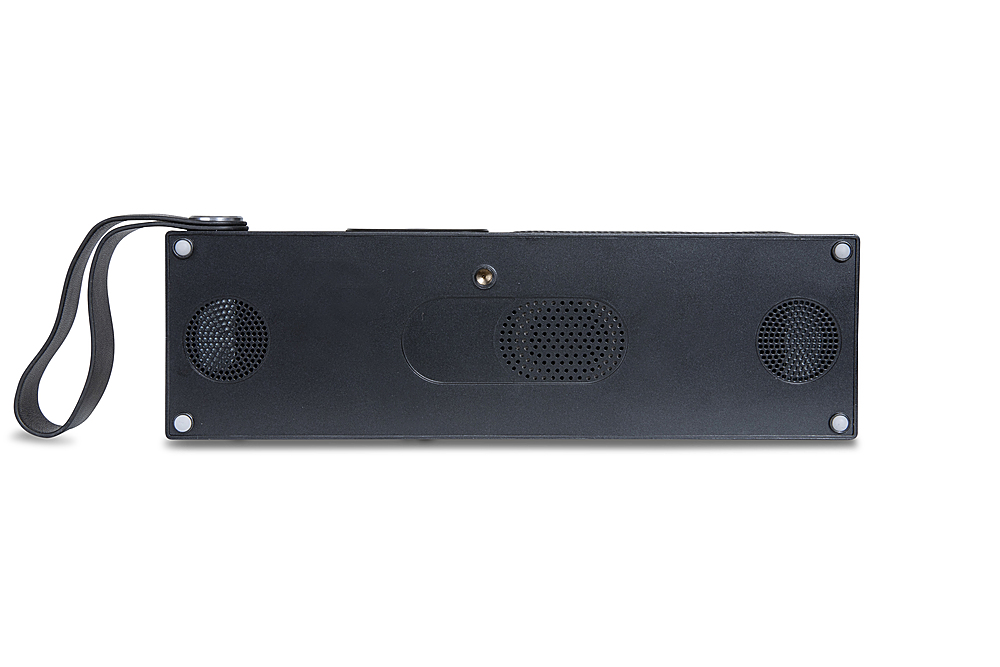
A:AnswerYes, the M280A does allow connection to a BlueTooth speaker. First put the Bluetooth speaker in discovery mode, then on the projector go to Settings>Add Accessory (button with the large BlueTooth symbol) and look for your speaker in the list of BlueTooth accessories, and select it. Manuals are available on the MiroirUSA website or quick fact checks on BestBuy.com under the manufacturer.
Thanks!
Miroir Team
A:AnswerThe M280A does not last for 4 hours, only up to 2 - hours. You could connect a power bank to any of the Miroir models with USB - C video/charge capability and get upto 4 hours run time. The M190, M600, M631, M289 all support USB - C charge.