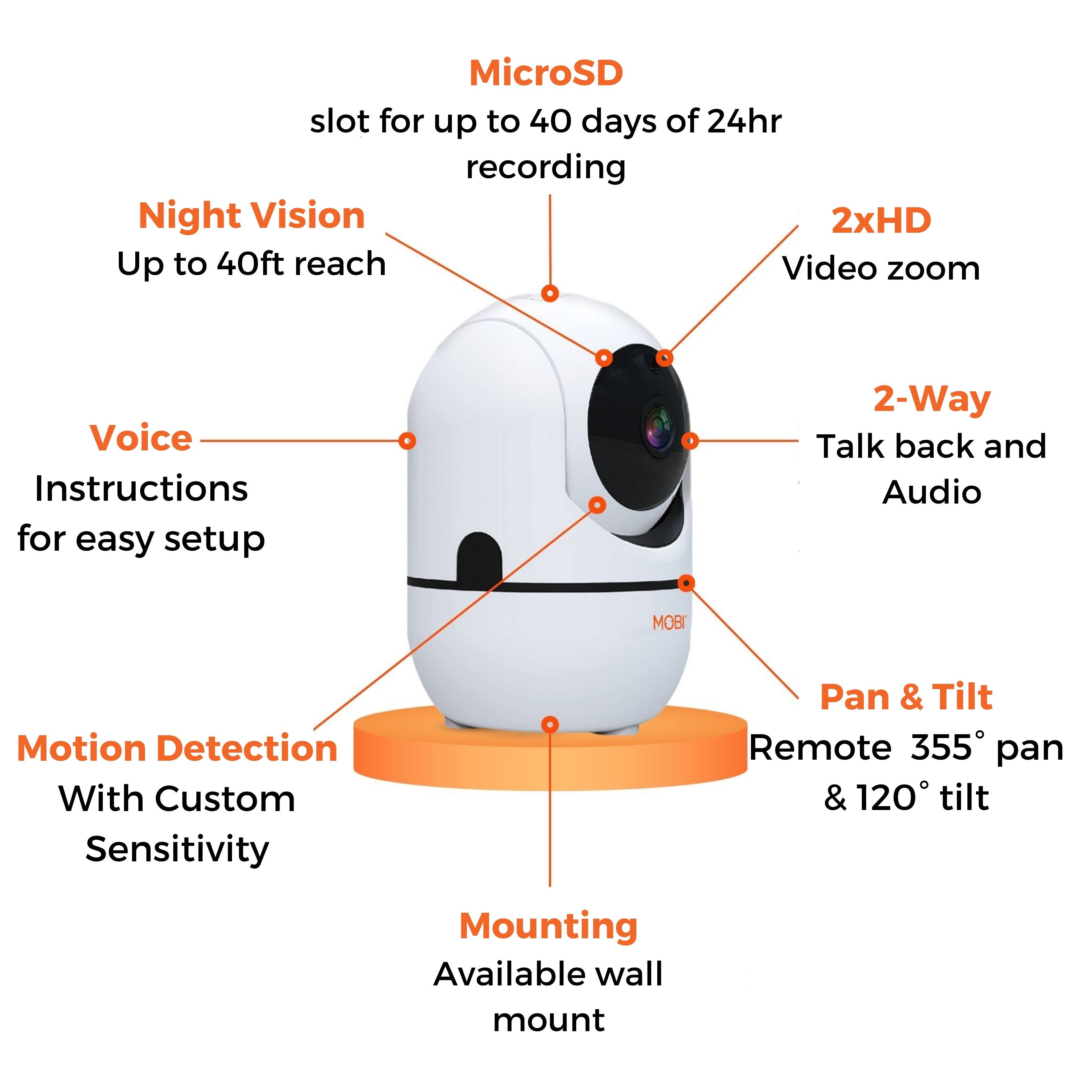
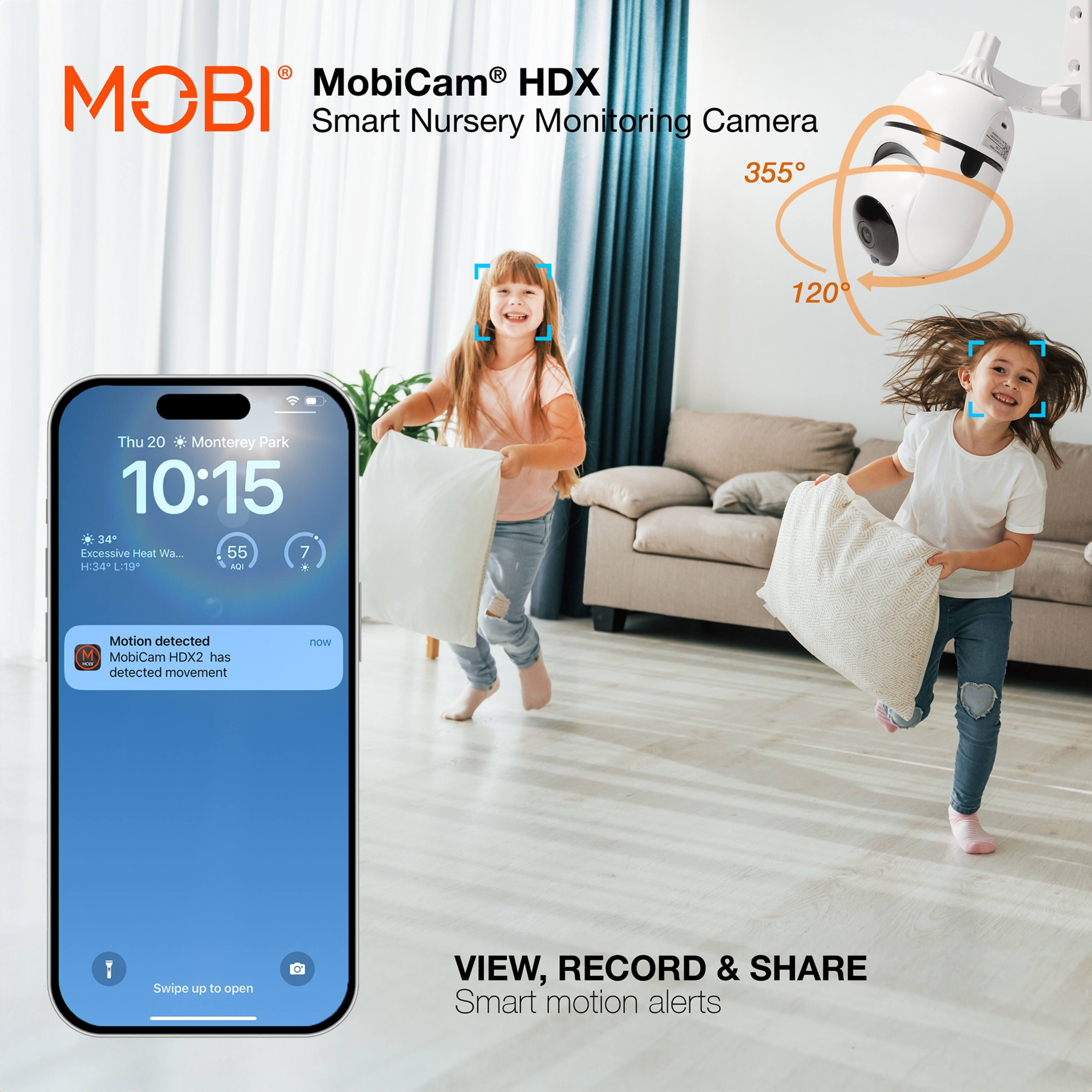
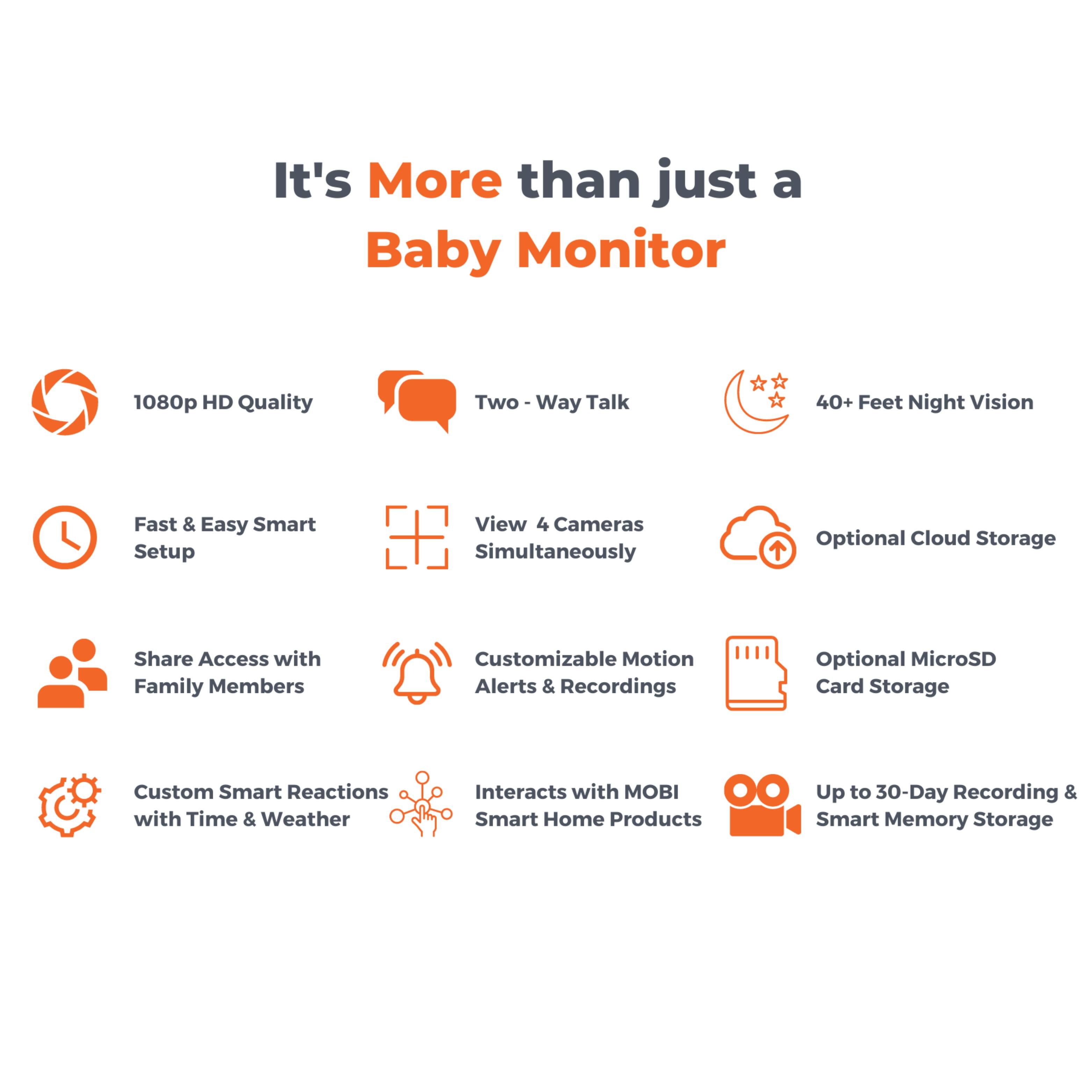
A:AnswerHello and thank you for reaching out. If everyone that is sharing the device has administrative authorization then yes they can all pan and tilt. If not, they can only view.
A:AnswerIt seems you only have to reset it up when you change Wi-Fi connections you can easily disconnect we connect from room to room or any location within range of the same Wi-Fi originally started with
A:AnswerThank you for taking the time to reach out! The monitoring camera can connect to a personal hotspot, but it is not recommended because the connection is not guaranteed at all times.
A:AnswerThe instructions were specific that you need to use the 2GHz wifi. When pairing to our wifi, we had to select the 2 GHz in order for it to work.
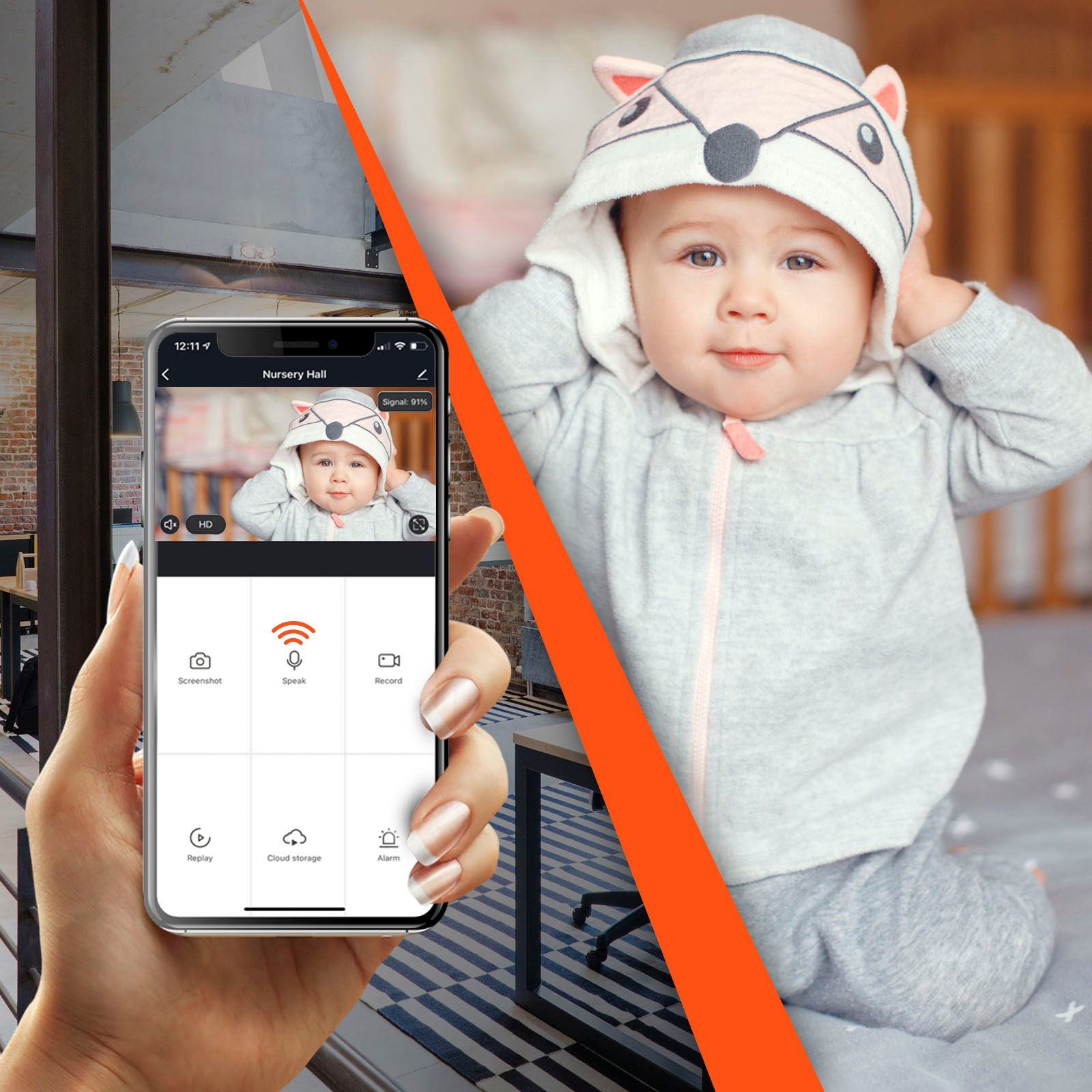
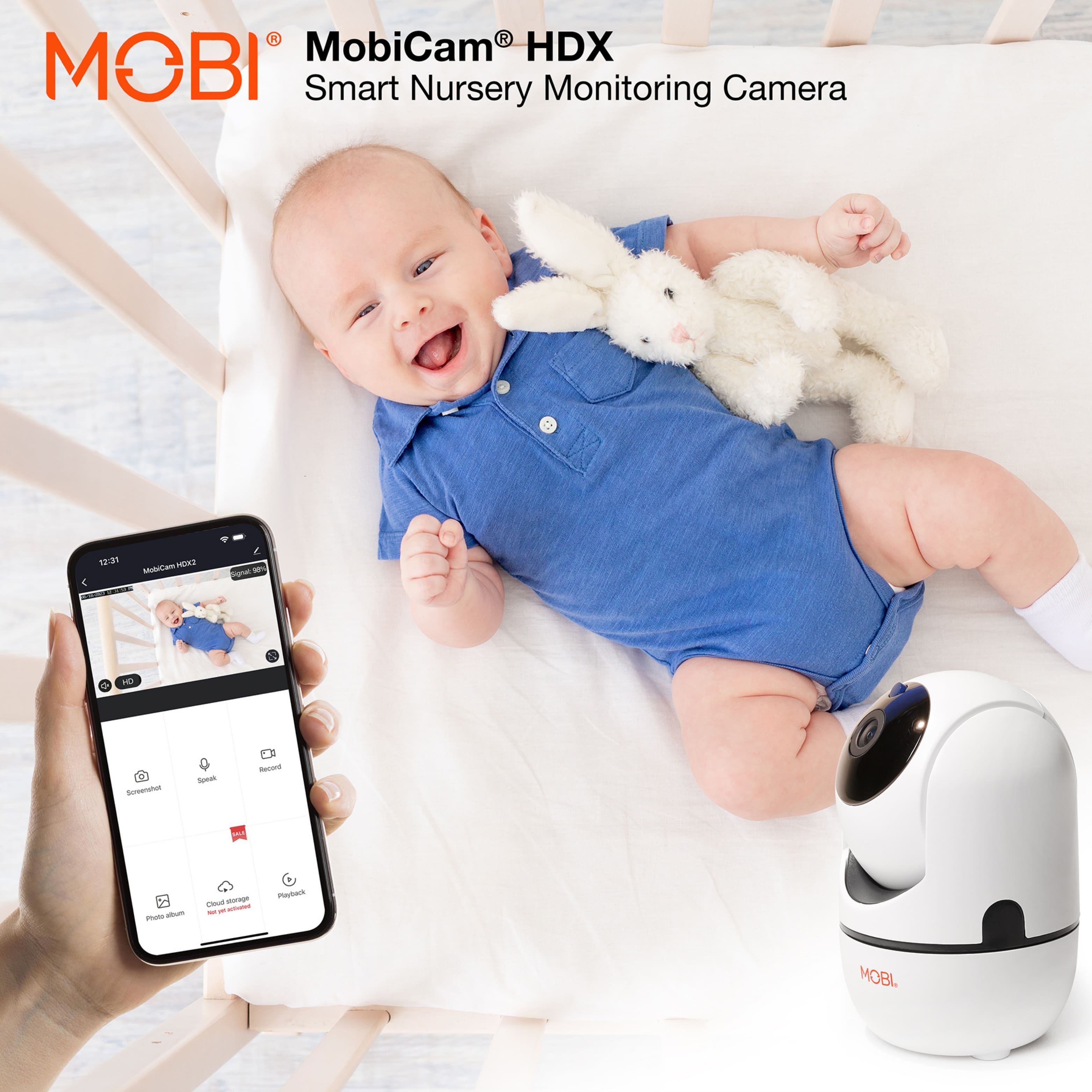
A:AnswerHello Susan. Thank you for taking the time to reach out! The device is a Wi-Fi IP camera that can only be viewed via the MOBI app. Our devices have a triple security encrypted connection for added security measures so viewers can monitor their loved ones with peace of mind. Should you have further questions, please contact us via our online support desk.
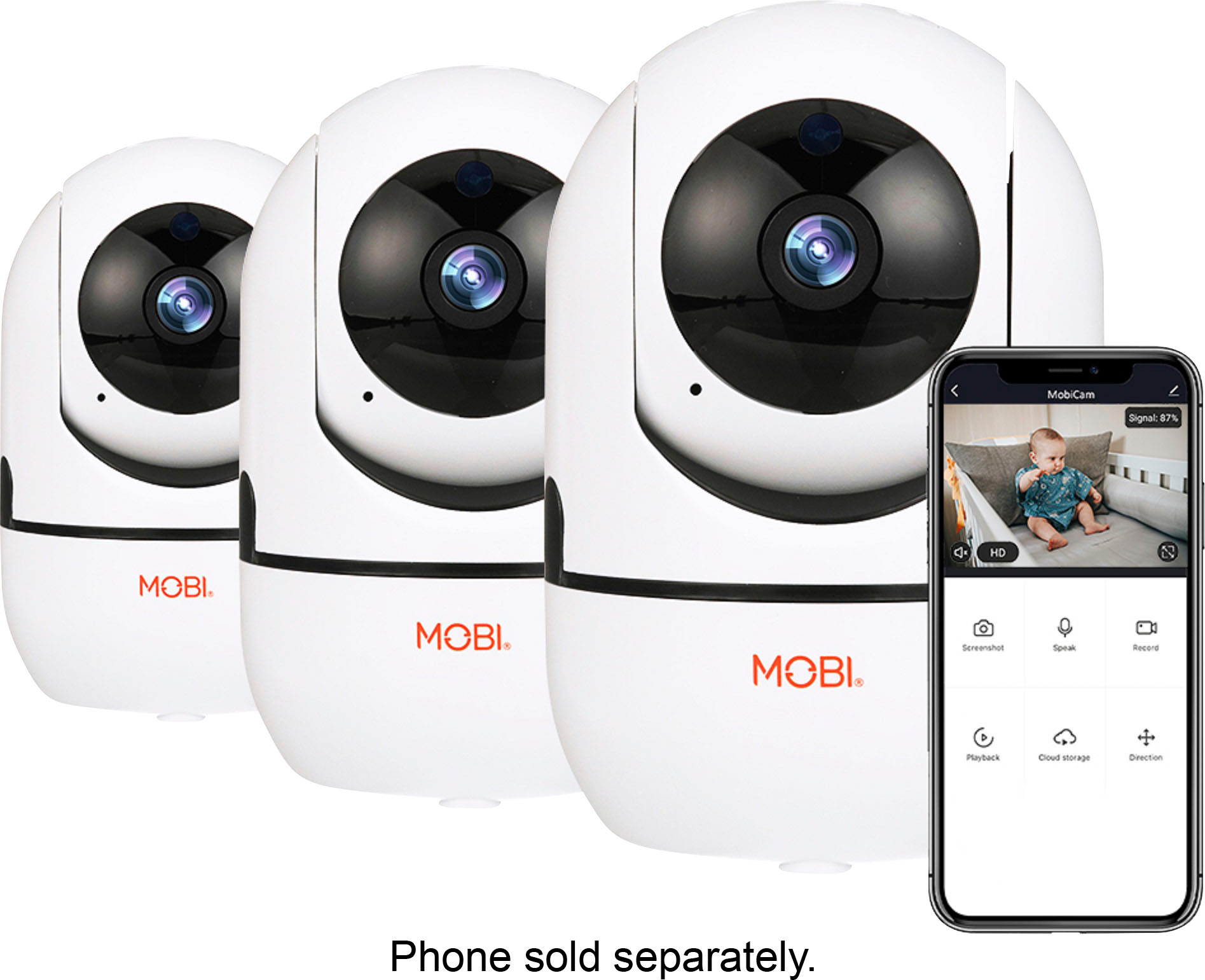
A:AnswerYes! You need a standard 2.4 GHz Wi-Fi signal. All routers come with a 2.4 GHz Wi-Fi signal. Sometimes it's just labeled under a different name, like "Guest Wi-Fi."
A:AnswerSo the location of the camera , the IP address of your gateway IS always controlled by the software encoded in China and transmitted by where in China ???
A:AnswerHello Leah, thank you for reaching out. As for Alexa and Google Home, the compatibility is very limited. We recommend operating the MobiCam directly with your mobile device through the MOBI App.
A:AnswerHello SP. Thank you for taking the time to reach out! The MobiCam is a monitoring camera that continuously displays the live feed without interruptions when connected to a 2.4ghz internet network. We have no hidden fees and our app is completely free! Recording continuously on a microSD card or cloud storage is an option but not required. Should you have further questions, please contact us via our online support desk.
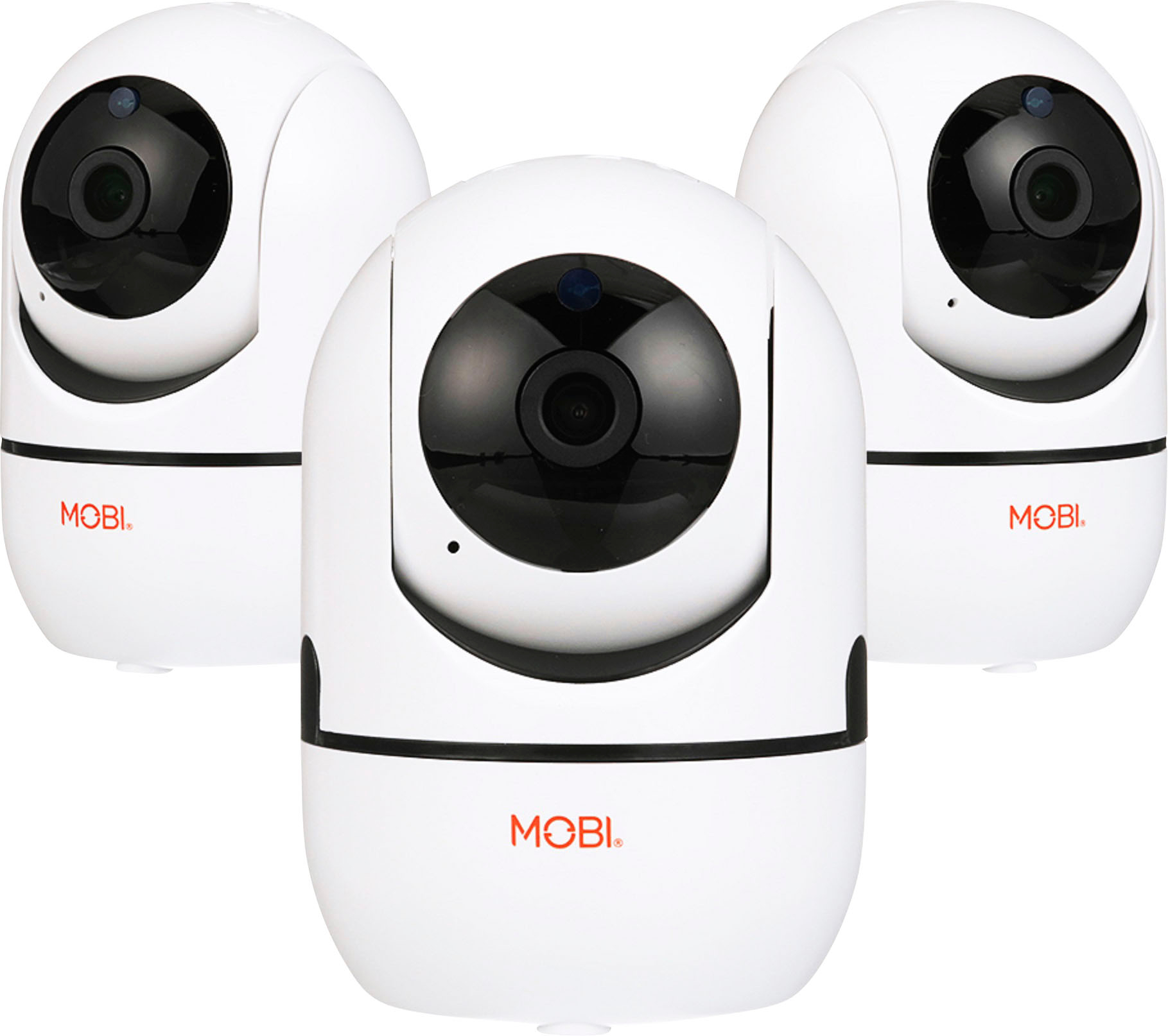
A:AnswerHello there. Thank you for taking the time to reach out! A MobiCam can only be bound to one account due to security reasons, but the device can be shared with approximately 50 users on the MOBI Smart app. Should you have any further questions or concerns, please contact us via our online support desk.