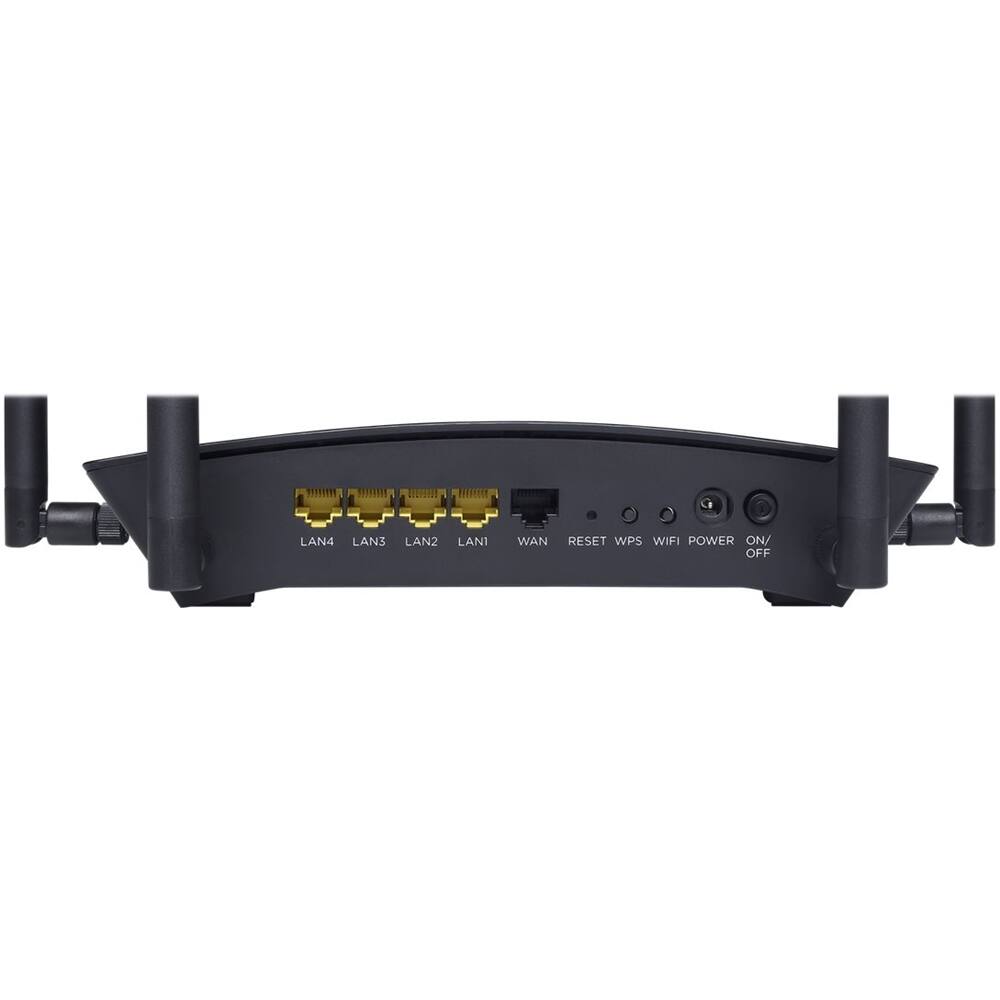
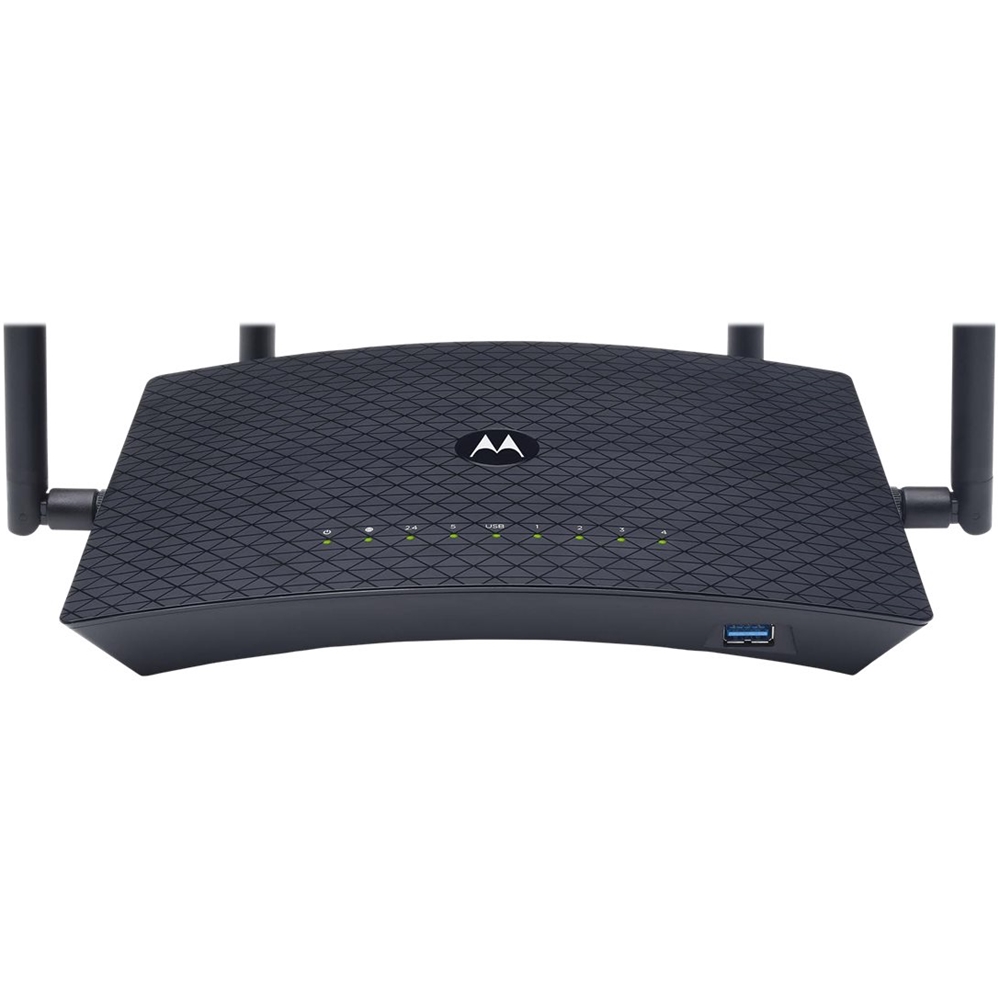
A:AnswerThe Motorola MR2600 is three products in one. It's a 10/100/1000 Ethernet router, a 4-port 10/100/1000 Ethernet switch, and an IEEE 802.11 a/b/g/n/ac dual-band 2.4 GHz / 5 GHz Wi-Fi Access Point (AP) with Wave 2 support. It's also got a USB 3.0 (aka USB 3.1 Gen 1) port for connecting a storage device - and has DLNA support. What it's not is a modem of any type, such as a cable modem, xDSL modem, etc.
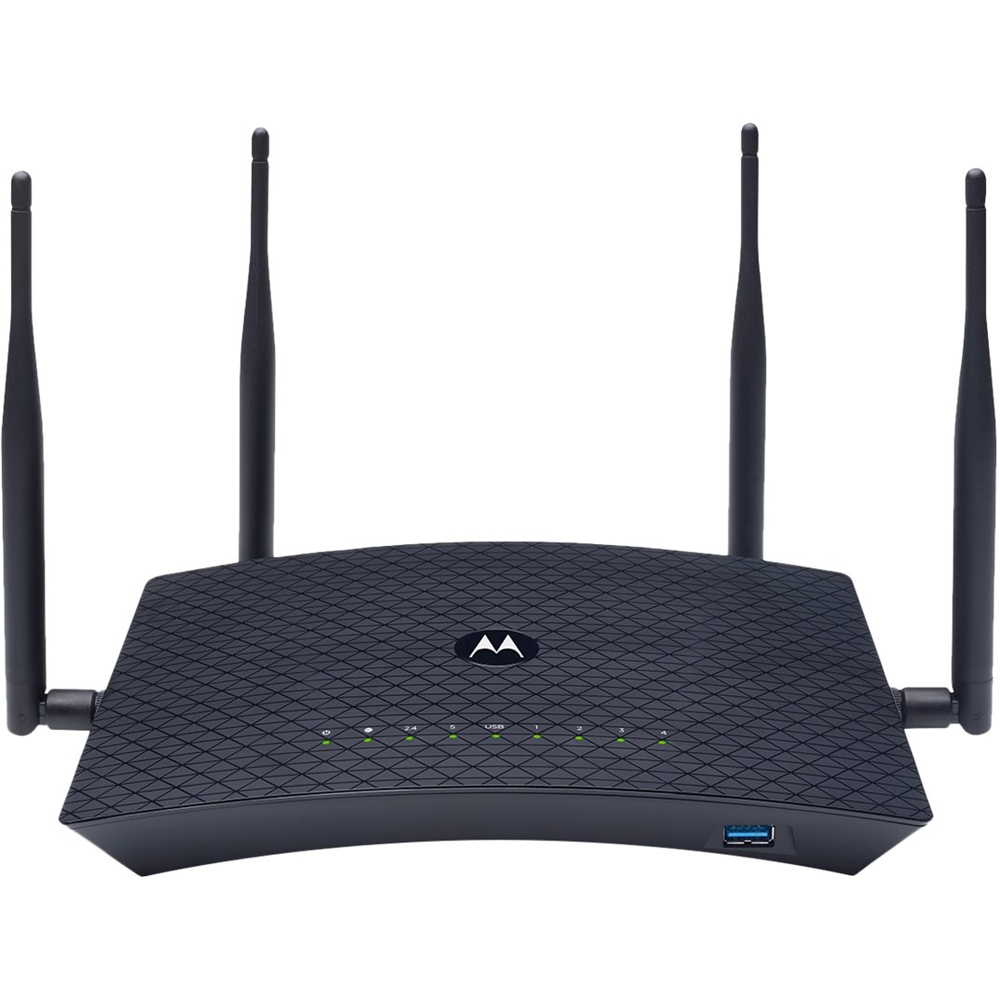
A:AnswerNo, it is not a WiFi6 router, just a dual band.
I have not researched WiFi6 but you might look at
Netgear Nighthawk RAXE500
TP-Link Archer AX11000
A:AnswerYes I use it on my Spectrum cable connection without any issues. The router I had from them was old and not performing well with the all the wireless devices I had so I decided to get a new router (This one) and return their router saving $5 a month on my bill (Rental fees). The Motorola immediately started working once I got it connected, reset both it and Spectrum's modem and I don't think I even needed to start setting it up before the internet worked on it. If you have any issues make sure that the output on your Spectrum modem is connected to WAN port on your router and if the modem still won't connect then clone the MAC address from your old router or call Spectrum and let them know you are replacing your router. I didn't have any of these issues and it immediately started working after I turned off the modem for a few minutes and turned it back on. This router has good hardware for it's price. My 802.11ac wireless connection on my desktop connects with over 780 down / 585 up Mbps (Way faster than the actual internet connection is). I stopped having issues with streaming video on my Roku devices. The firmware is disappointing in it's layout and lack of some settings (Motorola doesn't make a lot of routers but at least their tech support is good) but overall the router works well and at the speeds advertised. I've had mine since the beginning of the year without any trouble with the device itself or with any other devices connecting to it. No problems with it functioning with Spectrum's modem. My sister was getting a poor internet connection and I noticed her modem (provided by Spectrum) was a very old model so I had her get a new model (When she returned her router which we also replaced with our own) that actually gave her the internet bandwidth she was paying for. If you are having bandwidth issues (A typical Spectrum customer should get around 200-220 Mbps down and 10-12 Mbps up) and your modem is more than a few years old get a new one from them (You're paying a rental charge for it so the replacement doesn't cost anything) and that can help with bandwidth issues. The router can't improve the speed of the modem only the speed and connectivity of the network that is attached to it.
A:AnswerThese routers can handle it. However, make sure your wireless devices are capable of 802..11 ac . If they are 802.11 N . they are limited to about 100 mbps . If they are B ,I believe they will be limited to about 25 mbps. No sense paying for 1000 speed if your wireless adapters are limited to those slower speeds.