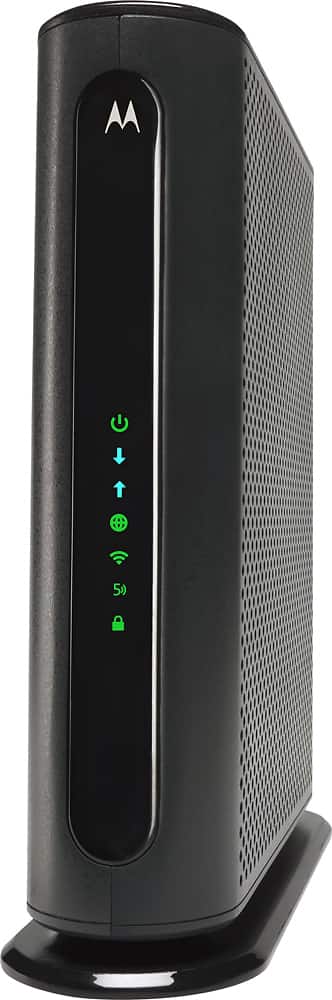
A:Answer It comes pre-configured with a randomly generated SSID and Password, located on the bottom of the modem/router. The MG7550 has unique Wireless Network Names/SSIDs and a unique WPA/WPA2 Wireless Security Key/Password printed on the MG7550’s bottom label. If you don’t change these, you should set up your wireless devices to work with these SSIDs and security key.
You can keep that or you can access the configuration manager and change the SSIDs and Passwords (e.g., set different SSIDs and PW for 2.4gHz, 5 gHz and Guest network).
If you need to access the MG7550 Configuration Manager, open your Web browser. Type http://192.168.0.1 in the address bar and press the Enter key.
In the login dialog box, type the following User Name and Password in lower case, then click OK.
User Name: admin
Password: motorola