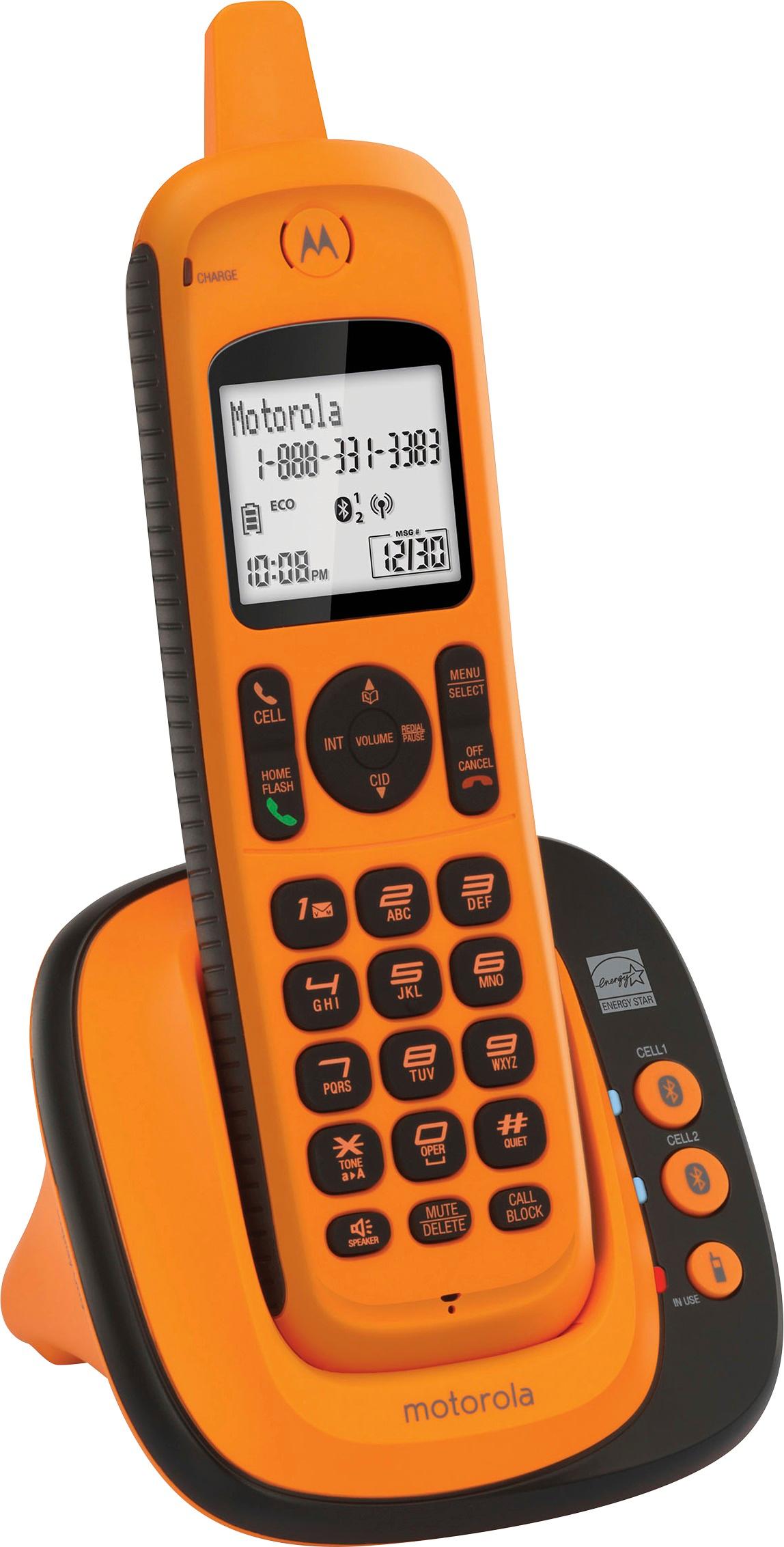
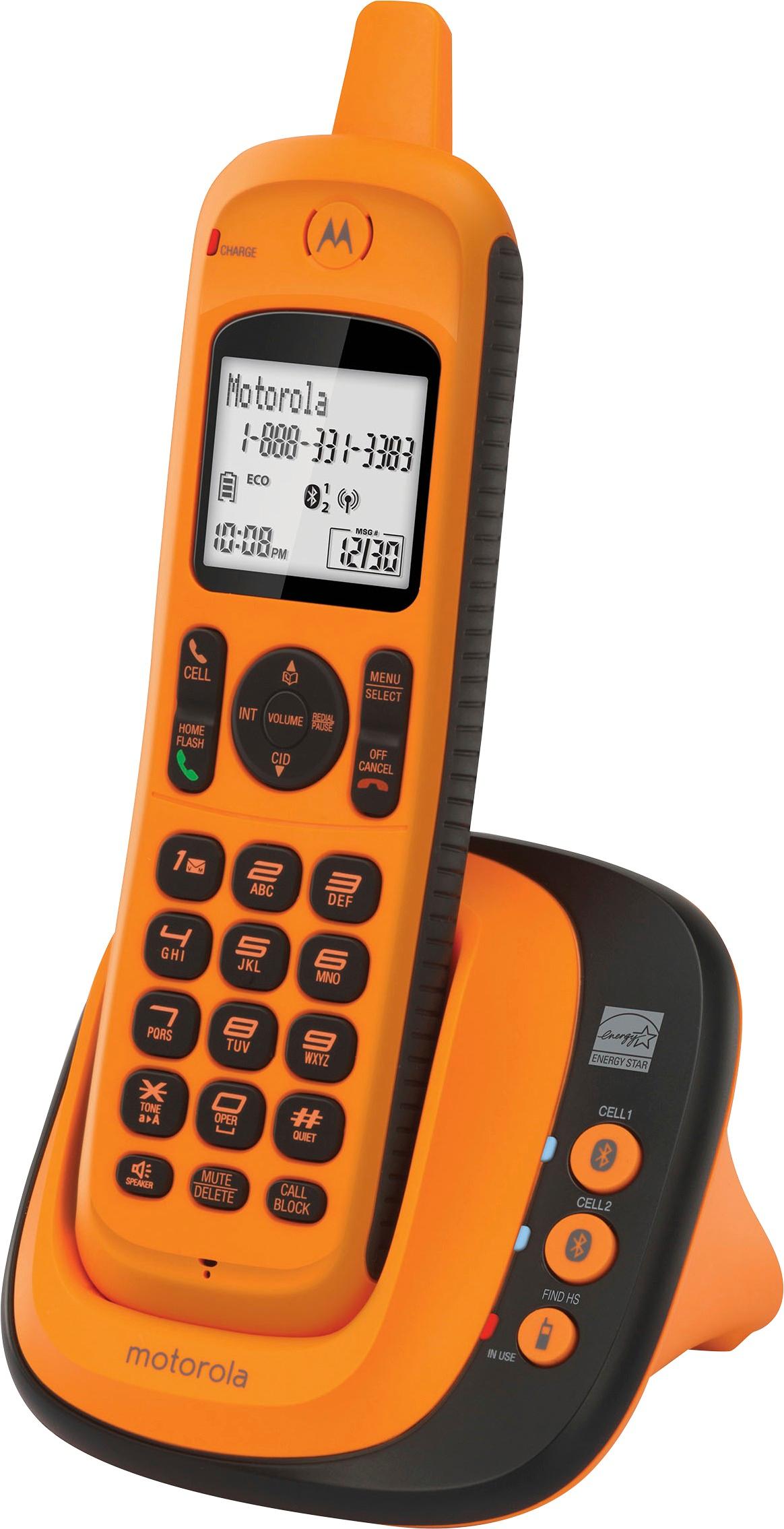
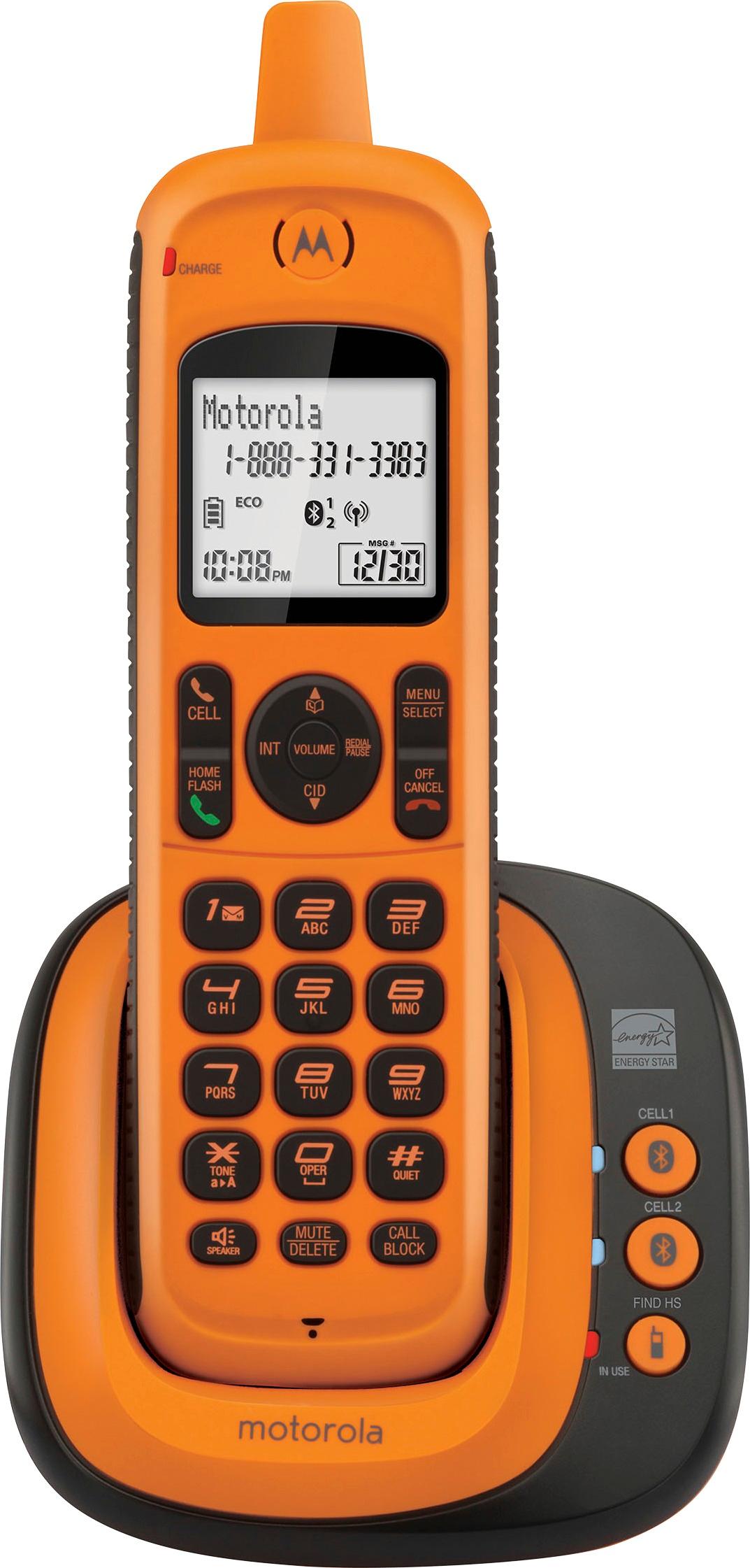
A:AnswerFirst to be clear, there is no answering system included with this phone. That's good by me as that's what I was looking for.
If your service provider supplies this service, they certainly provide a number to call to get your messages BUT this phone has a voice mail indicator and the #1 button has an icon indicating it is used for voice mail retrieval. It's mentioned in the Quick Start guide too. How to program it? Who knows??? It's not in the Quick Start guide; that only covers Basic Use. The QS guide (page 16) says the full user manual is available at www.motorolastore.com but it is not. I contacted motorolastore.com over a week ago but have not received any acknowledgement.
I guess this is their business model; refer you to web site or another sucker for support. Anything but support attempt to provide support themselves. It's not hard to see why no one goes to Best Buy any more.
A:Answerpress and hold the #1 button - to set it up hit menu button scroll through to Voicemail # hit select enter the voicemail # you use - hit select to save. now you just need to press and hold the #1 button to call VM
hope that helps
A:AnswerMine displayed the same message after I dropped it. There is a pin hole on the back of the phone just above the screw holding battery cover on. Stick the end of a paperclip in the hole to push the button. Mine came back on with all the memory numbers still intact.
A:AnswerYes but they have a pkg. which has a bass line and another phone that can go in any room. You only need an electrical outlet. They will like this ohone. I am a senior and the numbers are easy to read and dial, the sound is very good too! And, with the color they won't be misplacing the phones! Lol
A:AnswerSue, This phone does not have an answering system. It does, however, have a caller ID function if you subscribe to caller ID through your telephone provider.