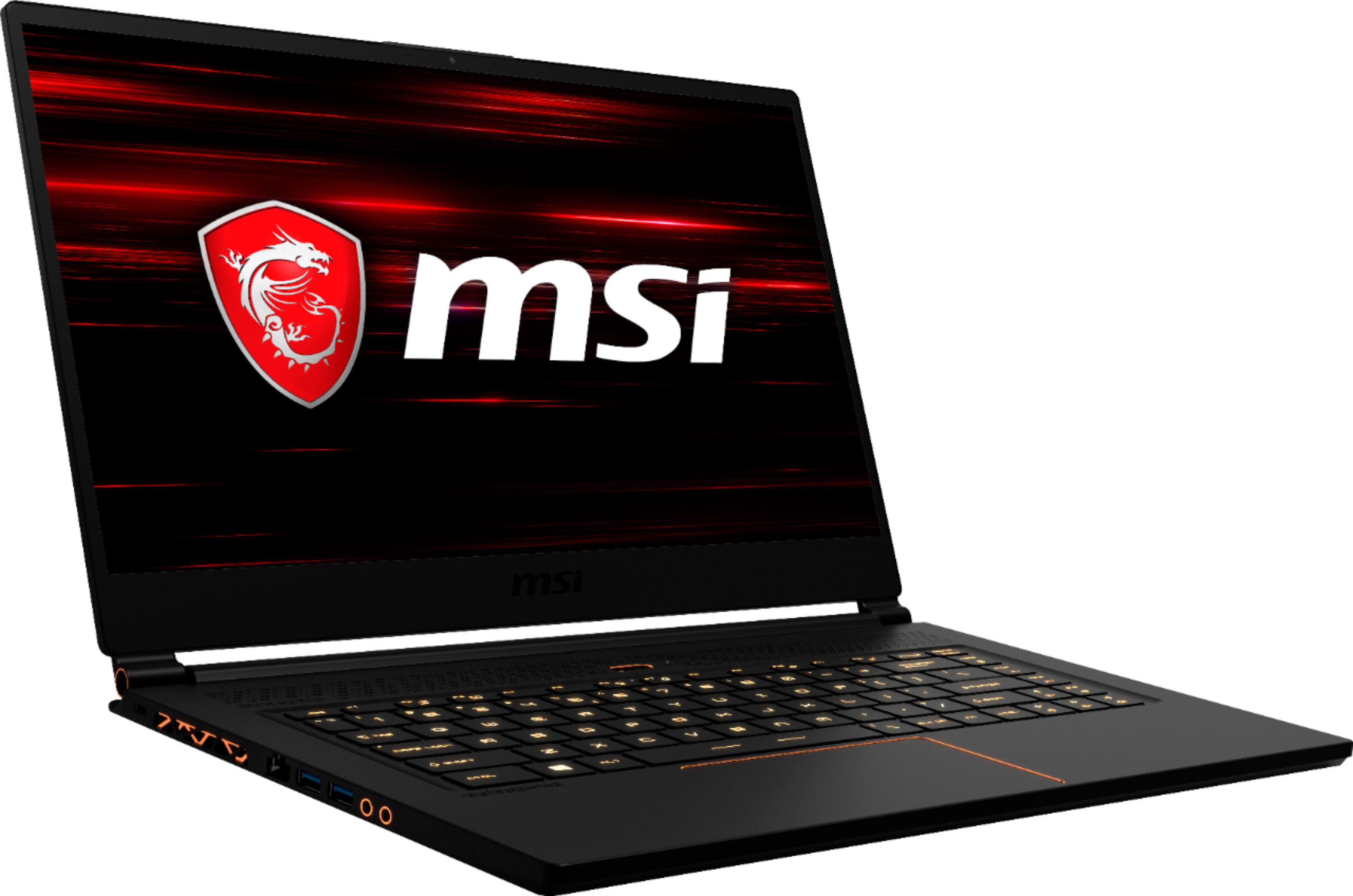
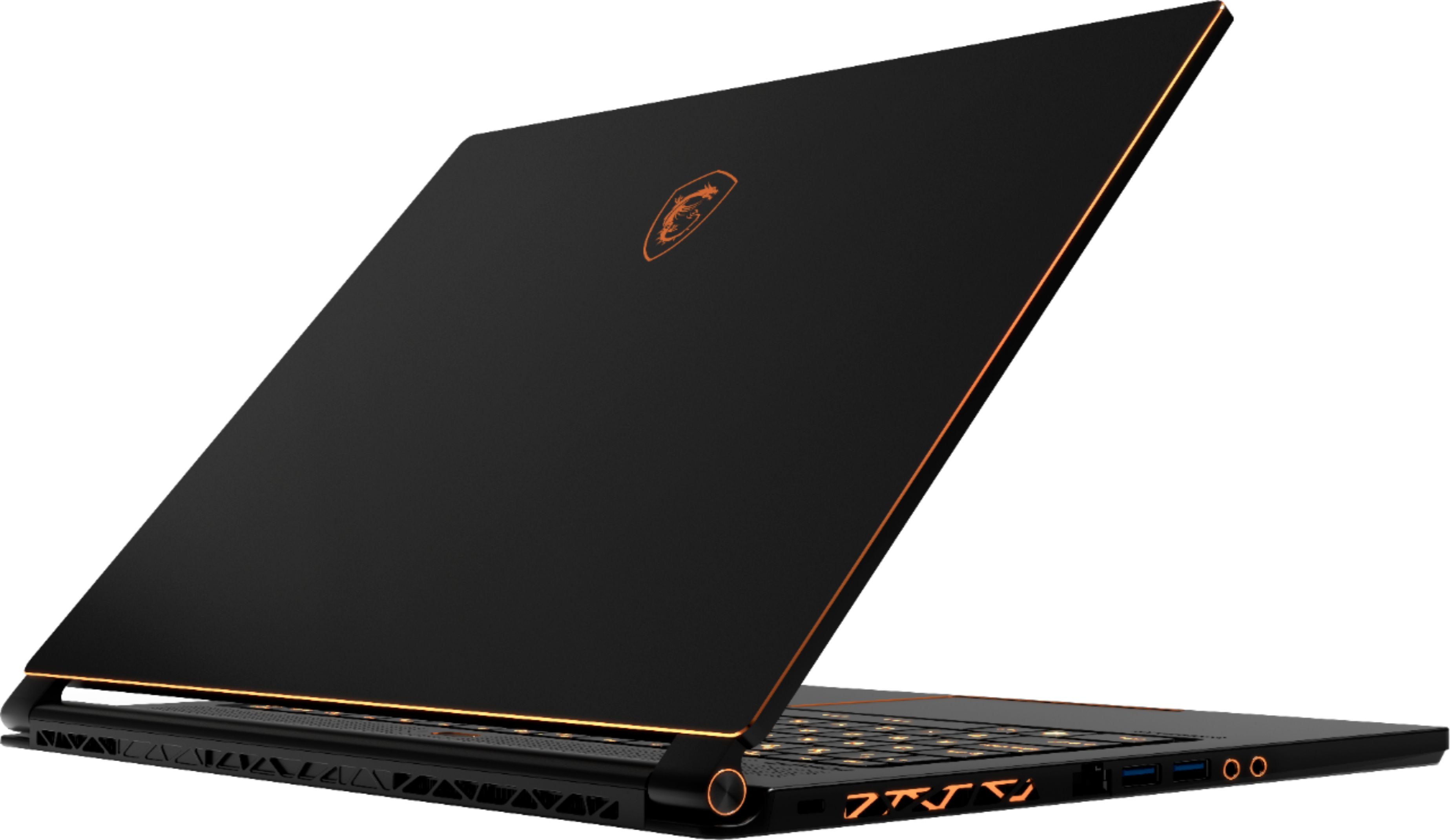
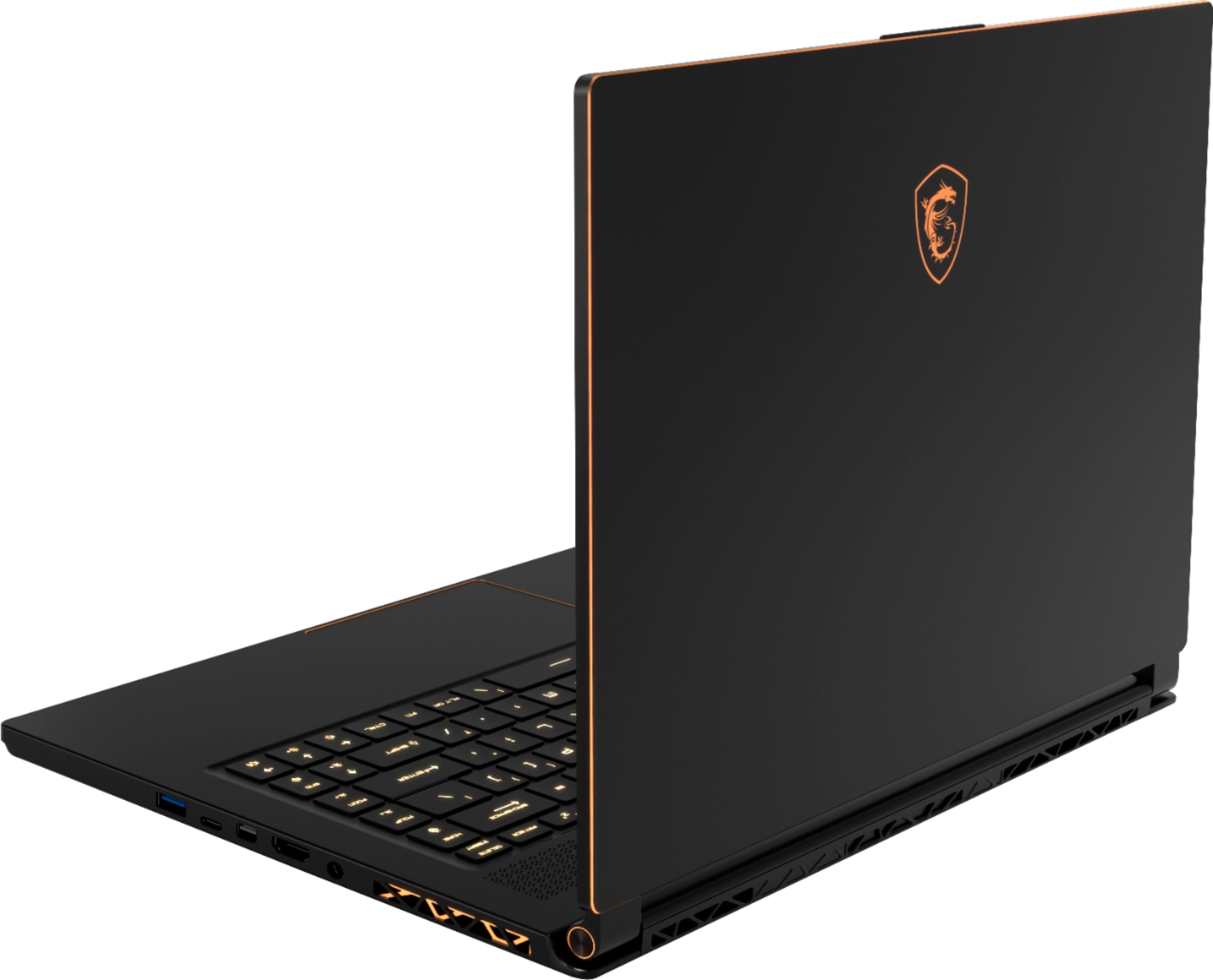
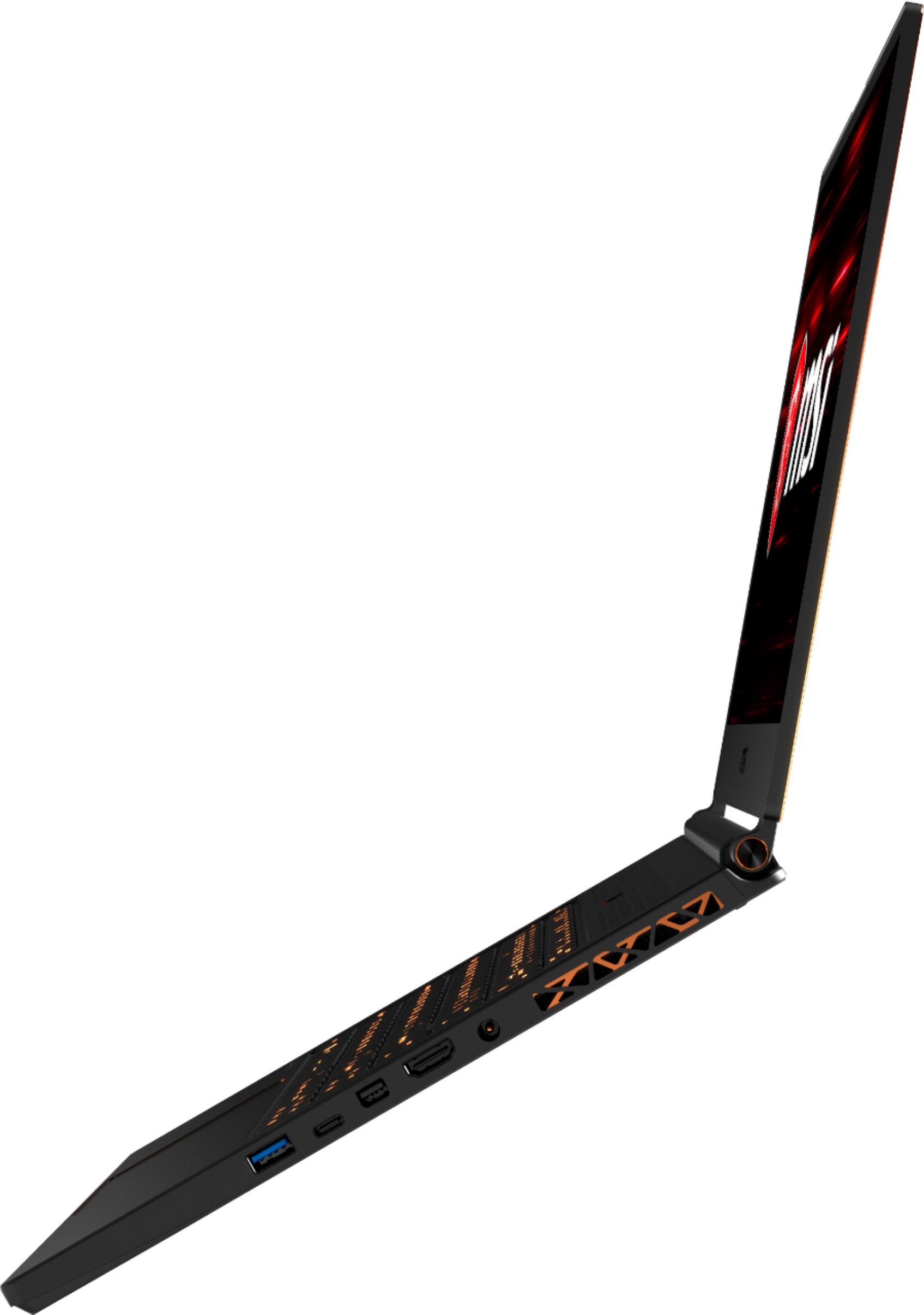
A:AnswerYes, there is an open M.2 slot but it is not for the faint of heart since it does require removal of the motherboard to access. You can't add any 2.5" drives (HDD or SSD) since there is no room. The surgery to add the new drive took about 30 minutes of very careful disassembly and reassembly.
A:AnswerThe adapter plugs into your standard 100-240v ac wall socket and outputs 9.3 amps at approximately 19.5 volts.
Source: I read the back of my power adapter.
A:AnswerIf you would like technical assistance, please feel free to contact our technical support department directly at 888.447.6564 from M to F, 5am to 4am Pacific Standard Time.
A:AnswerIt comes with a 512gb M.2 SSD Sata ( https://us.msi.com/Laptop/GS65-Stealth-Thin-Intel-8th-Gen/Specification ).
But it has 2 storage slots. The main SSD slot where the installed drive is, is a dual interface. SSD SATA and PCIe NVMe. The secondary slot is only PCIe NVMe. ( https://www.google.com/amp/s/amp.reddit.com/r/MSILaptops/comments/8m8fkj/is_it_possible_to_upgrade_the_storage_on_the_gs65/ )
See attached pictures (Not my pictures)
A:AnswerYes, it is the Max-Q. But even so, this laptop is amazing and runs any new game at High or Max settings, which is pretty incredible for the size and weight. I love this thing so far.
A:AnswerYou can, but it’s a bit tricky as the motherboard and other internals are upside down, so it is pretty time consuming and risky to do so unless you really know what you are doing.