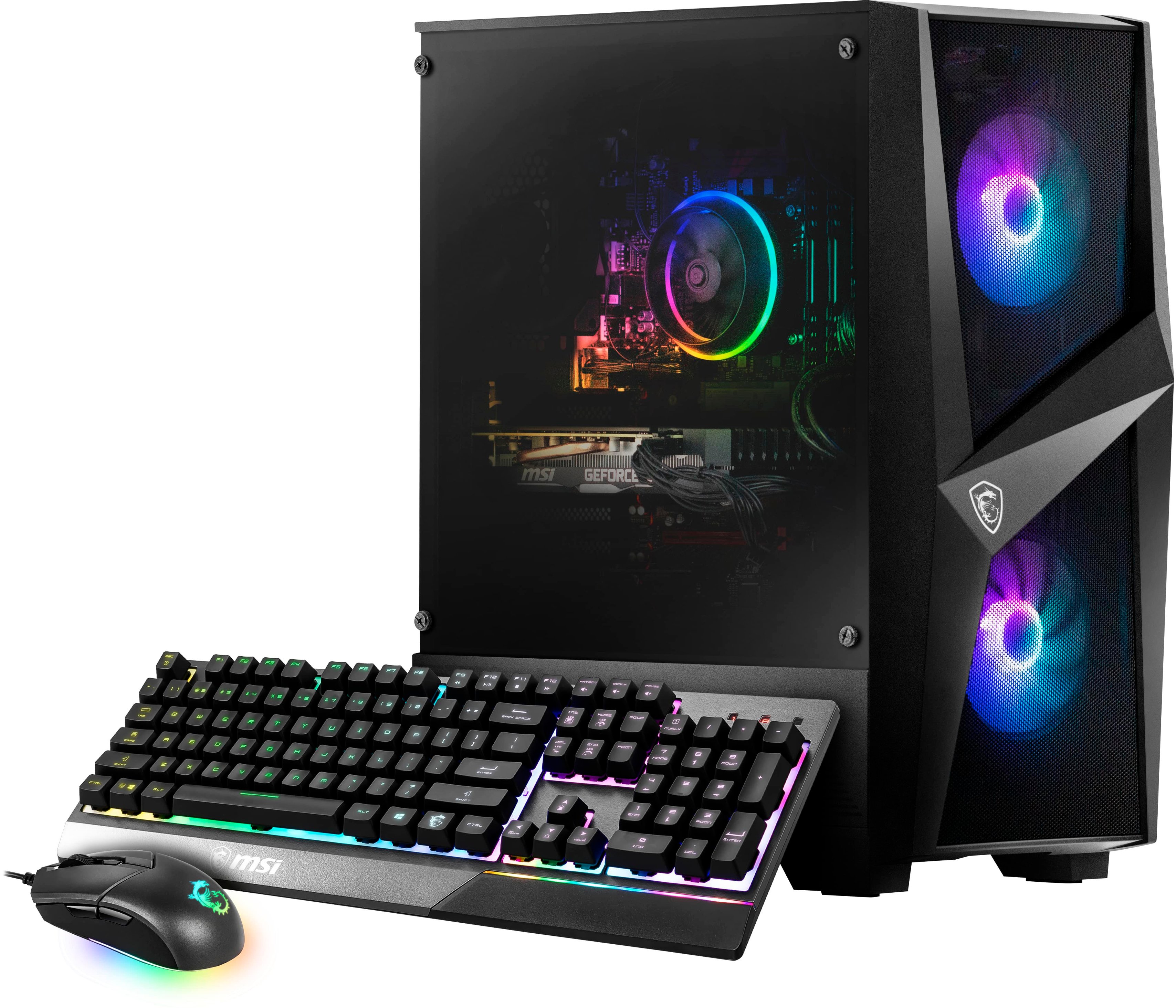
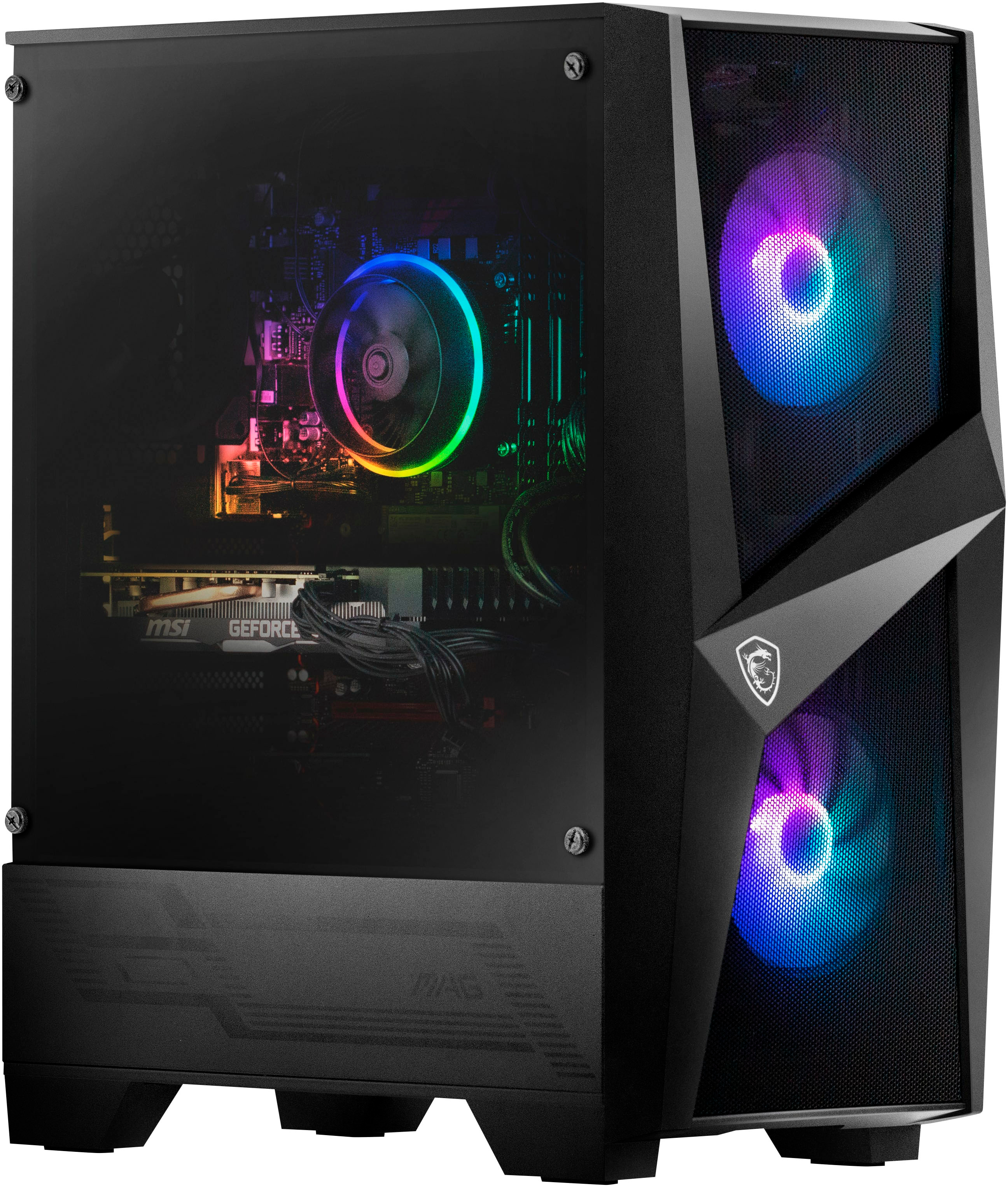
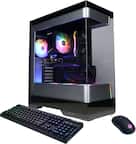
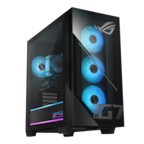
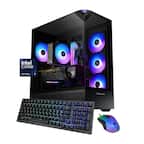
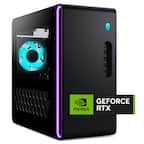
A:Answer Try taking on lower game settings, such as using low textures and using minimal settings. Or just close other programs as well as refreshing GPUs by hitting a combo of: L-Shift + Ctrl + Win + B. If that doesn’t help, try restarting computer and in task manager prioritize the game you want, as well as disabling anything else which has “High Impact” on startup, but that all is only when you’re on critically low/laggy FPS, or if you’re experiencing FPS drops. This particular PC is great, so I would consider getting a new Monitor as the hz (refresh rate) decides your FPS, 60hz = 60-70fps, 120hz = 120fps, you get it. Although weirdly but truly 165hz can run 240fps on games like Fortnite. I hope I helped.