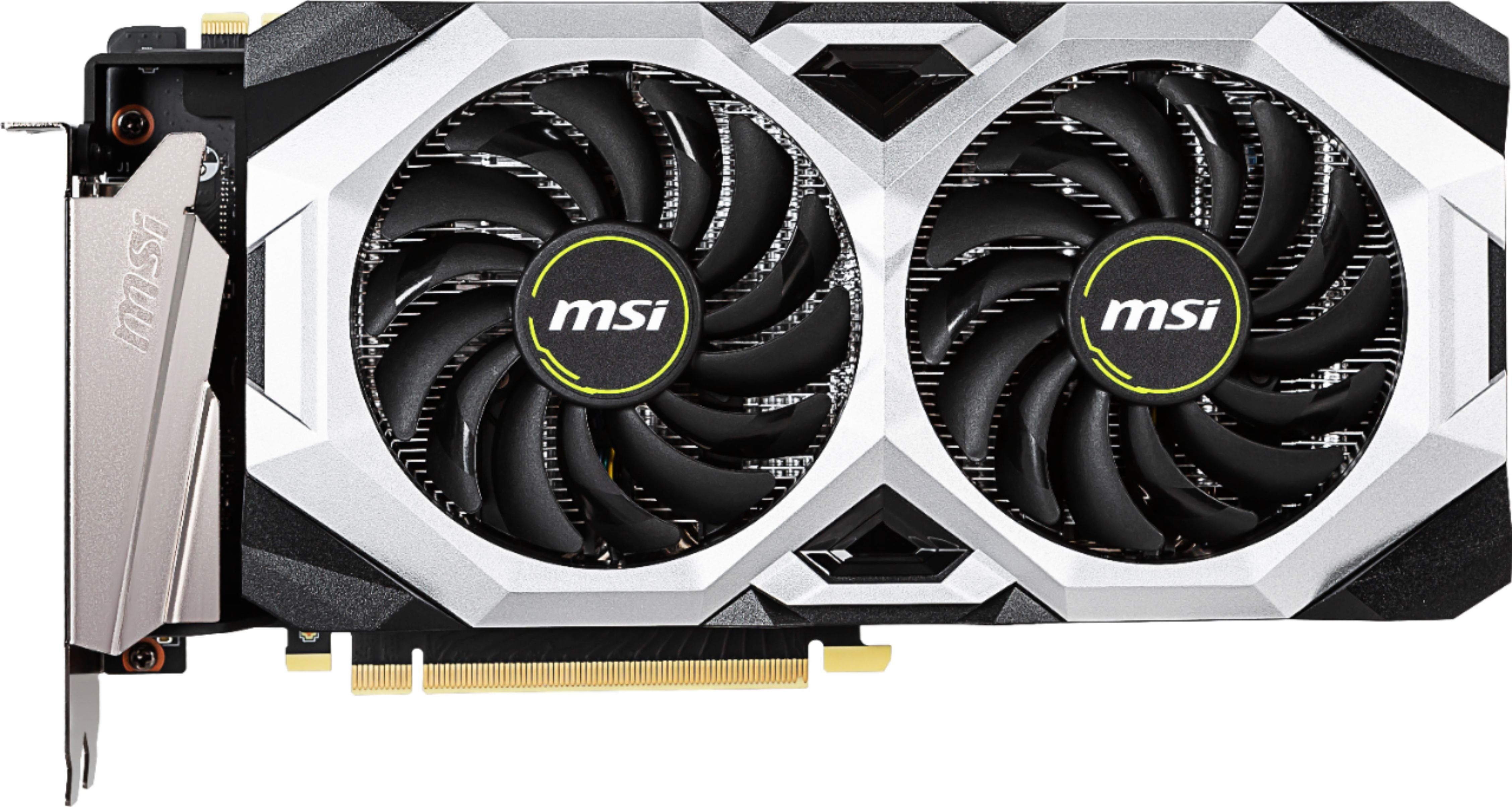
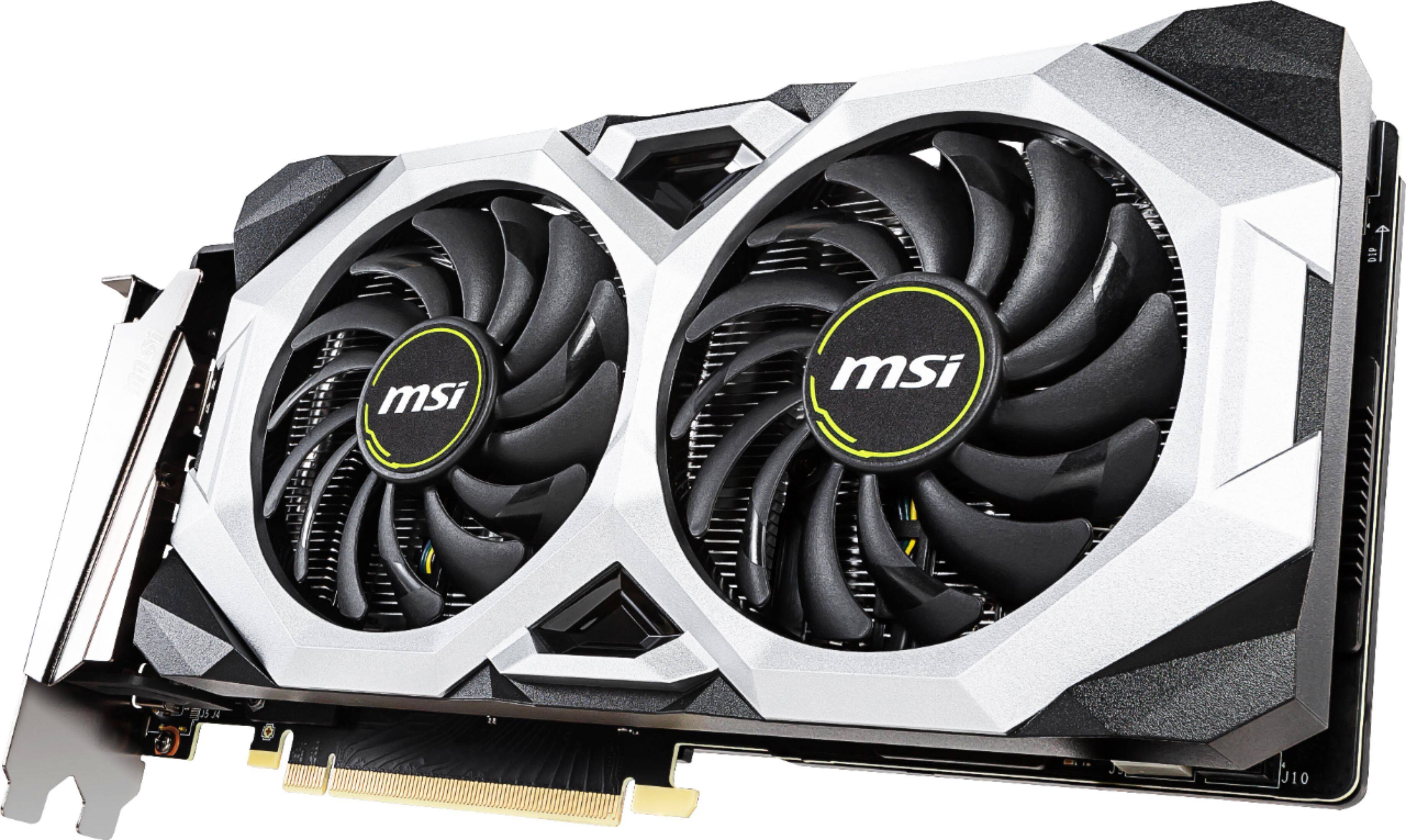
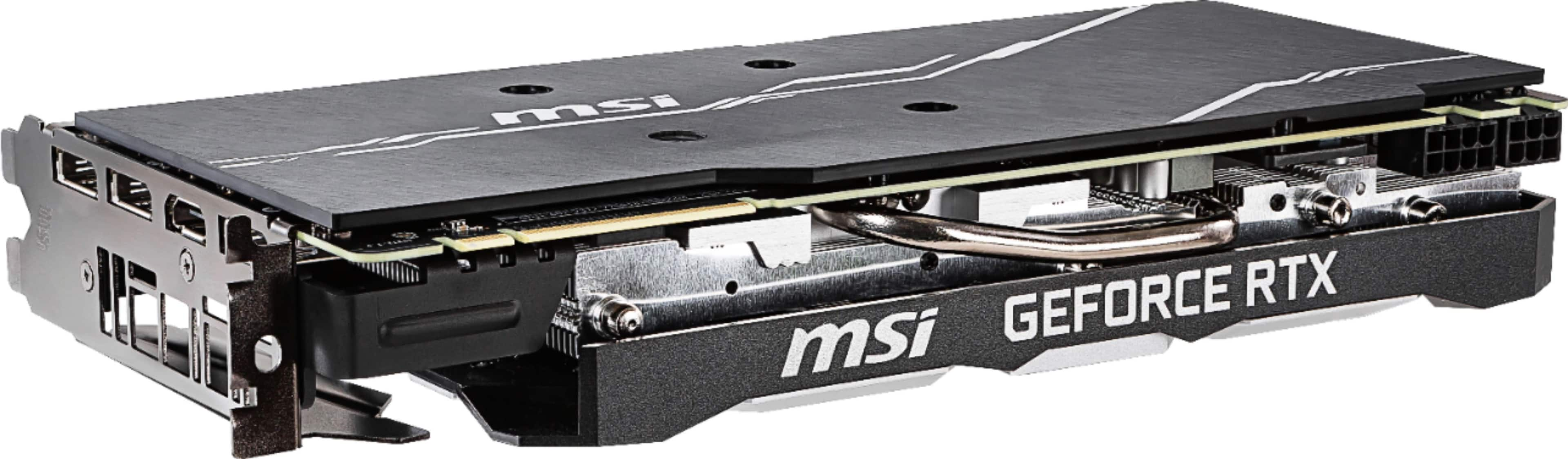
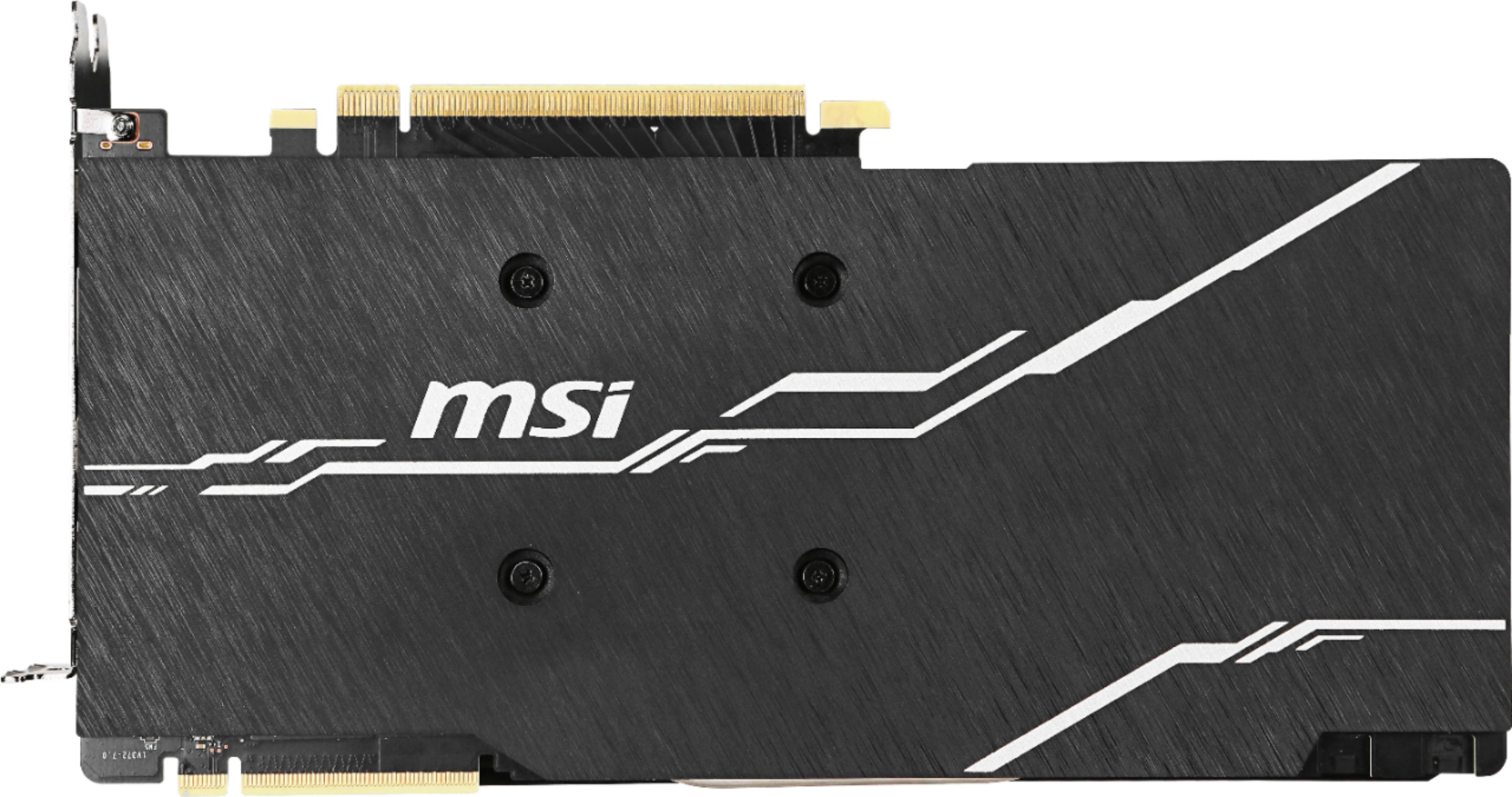
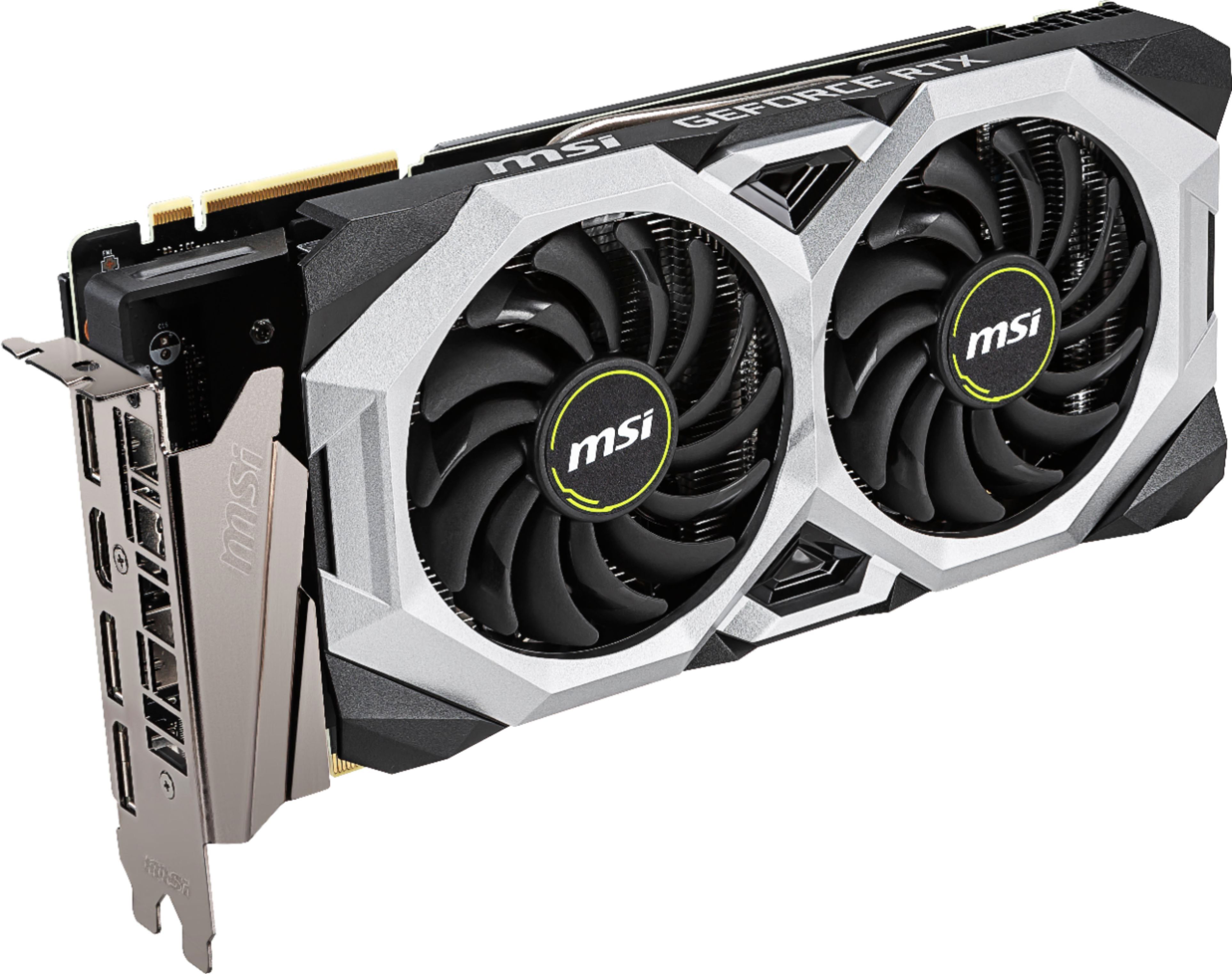
A:AnswerPCIe is backwards compatible, meaning, yes, you can put a 3.0 card in a 2.0 slot. Just take note of the dimensions - your case's width or depth can be too small for the card (see specs for dimensions). I put this in a full ATX case, and it comes close to touching the tempered glass side panel (just enough clearance to tuck the PCIe power connectors).
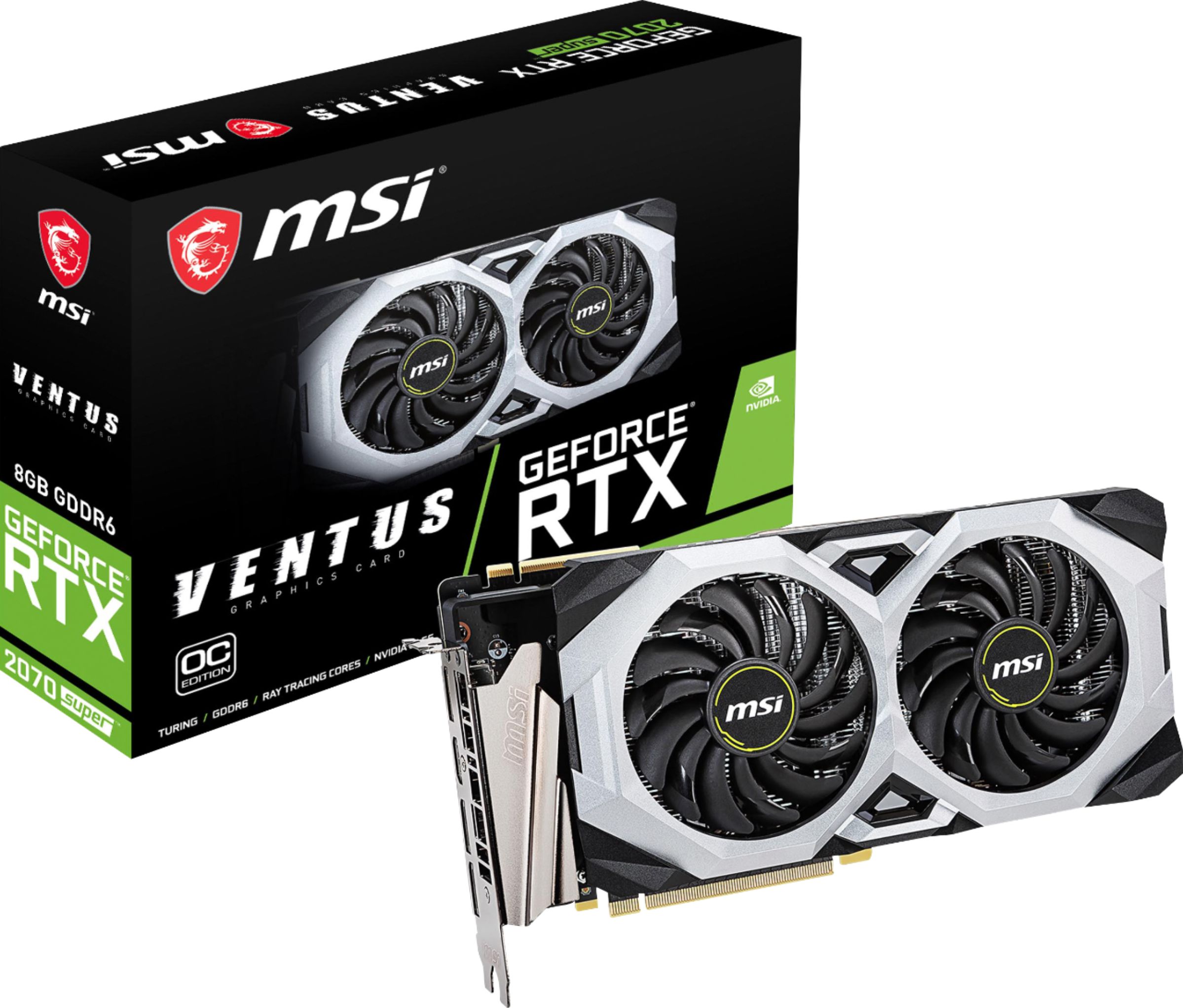
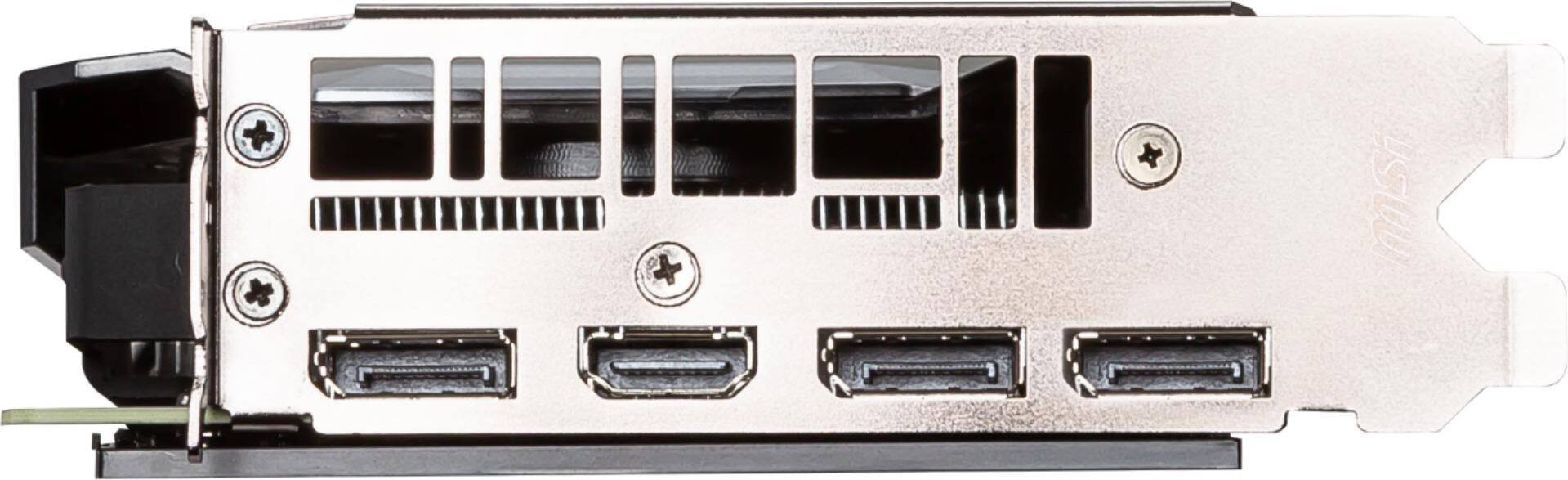
A:AnswerYou should be able to buy a adapter Display port to HDMI out. You wont gain anything by doing so. In fact HDMI 2.0 is better as it supports HDR, Displayport does not.
A:AnswerThis card needs a PCIe 3.0 x16 slot and both a 6-pin and 8-pin power connector. It will work with any motherboard sporting an i7 and 16GB RAM that has that.
A:Answerive had it for about 3 months now and i get 1440P with high/ sometimes mediem at about 90-120 FPS a little on the louder side when you get higher in GPU usage but other than that its a REALLY good card And a good deal. i currently run on a lil older set up with a Intel I7 4930K and Asus rampage IV extreme and have no issues
A:AnswerYes your motherboard has 1 PCIe slot to accept any graphics card of your choice. Just make sure your power supply can handle it. You will need 1 8 pin PCIe power connector.
A:AnswerYes, this card can drive 3 monitors. FPS depends on resolution you use. Don't expect 3 4K displays to work. Don't expect 3 1440 displays to work. 3 HD (1920x1080) displays may be OK.
Look at the RTS 2080 Super or TI for 3x1440 to work well. Wait for the next gen for 3x4K to have any chance.
A:AnswerYes, it will work fine. However, given the mobo and CPU you have, this GPU will be a bottleneck in most gaming applications (a 2080 Super or higher is a better match).
Also, 32GB of RAM at XMP speed will make a noticeable improvement over 16GB given your CPU.
A:AnswerI believe it is a relic from when they bundled these cards with Battlefield V, one of the few games that support ray tracing (RTX). That, however, is a bit of an educated guess (snooping on Reddit).