Black Friday is hereShop new DoorbustersShop now

Main Content

Questions & Answers

Your price for this item is $839.99
The comparable value price is $869.99
Page Showing 1-16 of 16 questions
  • QuestionWhat is the maximum resolution supported by this graphics card?

    • Answer The maximum resolution supported is 8K (4320p).
    This question and answer was generated by AI based on customer and product data.
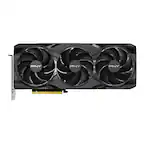
  • QuestionDoes this graphics card support overclocking?

    • Answer Yes, you can overclock it using MSI Afterburner software.
    This question and answer was generated by AI based on customer and product data.
  • QuestionWhat is the recommended power supply for this graphics card?

    • Answer A 750-watt power supply is recommended.
    This question and answer was generated by AI based on customer and product data.
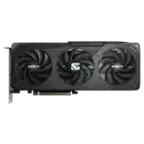
  • QuestionWhich application programming interfaces are supported?

    • Answer The card supports DirectX 12 Ultimate, Vulkan RT, and OpenGL 4.6.
    This question and answer was generated by AI based on customer and product data.
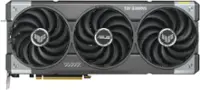
  • QuestionHow many DisplayPort ports does the card have?

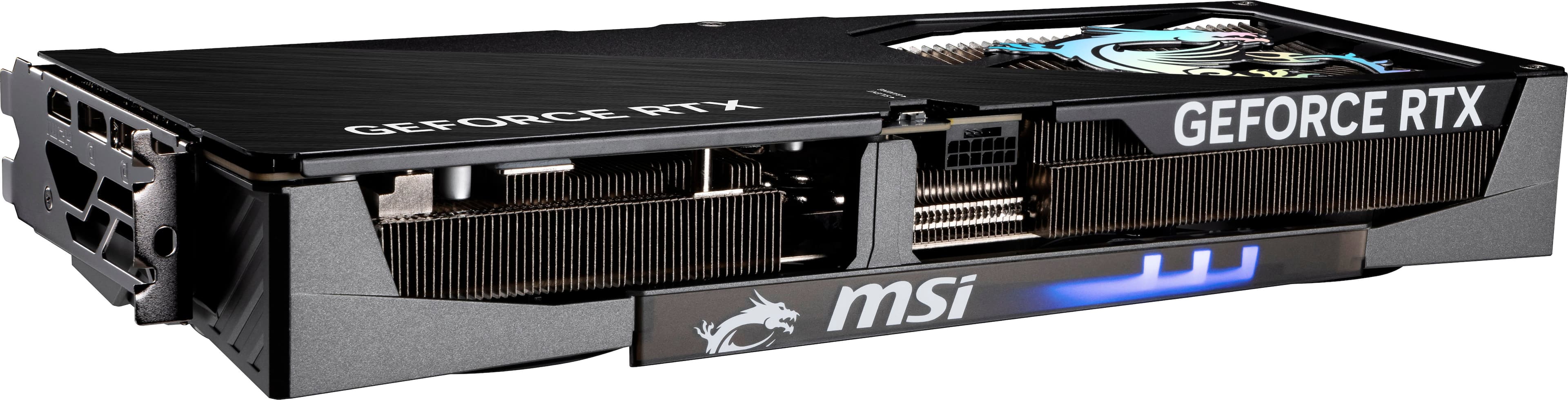
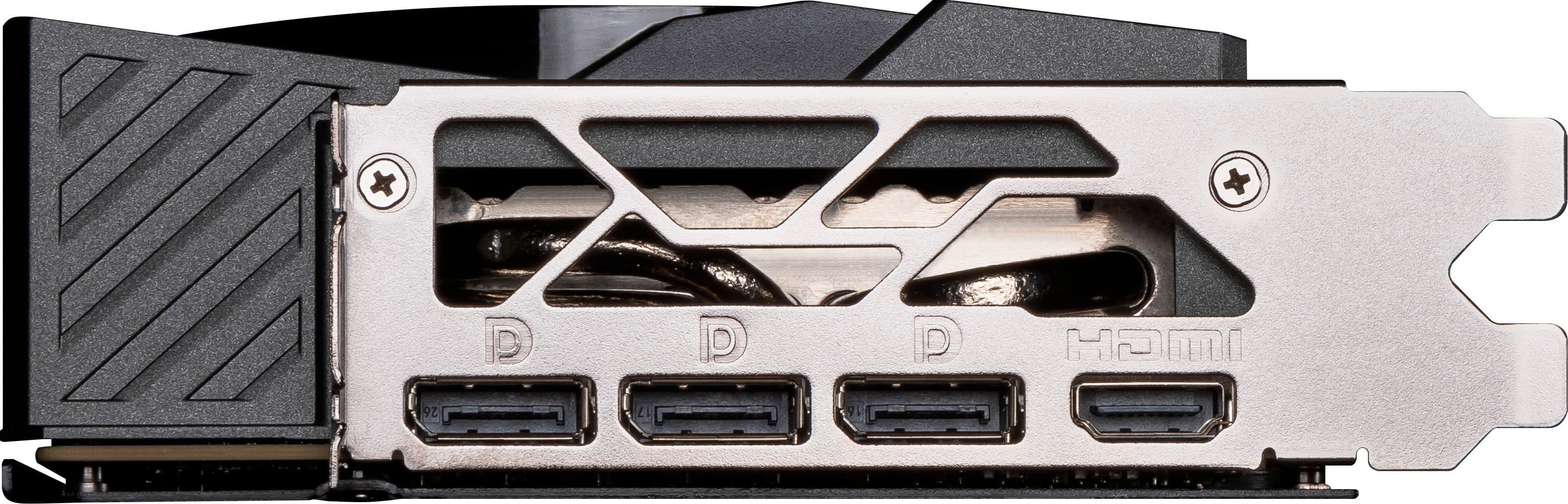
    • Answer It has 3 DisplayPort 2.1 ports.
    This question and answer was generated by AI based on customer and product data.
  • QuestionWhat type of video memory does this graphics card have?

    • Answer This graphics card has 16GB GDDR7 video memory.
    This question and answer was generated by AI based on customer and product data.
  • QuestionWhat is the total graphics power of this card?

    • Answer The total graphics power is 300 watts.
    This question and answer was generated by AI based on customer and product data.
  • QuestionI read one of the comments. They wrote that they couldn't do dual monitor setup. The specs for card says 3 display ports. Is this accurate that dual monitor setup is not possible.

    Asked by Anonymous.

    • Answer Not sure what that reviewer was on, but I was watching my 3 screen layout when I read that remark. Some people have computer issues that they never figure out. The card will drive 4 monitors. 3 DisplayPort, 1 HDMI simultaneously. Don't worry.

      Answered by INDIcisive

  • QuestionWhat pin connector do I need?

    Asked by AD10.

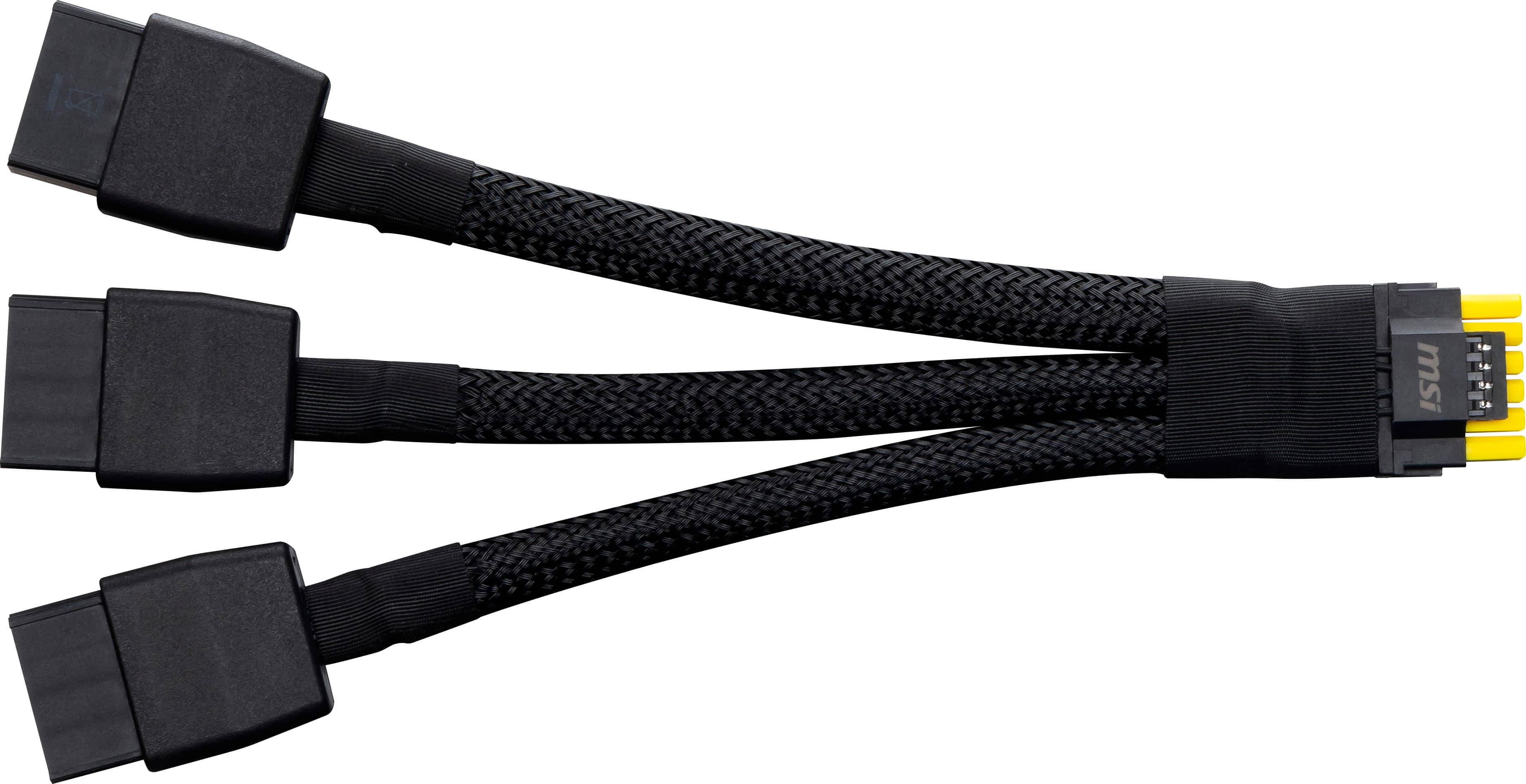
    • Answer One 16-pin (12V-2×6 or 12VHPWR) power connector on the graphics card. If your PSU doesn’t have a native 16-pin cable, use the included adapter, which takes three 8-pin PCIe connectors from your PSU and converts them into the single 16-pin plug. MSI recommends a 750 W or higher power supply for stability. I bought the Seasonic Focus 4 GTX1000.

      Answered by INDIcisive

  • QuestionIs this backwards compatible to PCI 3.0?

    Asked by Compatability.

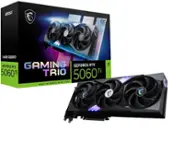
    • Answer Yes, the MSI RTX 5070 Ti GAMING TRIO OC is fully backward compatible with PCI Express 3.0 and 4.0 slots. The card will operate normally in a PCIe 3.0 x16 slot. You’ll see little to no performance loss in most gaming workloads since modern GPUs rarely saturate the PCIe 3.0 x16 bandwidth. The main difference is that PCIe 5.0 offers more bandwidth headroom for future cards, but this one will still run perfectly fine on 3.0 hardware.

      Answered by INDIcisive

  • QuestionWill the 5070 fix into a Omen 35L

    Asked by DannyT.

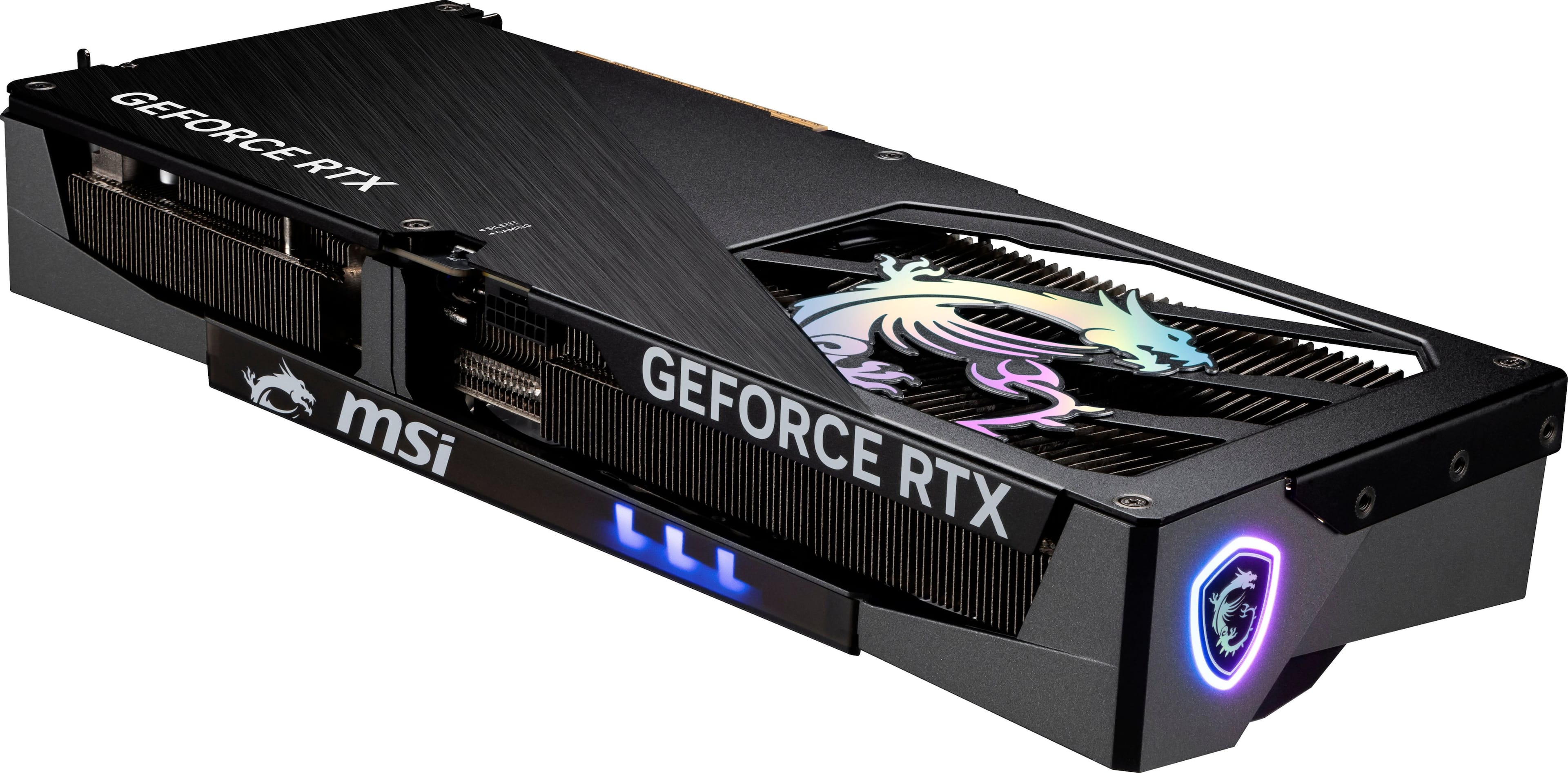
    • Answer Measure the internal GPU mounting clearance in your specific Omen 35L model (there are multiple sub-models). The reported 330mm is a general figure; your particular build might have less clearance due to drive cages, PSU shroud, or front fan structure.Check for adequate power supply capacity and connectors: the card requires a 16-pin 12VHPWR/12V-2×6 adapter/power connector. Ensure your case cooling/airflow can handle the larger card (it’s 3-fan design, tall/heavy). Finally, check the card’s thickness/slot width (it occupies ~2.5 slots) to make sure neighboring components aren’t obstructing. Given the 338mm length vs ~330mm clearance, you would likely run into a tight fit or require removing/trimming something (e.g., repositioning drive cage or front panel) for it to fully seat. If you don’t want to fuss, you might choose a shorter GPU model (e.g., a dual-fan 5070 or other smaller design) to guarantee fit.

      Answered by INDIcisive

  • QuestionIs there a GPU support stand in the box?

    Asked by Anonymous.

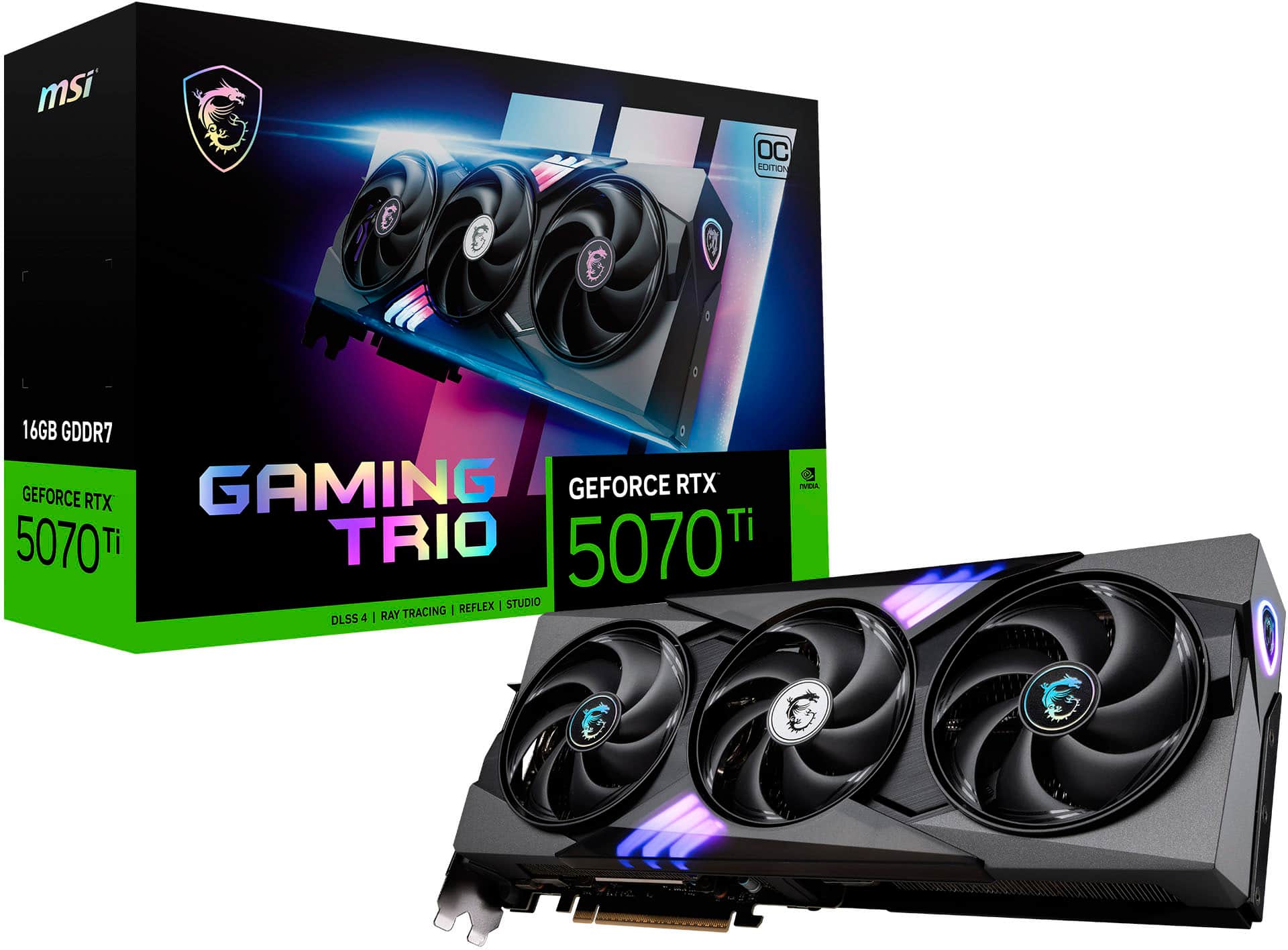
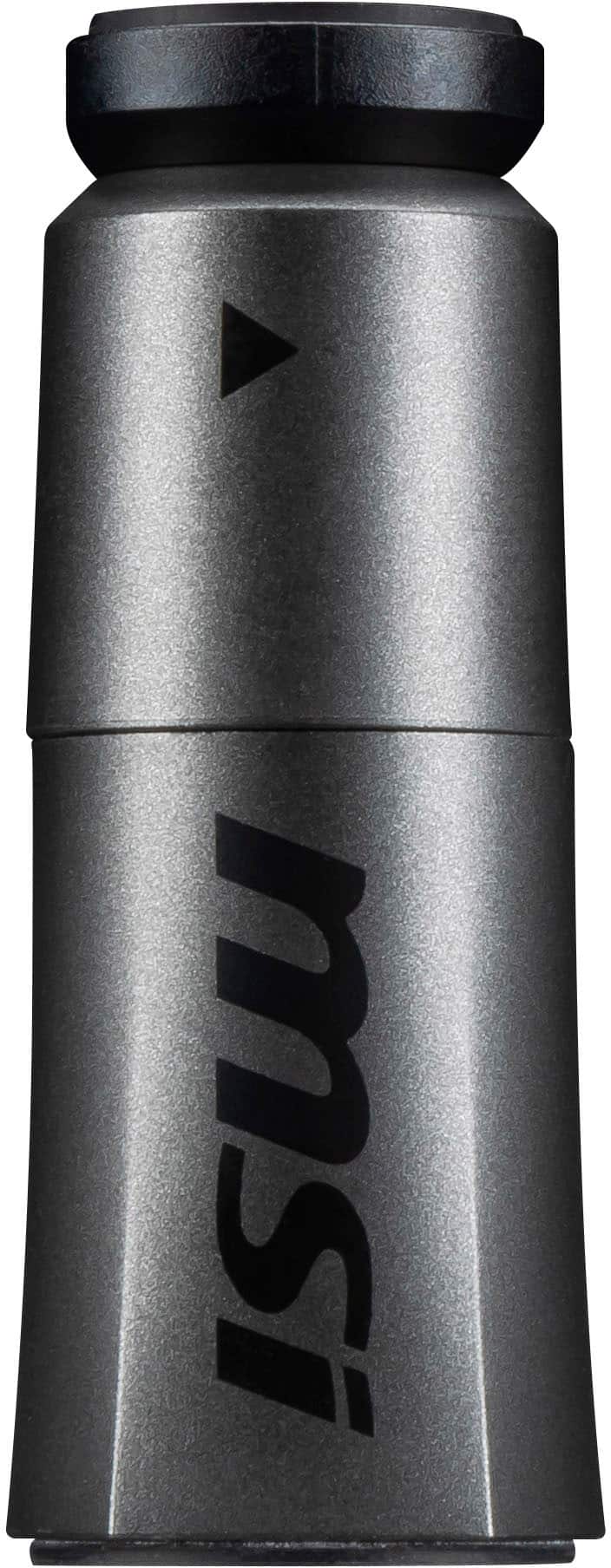
    • Answer Absolutely there is a color coordinated rod shaped twist to extend GPU stand. It's not one of the gawdy contraptions and has soft top and bottom to prevent scratches.

      Answered by INDIcisive

  • QuestionHello, how are you? Is the video card new and sealed or refurbished?

    Asked by Gmarg.

    • Answer Hello Gmarg - this is a new card.

      Answered by Geno

  • QuestionWhat's the difference between this graphics card and the other identical one with sku 6618665. Isn't it the same one? Thanks

    Asked by Luna.

    • Answer The SKU 6618665 corresponds to a listing tagged “OC PLUS” in the reviews/Q&A (see BestBuy Q&A). One user says: “The OC plus has slightly better cooling. Trio OC Plus has 5 core heat pipes compared to 4 in the trio OC model.” So: “OC” vs “OC PLUS” in MSI’s naming typically means a factory overclock variant + possibly enhanced cooling or higher build quality. The standard “OC” version may have a slight difference in thermal solution (fewer heat-pipes), possibly a slightly lower clock or more conservative binning, though GPU core spec may appear identical. The SKU you mentioned might be the “OC PLUS” version whereas the “regular” one is plain “OC”. If the one you’re comparing is the regular OC version, yes it is “basically” the same as the OC PLUS version in many key specs (GPU, memory, architecture). But if you want the “best” version (cooling/overclock headroom) then the OC PLUS (SKU 6618665) is the superior pick, worth verifying the listing says “OC PLUS”. In practical gaming use the difference maybe small (a few MHz or a few degrees Celsius). Unless you’re overclocking heavily, the standard OC will serve well.

      Answered by INDIcisive