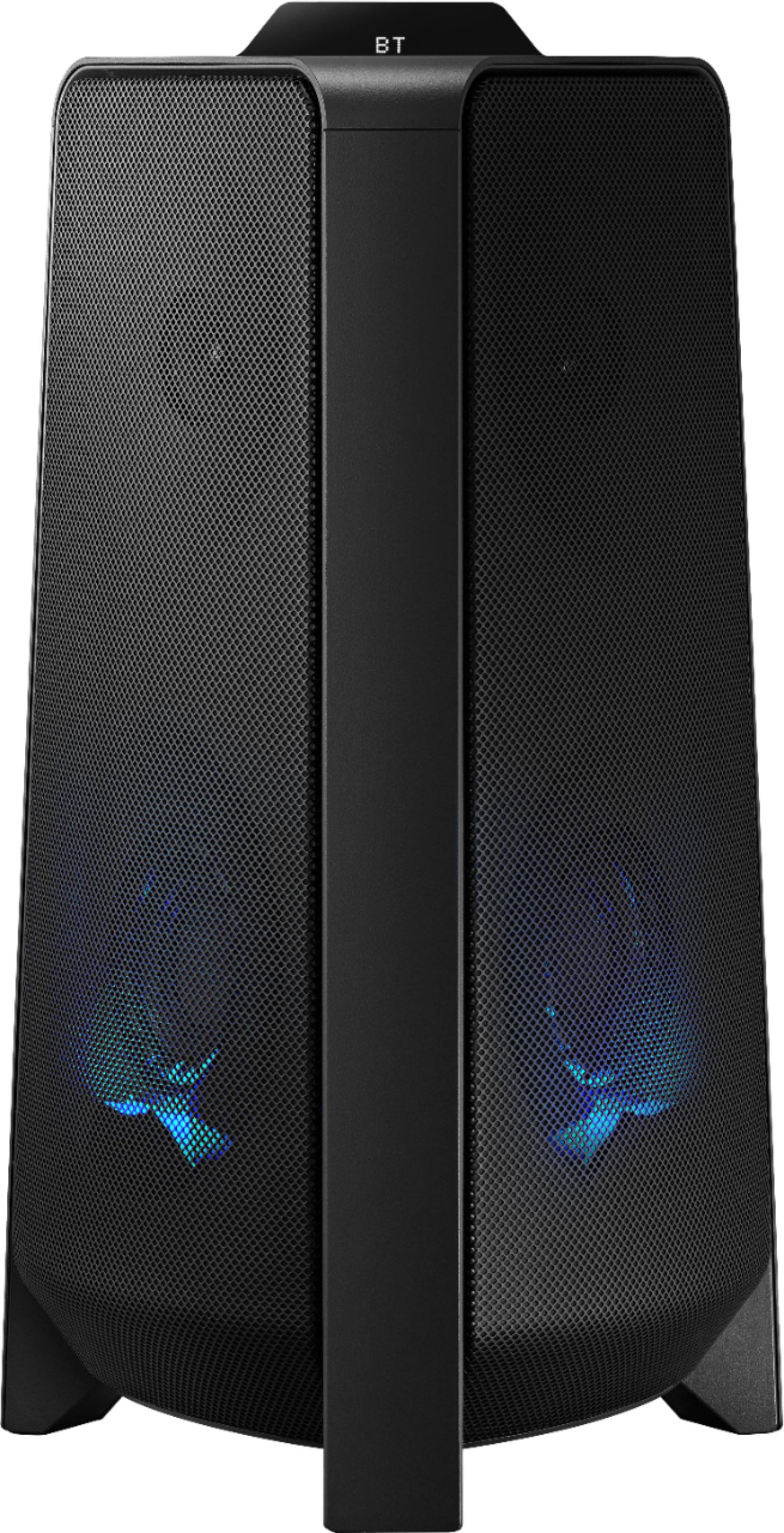
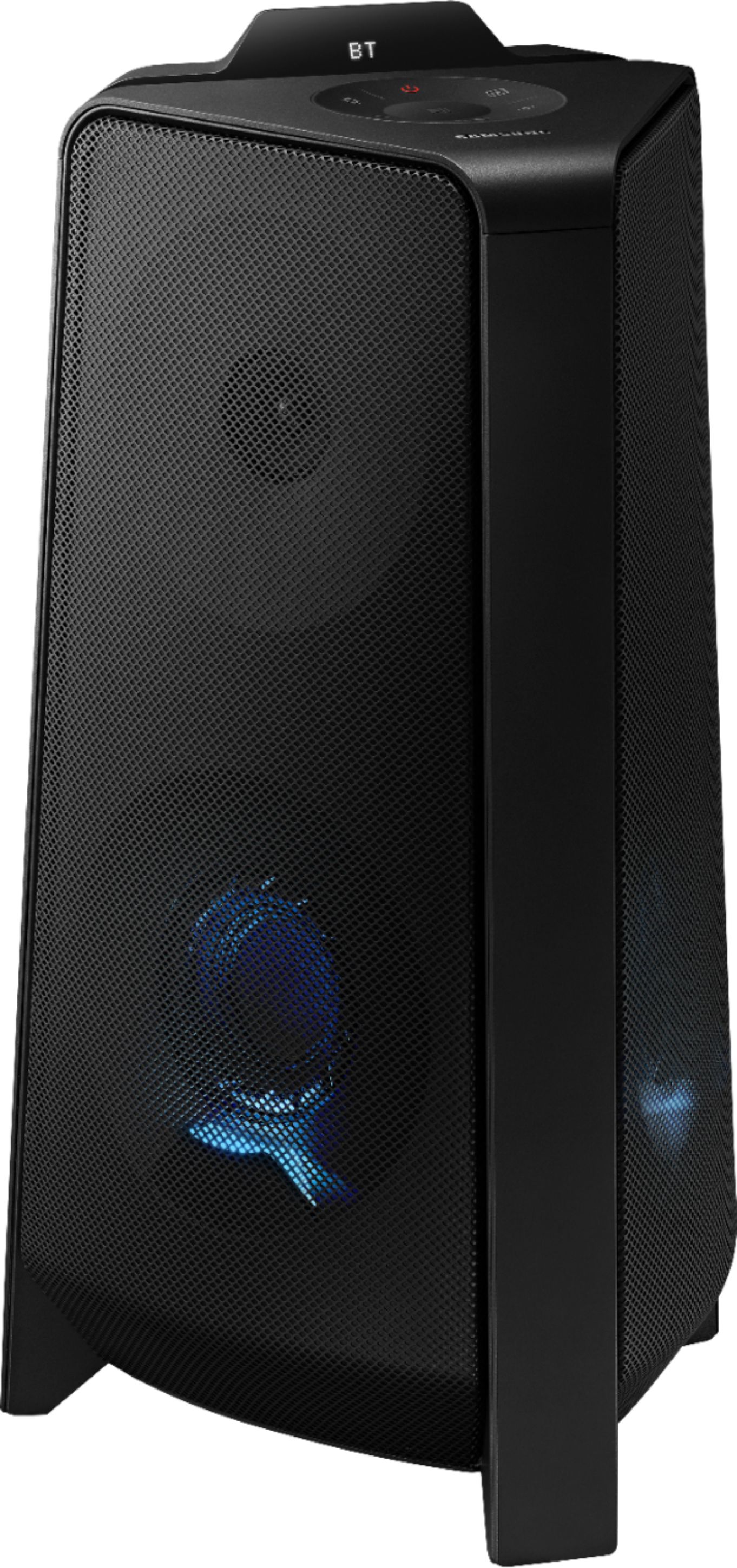
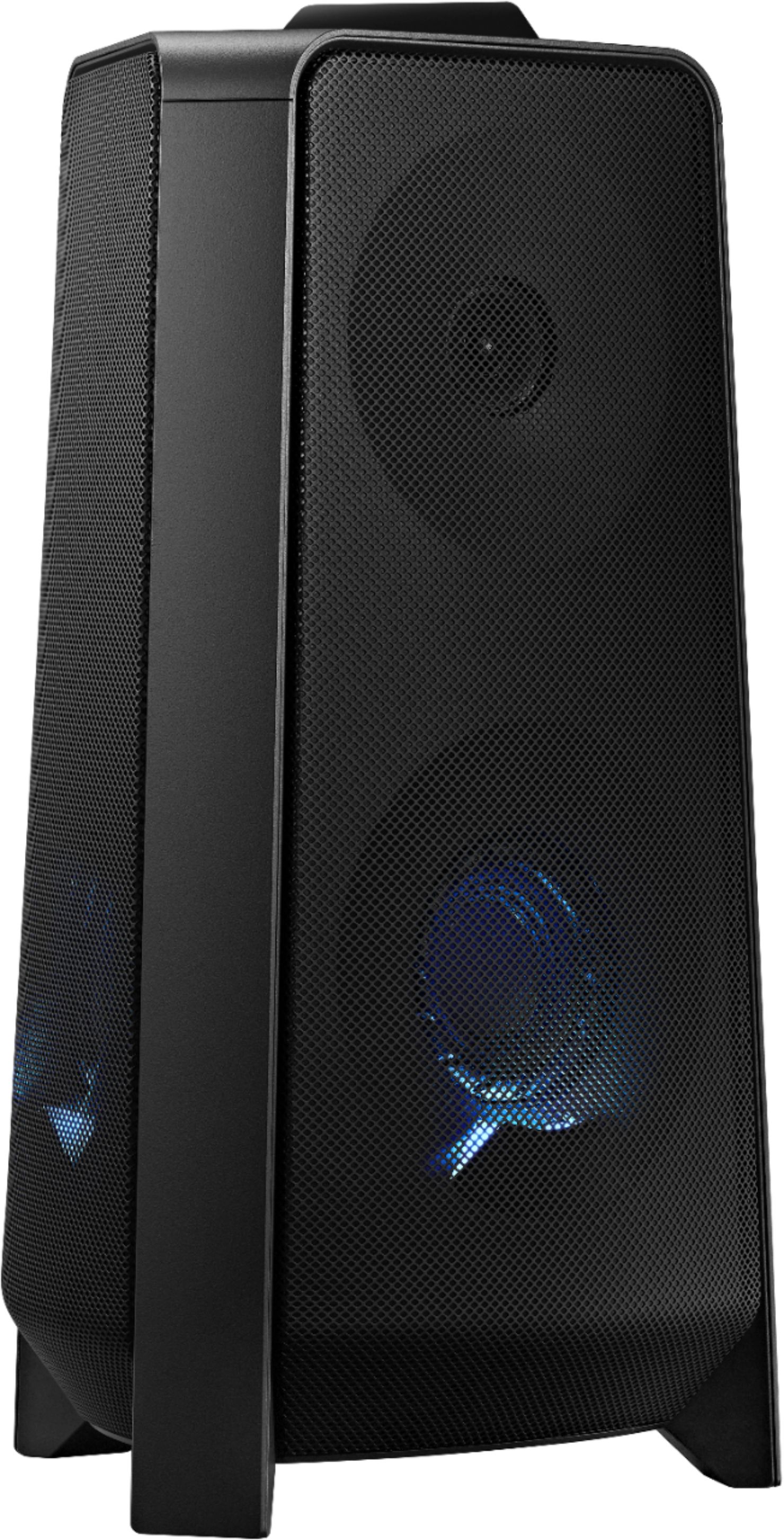
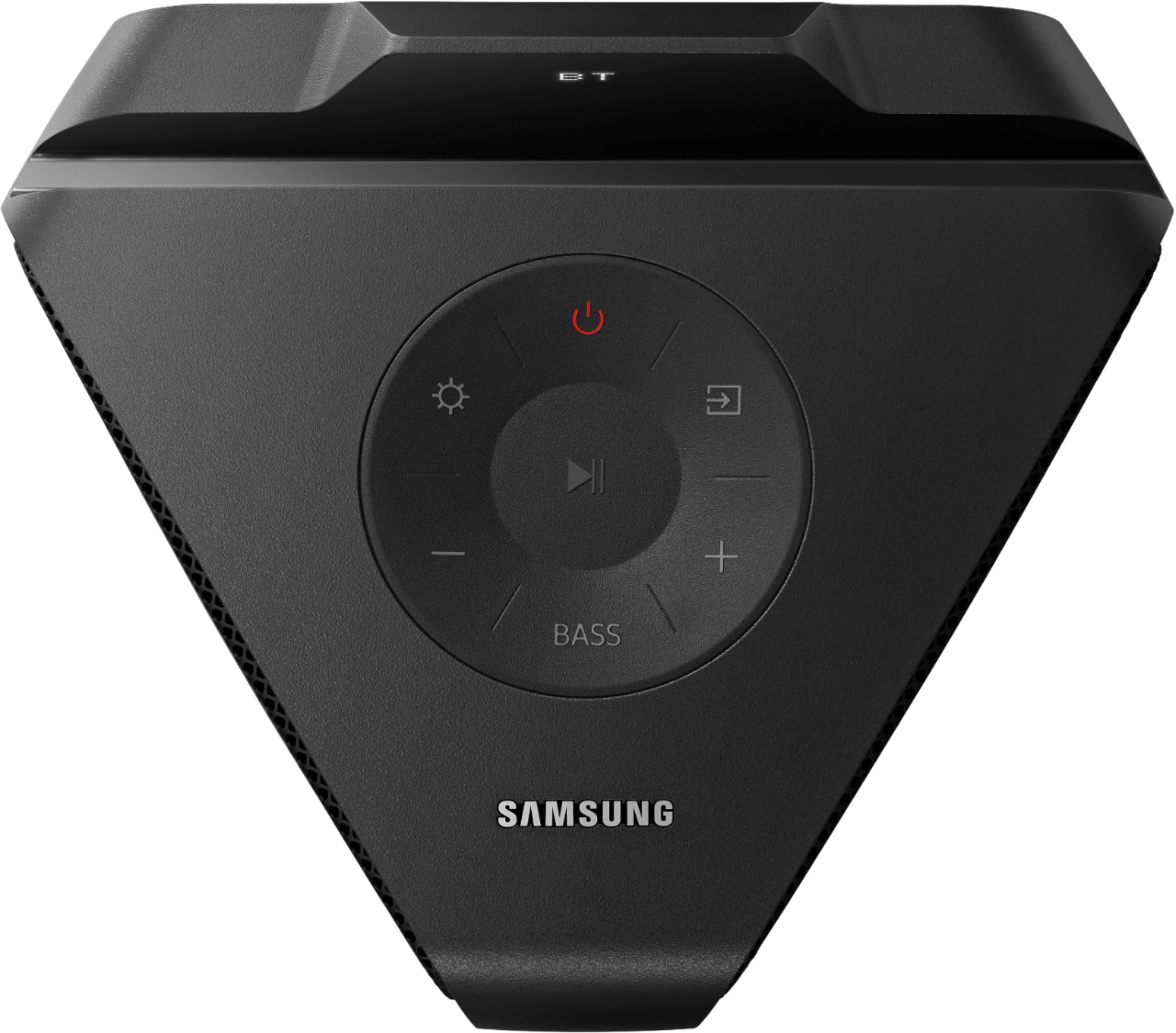
A:AnswerHi Lu123! The MX-T40 does not feature the Karaoke mode included with the MX-T50 and the MX-T70 which allow you to use a standard 1/4" Microphone connection. The Sound Tower Speakers can receive a Bluetooth signal. If your microphone can send a Bluetooth audio signal to the sound tower, you will hear your voice through the speaker; however, you will not be able to play music at the same time.
^Tim
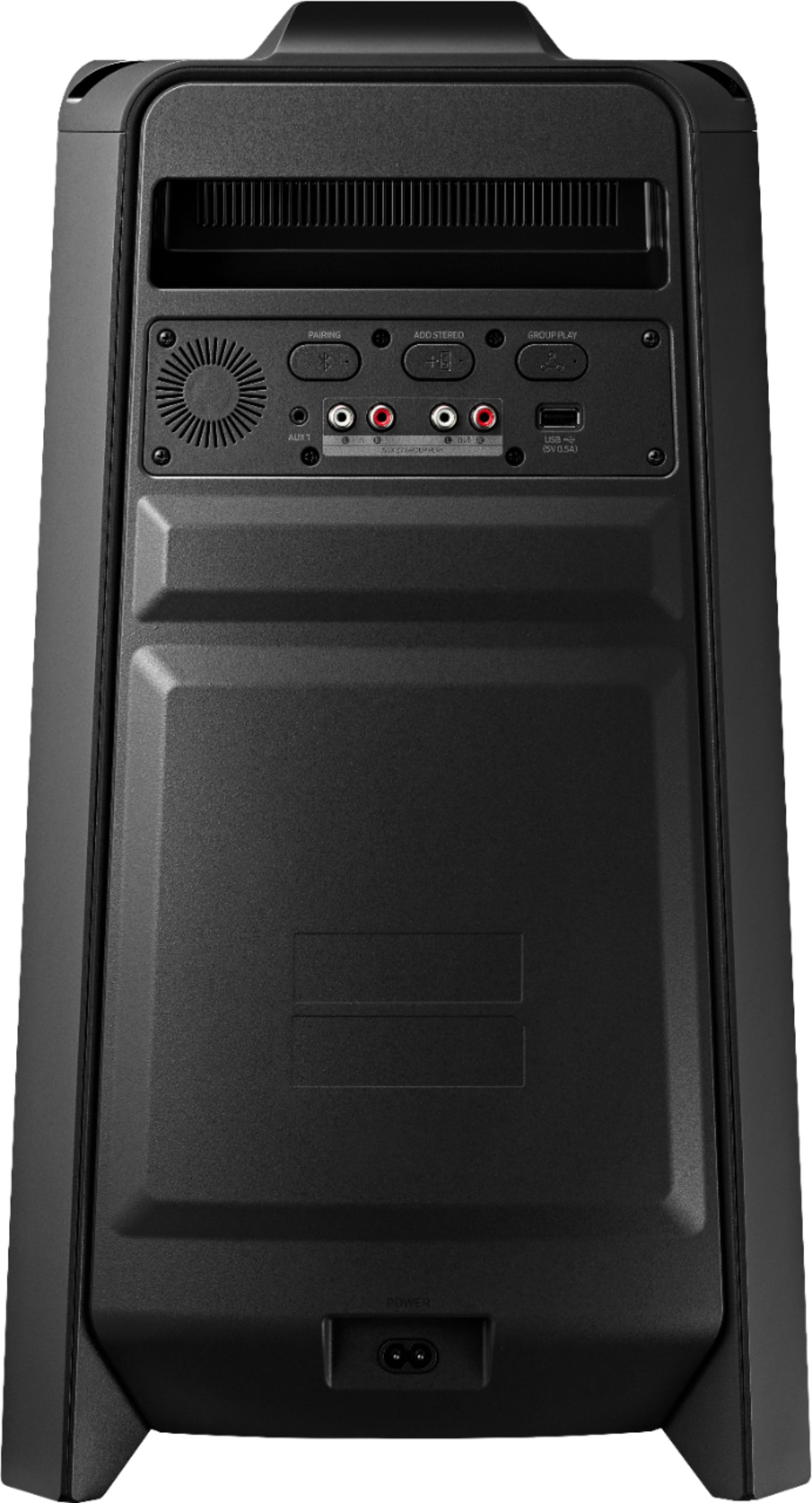
A:AnswerHi! Yes, the MX-T40 is compatible with TV's that support either Bluetooth wireless audio technology or a RCA audio output. Check the back of your TV or consult the manual if needed to determine if it is compatible with the MX-T40 Sound Tower.
^Tim
A:AnswerHi Leo! When connecting 10 of the Sound Tower speakers together for group play, they will all play in mono. You can only have two like model Sound Tower speakers paired together for stereo mode. ^Tim
A:AnswerHi India! The MX-T40 is only designed to pair with other Sound Tower speakers via the Group Play function. You cannot connect this speaker to a Samsung Soundbar; however you can connect it to another MX-T40 or other Samsung Sound Tower.
^Tim
A:AnswerIf you have a device that receives the radio signal and sends it to the speaker. But it does not have an AM/FM tuner on board if that is what you are asking, it would have to be transmitted to the speaker through bluetooth, aux cable or some other method.
A:AnswerYou mean an inverter, yes bit as im sure you know, unless you run different batteries a 400 watt inverter is as high on the watt range as you want to go, other than that now you have to think about hard wiring to battery from inverter, so be mindful of that
A:AnswerHello Mark,
When using the MX-T40 Sound Tower, you will be able to adjust the EQ from within what music app you are using on your smart device.
~Samsung Solutions

A:AnswerHi Kem,
The MX-T40 Sound Tower would not be able to play music as well as a karaoke mic through the RCA connection. If you are wanting one of the Sound Tower models that has a karaoke mic input, look at the MX-T50 as that comes with one mic input.
~Samsung Solutions
A:AnswerHi there,
The MX-T40 Sound Tower, like all of our Sound Towers, cannot have an external subwoofer connected. If you are wanting increased bass levels use the BASS BOOST button on the unit or remote. The higher level Sound Tower models offer increased bass as well.
~Samsung Solutions

A:AnswerHello Nick57,
The MX-T40 cannot be connected with a receiver. It can either connected with either a 3.5mm cable, or Bluetooth, or a USB thumb drive.
~Samsung Solutions

A:AnswerHi Mark,
When you have multiple Sound Tower's connected together try changing the volume settings on the main unit, the first one connected. With and without the remote, if you are still experiencing issues then I would suggest to download the Giga Party App which gives you access to more controls for the MX-T40.
If you are still experiencing issues with the Sound Towers, please contact Samsung Support for additional trouble shooting.
~Samsung Solutions