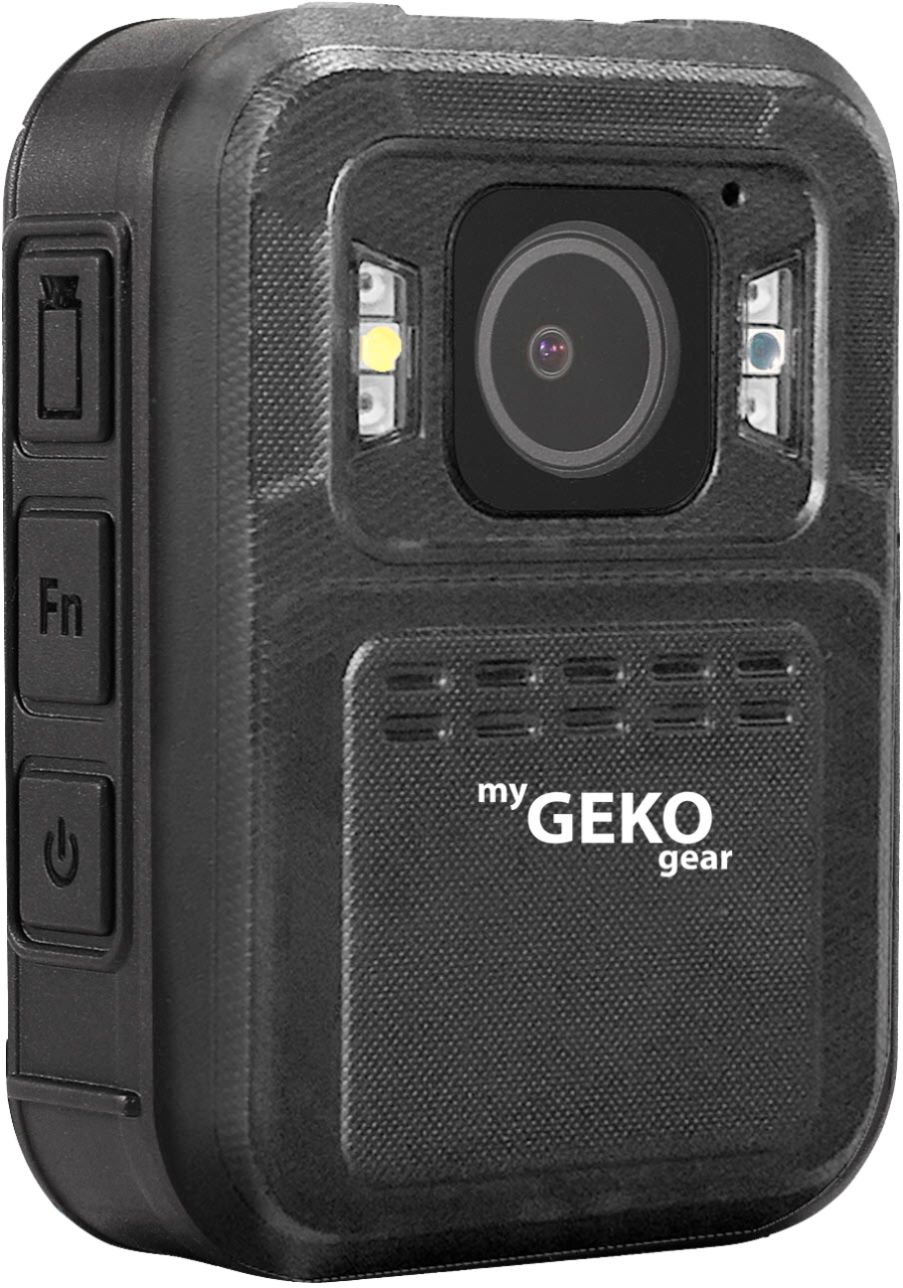
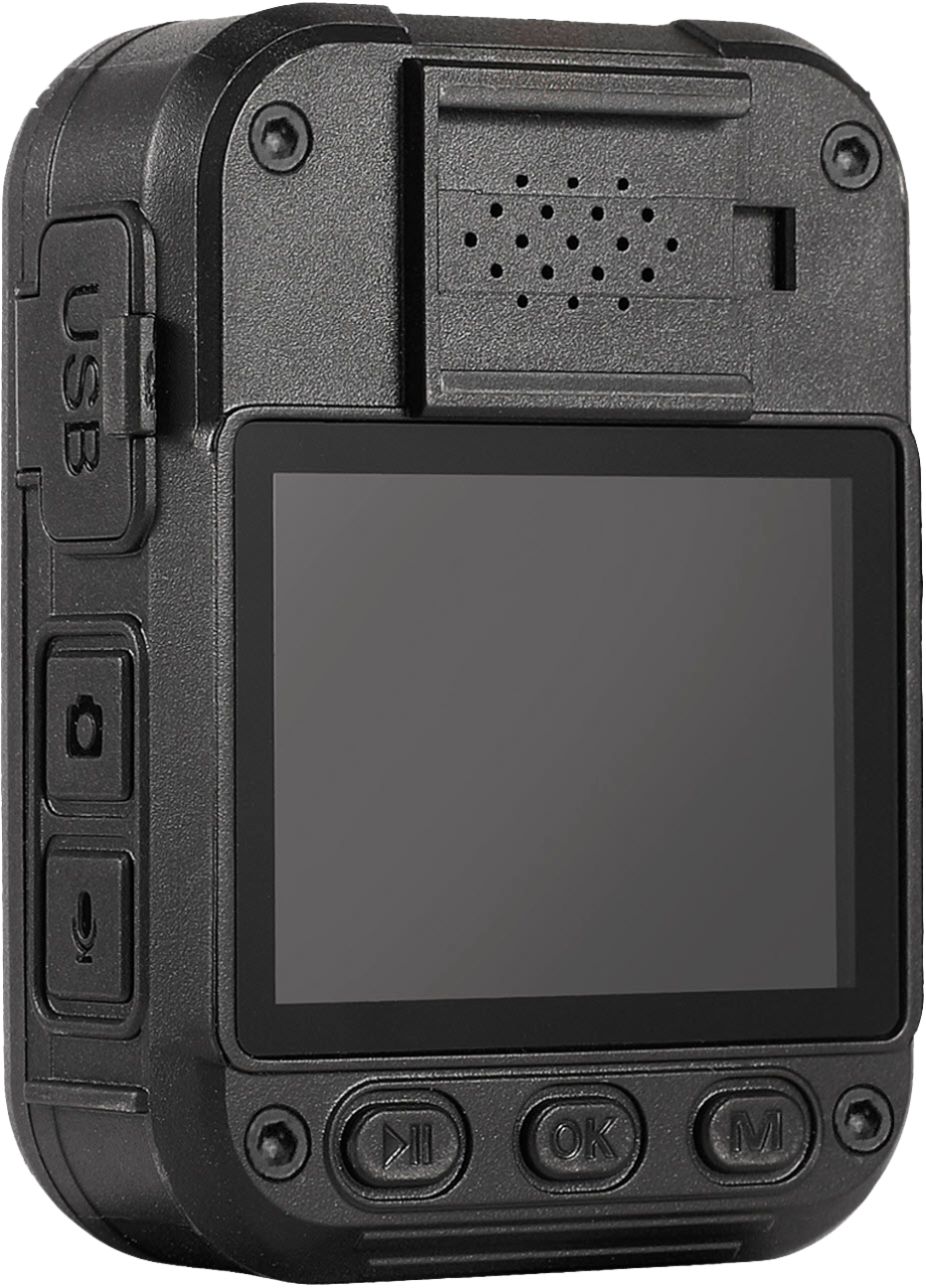
A:AnswerHi Pam, to copy videos from the Aegis 200, the camera must be connected directly to a PC/Mac via USB cable and a file transfer must be performed. Also of note, videos can be viewed, but not deleted from the camera using its own controls. For security purposes, it must be connected to a PC in order to delete videos. If you have any more questions, feel free to reach out to our service team at [email protected]. -myGEKOgear Team
A:AnswerHello, GPS on the Aegis 200 can be turned on/off. If enabled, once it has determined your location, your GPS coordinates will be displayed in the upper right corner of the camera viewfinder. Video recordings show a time/date stamp at the bottom right corner and will include GPS coordinates if enabled. Feel free to reach out to [email protected] if you have any other questions. - myGEKOgear Team